正在生成您的客製化問卷...
您已達到本次 AI 生成問卷的上限。立即登入 / 註冊即可繼續使用 AI 生成問卷,並體驗更多進階功能!

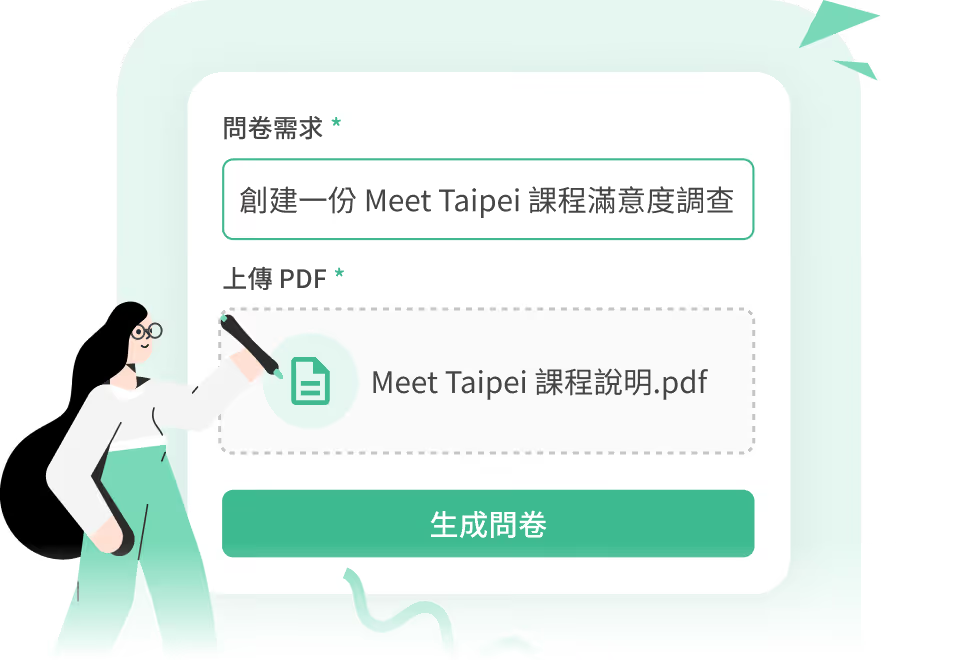


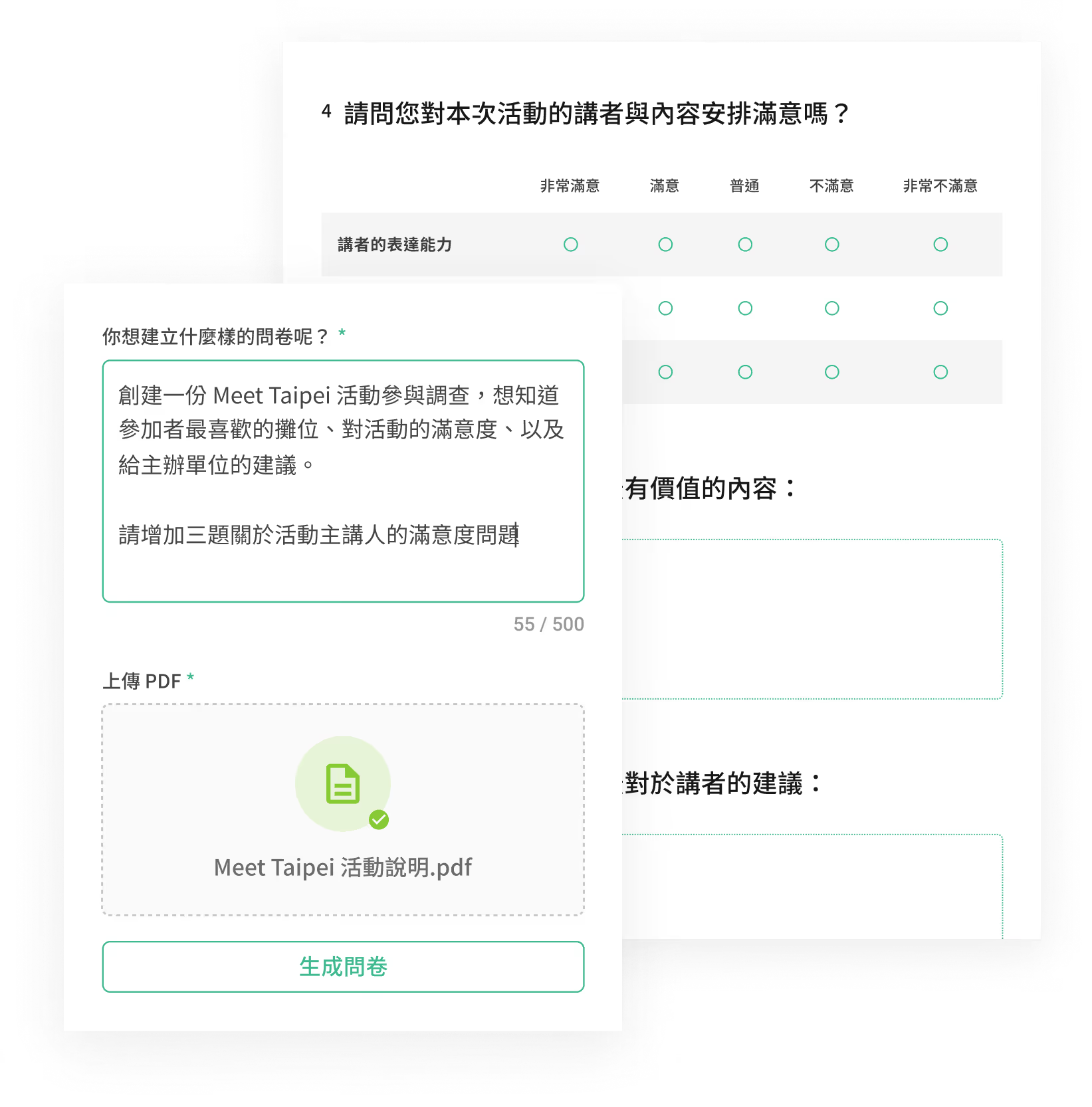

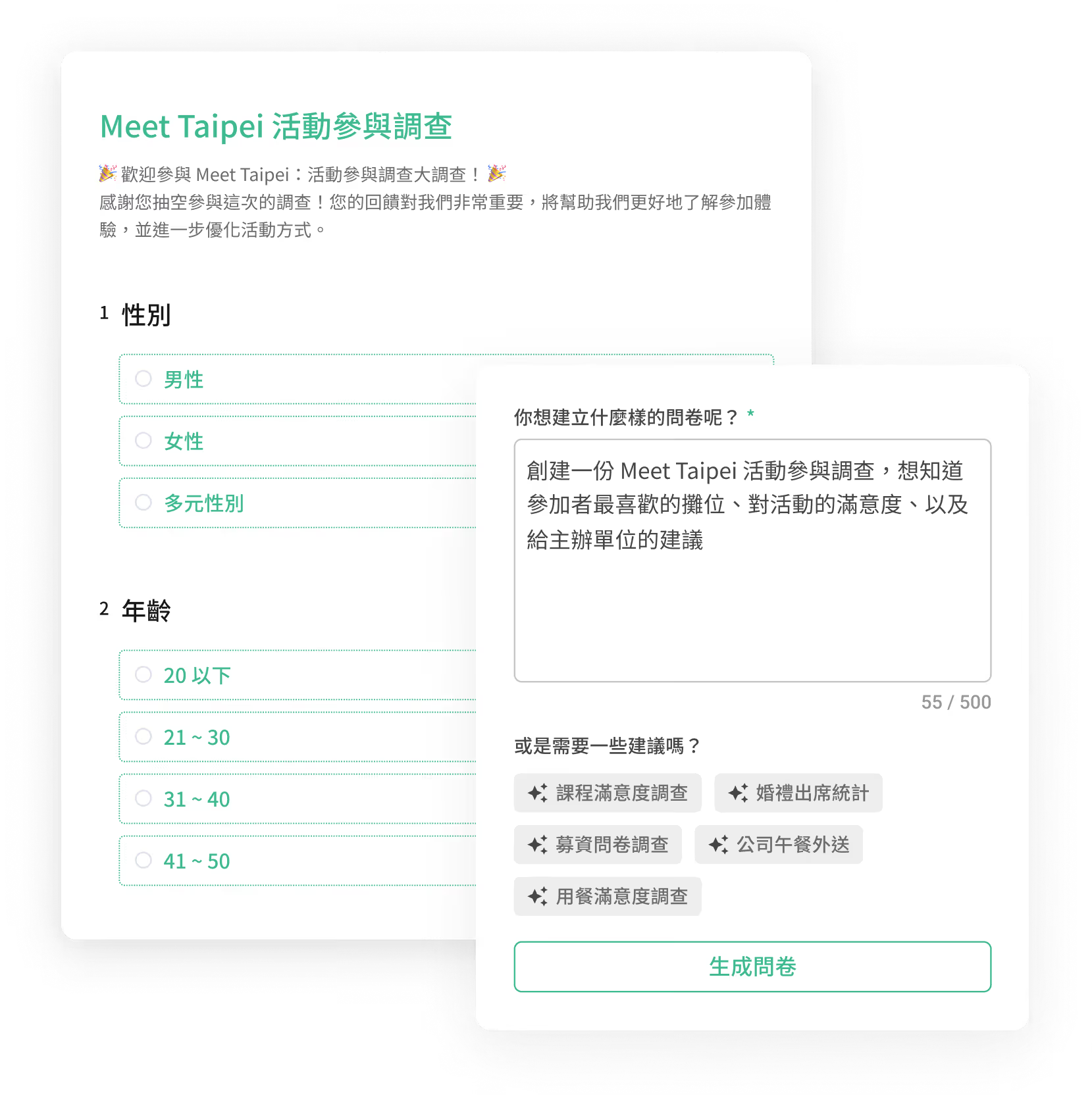

Just enter a simple prompt, like: “Design a survey to evaluate user satisfaction, likelihood to recommend, and suggestions for [product/service name].” AI will automatically generate the appropriate structure. Not sure what to write? Use the suggested prompt tags for inspiration! You can also upload a PDF file with your prompt—AI will intelligently convert it into a tailored survey.
Yes! You can also upload a PDF file. AI will automatically analyze the content and convert it into a structured survey, saving you the hassle of manual setup.
Yes! After the survey is generated, just click “Edit this survey” to freely modify questions, options, and images to fit your needs.
The clearer your description, the more accurate the result! Try including the following elements to help AI better understand your survey's direction:
・Survey goal: What do you want to learn from this survey?
・Target audience: Who is this survey designed for?
・Tone and style: Should the overall tone be formal and serious, casual and friendly, or neutral?
Example: “Design a camp feedback survey for high school students. Use a casual tone and include satisfaction ratings and a comment section.”
Yes! After the survey is generated, you can fine-tune, preview, and publish it right away—quick and easy!
Yes, it’s completely free! AI will automatically generate a basic structure and questions for you. Advanced features like skip logic or calculation mode can be added later in the editor—fully customizable to suit your survey needs!
If you’re not logged in, you can only regenerate once. Log in or sign up to enjoy unlimited AI-generated surveys!
No, your files won’t be used to train AI models. SurveyCake uses OpenAI technology, and per their policy, your uploads and prompts are not used for training or model improvement. However, if your file contains highly confidential information, we advise caution since cloud transmission always carries some risk.