SurveyCake provides a range of Auto Email Notification features that enable form owners, respondents, or designated recipients to automatically receive instant email notifications when a survey receives a response.
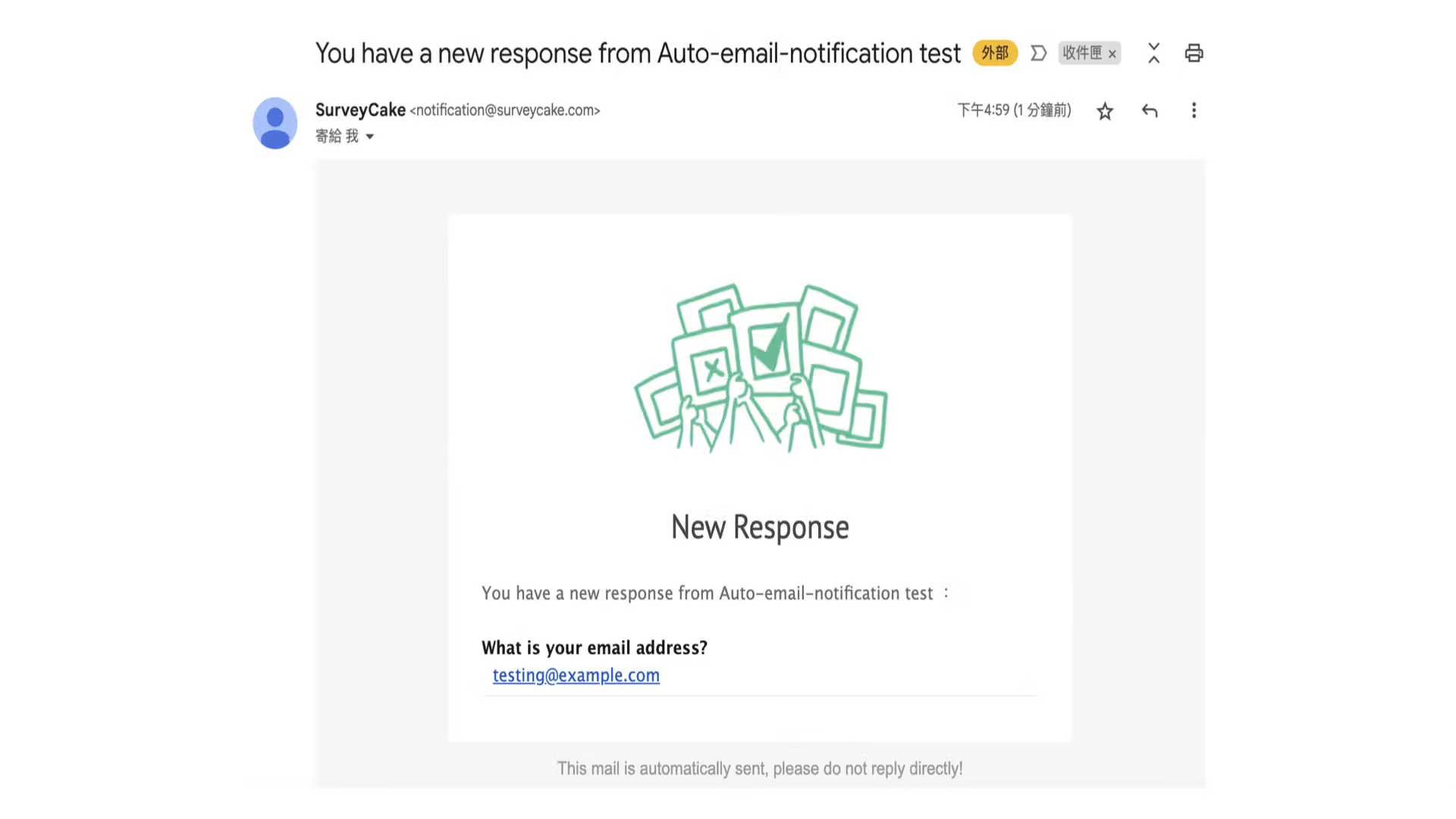
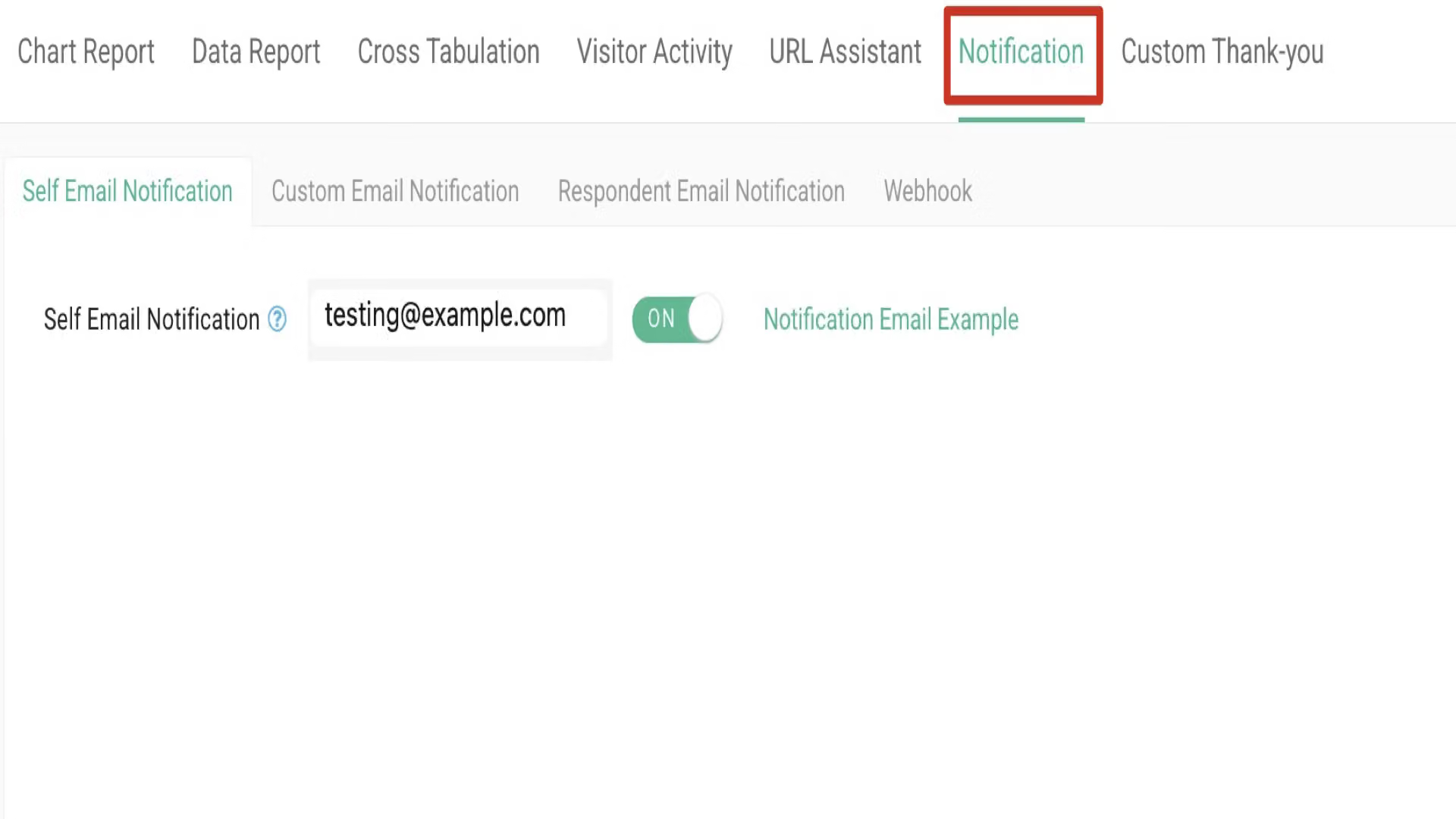
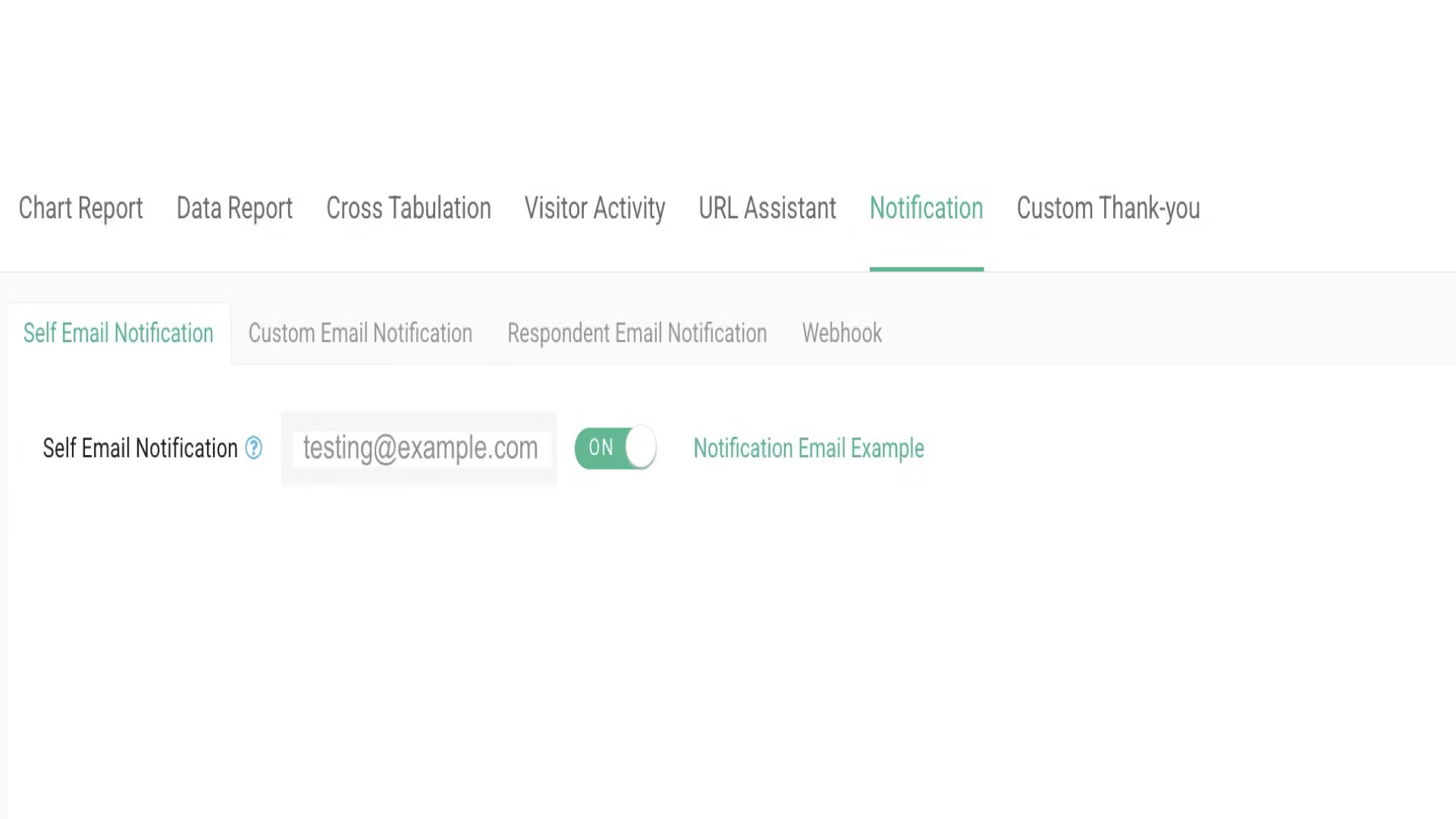
To manage email notifications, go to the 'Notifications' page, where you can see three types of auto-email notifications.
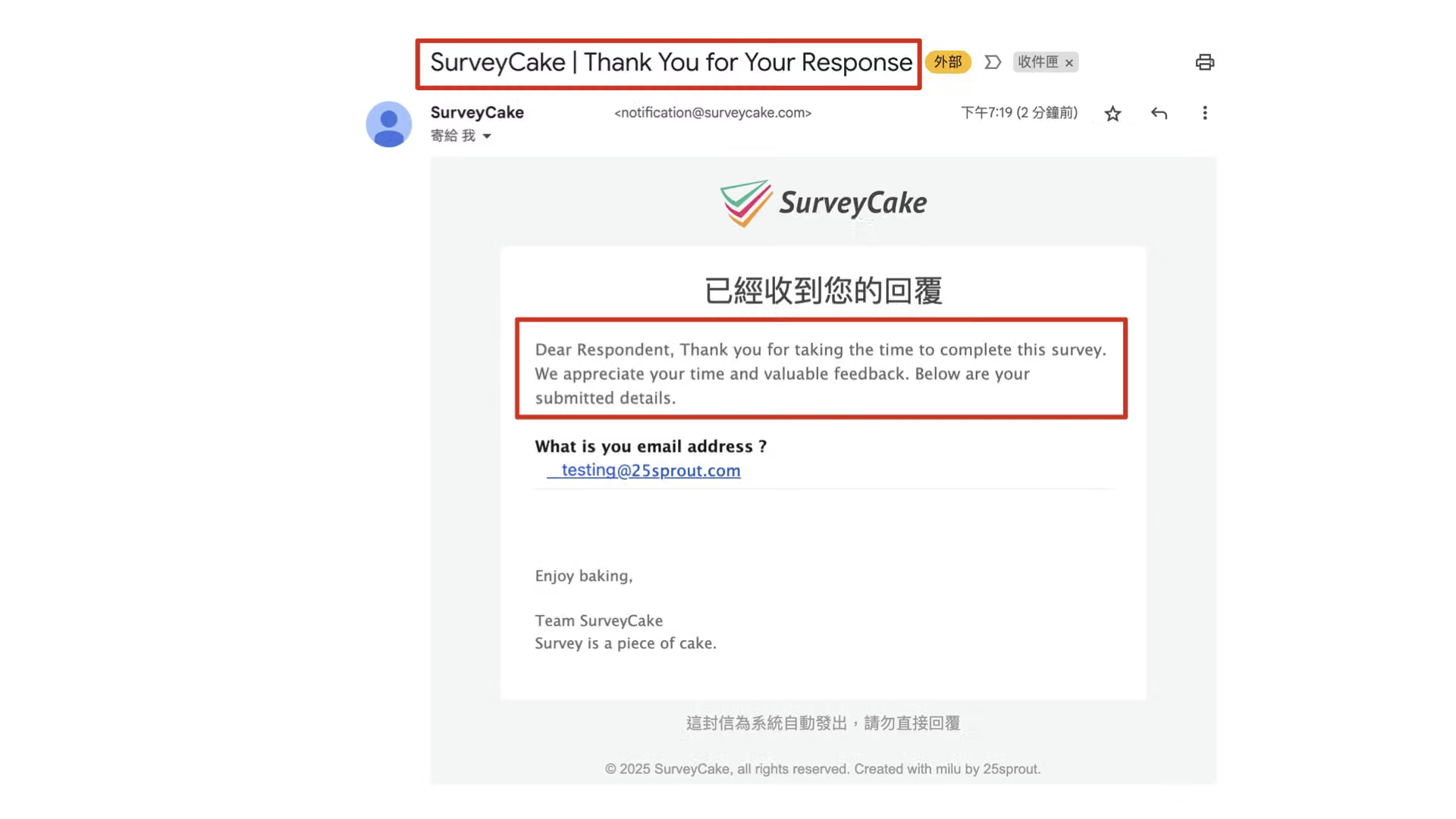
Click on the "Notification Email Example" button to preview the default email style.
Self Email Notification
When you turn on the "Self Email Notification" button, the survey owner will receive a notification email in their own email as soon as the survey receives a new response.
Custom Email Notification
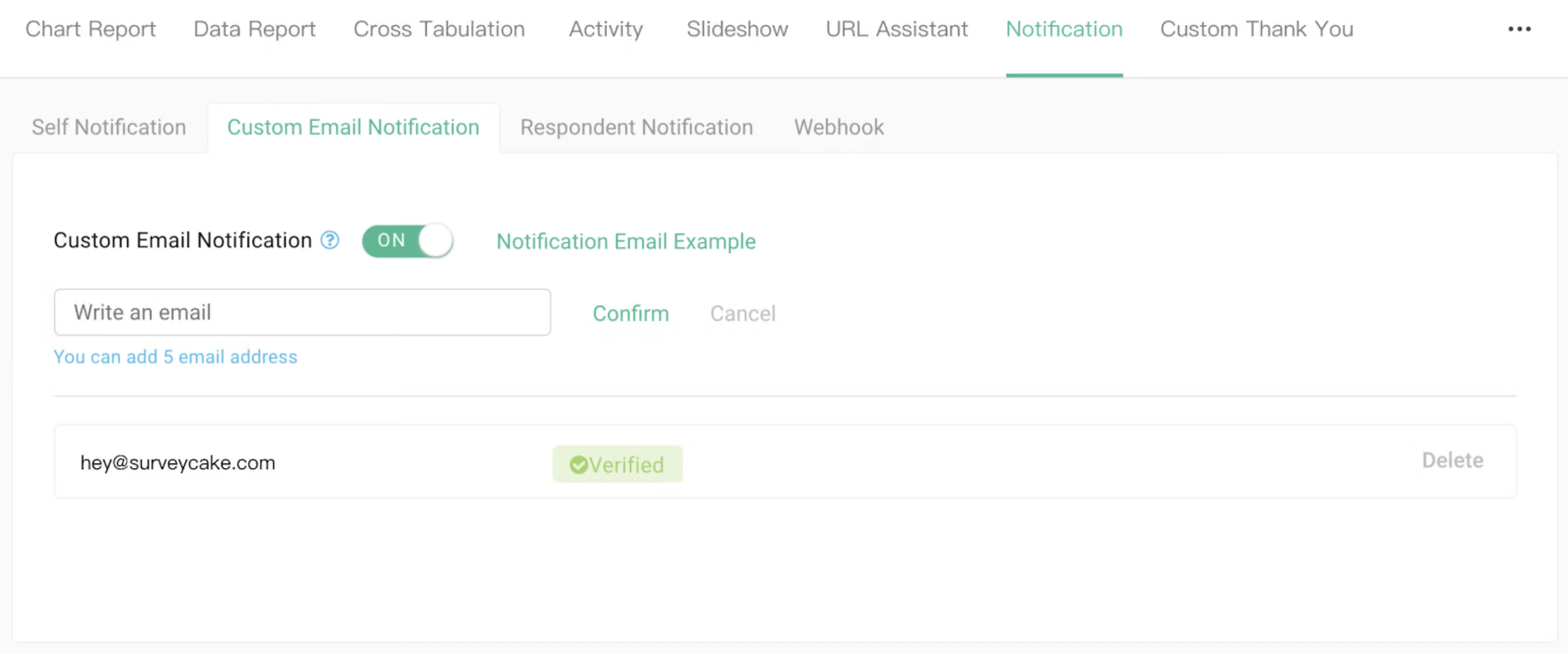
After you turn on the "Custom Email Notification" button, you can add up to 5 custom recipients and, once the Email of each custom recipient is verified, they will also receive notification email as soon as the survey gets a new response.
Respondent Email Notification
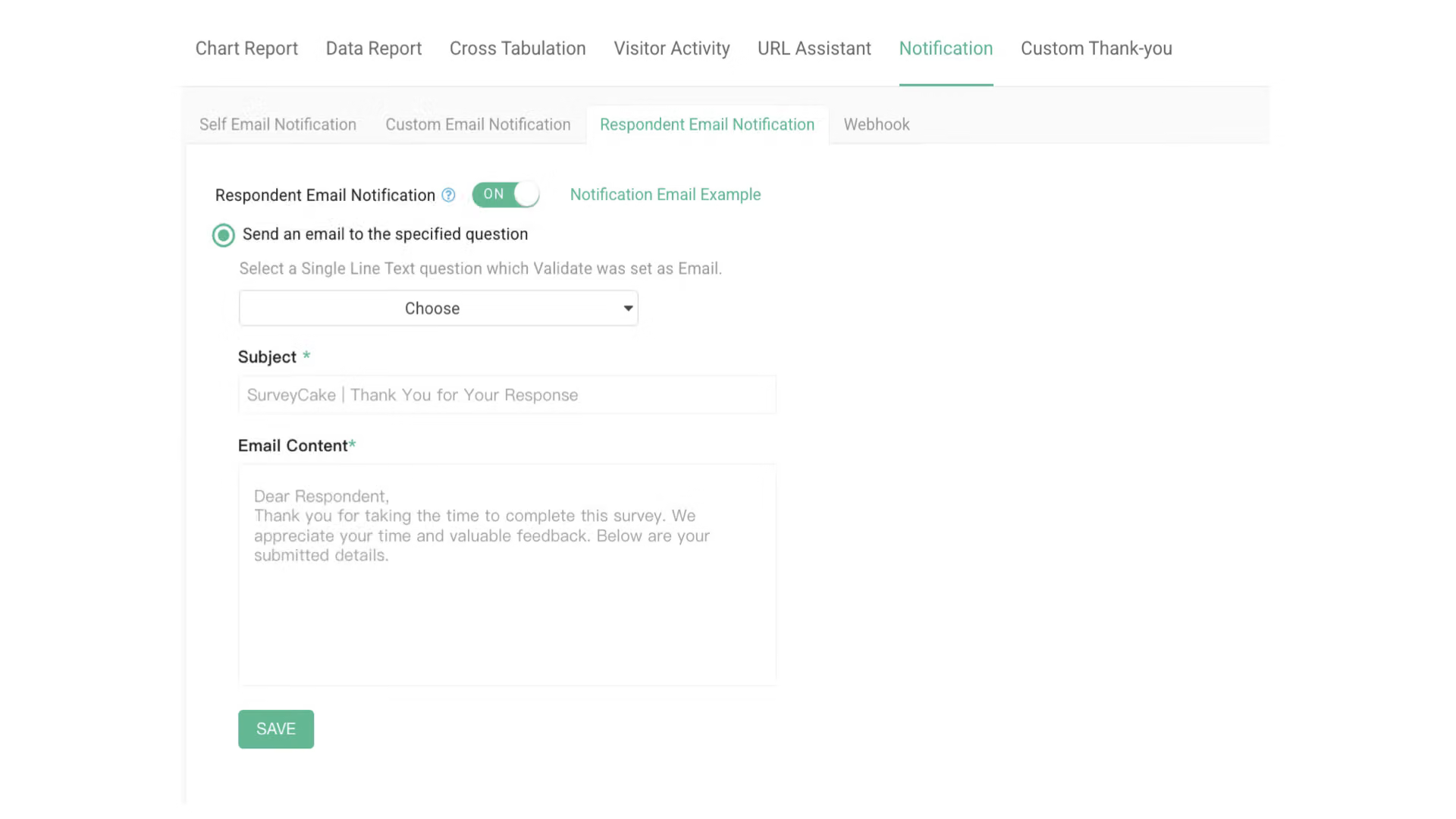
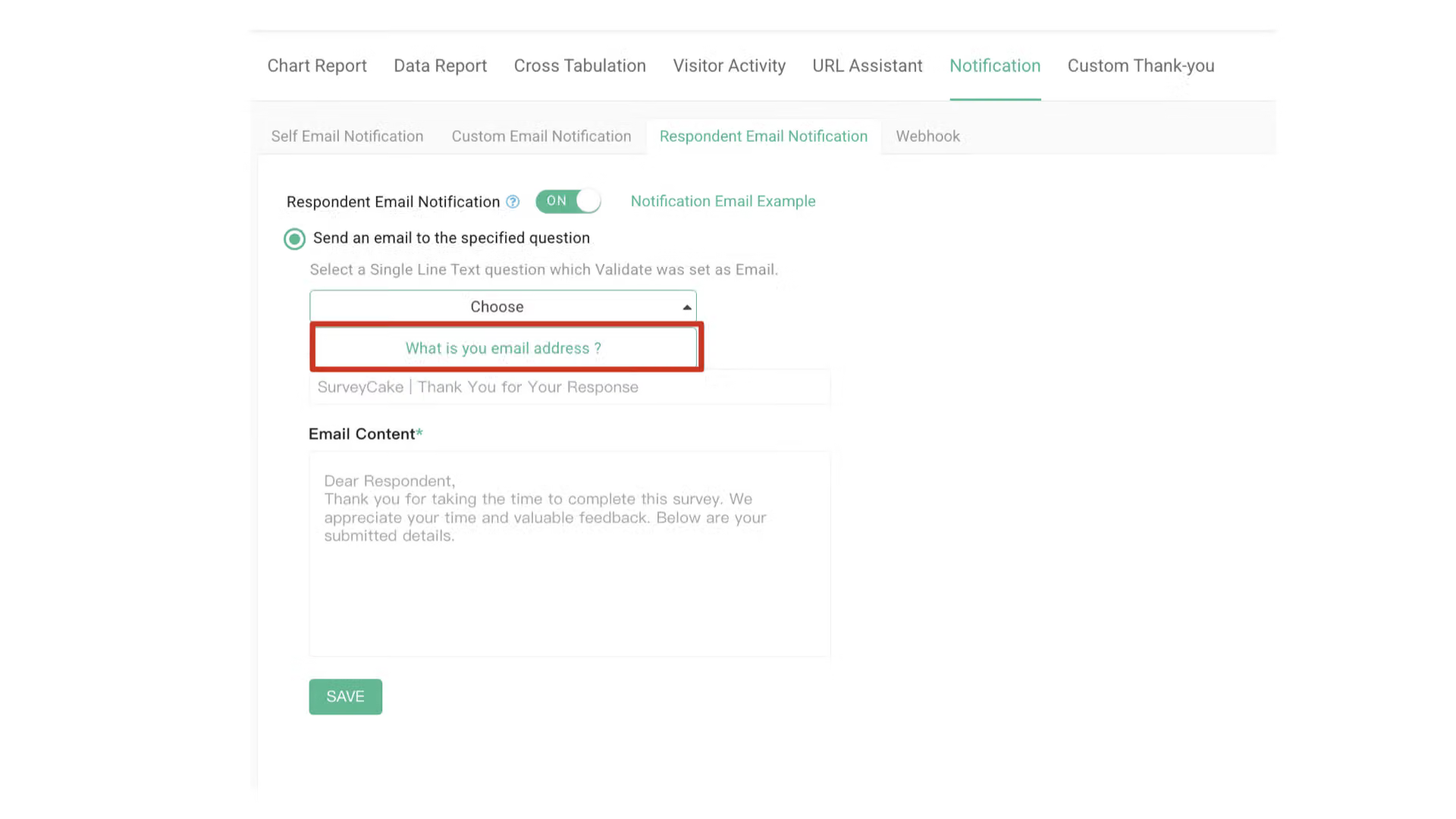
If you wish to activate "Respondent Email Notification", your survey must have a Single Line Text question validated as Email format to ensure all respondents enter the correct Email format. When the respondent submits the survey, the system can send the notification to the provided mailbox.

Customize Email Notification Available for Team Plan and Above
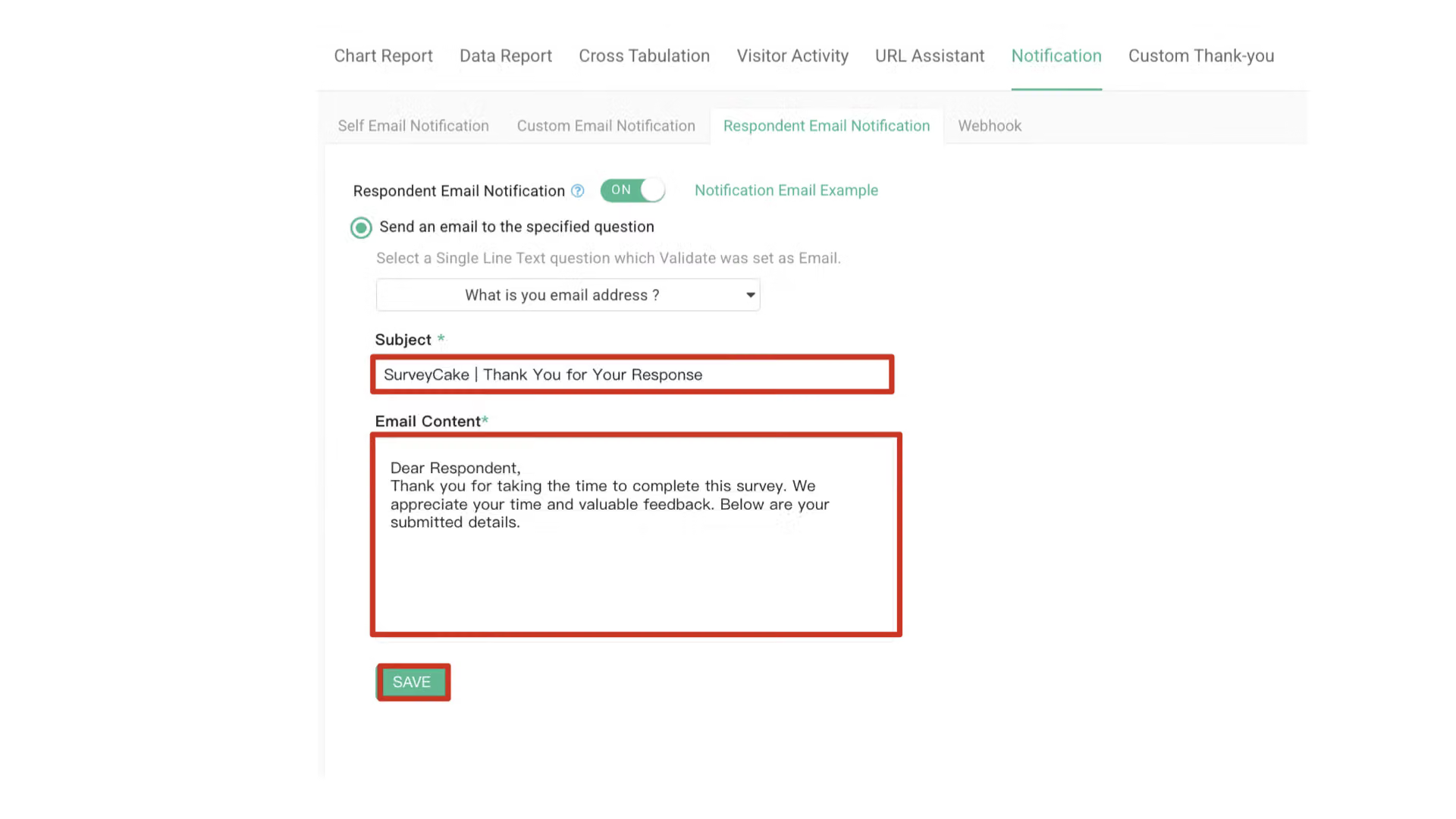
After completing the above settings, you can customize the email subject line and email content for auto email notifications based on your needs.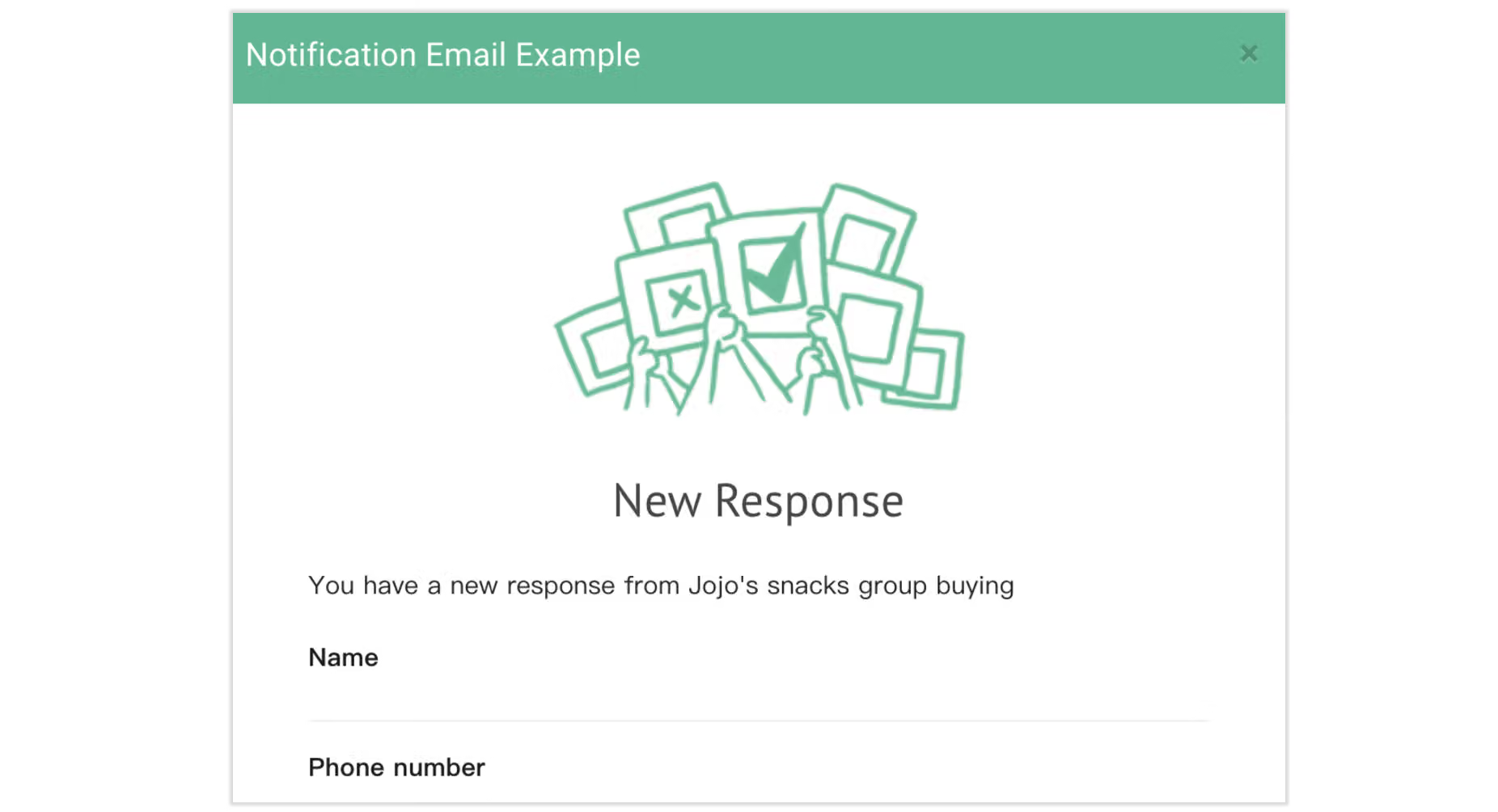
How to Set Up
Summary
By making good use of Auto Email Notification, form owners, respondents, and custom recipients can receive instant survey responses. Best for collecting customer feedback or group buying orders!



