Checkboxes are useful for collecting different opinions with a single question. Removing the answer restrictions so respondents can make their choices without limitations. Limit Options and Shuffle Option Order can customize the options according to your needs. Moreover, Checkboxes also has the basic functions shared by all question types: Required, Note, Image/Video, Invisible, Timer, Indent, and Style.
Let's say you are a company recruiter and you would like to know the available interview times for an applicant.
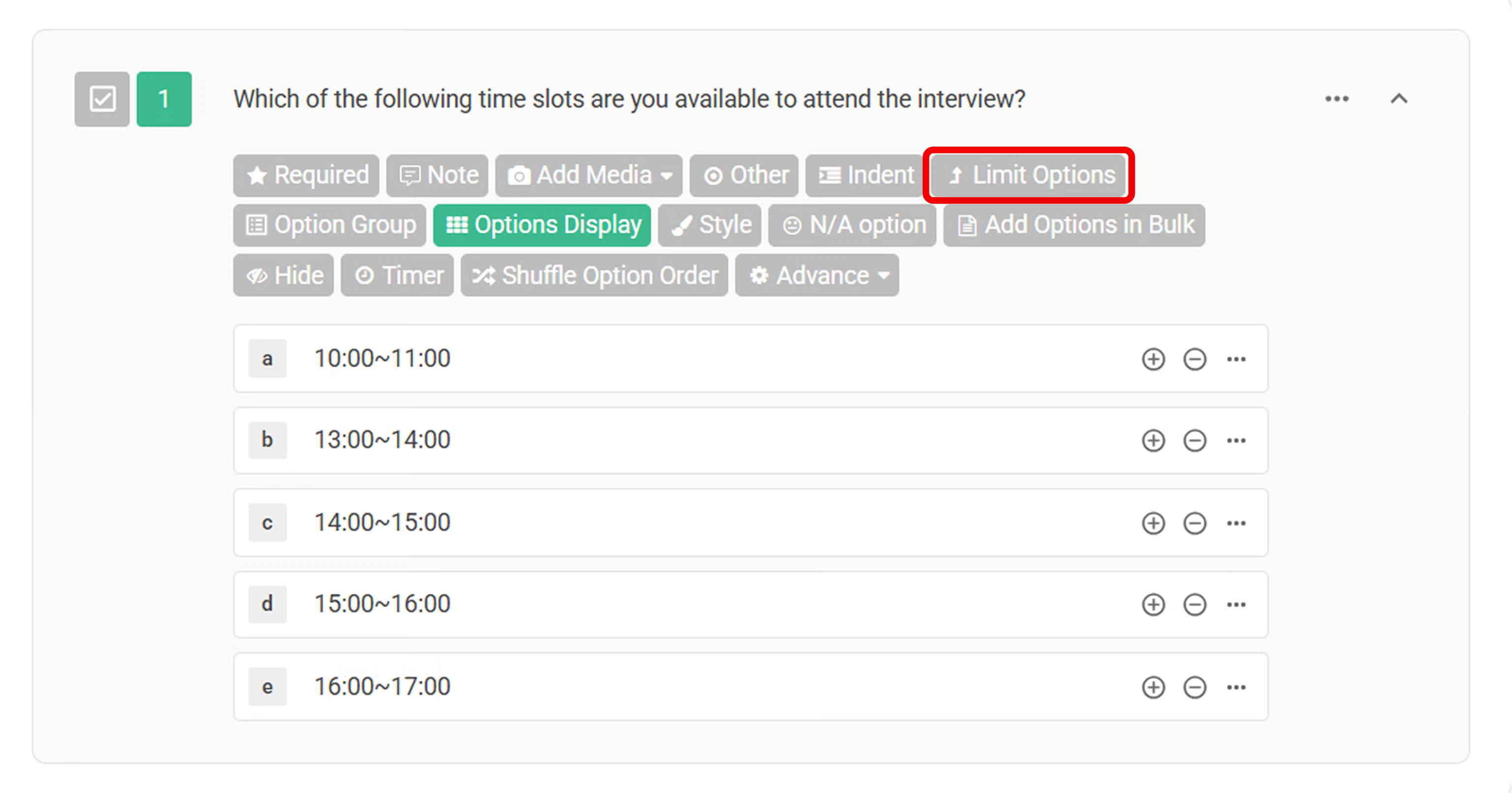
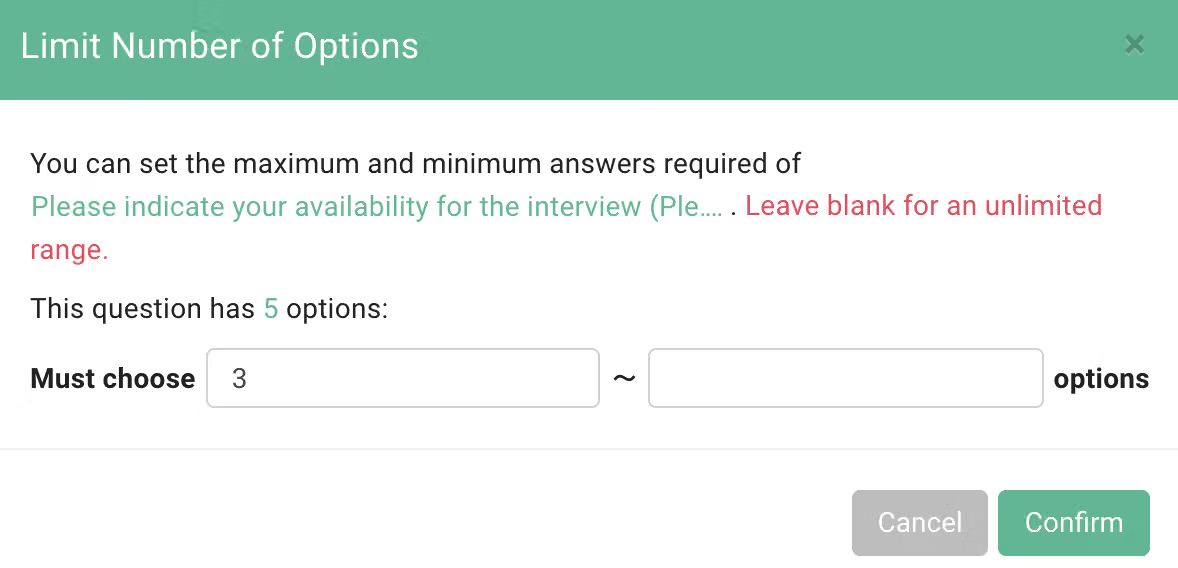
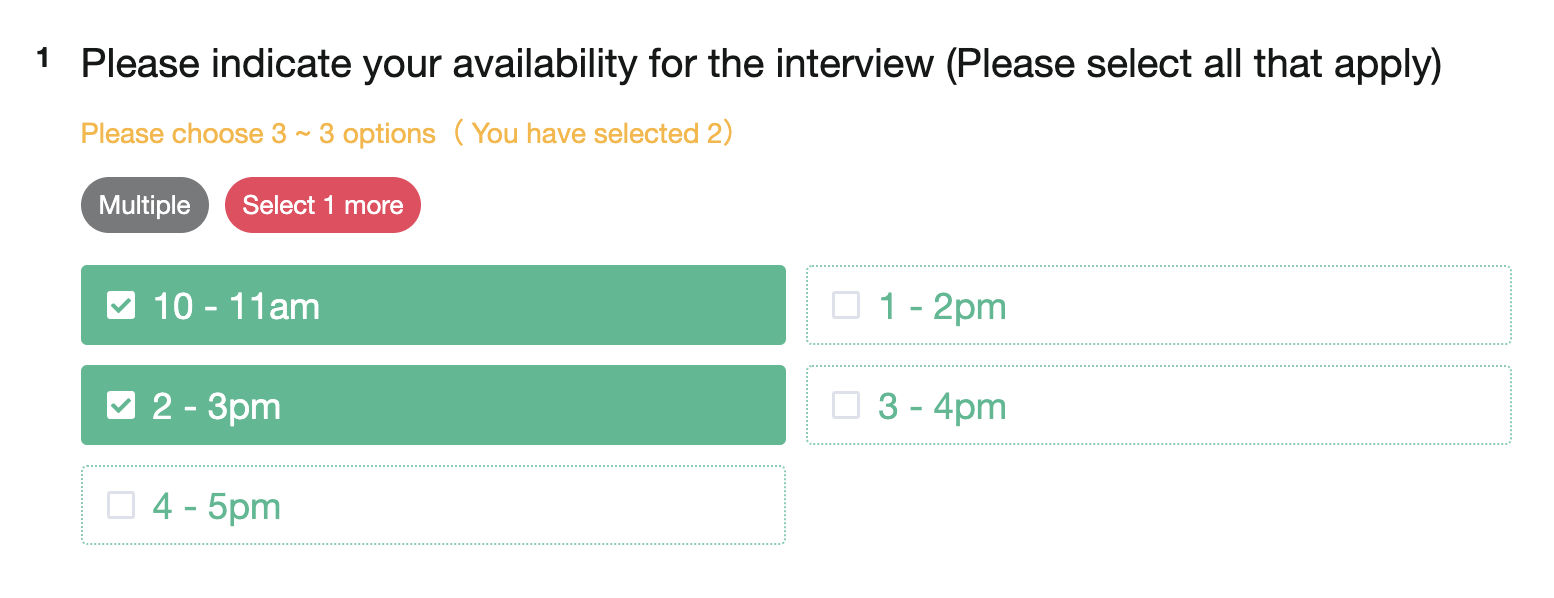
Select Limit Options and set it to three so that the applicant can choose three available time slots.
Click Shuffle Option Order if you want the question options not to be presented in the preset order every time.
Additionally, when there are a large number of options for a Multiple Choice question, you can use the Add Options in Bulk feature to quickly import multiple options at once!
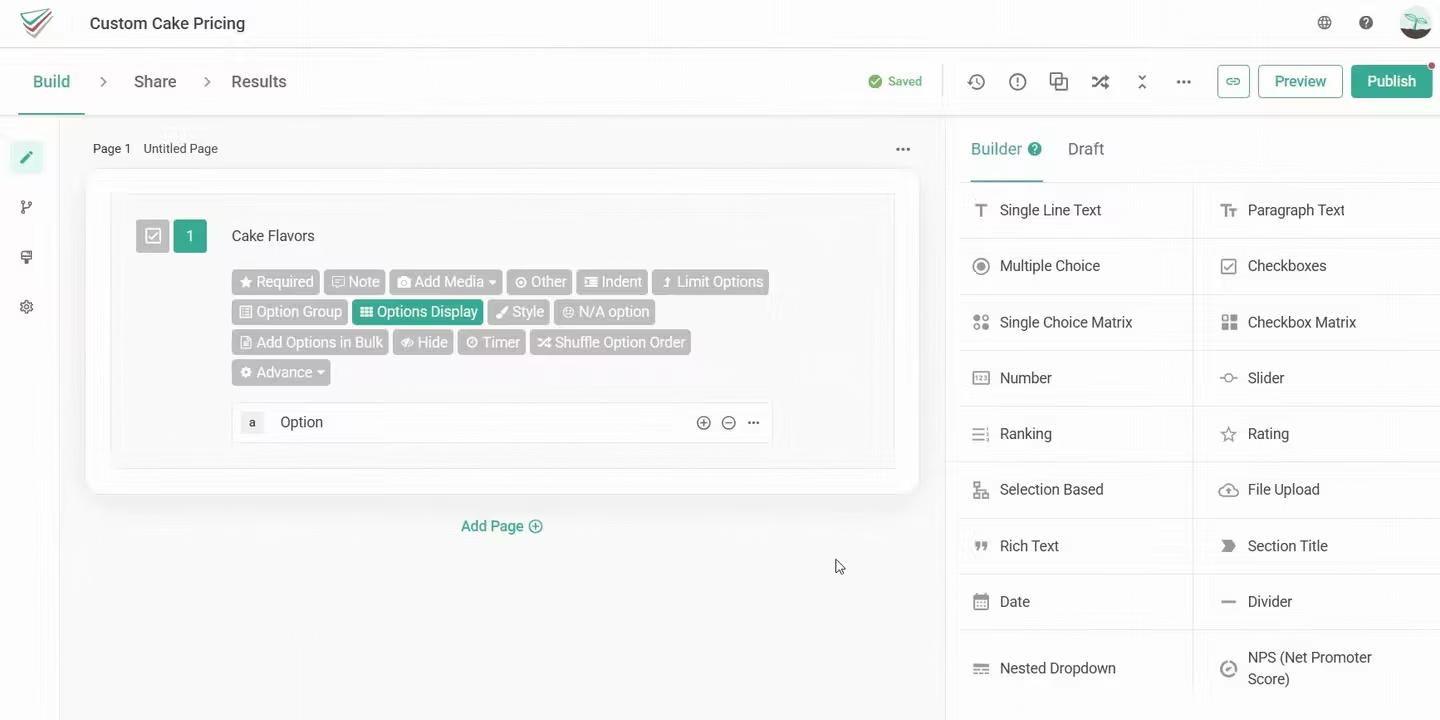
Remove limitations and allow respondents to choose multiple answers. In addition, you can use Limit Options to set how many options can a respondent at least or at most choose in one Checkboxes question.
Cake Flavors
Cake Flavors
Chocolate
Vanilla
Fruit Ice Cream
Matcha
Mango (Seasonal Only)
Earl Grey Tea
Berry
Which of the following time slots are you available to attend the interview?
10:00~11:00
13:00~14:00
14:00~15:00
15:00~16:00
16:00~17:00



