Besides sorting questions, the Divider function eliminates the negative experience of having to respond to a long survey!
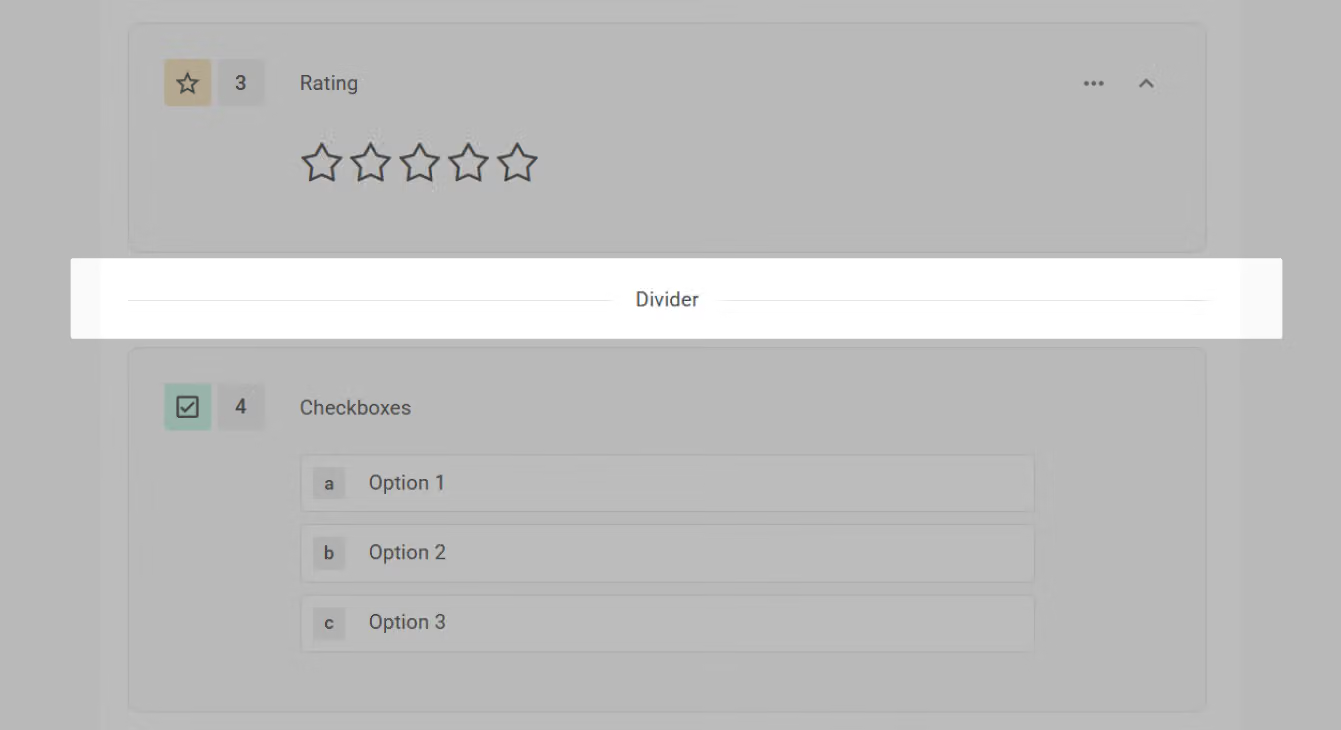
In the default paging mode, you can freely drag the divider between questions (or groups) to easily separate the entire survey into multiple sections!
Divider Usage Restrictions
There are two scenarios in which you cannot use the divider:
Dividers can only be used between questions (or groups), so they cannot be used within a question group.
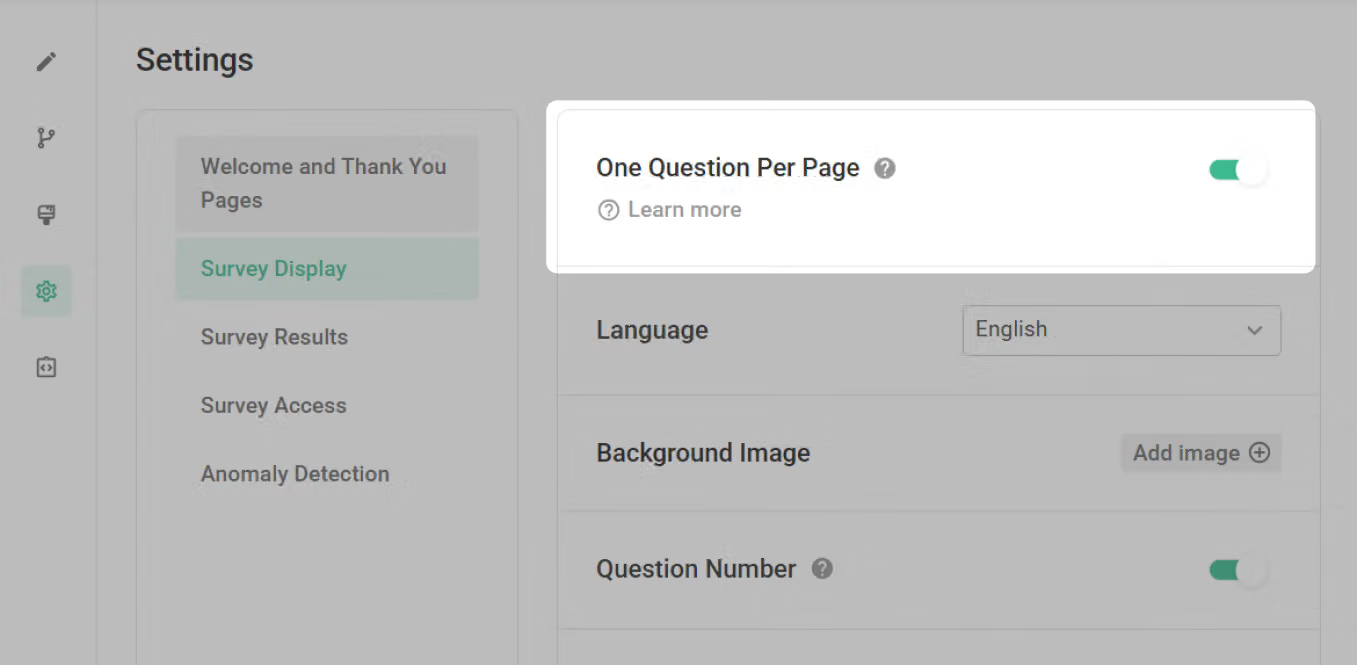
In "One Question Per Page" mode, each page of the survey will display only one question or question group, making the divider feature redundant. To maintain a clean layout, dividers cannot be used. If you need to use dividers in your survey, please disable the "One Question Per Page" mode in the survey display of settings page.
Frequently Asked Questions
Divider divides the survey into different sections to create a smooth experience for respondents. Next time, try Divider for a more organized survey!



