Multiple Choice with a single answer is similar to the decisions we face in life: only one option can be selected. Multiple Choice helps a survey designer to understand what is most crucial for respondents. Other than the basic functions shared by all question types: Required, Note, Image/Video, Invisible, Timer, Indent, and Style, the Dropdown View for Multiple Choice creates a cleaner layout.
For instance, you would like to create a poll for artworks.
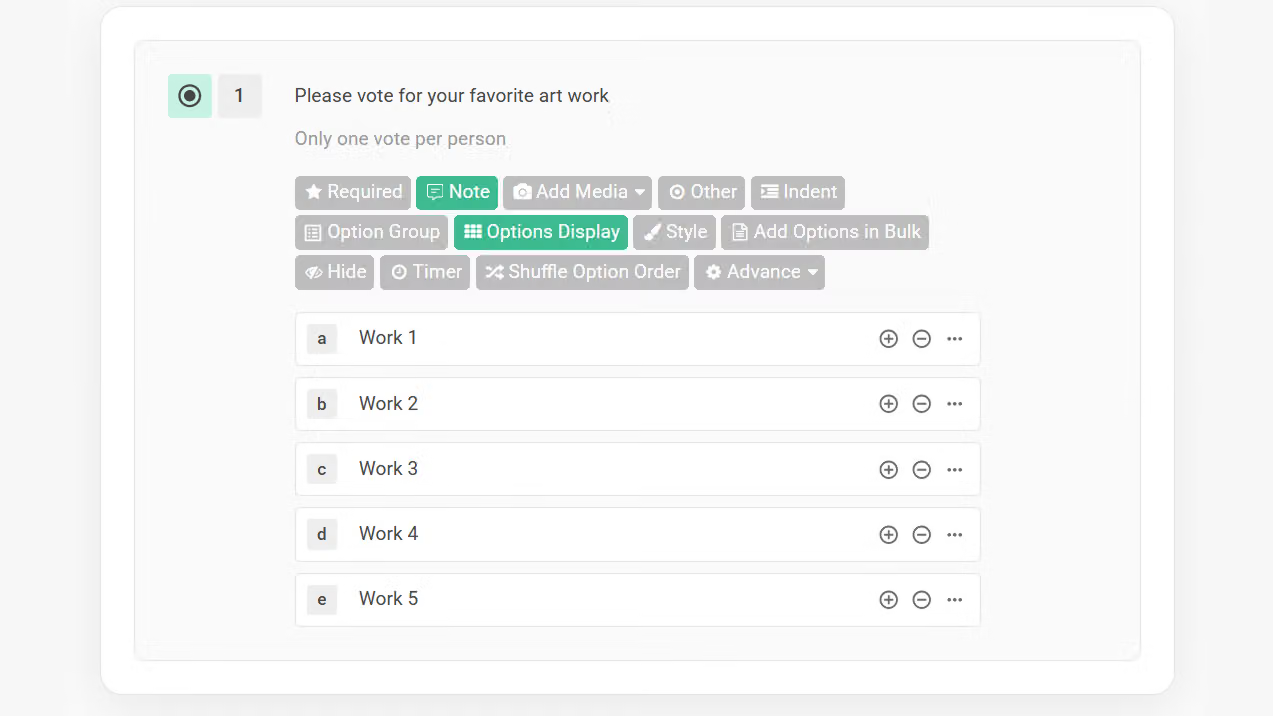
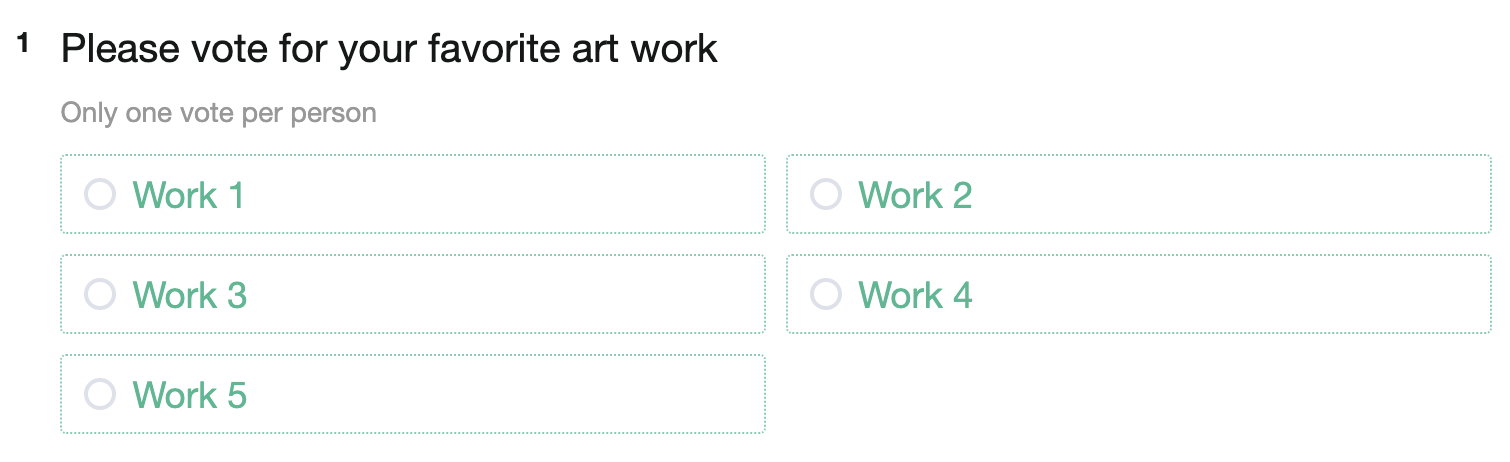
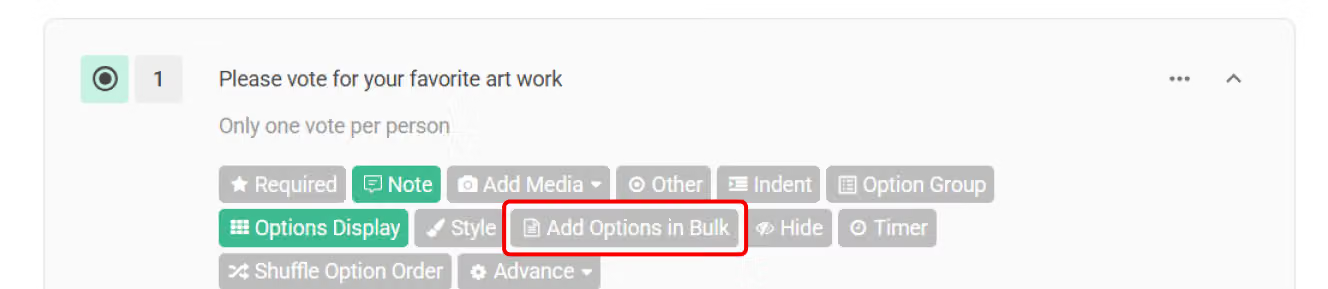
When you need to add numerous options to a Multiple Choice question, the "Add Options in Bulk" feature is a time-saver. It allows you to input multiple options simultaneously.
You may find that the questions on the survey can be lengthy and messy. At this time, select Drop-down Menu to present the options in list view to tidy up the layout.
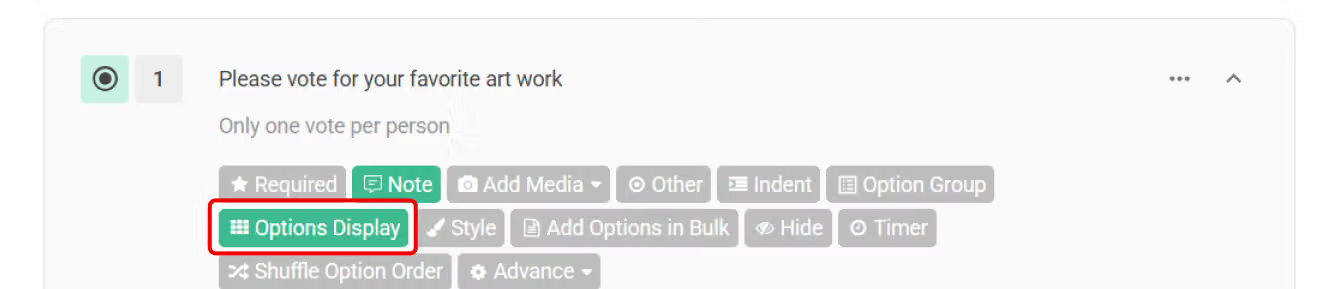
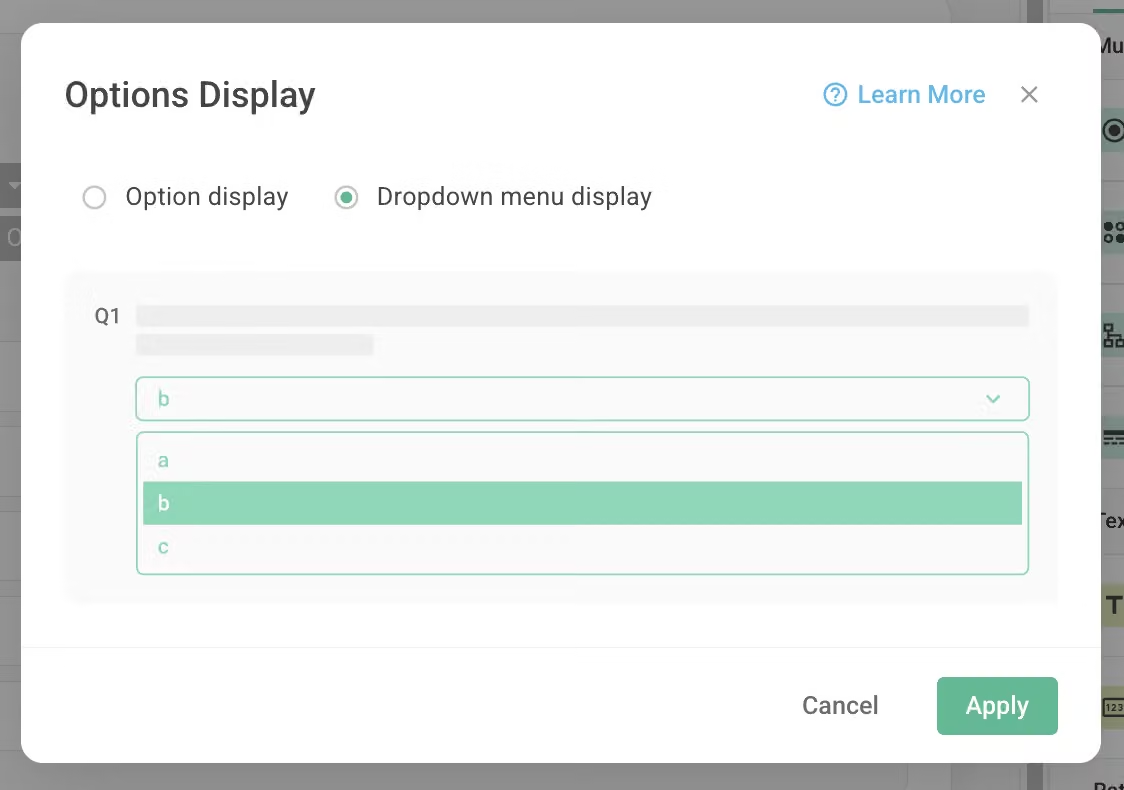
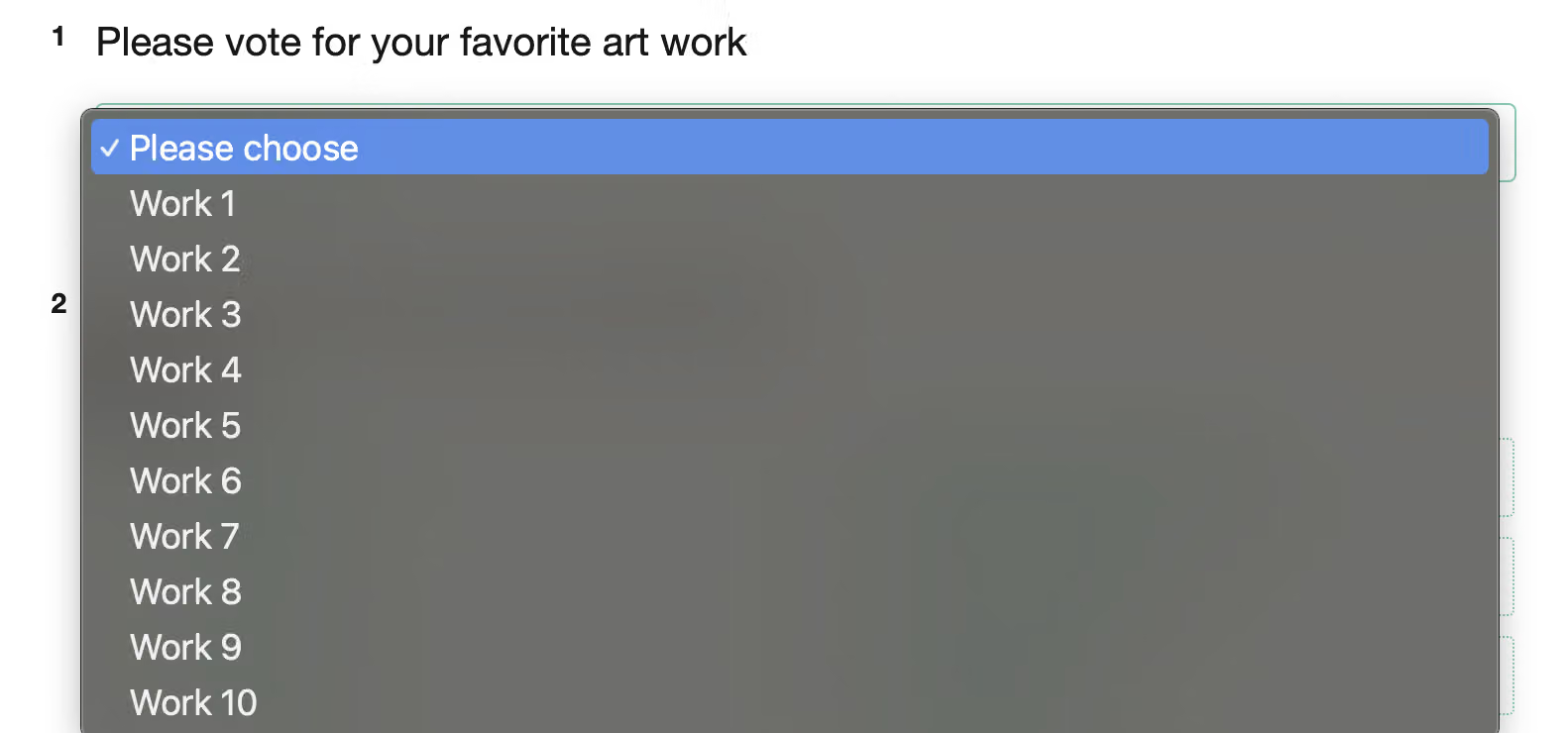
Multiple Choice helps you understand the respondents' primary concerns. If there are too many options available, apply Drop-down Menu to tidy up the layout.



