When filling out Checkboxes, respondents often encounter situations where none of the options apply. What usually happens then is that respondents are forced to choose the closest answer, or simply skip the question altogether. However, from the perspective of the survey owner, such situations often create deviated results or invalid surveys that contain blank answers.
Now, by adding N/A option in the choices, this problem can be easily solved!
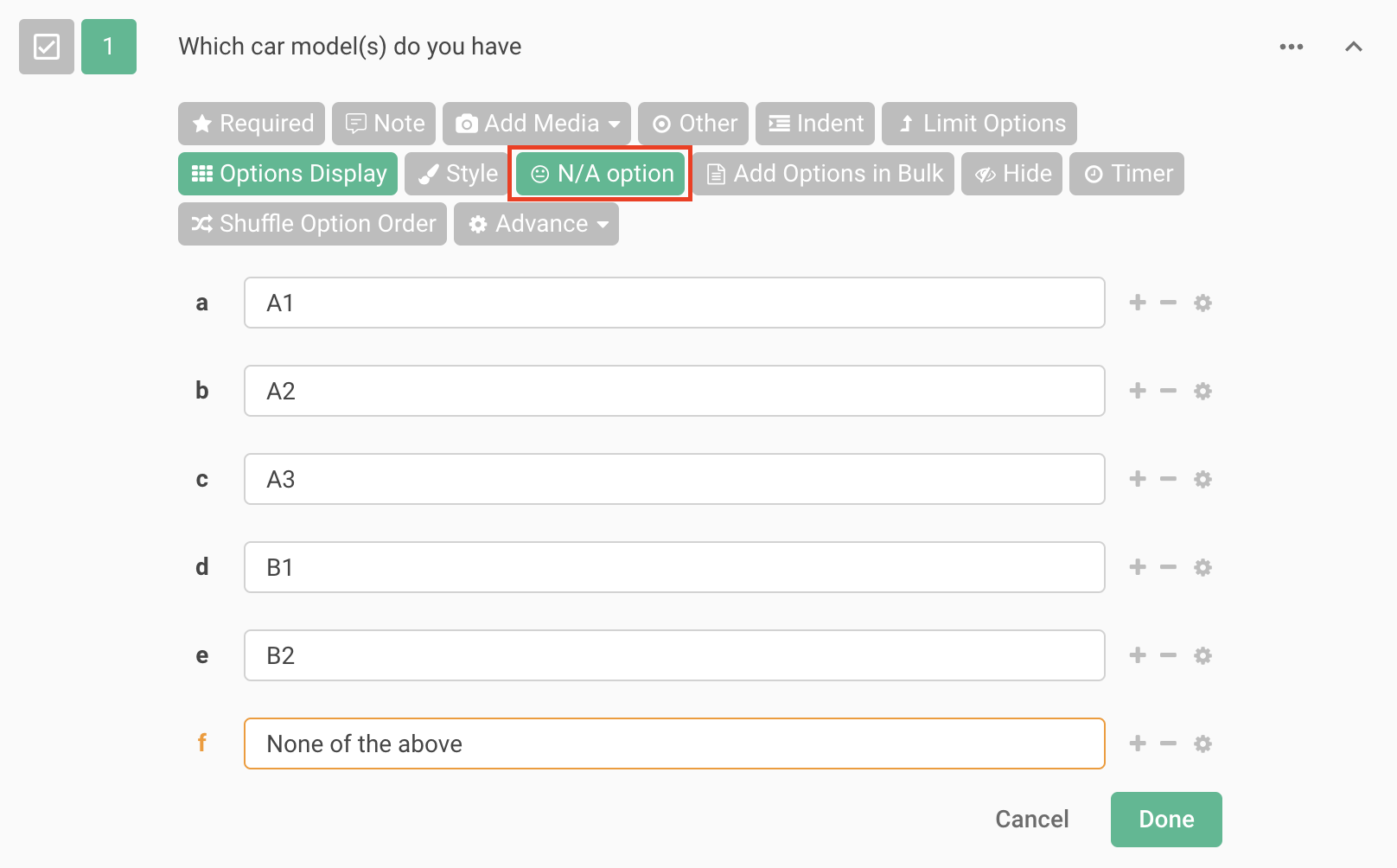
N/A option only can apply to Checkboxes. After the Checkboxes have been added, click N/A option on the function bar to automatically show None of the above as an available answer option.
After setting N/A option, when respondents select None of the above as an answer, then all previously selected answers will be automatically excluded.To add more N/A options, simply click the "+" button. To remove an unnecessary N/A option, click the "-" button.
None of the above is a good choice to use in scenarios geared towards analysis. If the respondent feels that none of the answers provided apply to them, then simply classify as None of the above category. In addition, the logical exclusion feature of None of the above with other options will help survey owners collect more accurate samples without contradictions.
Afraid that respondents won't find applicable answers? Remember to use N/A option for the accurate response!



