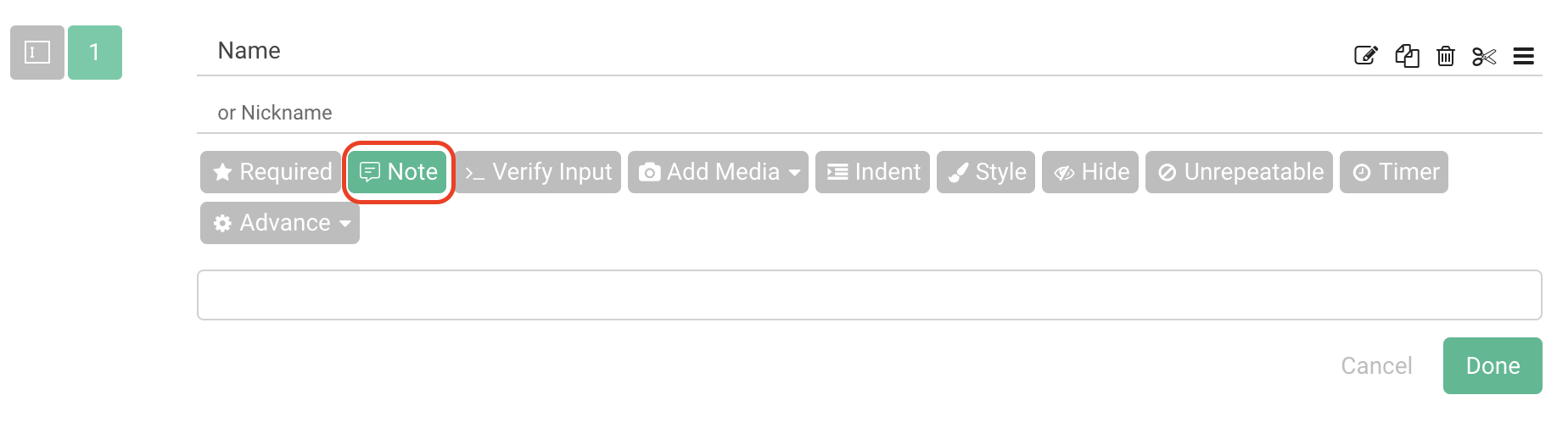
Note is a simple and useful function. You can add notes to your question by clicking the “Note” button below each question.
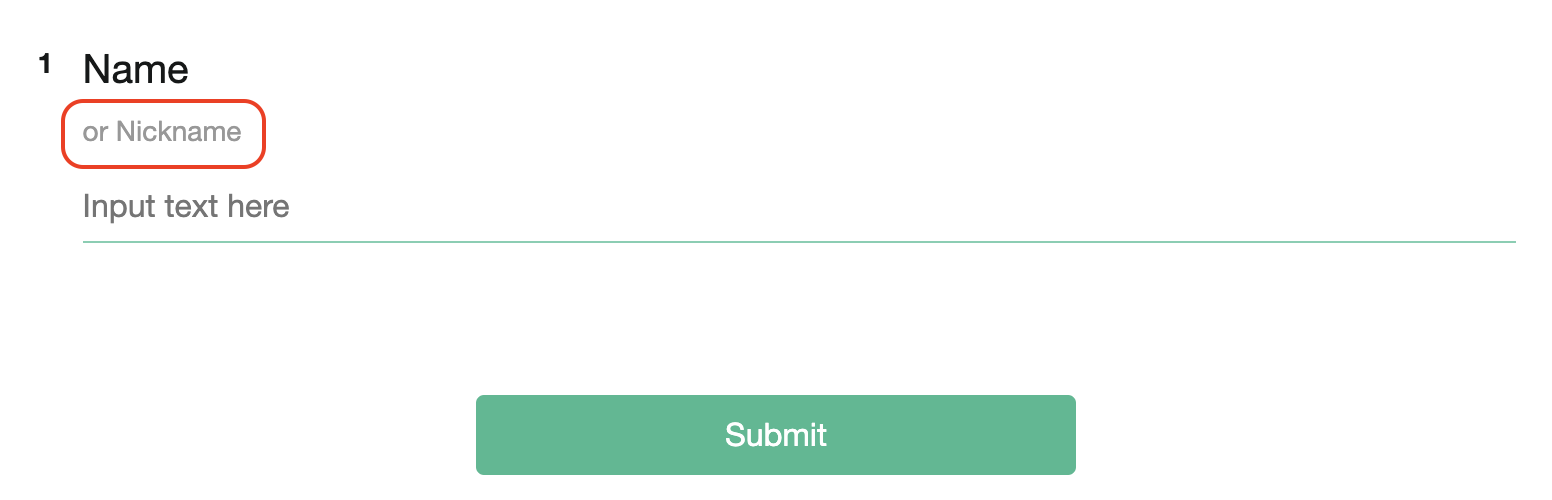
The notes will be displayed in smaller gray fonts:
FAQs
-Is it possible to insert line breaks in the "Notes for Question"?
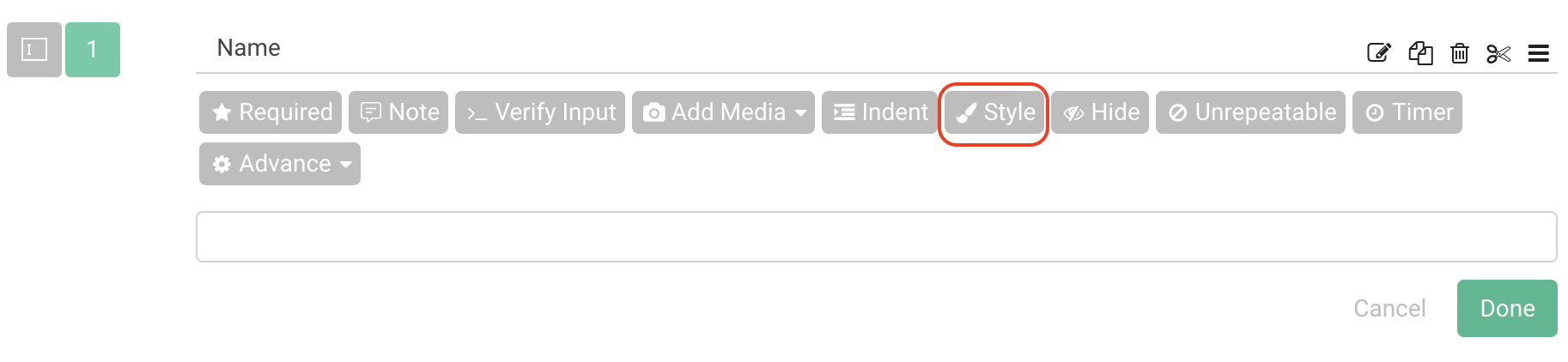
No, currently the "Notes for Question" feature does not support line breaks. If you want to insert line breaks to the questions’ notes, we recommend using the Style feature to add notes.
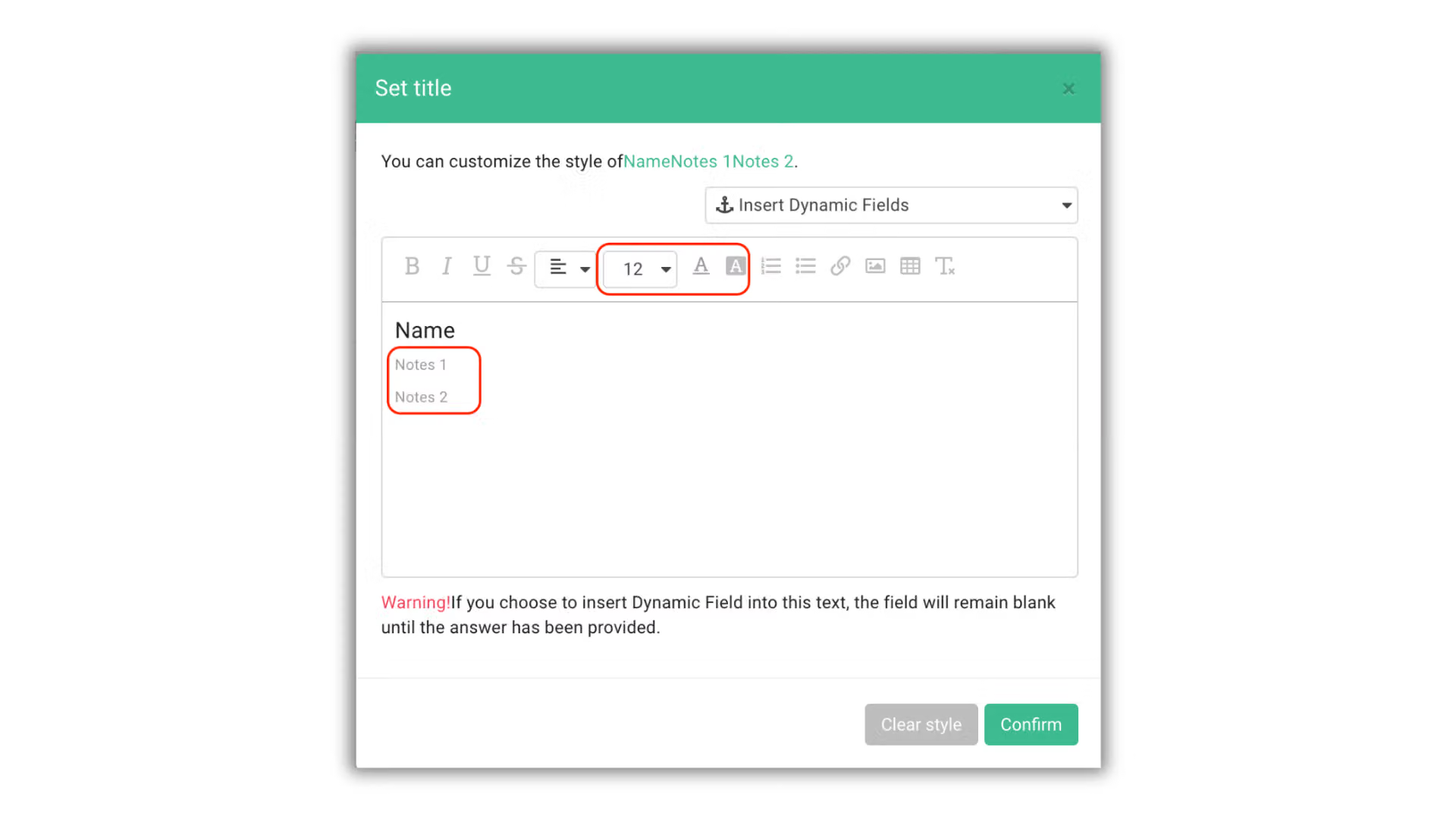
Finally, multiple lines of notes will be displayed in the survey!

Use Note for Question to provide additional explanations and information!



