The new "One Question Per Page" mode is an upgraded version of the original "Page Swipe" mode.
Turning on One Question Per Page displays only one question or question group per page, helping respondents focus more on the current question, reducing interference from different types of questions, and increasing the completion rate of the survey. This mode is suitable for short surveys or questions that require careful consideration, ensuring respondents fully concentrate on answering each question.
How to Enable One Question Per Page Mode?
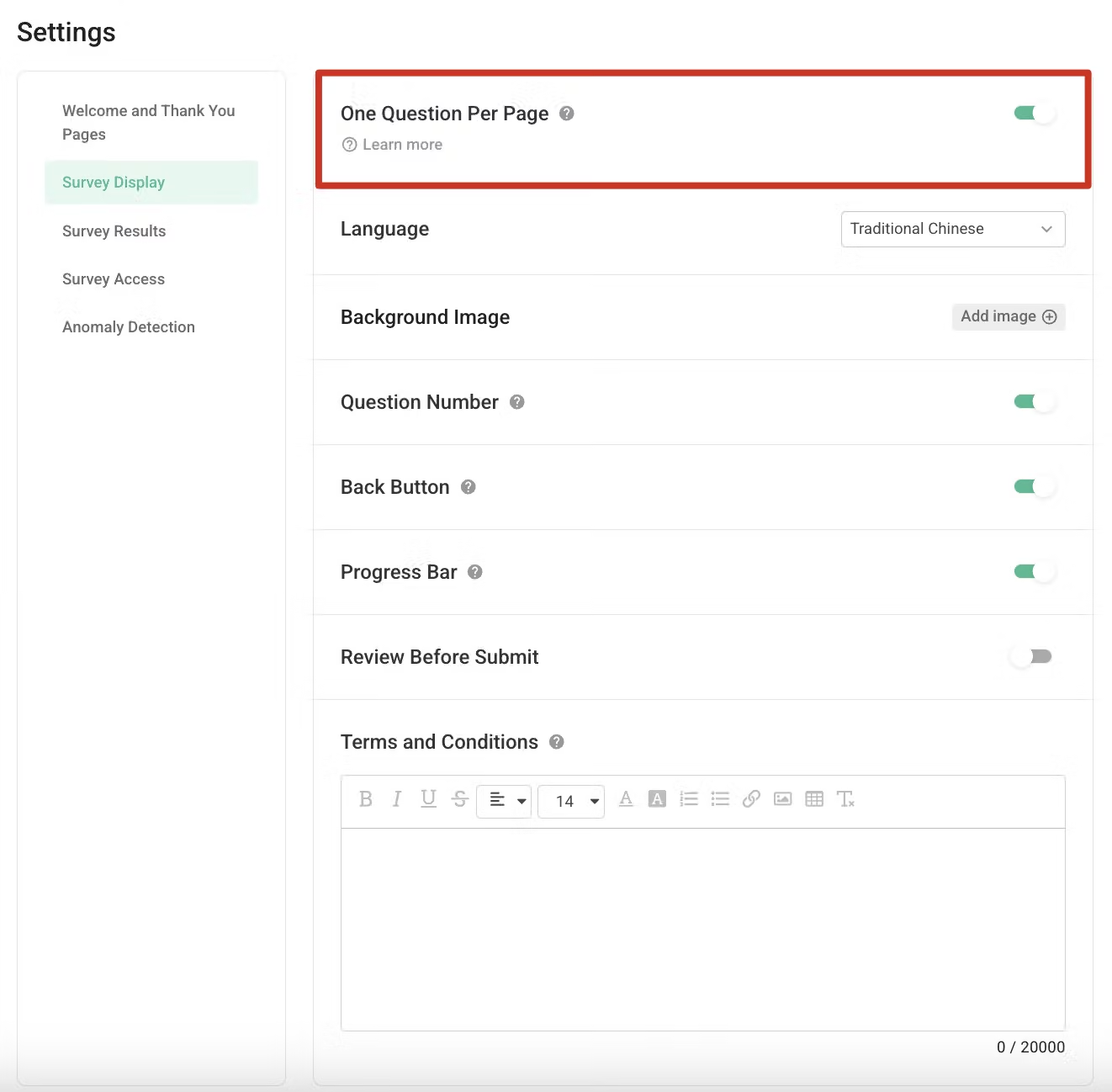
Note:
Turn off One Question Per Page Mode
If you turn off One Question Per Page mode, the default mode will revert to custom paging. For information on custom paging, please refer to: Groups and Pages.
Frequently Asked Questions
Yes. You can turn on One Question Per Page mode following the steps mentioned above. The system will remove all "page-related" logic settings, including advanced logic settings and randomization settings, and automatically adjust the survey's page layout.
No. Divider will be automatically hidden in One Question Per Page mode. If you need to use Divider in your survey, disable One Question Per Page mode and switch to the default custom paging mode.
One Question Per Page helps respondents focus more on the current question, improving the survey completion rate!



