Besides the theme color of the survey, you can freely upload an image as the Background Image!
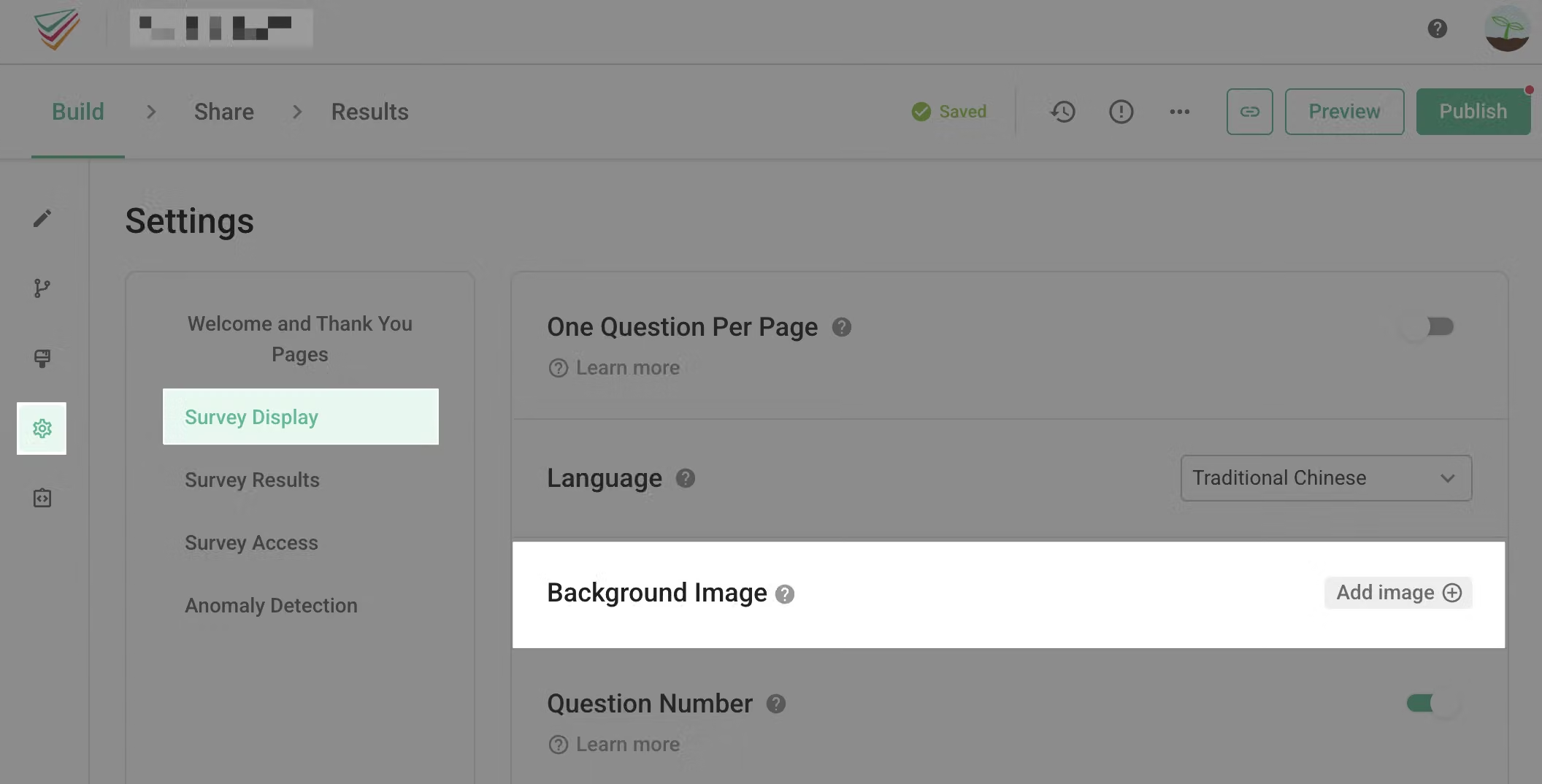
On the survey setup page, you can find the option for Background Image. Select Add image and move forward to the next setting.
!blank!
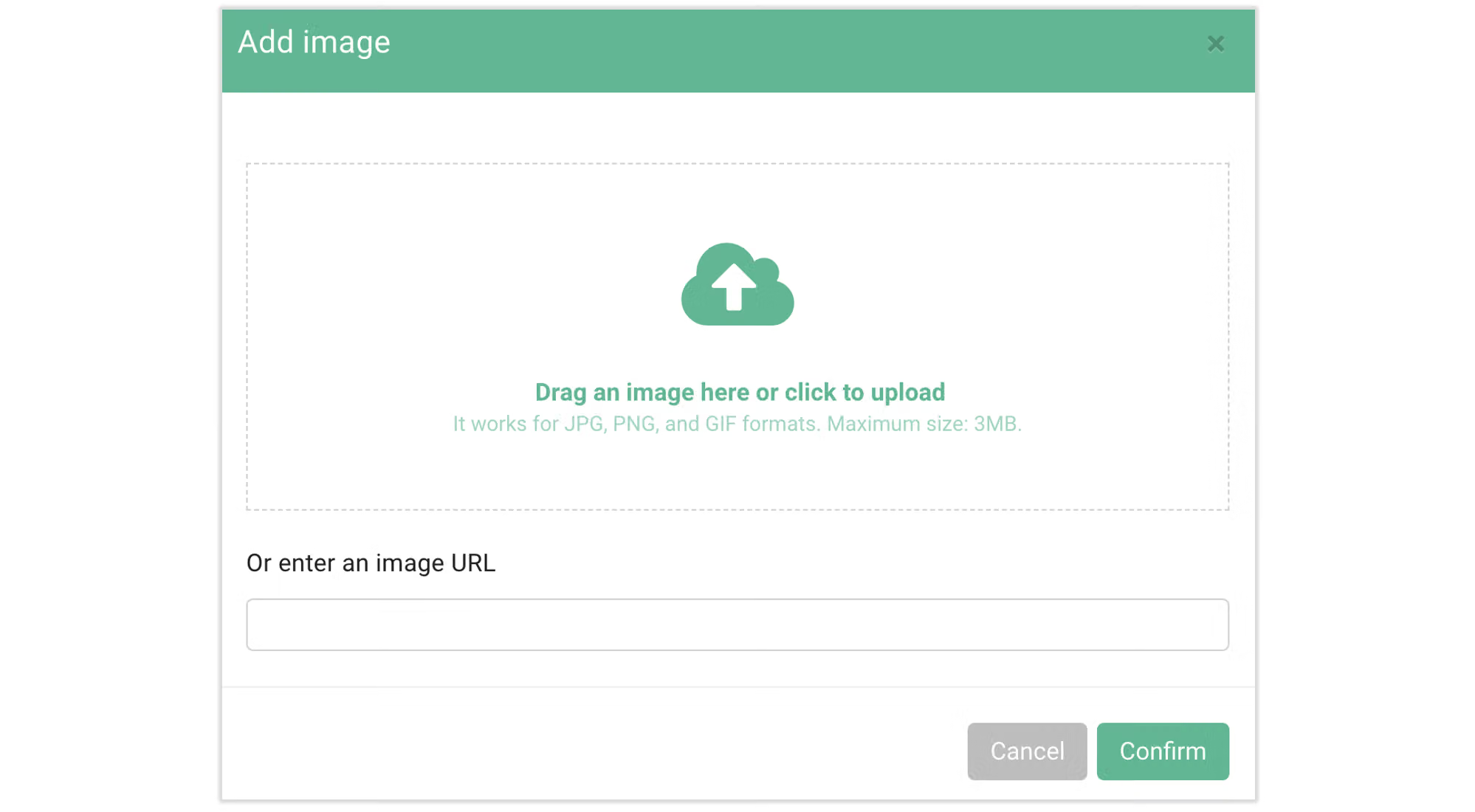
You can directly upload image files in jpg, png, or gif format. The suggested size for the best quality is 19201080. You can also directly paste the URL of the image. Click confirm* to upload.
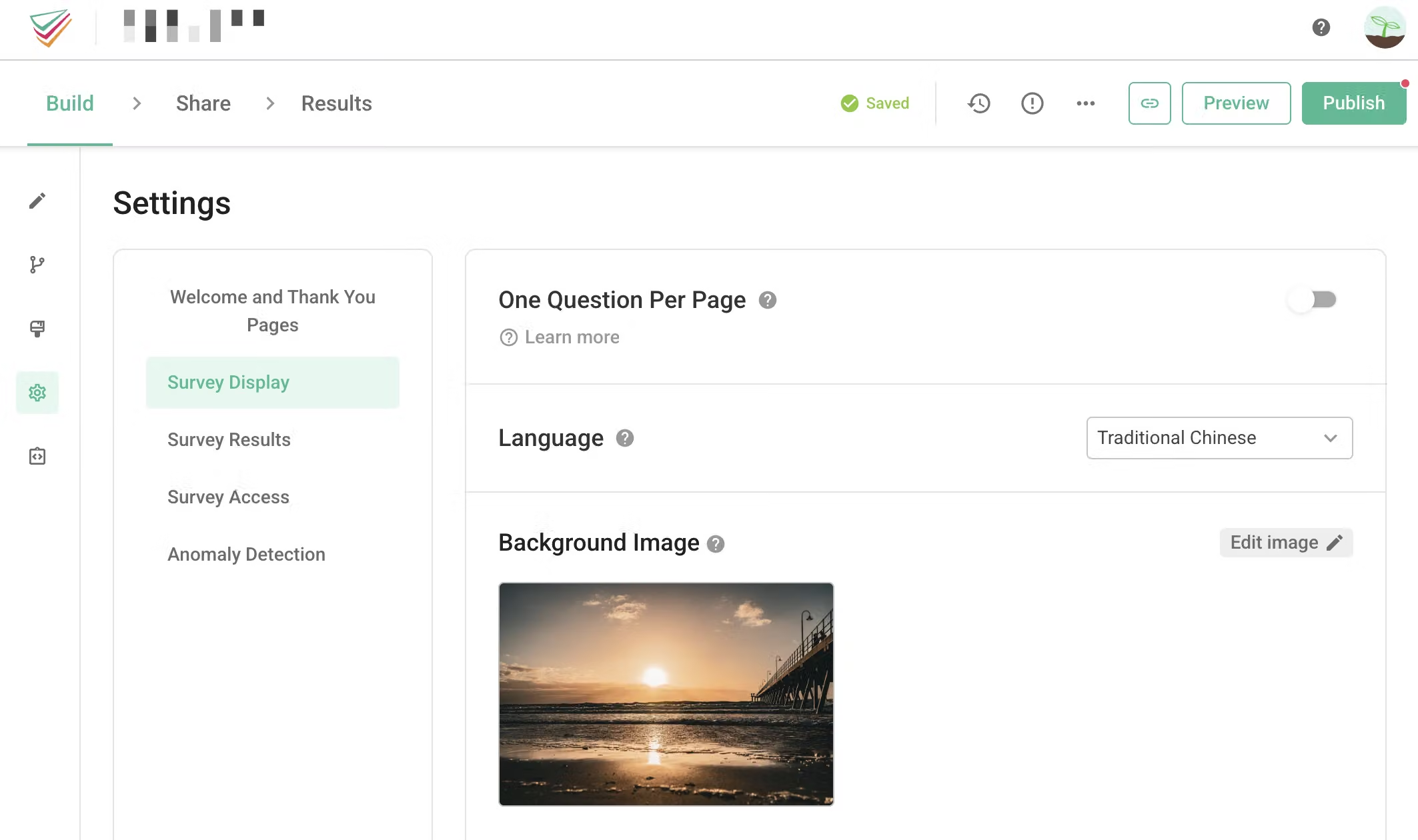
The image is uploaded successfully!
Before the Background Image is added, the background color of the survey will be the default color of the theme.

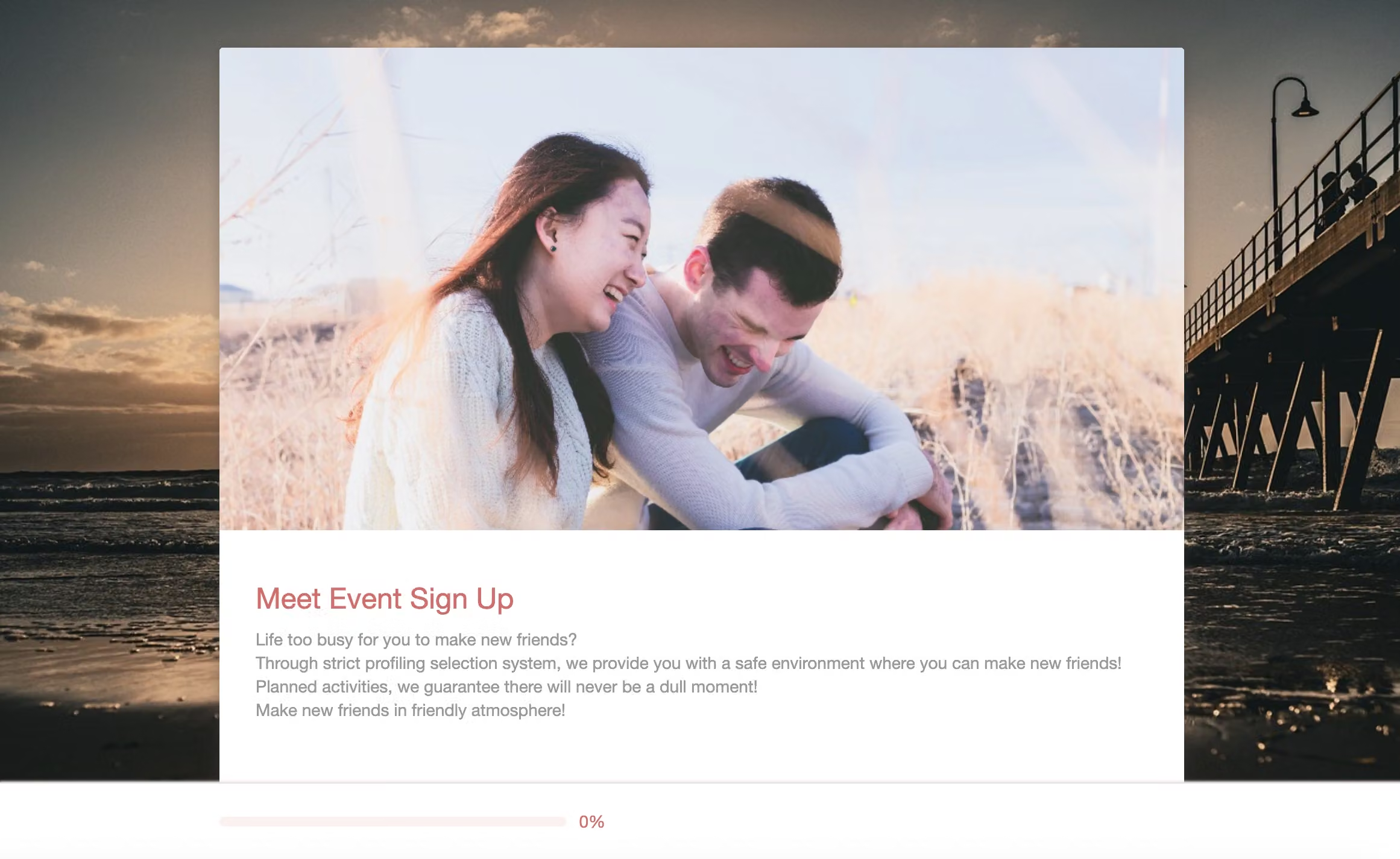
After the Background Image is added, the survey will now have a full-page background image! Note: The Background Image does not apply to the mobile version due to the width limitation.
Remember to upload a background image to your survey!



