Many questionnaires will use the lucky draw as an incentive to improve the questionnaire response rate. With SurveyCake, you don’t need to export data for the lucky draw. Simply take advantage of the Random Picker in the backstage to choose the lucky winners directly from all the replies to the questionnaire!
By entering the data report, you can see Random Picker in the upper right corner.
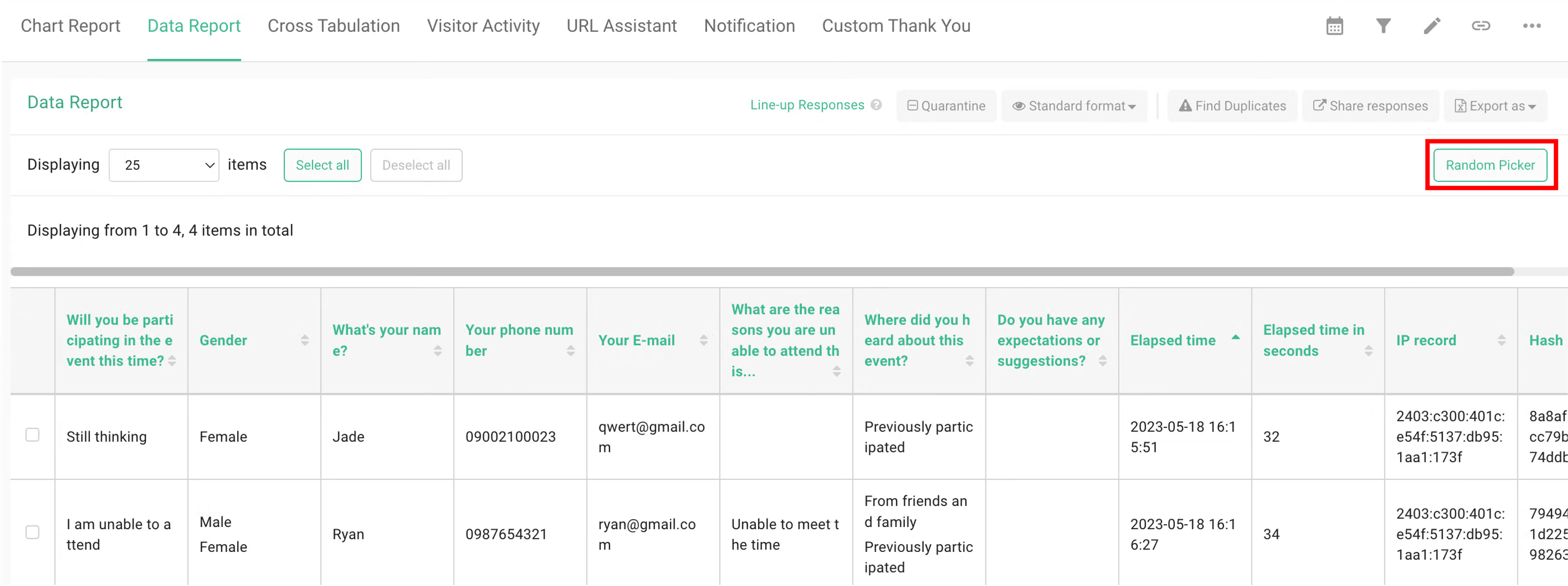
Click on Random Picker and enter the number of replies to be drawn.
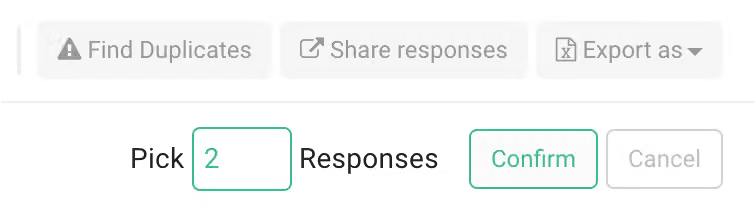
The system allows you to export the winning list as an Excel or CSV file. Simply click on the "Export as" button in the upper right corner to generate the file in Excel or CSV format.
https://cdn.prod.website-files.com/6a1098acf05426bfb4ae594c/6a7d23bf9102a5239861b414_hc-en_random-picker-3.webp
It is no longer needed to export data for the lucky draw, and easily choose the winners through Random Picker.



