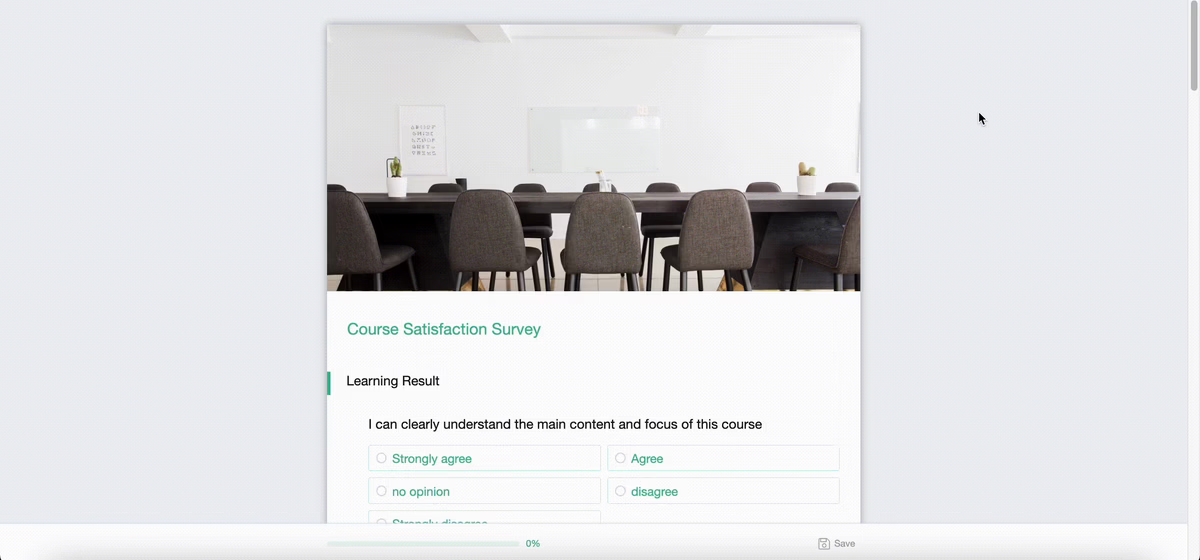
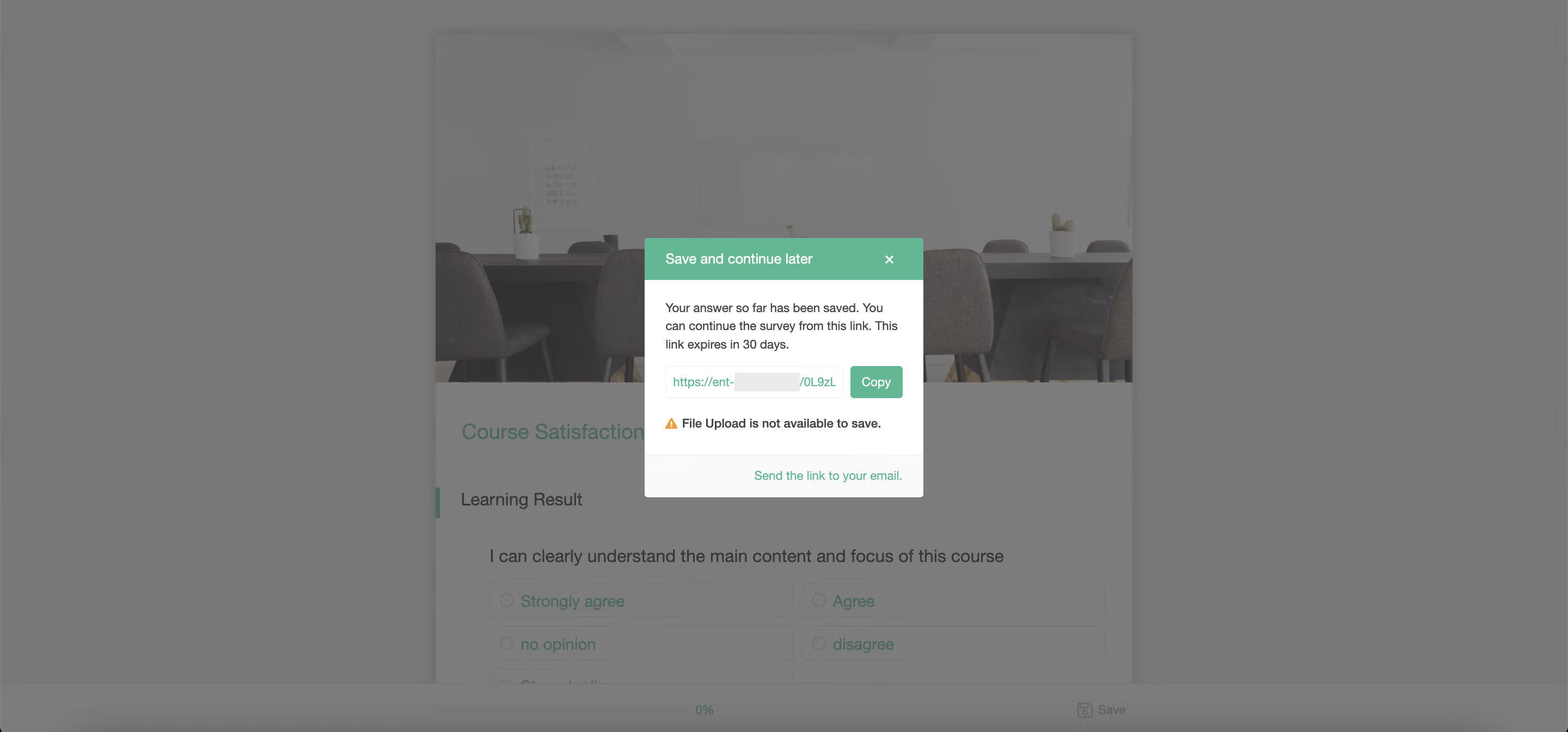
When respondents are filling out a survey and happen to be interrupted by other matters, they can use the Save and Continue Later feature. By clicking on Save at the bottom right corner, they can copy and save the link. When they revisit the survey next time, they can resume from where they left off previously.
Note: This feature is not compatible with "Handwriting Questions." If respondents save their progress and return later, the canvas content will be lost, and they must re-enter their signature or drawing.
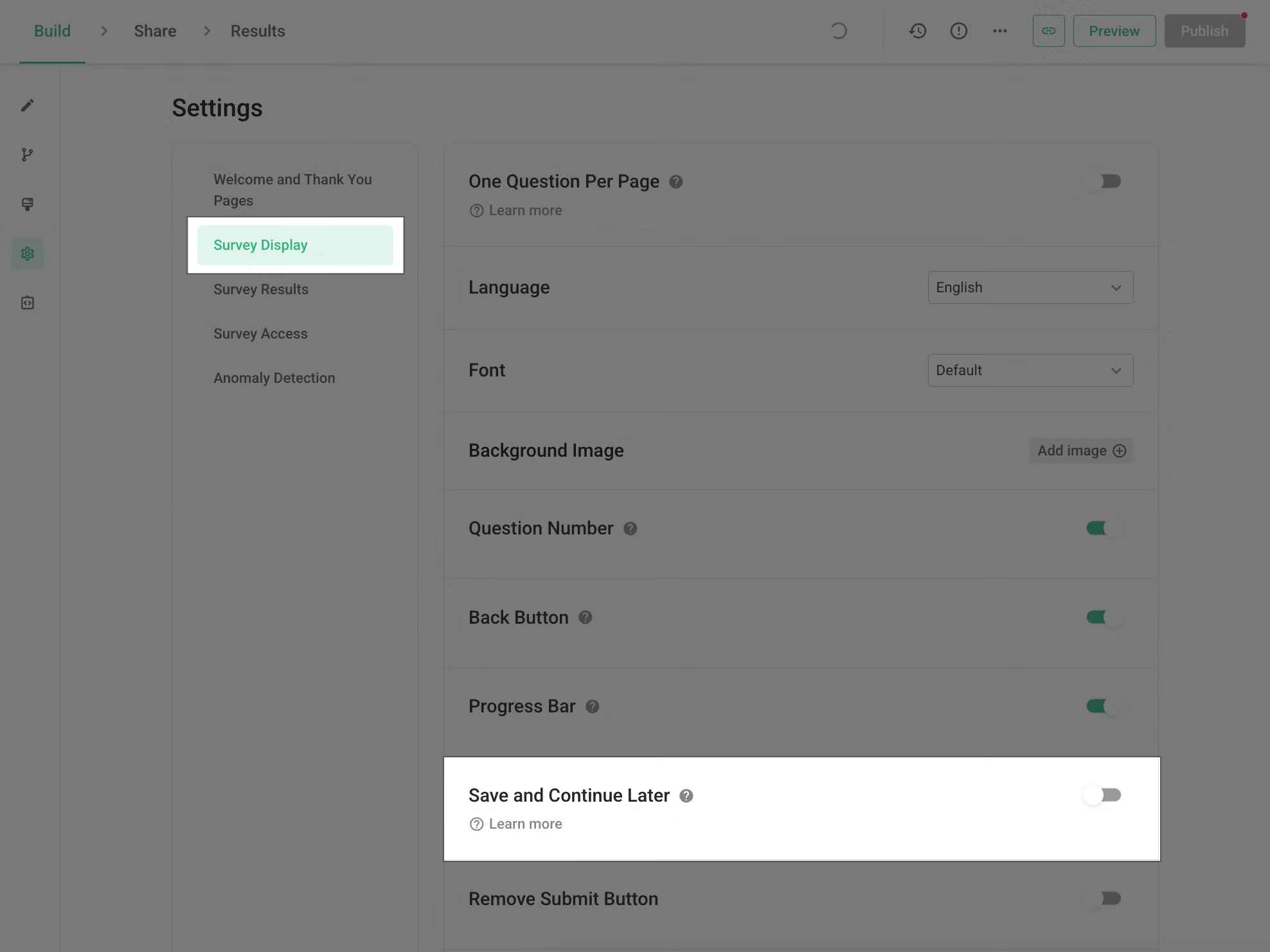
Next, we'll show you how to set up Save and Continue Later. Firstly, log in to the survey's backend and navigate to the survey settings page. Within the Survey Display section, you'll find the option for Save and Continue Later. Once you enable this feature, the setup is complete!
If users are concerned about losing the Save for Later link, what should they do?
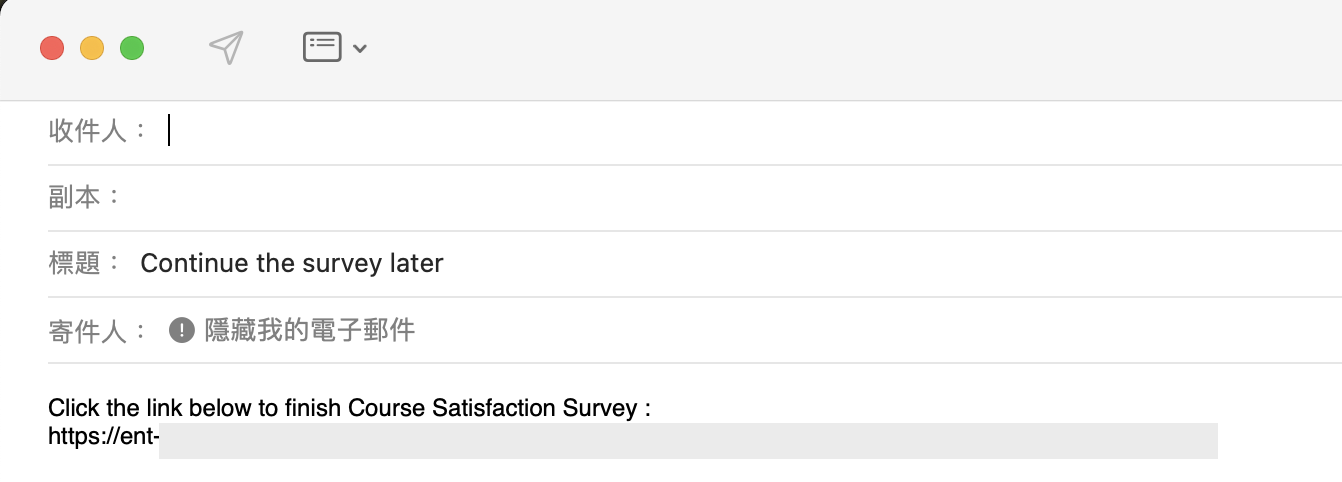
SurveyCake offers a convenient Send Link to Email feature. This function assists in sending the link containing the temporarily saved answers of the survey directly to the respondent's email. This way, there's no need to worry about losing the link and being unable to complete the survey!
This feature is exclusive to the SurveyCake Enterprise plan.If you are interested in this feature, please Contact Us for more information.
Through Save and Continue Later, respondents can instantly preserve their answers, preventing the loss of valuable feedback!



