Skip Logic is a very user-friendly, quick, and convenient feature for respondents. Below, we will briefly introduce the Skip Logic feature and explain it with example scenarios.
Skip Logic allows respondents to skip intermediate questions and jump directly to a specified question after selecting an option with skip logic applied.
For example, if you only want to ask first-time visitors how they learned about your store in a survey, this means visitors who have been there two or more times don't need to answer that question and can skip directly to subsequent questions.
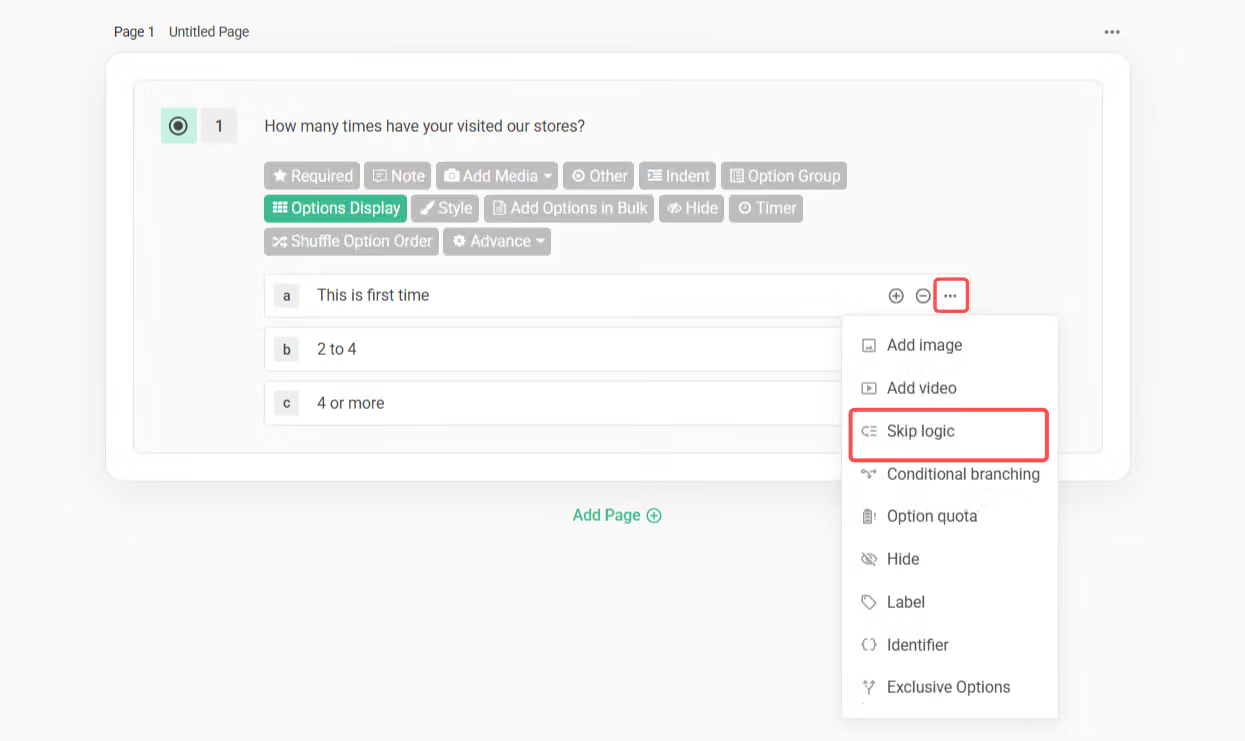
In this case, you can set "Skip Logic" on the "2 to 4" option of the question "How many times have your visited our stores?"; click the three-dot menu to the right of that option, then select "Skip Logic".
Next, you can select the question to skip to:
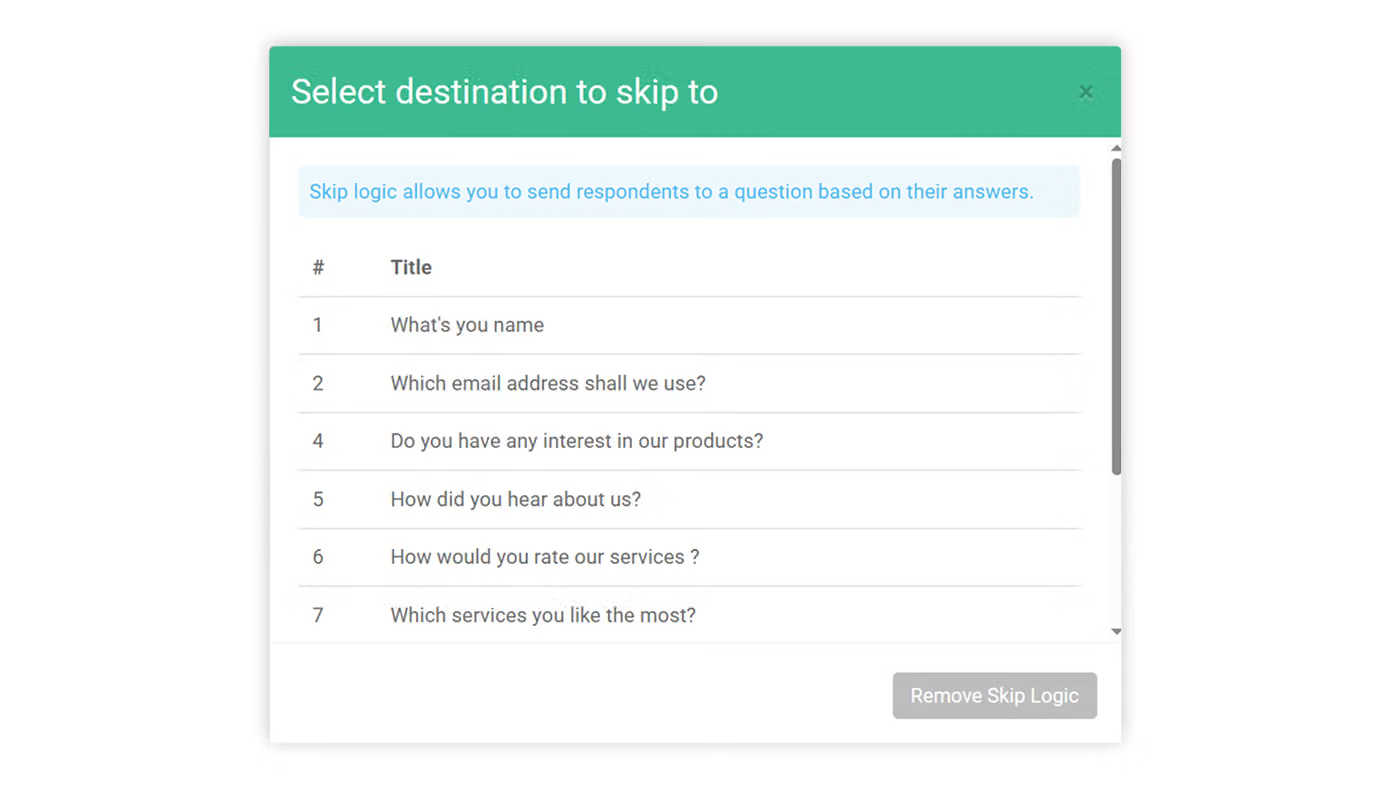
At this point, there are 3 situations for you to choose from:
When a respondent selects an option with skip logic configured, they will skip the intermediate questions and jump directly to the specified subsequent question to continue filling out.
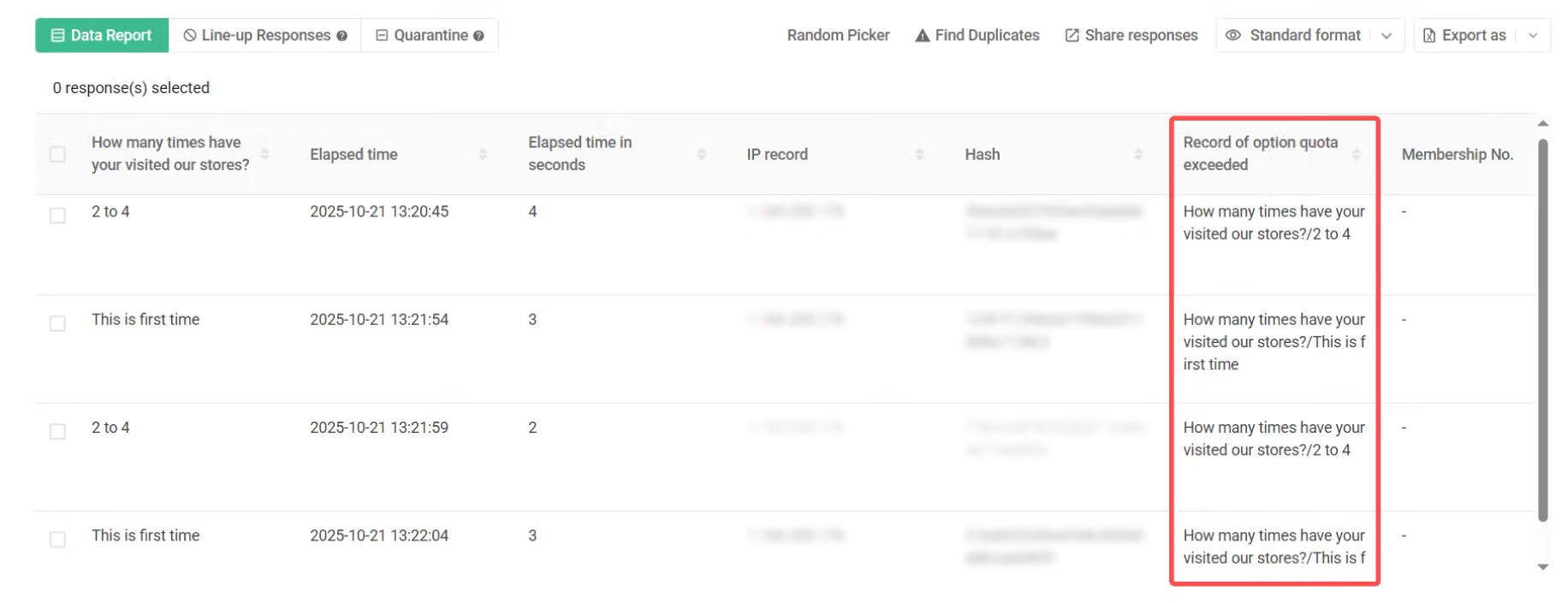
When a respondent selects an option with skip logic configured, they will jump directly to the thank-you page. (This response will be recorded, and "Record of option quota exceeded" will be displayed in the data report.)
When a respondent selects an option with skip logic configured, they will jump directly to the Exit Page. (This response will be recorded, and "Record of option quota exceeded" will be displayed in the data report.)
Skip questions that don't apply to the respondent
As mentioned above: customers who selected "2 to 4" in question 3 don't need to answer questions 4 and 5, and can skip directly to question 6 to continue answering; therefore, check question 6 and set it as the question to skip to.
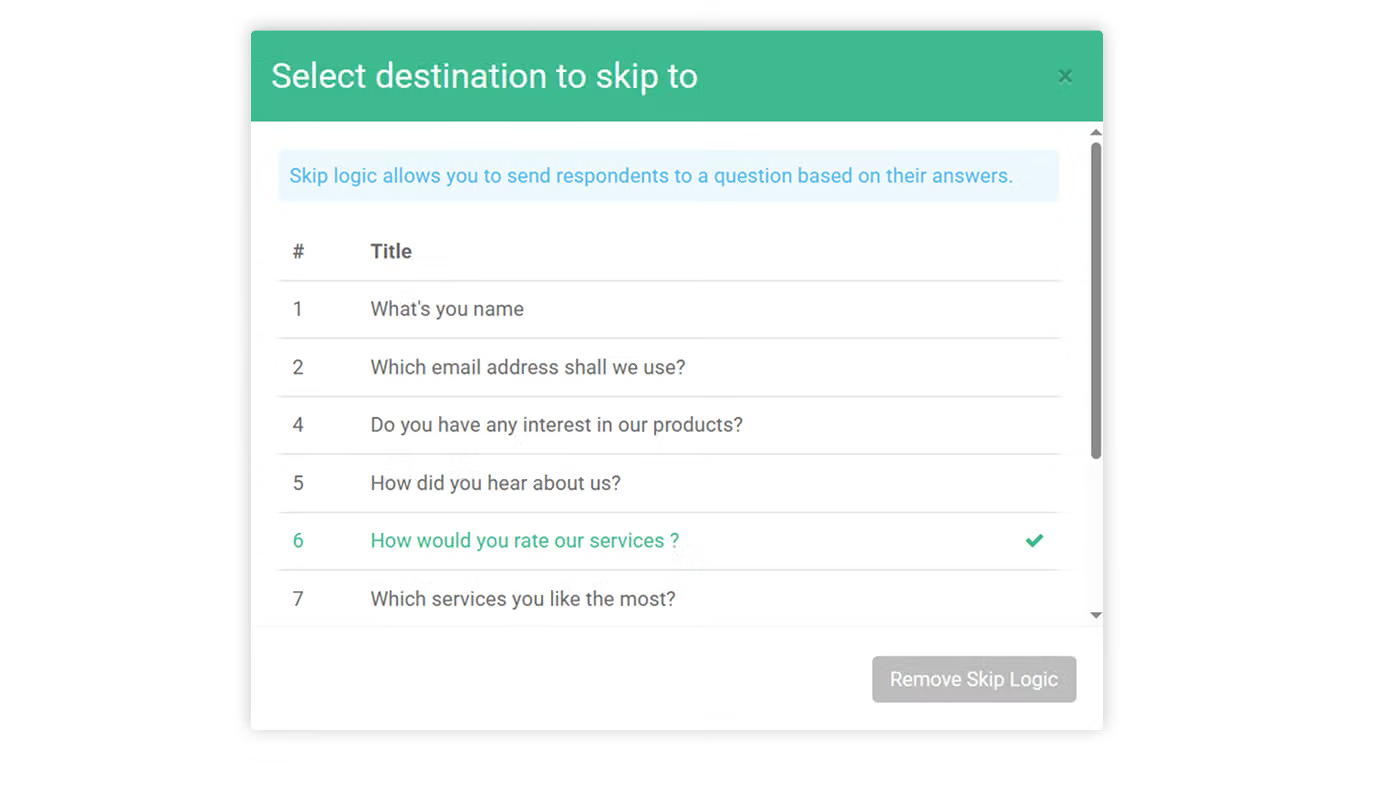
This way, when a respondent selects the "2 to 4" option in question 3, they will skip questions 4 and 5 and jump directly to question 6 to continue answering.

Skip to Thank-you page
If you want respondents to submit the survey and go to the thank-you page immediately after selecting an option with skip logic configured, you can check "Skip to Thank-you page".
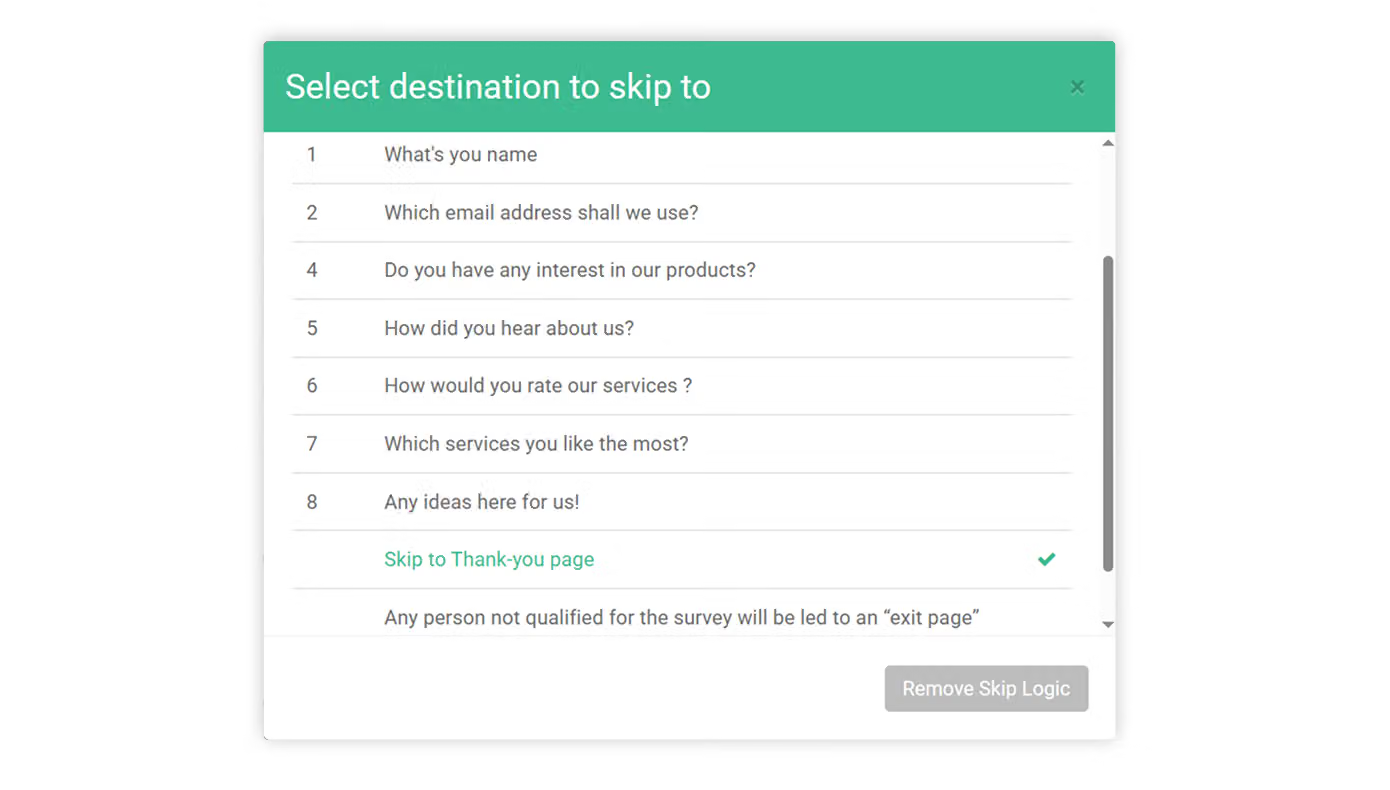
The response that was forced to skip to the thank-you page will also be recorded in the backend, and the Record of option quota exceeded field will record which question and which option the respondent selected before being directed to the thank-you page.
Skip to Exit Page
If you want to specifically explain to respondents why they don't qualify and were directed to submit the survey after being guided to submit the survey directly, you can check "Any person not qualified for the survey will be led to an 'exit page' after submitting their response", and additionally go to "Exit Page Message" in the survey settings to add and supplement relevant explanations.
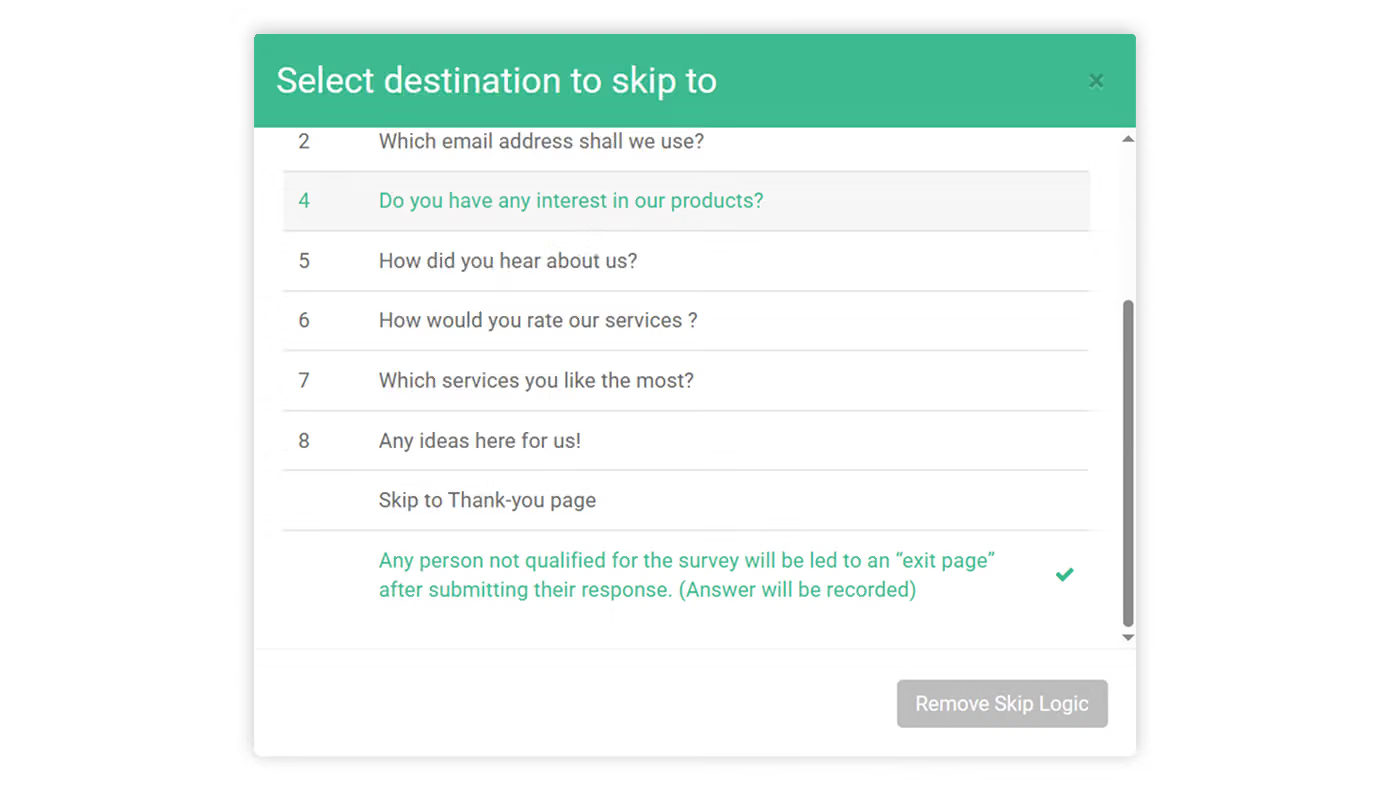
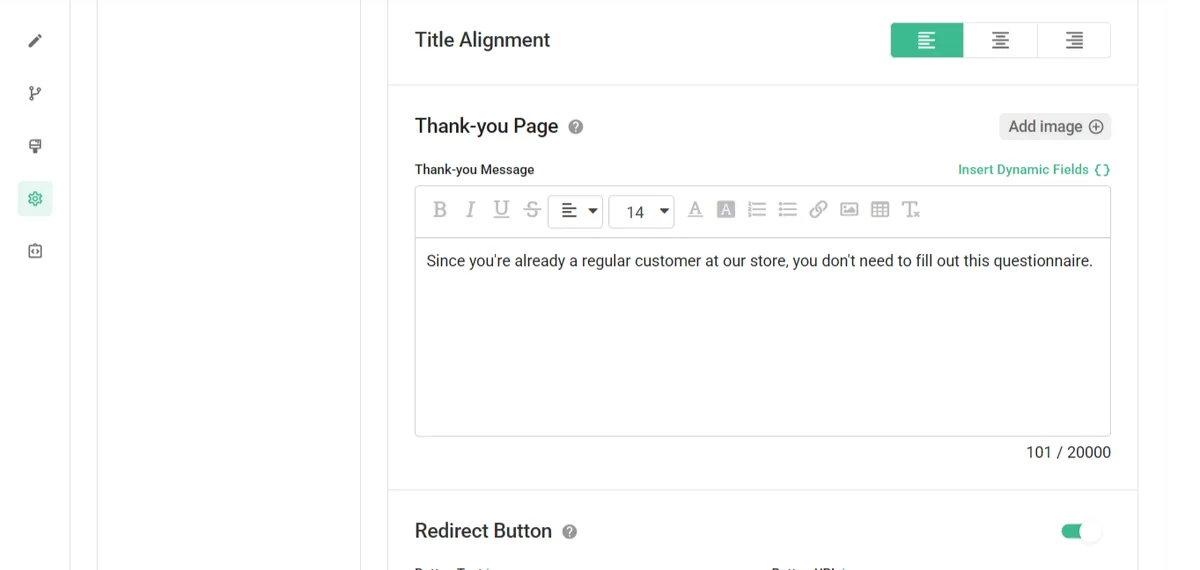
This way, when a respondent selects an option with skip logic configured, they will be directed directly to the Exit Page and can further understand the reason why their response was forcibly terminated.

The response that was skipped to the Exit Page will also be recorded in the backend, and the Record of option quota exceeded field will record which question and which option the respondent selected before being directed to the Exit Page.
FAQs
The biggest difference between the two features is "whether respondents can see questions configured with skip logic/conditional branching before the logic is triggered".
Suppose option A of question 1 in a survey has skip logic configured, which will skip question 2 and jump to question 3.
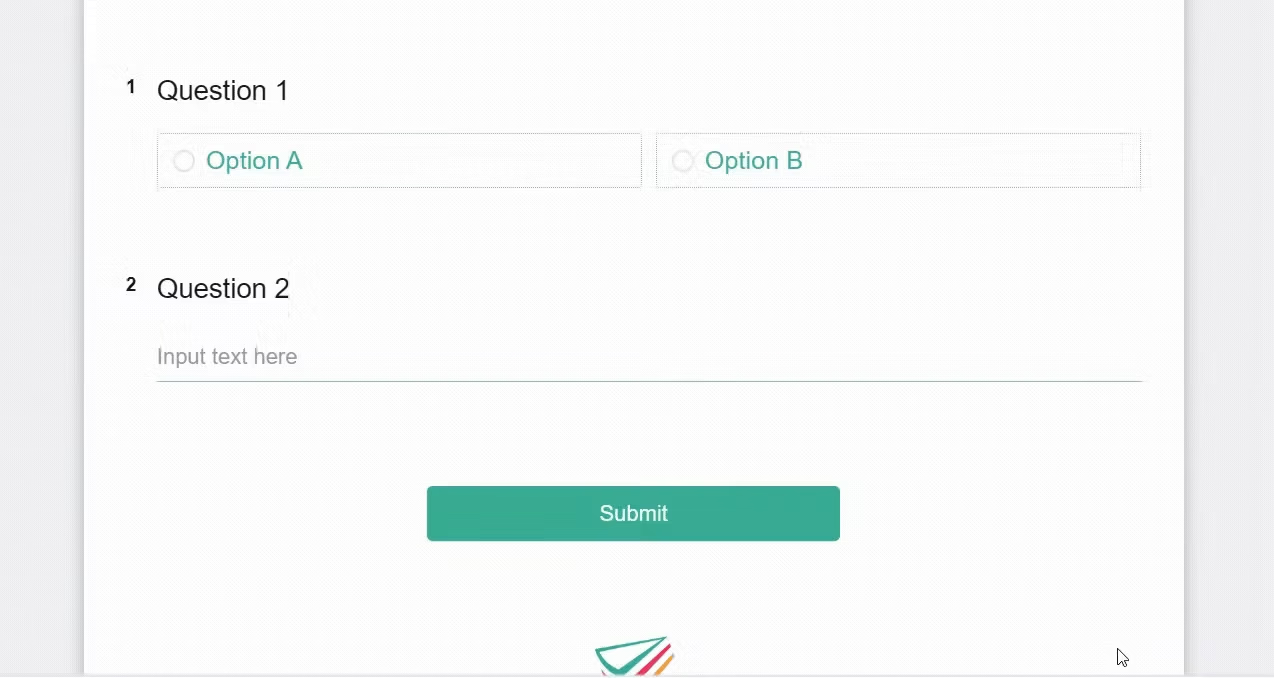
When respondents enter the survey, even if they do not select option A (which has skip logic configured) in question 1, they will still directly see all questions (including question 2 that would originally be skipped); only after selecting option A will question 2 be skipped.
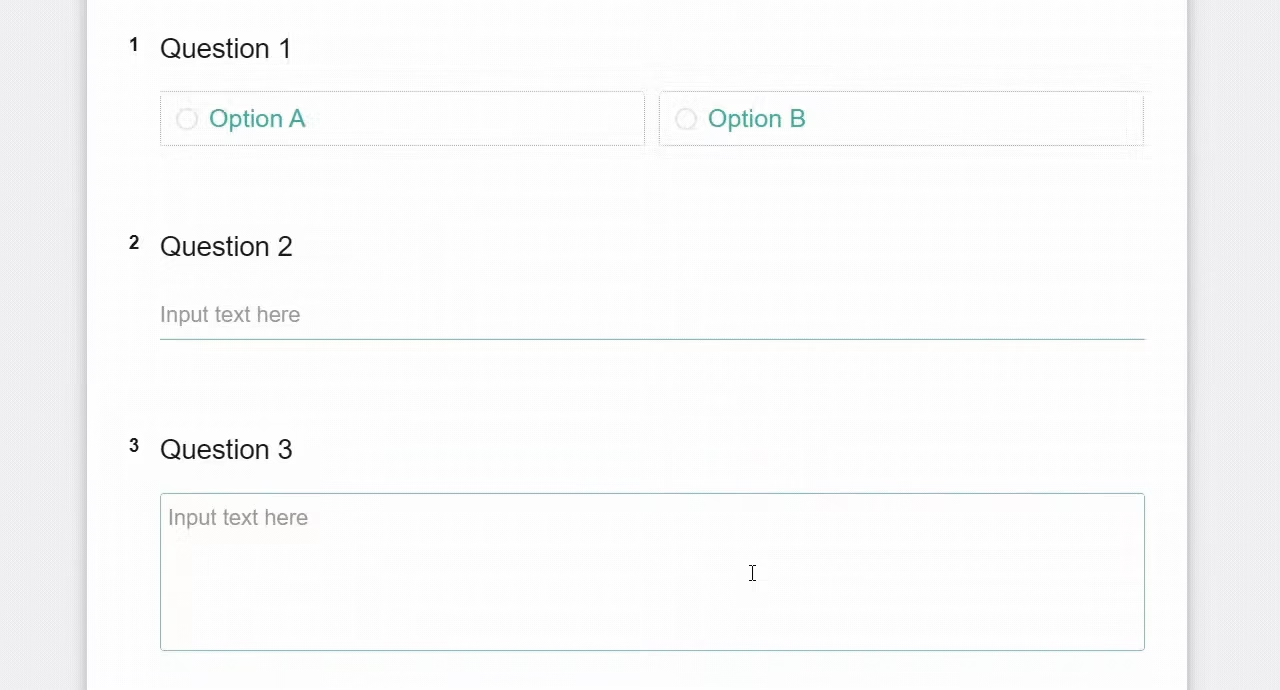
Suppose option B of question 1 in a survey has conditional branching configured, which will branch to question 2.
When respondents enter the survey, if they do not select option B (which has conditional branching configured), question 2 will be hidden by default and respondents cannot see it; only when respondents select option B will it trigger and display the originally hidden question 2.
Skip Logic either skips questions that do not apply to an individual respondent, or may link directly to the final page. Filling out surveys becomes both easy and accurate!



