Rich Text is not a type of question but rather a guided message for respondents to understand the questions better. Add Rich Text to create a distinctive and unique survey. Not only in plain text but common functions such as Style and Multimedia can also be inserted to add variety to this section.
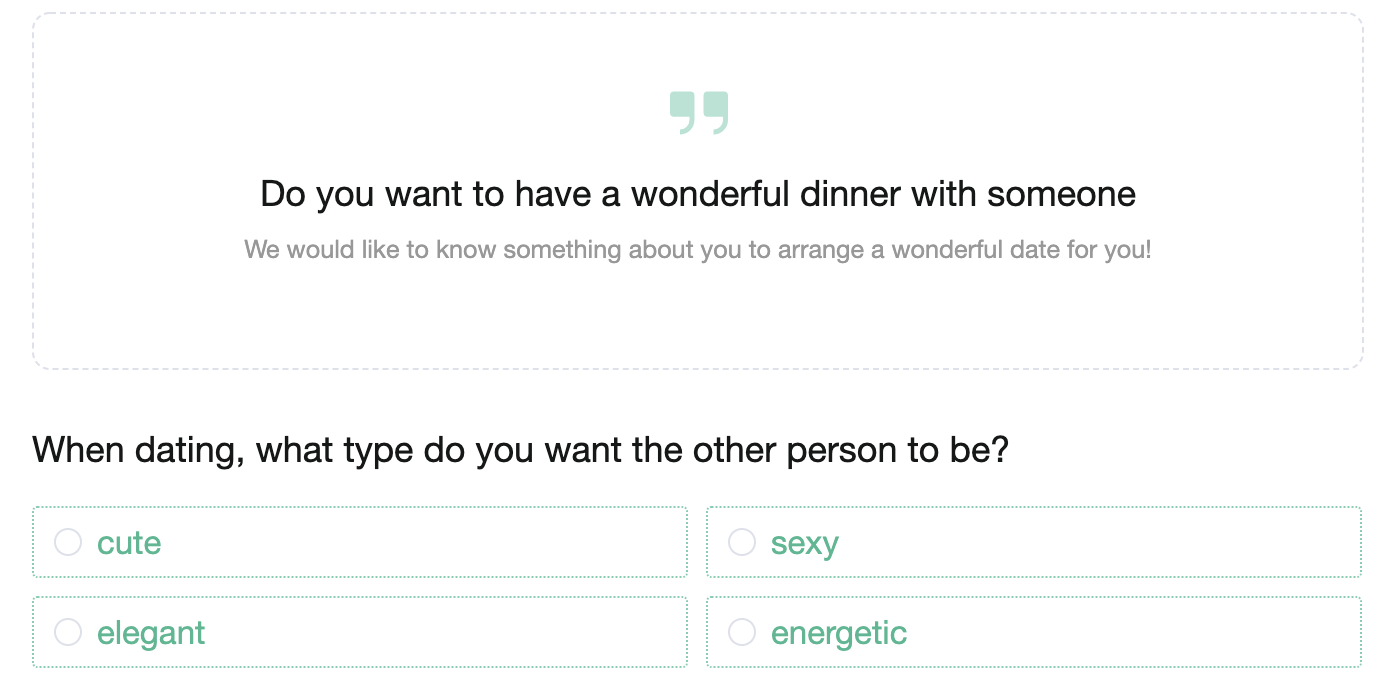
Let's say you would like to create a survey on a perfect date. Rich Text can serve as guidance for the following questions.

Select Rich Text to create the content of an introduction and to change its style according to your preferences.
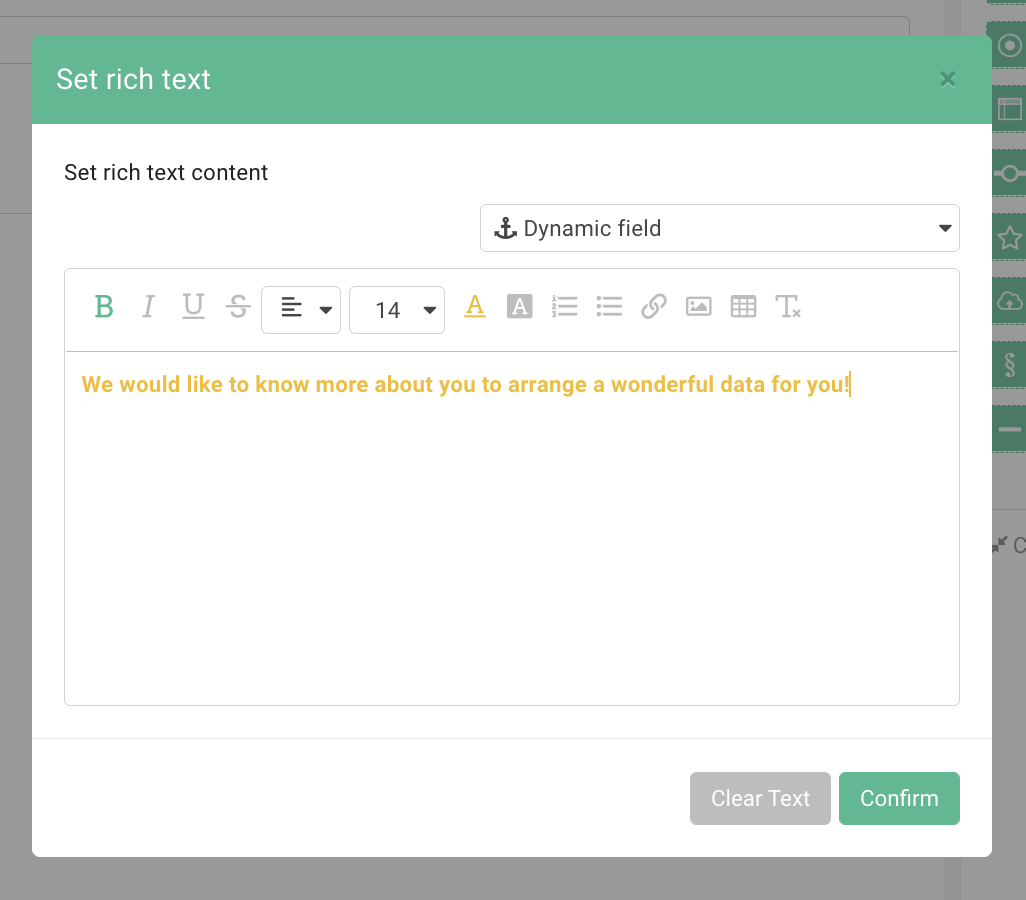
It will improve the clarity of the questions and make filling in the survey a much more enjoyable experience.
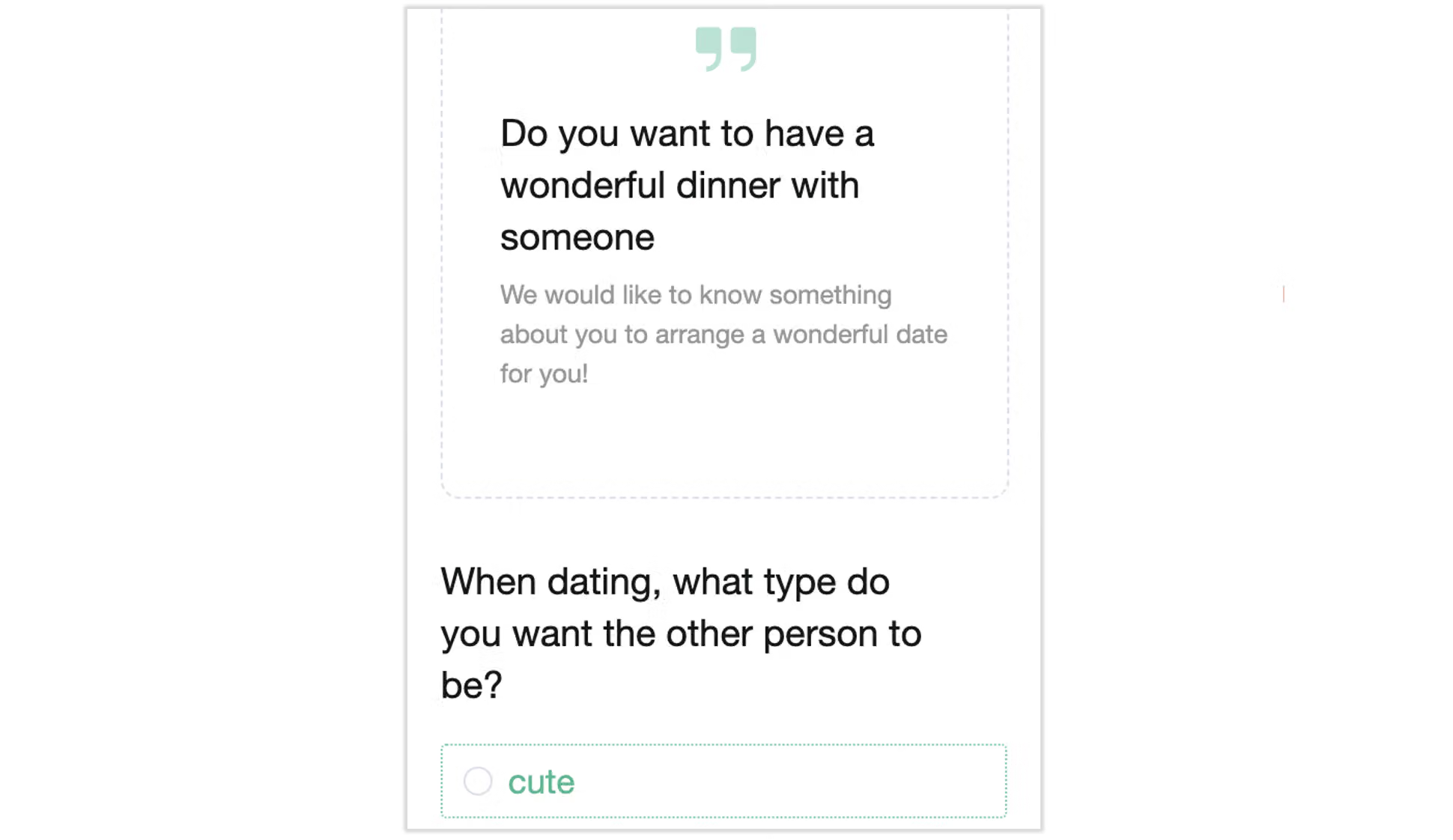
The display will not be compromised on mobile devices.
FAQ
it jumps directly to "3" )
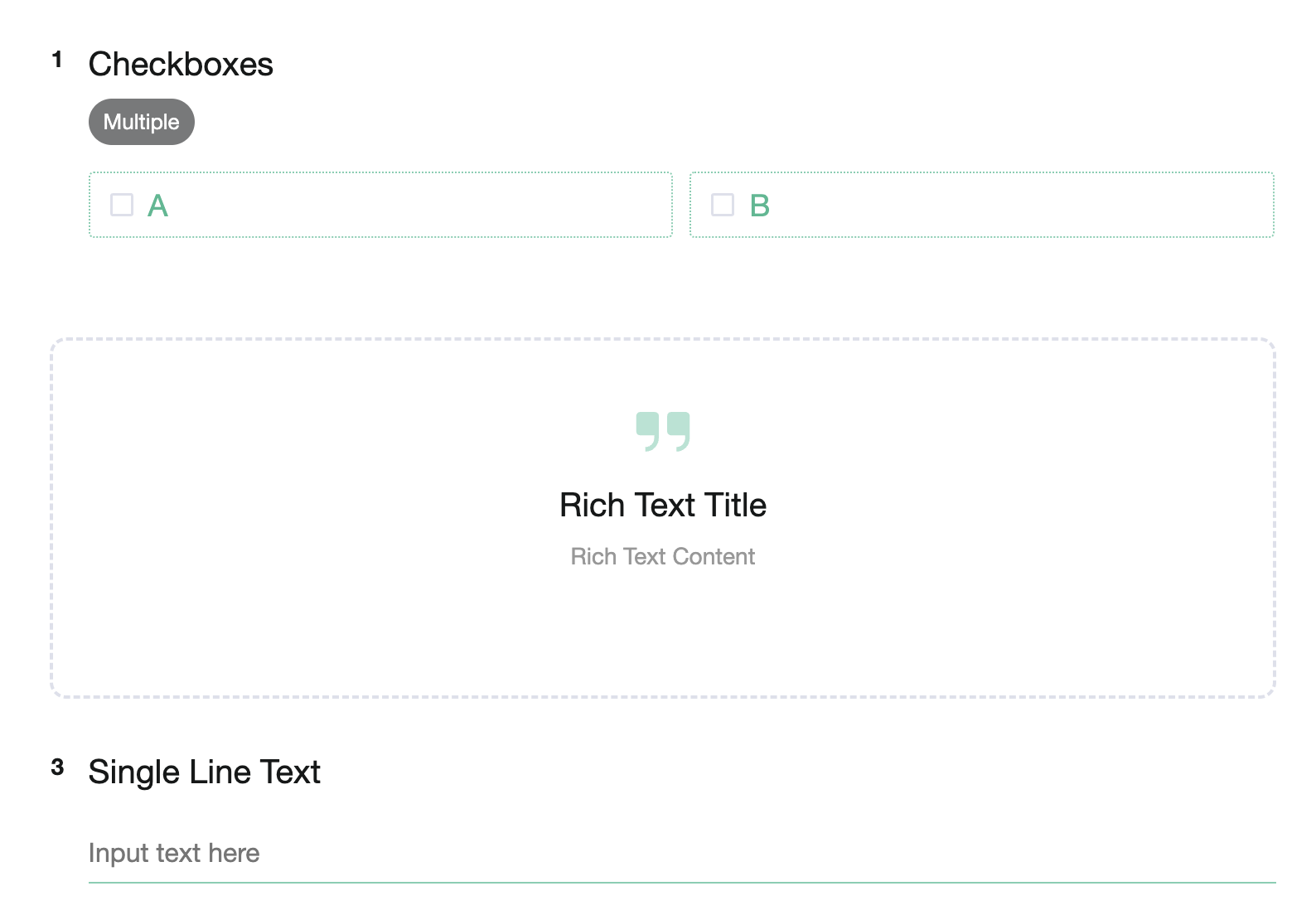
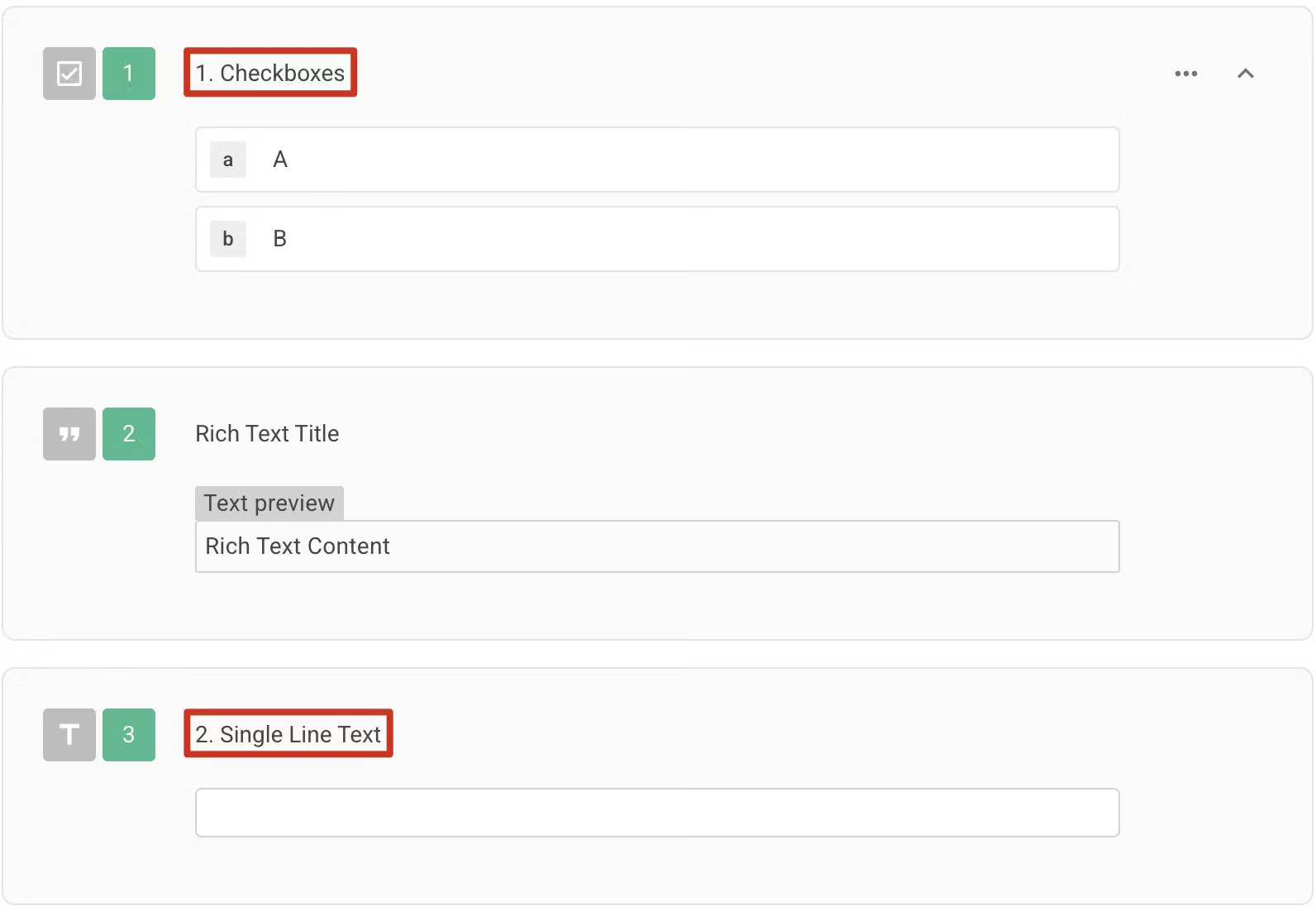
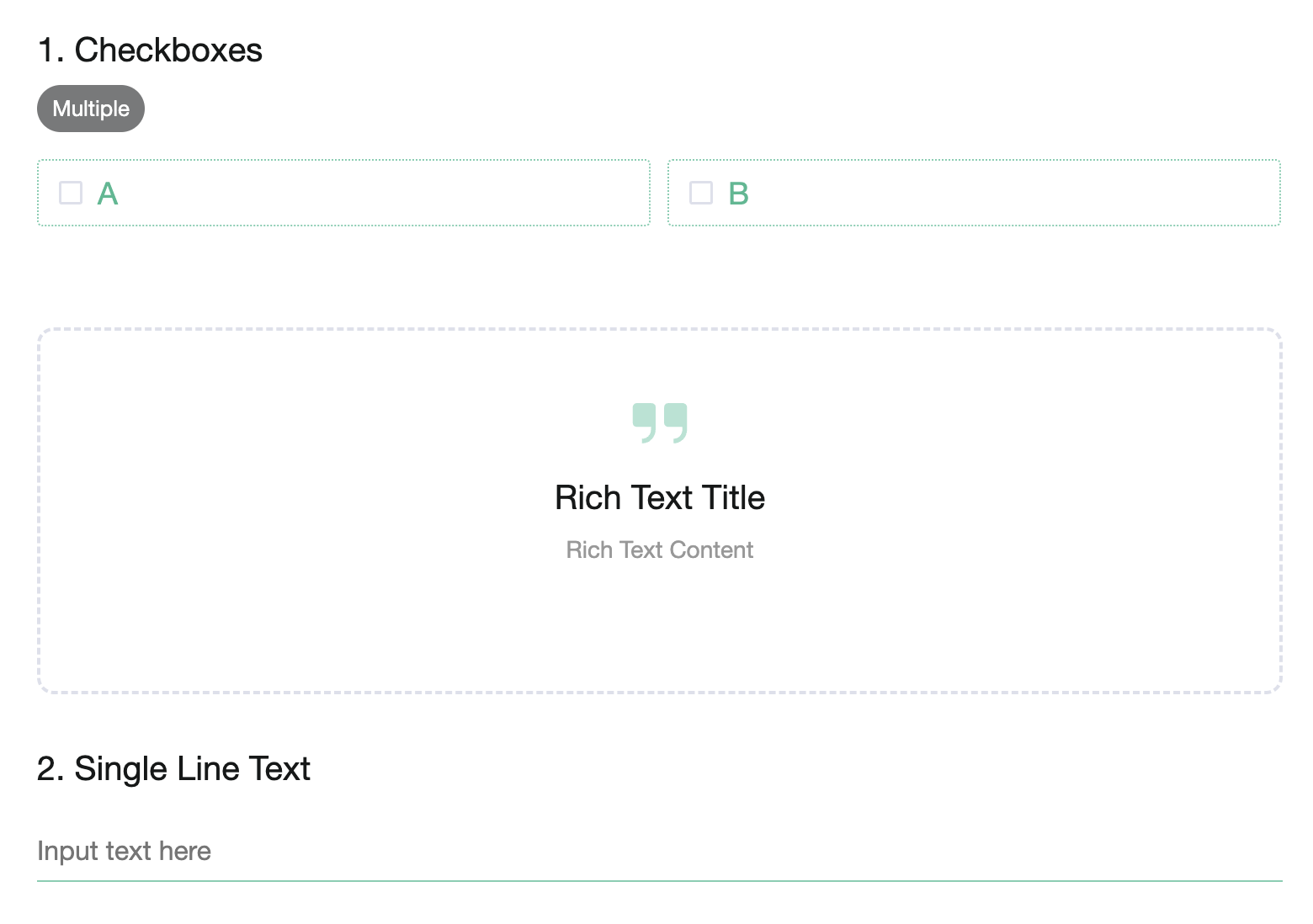
Since the system treats the Rich Text as a regular question for numbering purposes (According to the example above, the Rich Text is actually the second question in the survey). However, in the actual survey, the question number for the Rich Text will not be displayed, which then causes the question numbers to appear not in consecutive order.
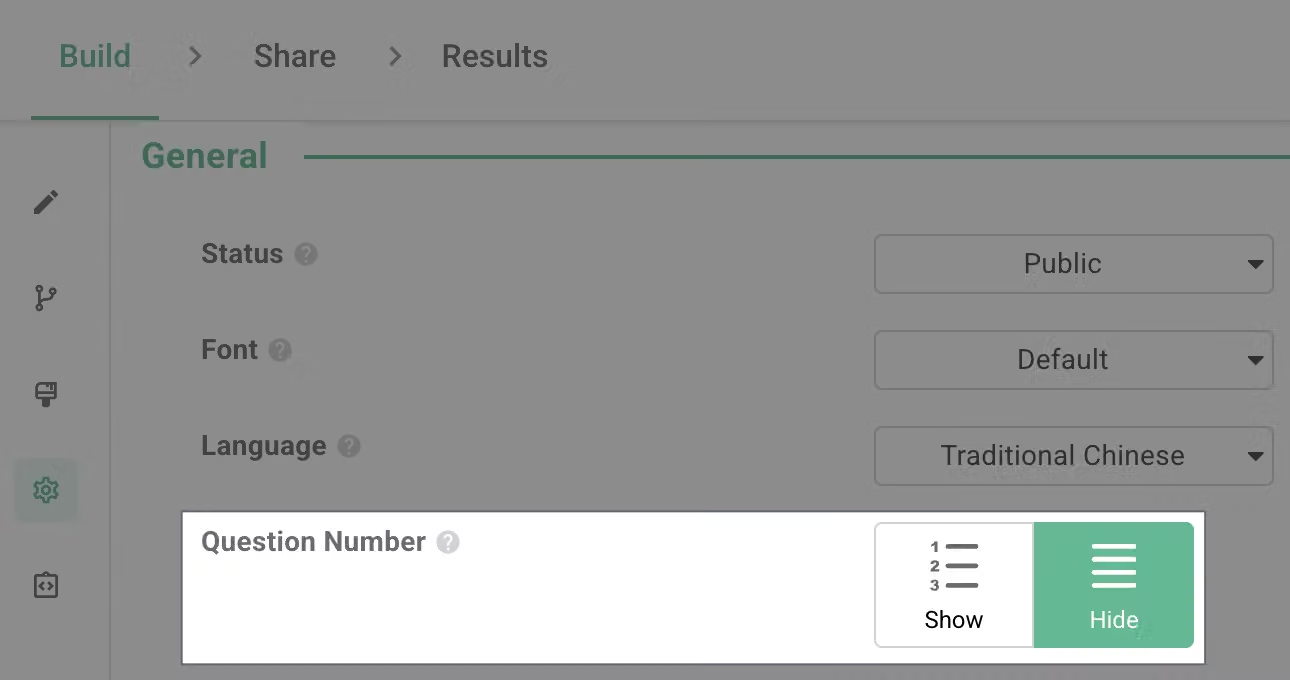
If you want the question numbers before and after the introduction to be in consecutive order without any gaps, it is recommended to go to the setup page and "HIDE" your question number. Then you can manually input your custom question numbers before each question!
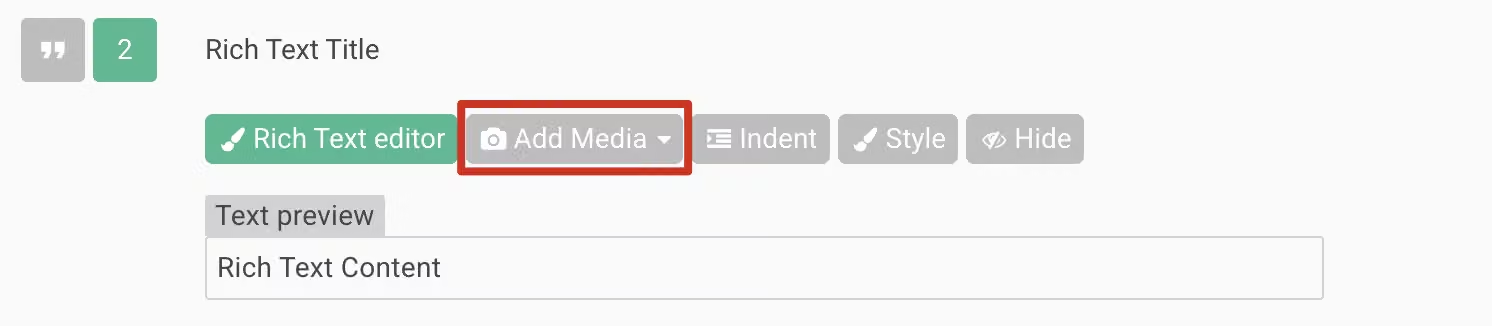
You can insert images / videos by clicking the Add Media button.
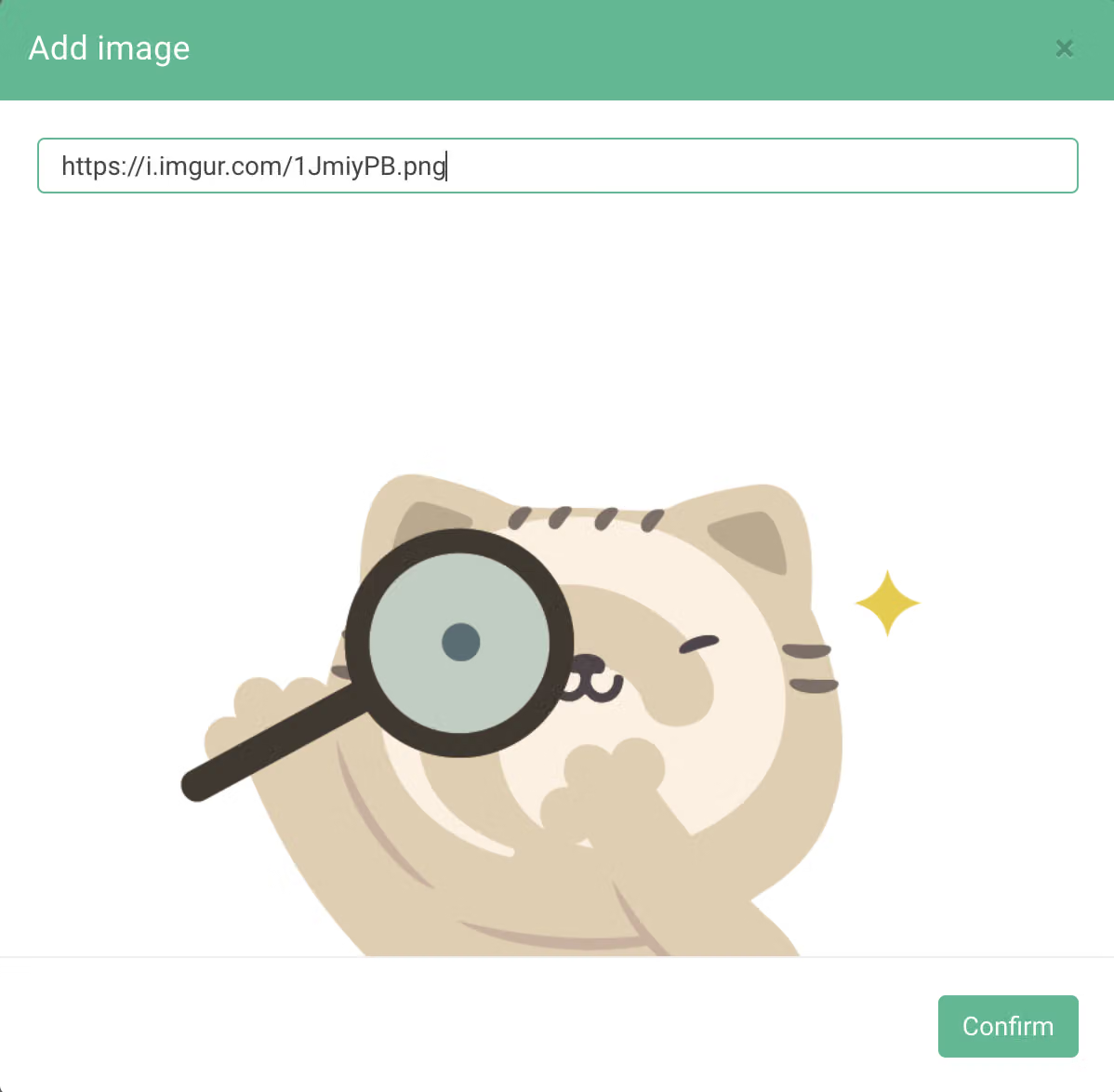
If you want to insert multiple images, you can paste the URL of the images that you want to insert to the Rich Text Content.
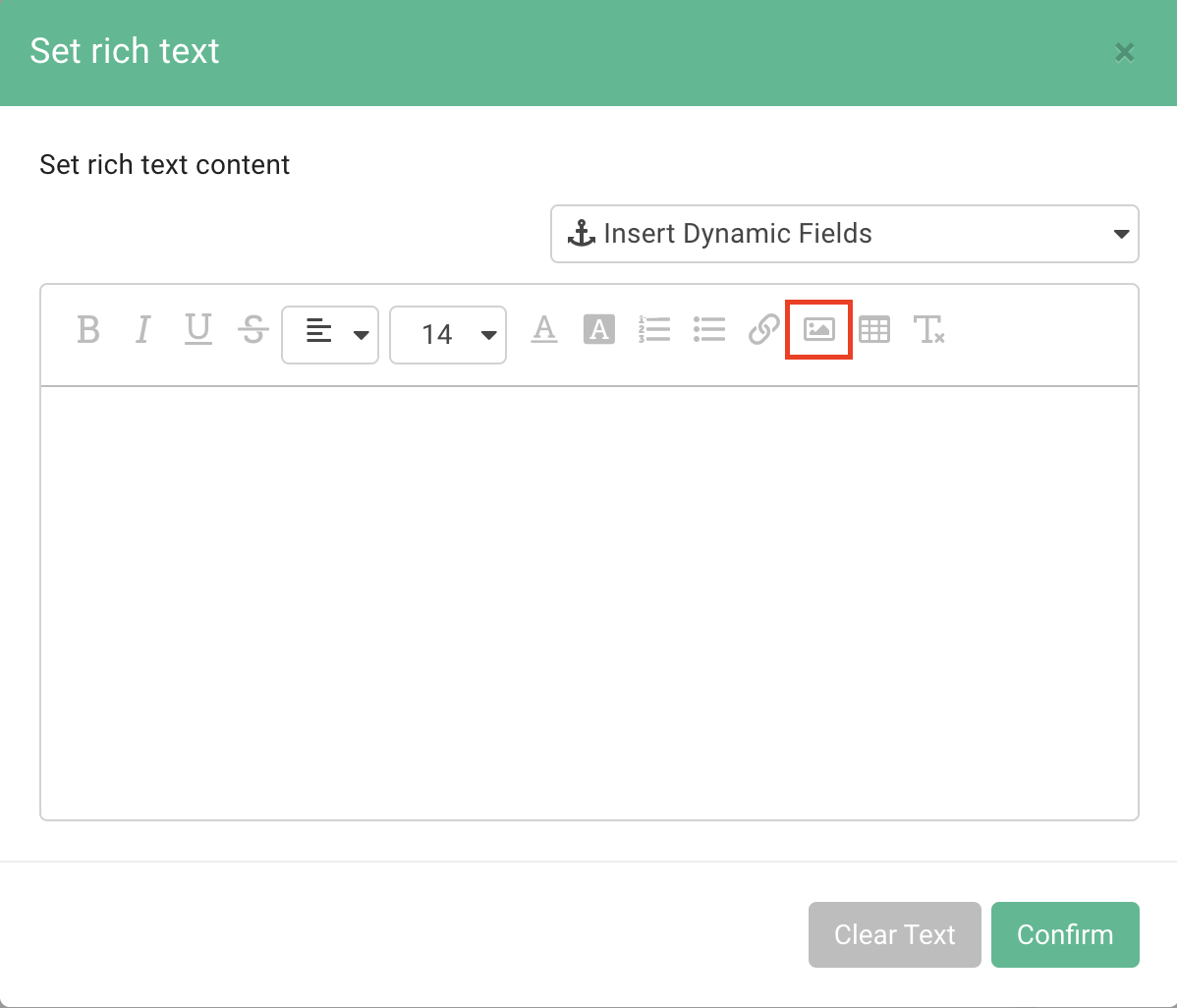
By repeating the same process, you can insert multiple images to make your survey more INTERESTING!

Rich Text helps respondents quickly understand the survey questions. Bear this tip in mind and next time you can use it to design your own survey!



