Presentation and readability are keys to making an effective survey. Extra care in survey design can often make a world of difference!
Images:
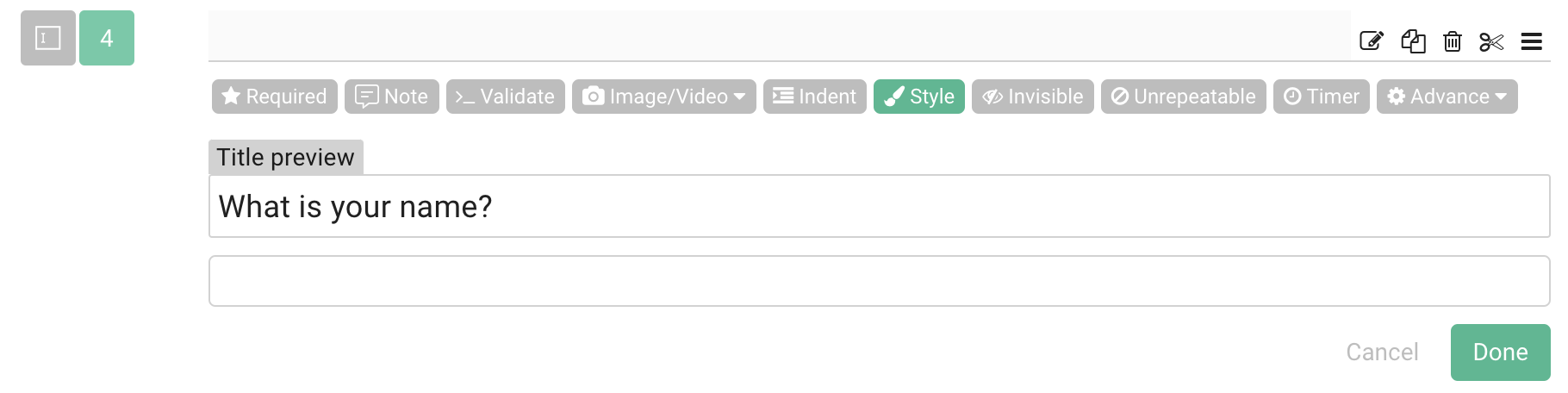
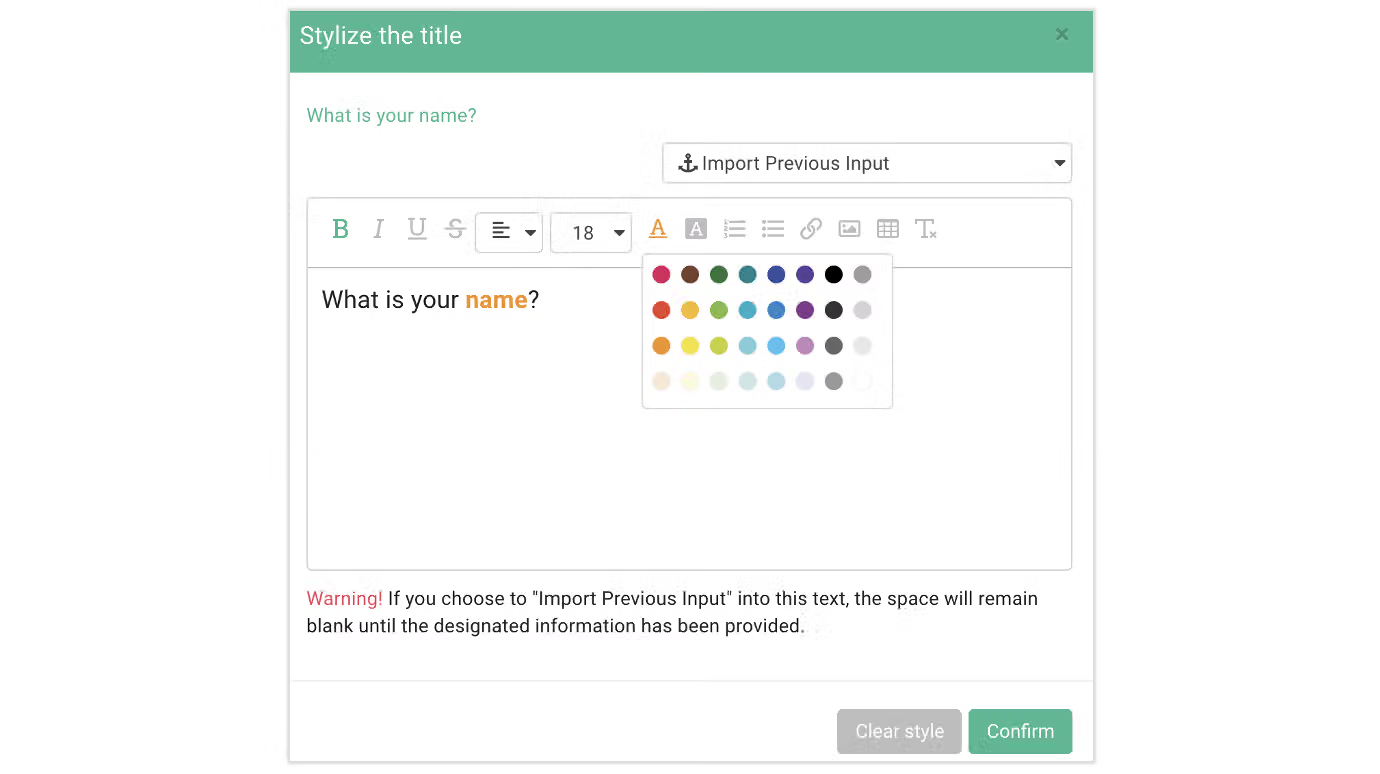
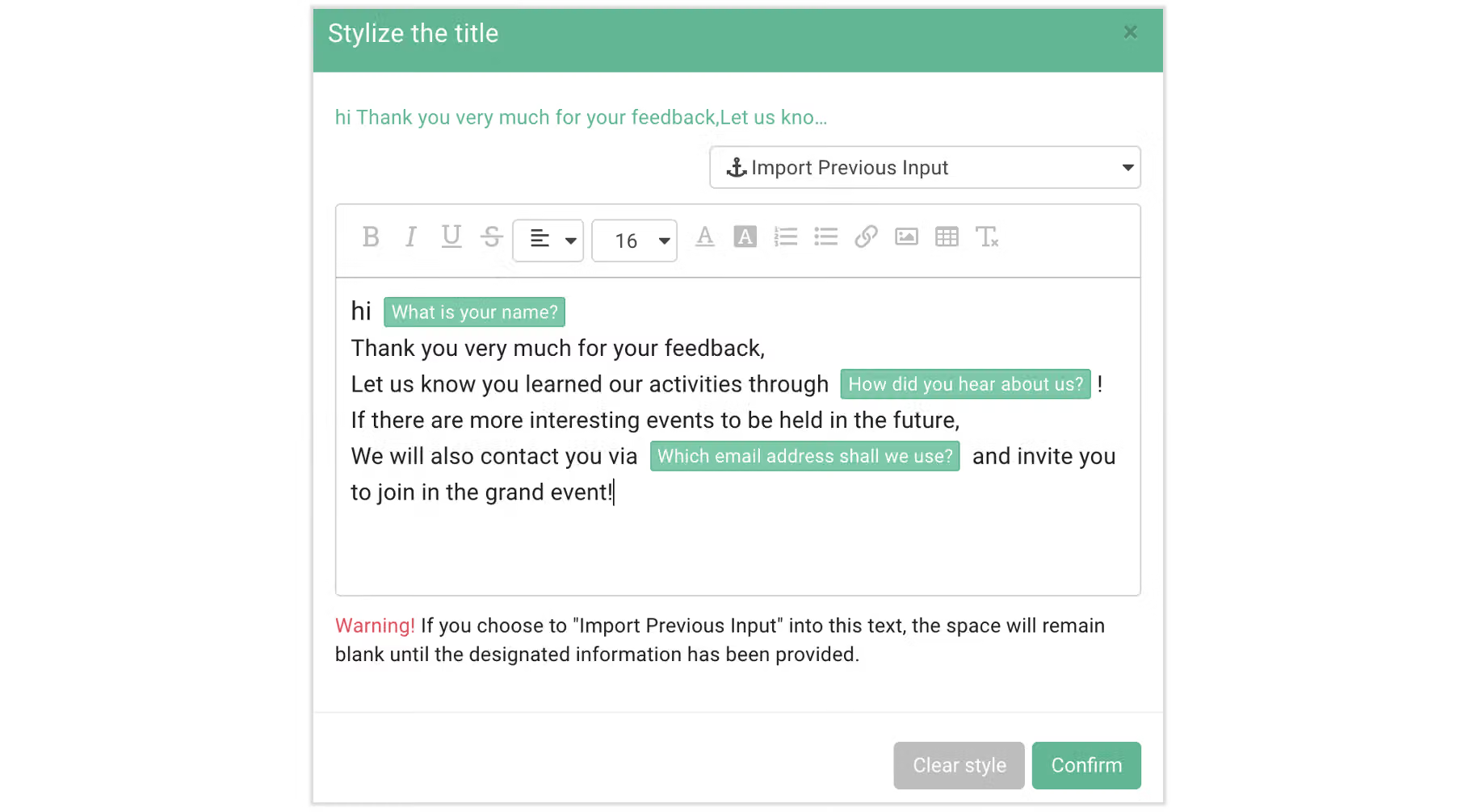
It is possible to modify font size as well as font and background color. Fonts can also be bold, italic and underlined. Moreover you could add images, tables, hyperlinks through Style as well!Images with Stylizing:
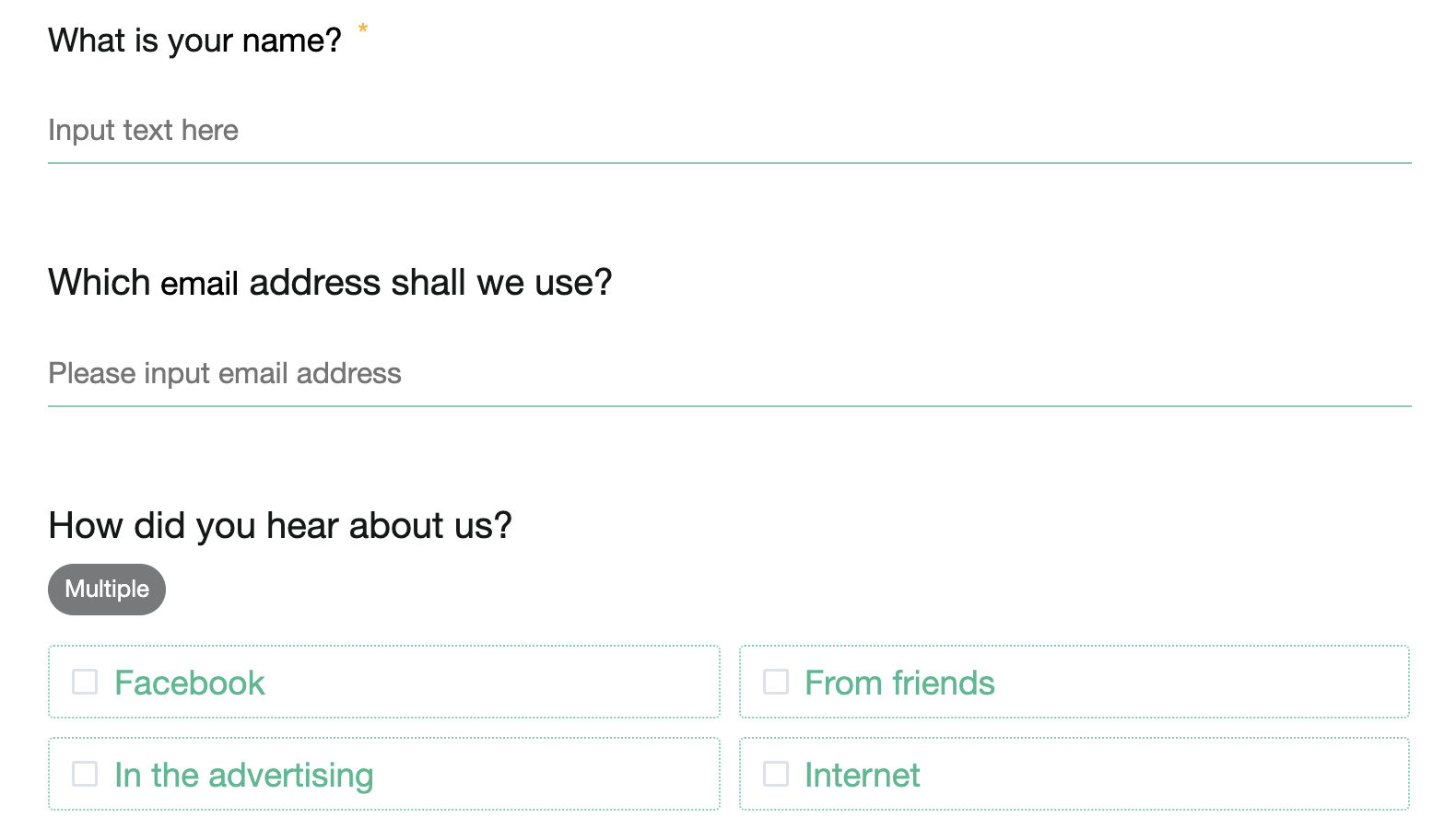
Surveys without Stylizing:
After Stylizing:
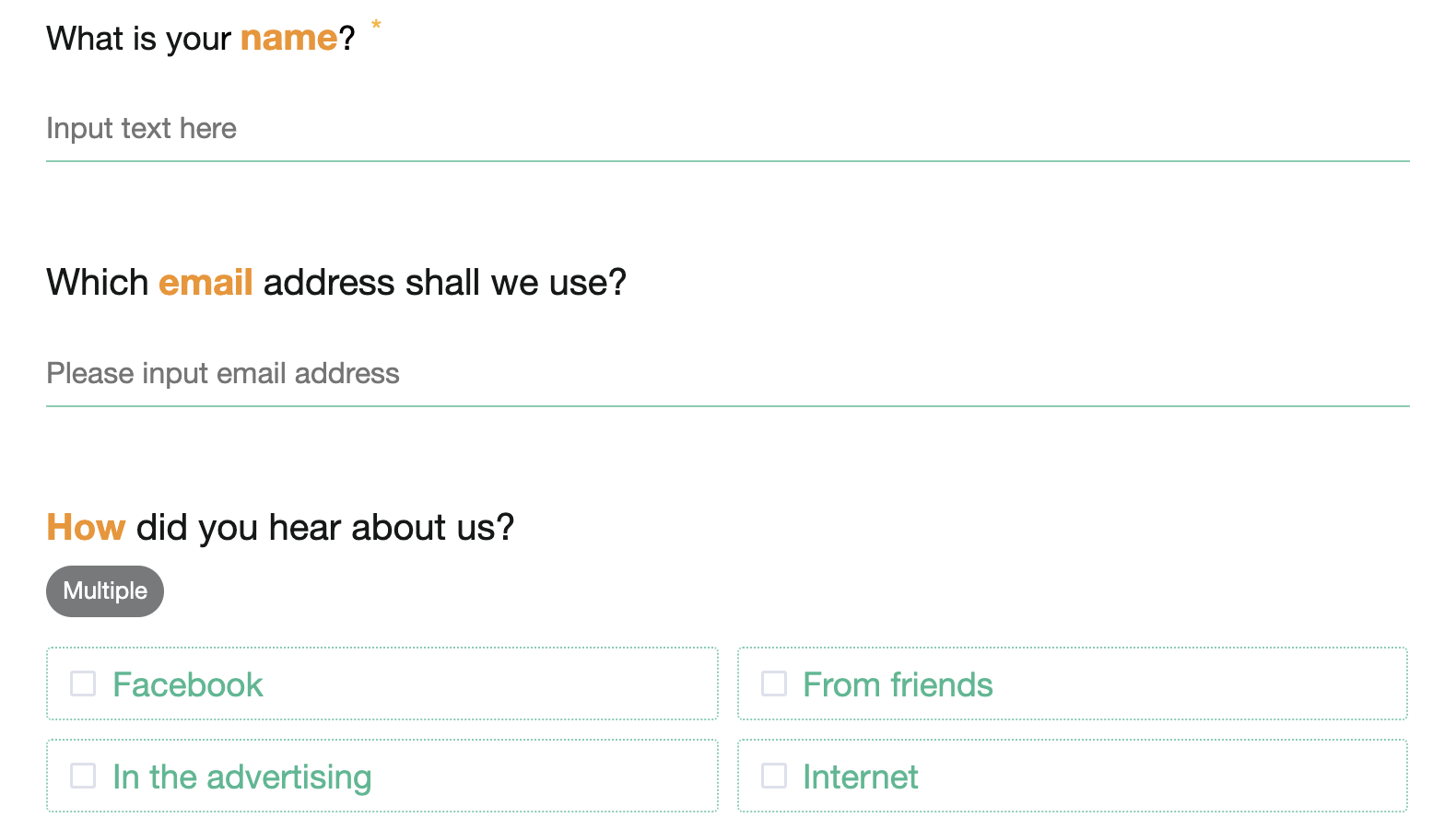
It is easy to play with bold fonts, color and size to improve readability!
Another powerful SurveyCake function, "Import Previous Input", inserts previously provided responses into question. It makes survey design more succinct and intuitive! In this article.
Survey design is not only about coming up with questions. The key lies in the details!
Effective title stylizing brings out keywords and makes surveys more intuitive!



