The advantage of the Conditional Branching is that it creates a custom path based on respondent's answers. The following is an introduction of the Conditional Branching with several examples.
Conditional Branching is a powerful function that allows you to direct respondents to different branches upon different choices and applies to the following:
Since Conditional Branching are logic-based, it is recommended to list all possible questions first. Conditional Branching can then be applied multiple questions, and the selected questions will be hidden during a survey preview.
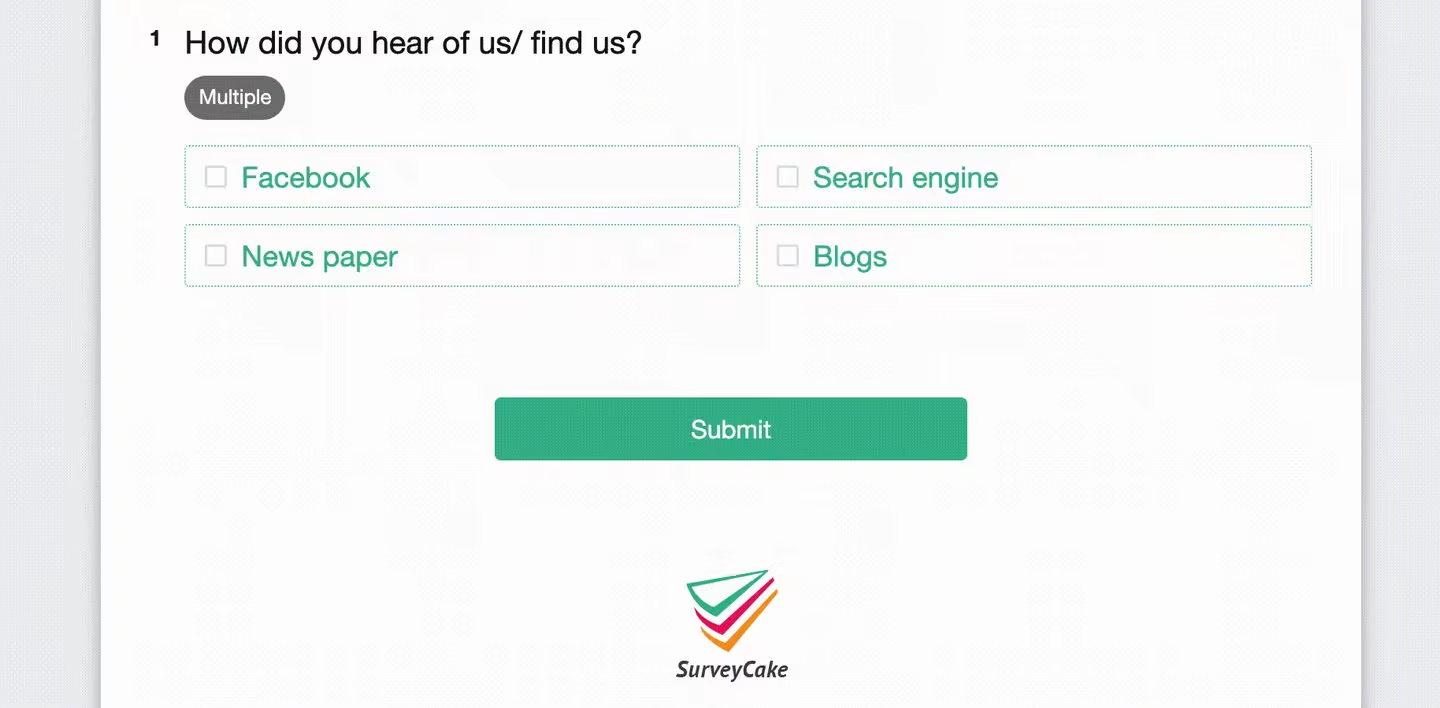
Example 1: In a survey designed to understand the mediums through which internet users arrive at webpages before making purchases, each option will be related to its branched question group.


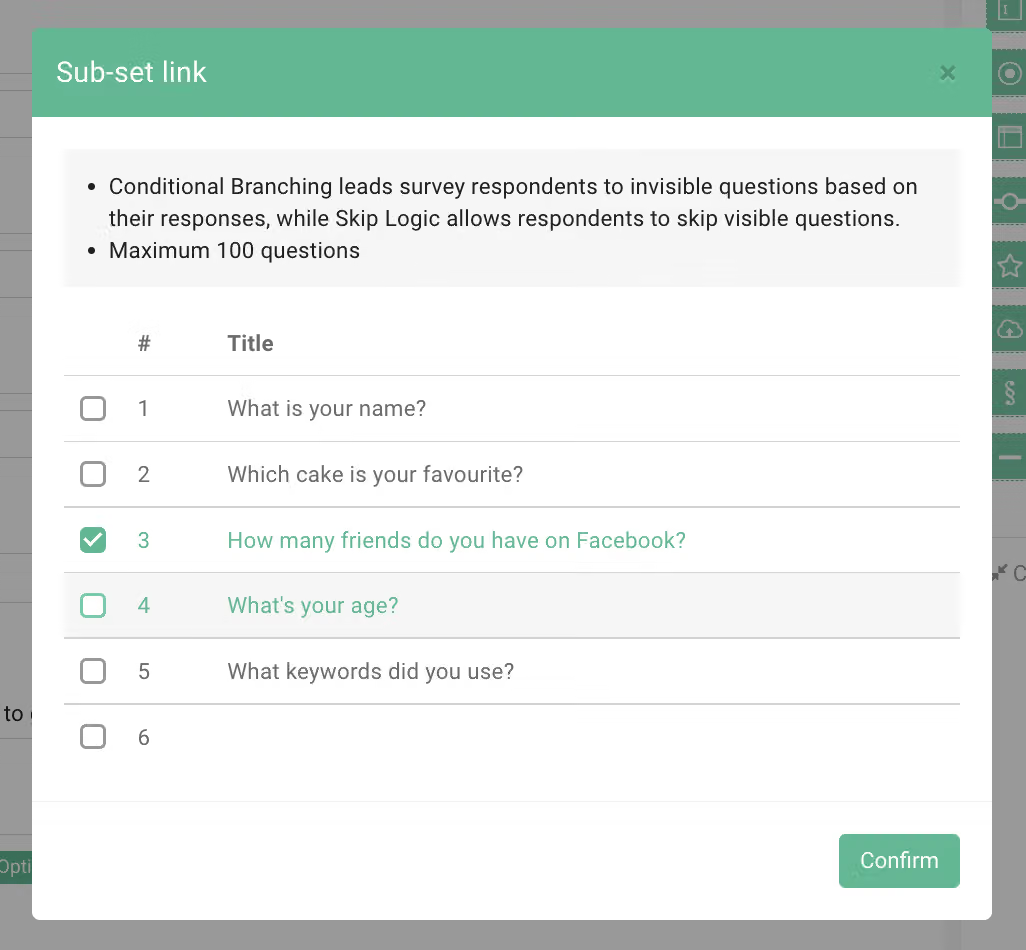
The questions belonging to a branch are indicated in the editing page after selection.
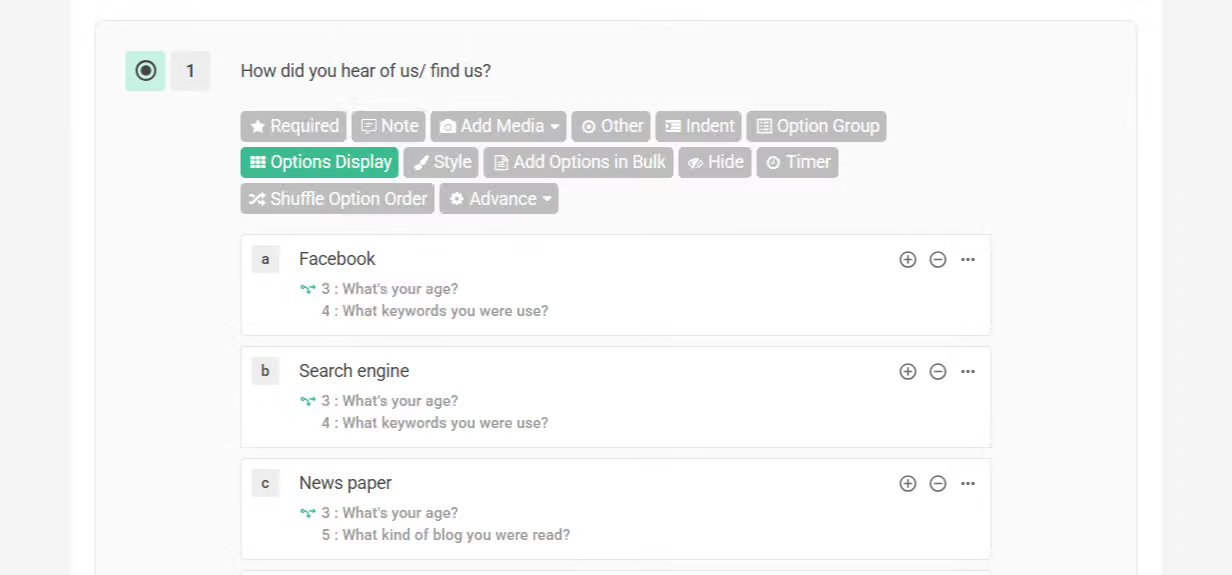
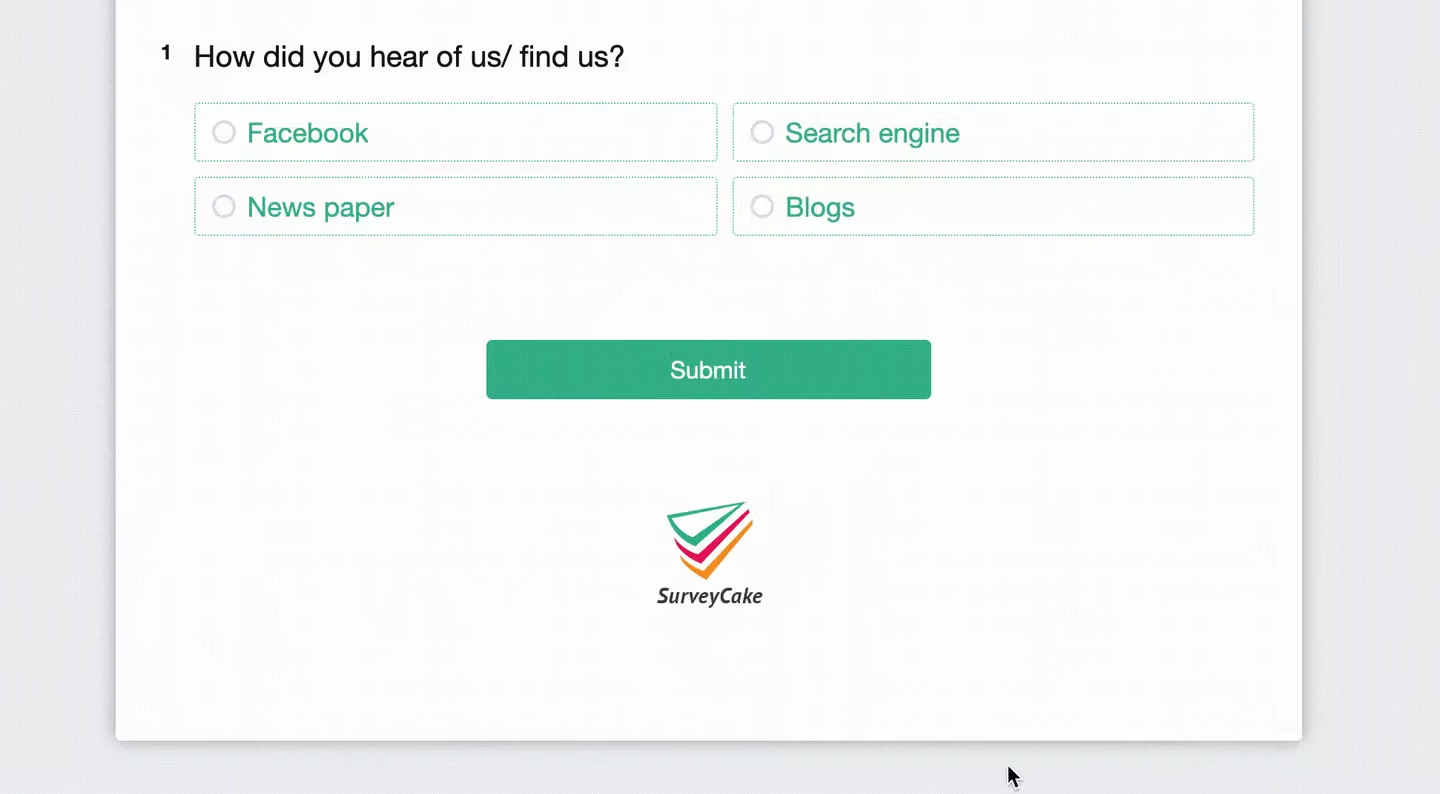
Hidden questions will appear once the branched option has been chosen.
Example 2: When applying extra criteria to a single survey, such as user status and needs. This application of Conditional Branching assumes that the survey is being distributed to the respondents in the same geographical area, but different age range.
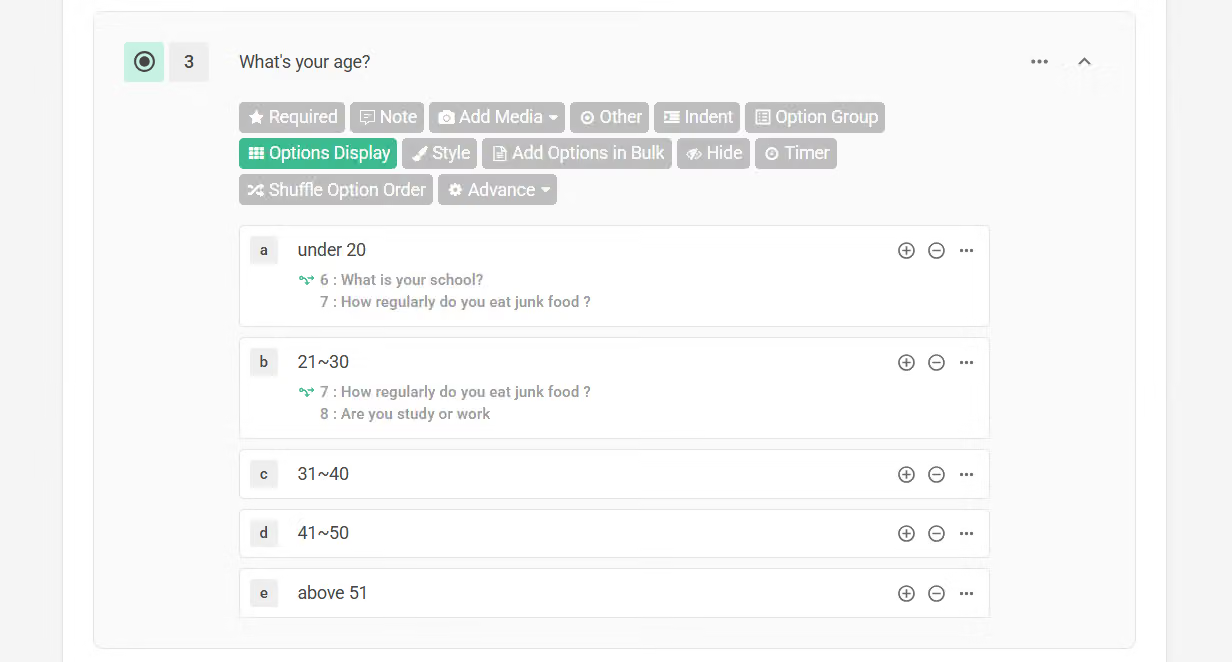
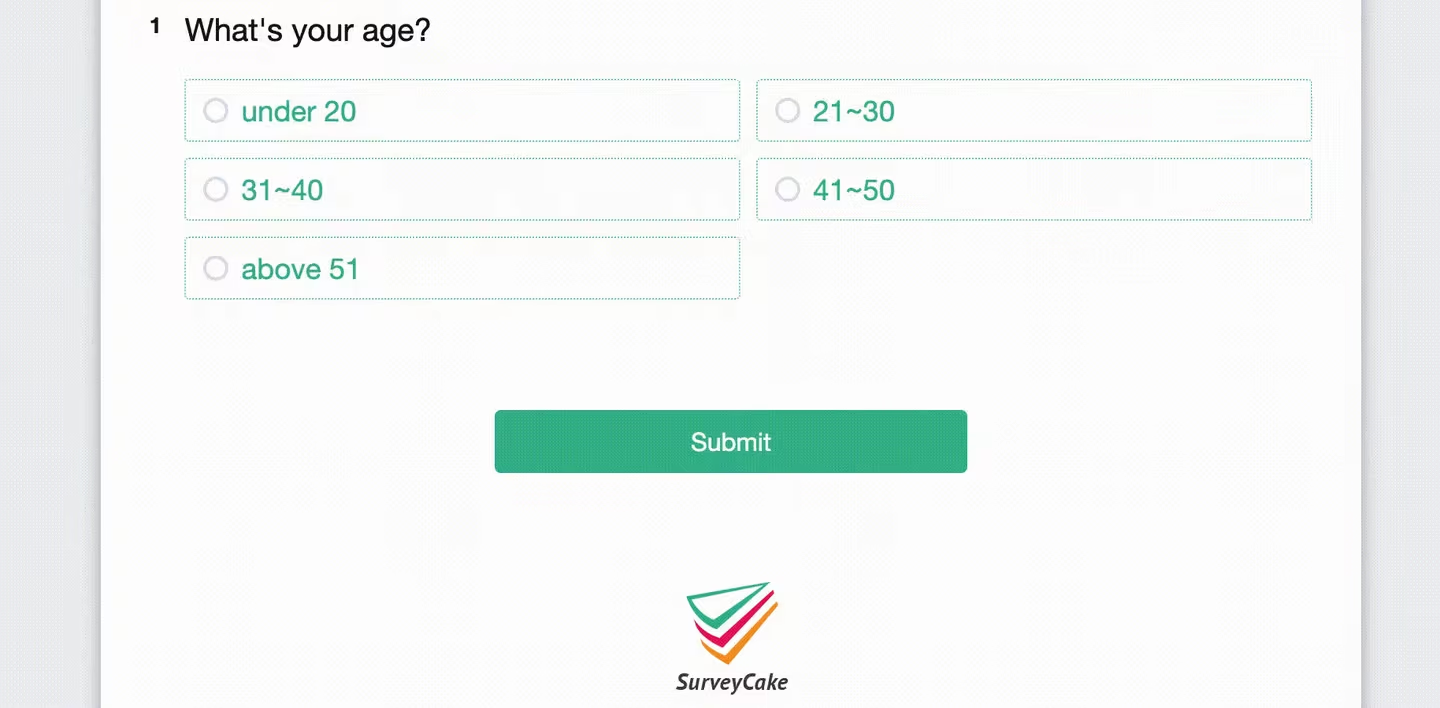
All the hidden questions appear together when the respondent selects several options to which Conditional Branching were applied.
To undo all Conditional Branching settings, simply uncheck the branched questions then click Confirm.
FAQs
The biggest difference between the two features is "whether respondents can see questions configured with skip logic/conditional branching before the logic is triggered".
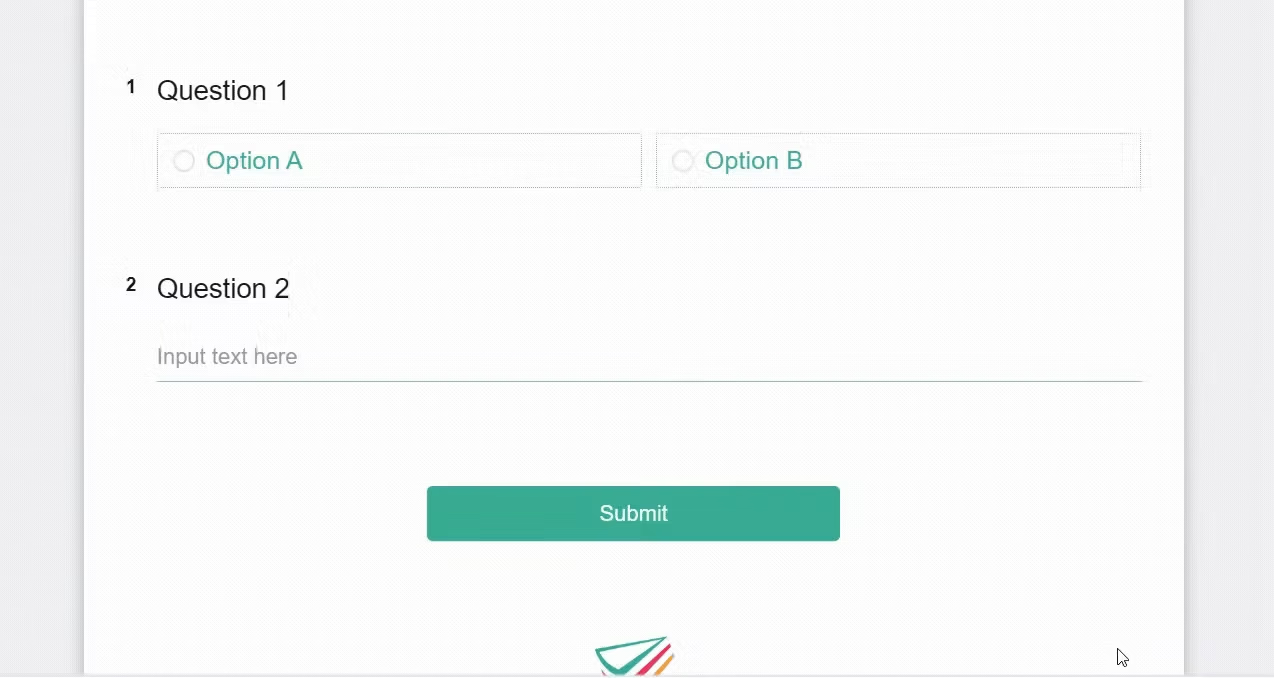
Suppose option B of question 1 in a survey has conditional branching configured, which will branch to question 2.
When respondents enter the survey, if they do not select option B (which has conditional branching configured), question 2 will be hidden by default and respondents cannot see it; only when respondents select option B will it trigger and display the originally hidden question 2.
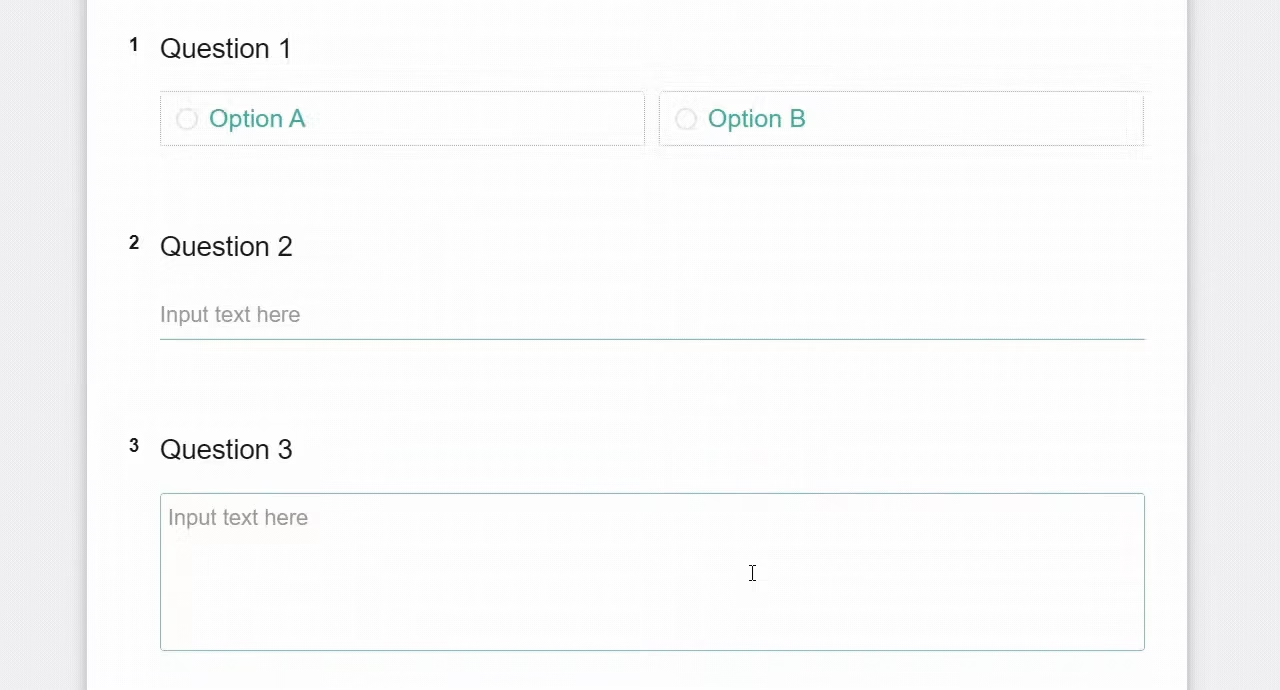
Suppose option A of question 1 in a survey has skip logic configured, which will skip question 2 and jump to question 3.
When respondents enter the survey, even if they do not select option A (which has skip logic configured) in question 1, they will still directly see all questions (including question 2 that would originally be skipped); only after selecting option A will question 2 be skipped.
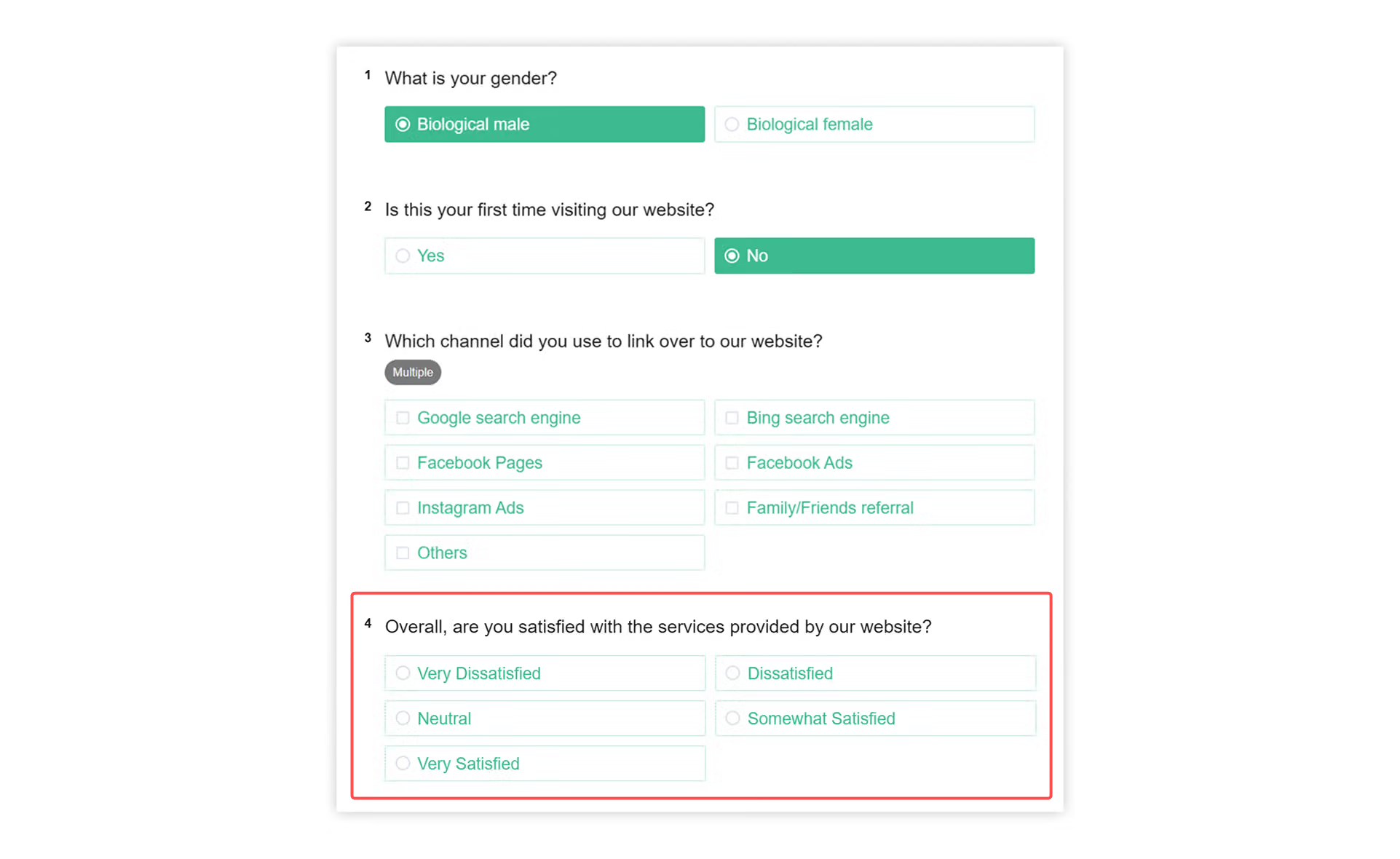
In this case, you can go back to earlier questions to check if there are any mistakenly configured conditional branching settings.
For example: After checking back, you discover that Question 1 has conditional branching set to Question 4, which is why Question 4 appears regardless of which option is selected in Question 2.
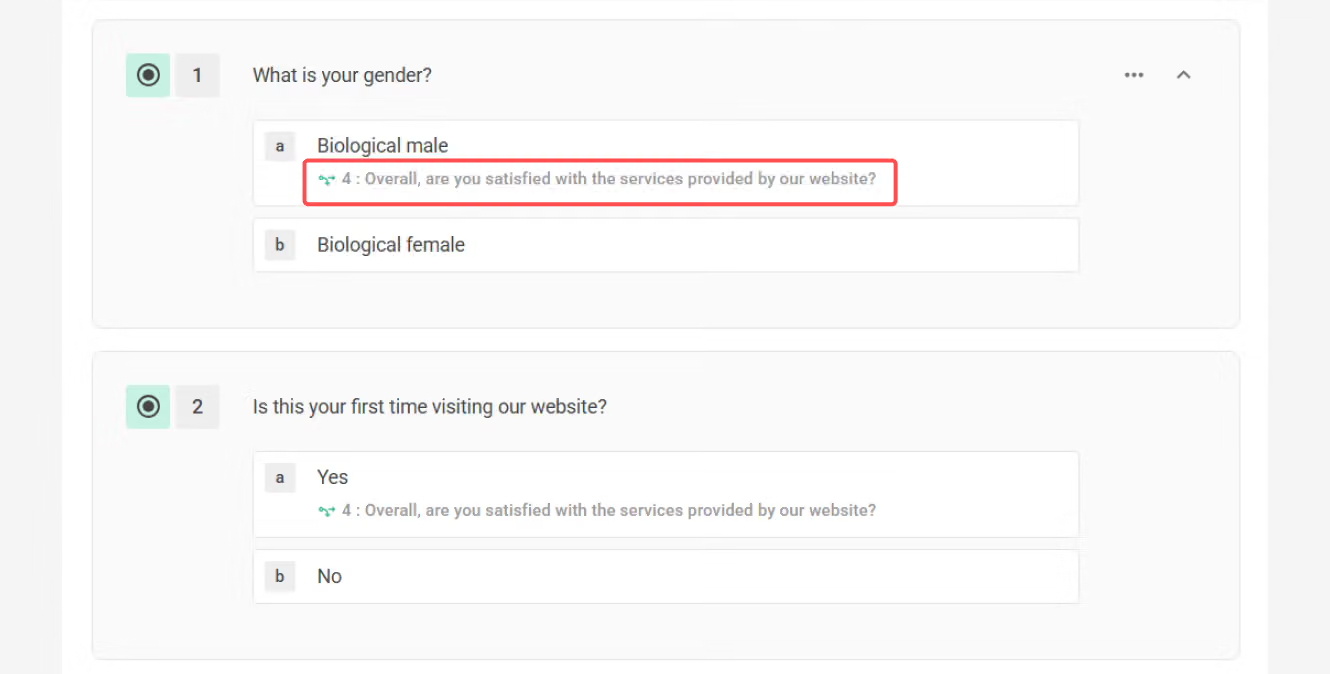
In this case, remove the conditional branching from Question 1 to solve this problem!
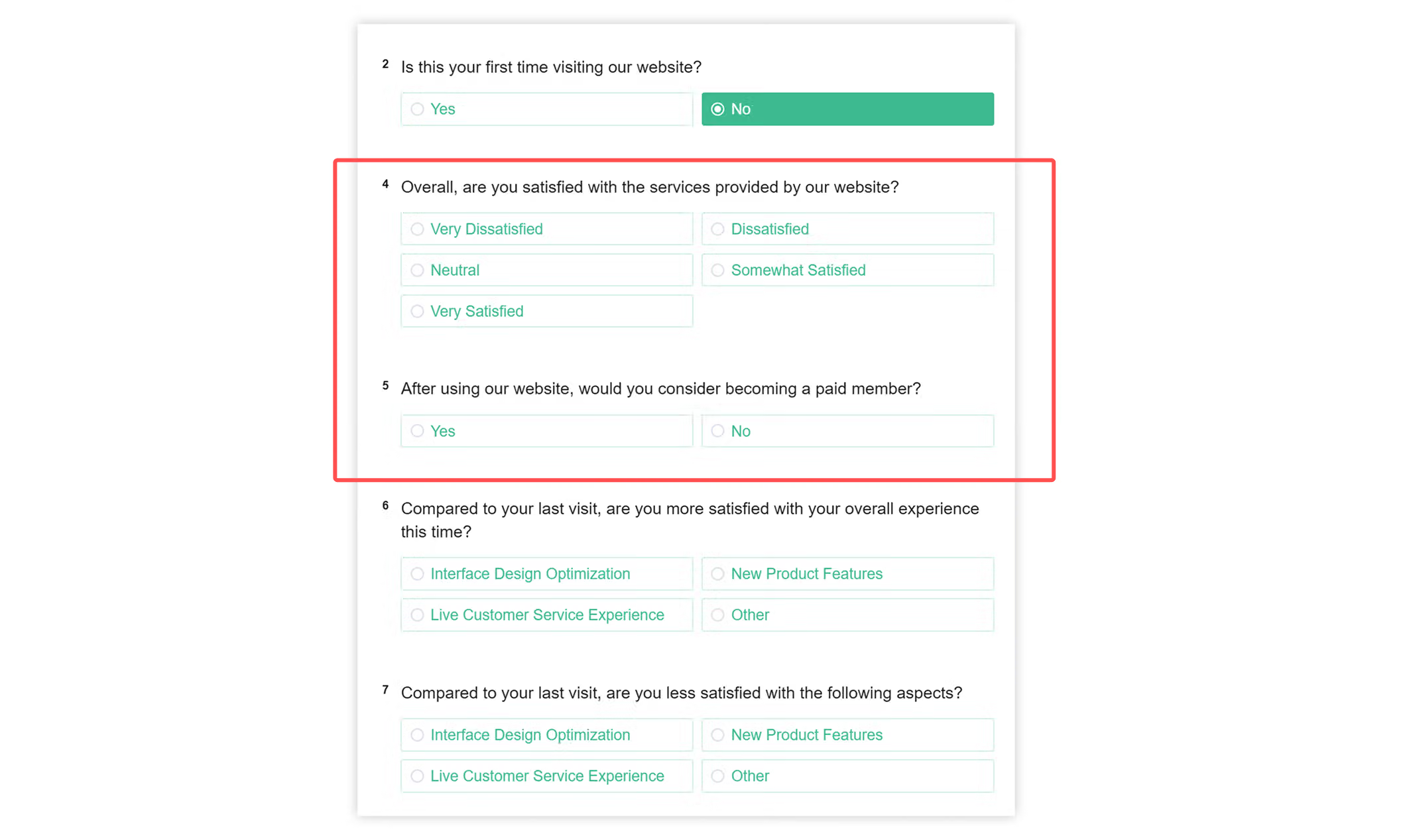
In this case, you can check earlier questions to confirm whether every subsequent question has conditional branching set. If some questions do not have conditional branching set, these questions will be displayed in the survey by default.
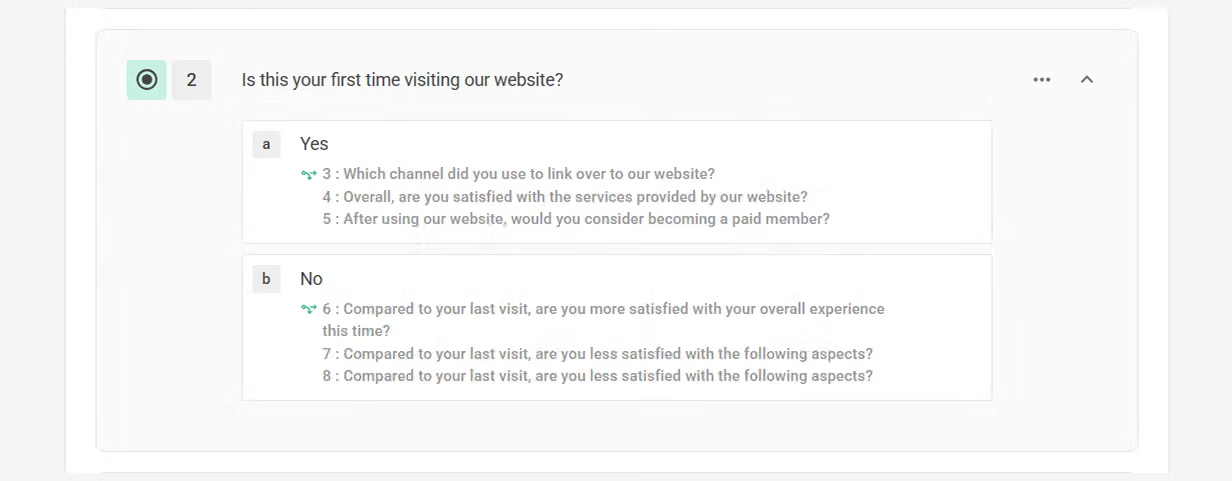
Using the image below as an example: This situation may occur because Questions 4-5 were never set to branch from any option from the beginning, so Questions 4-5 appear directly in the survey regardless of which option is selected in Question 2.
In this case, simply go back to Question 2 and check that all options have conditional branching correctly set!
Conditional Branching provides a logical method for organizing specific question sets, and saves screen space while adding depth and accuracy to surveys!



