Options Display allows the survey designer to display single or up to five options in the row for all kind of multiple options question type. This function can effectively help designers to design questions that gather the most accurate response from respondents. Selection bias in respondent's answers would not occur due to option formats affecting selection choice. In addition, multiple options questions display can be beautified based on designer's demands in formatting.
Let’s say you are seeking respondent's preference for colors in order to conduct a psychology analysis, emphasis would be placed on the respondent's intuitive response. Hence, by listing multiple color options in one row, you can expect a more accurate sample feedback than single-listing choices. This is because single-listing choices may affect the respondents, who have conceived certain colors by the order of choices, thereby affecting statistic accuracy of their answers.
The following is the demo for this formatting function:
First, fill in all available options, then select Options Display from the function menu.
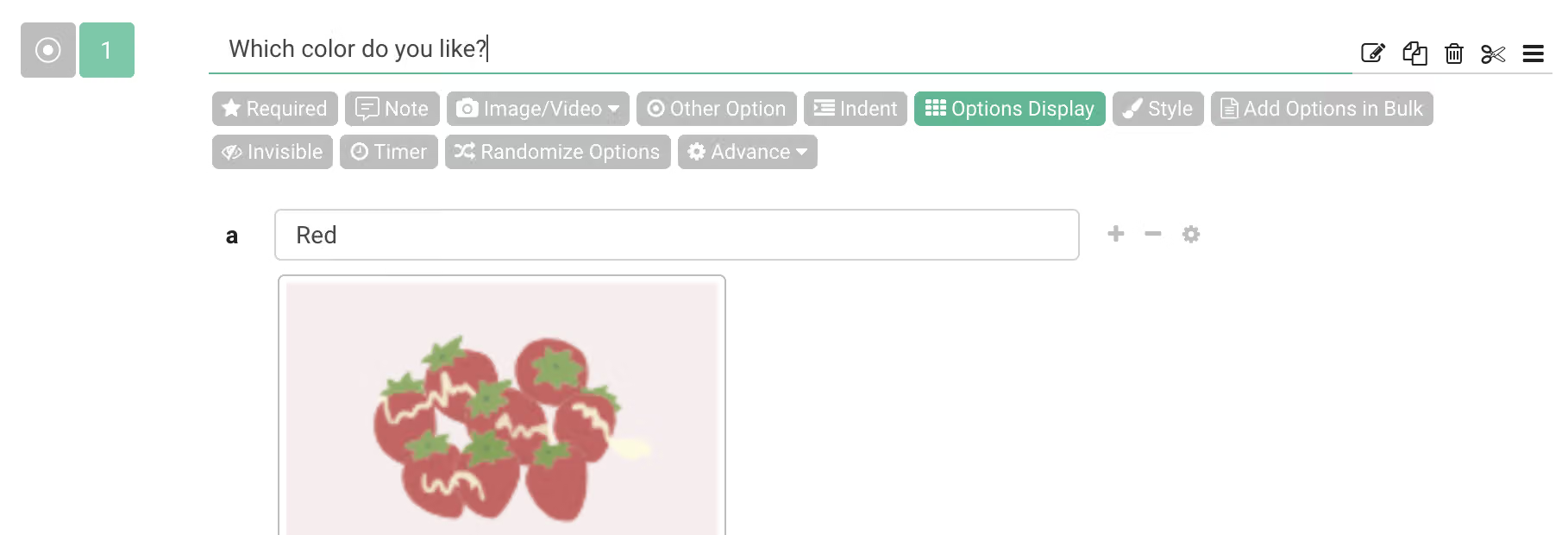
Then, choose the desired number of items to display for computer and also mobile devices. For this example, select displaying five options in one row.
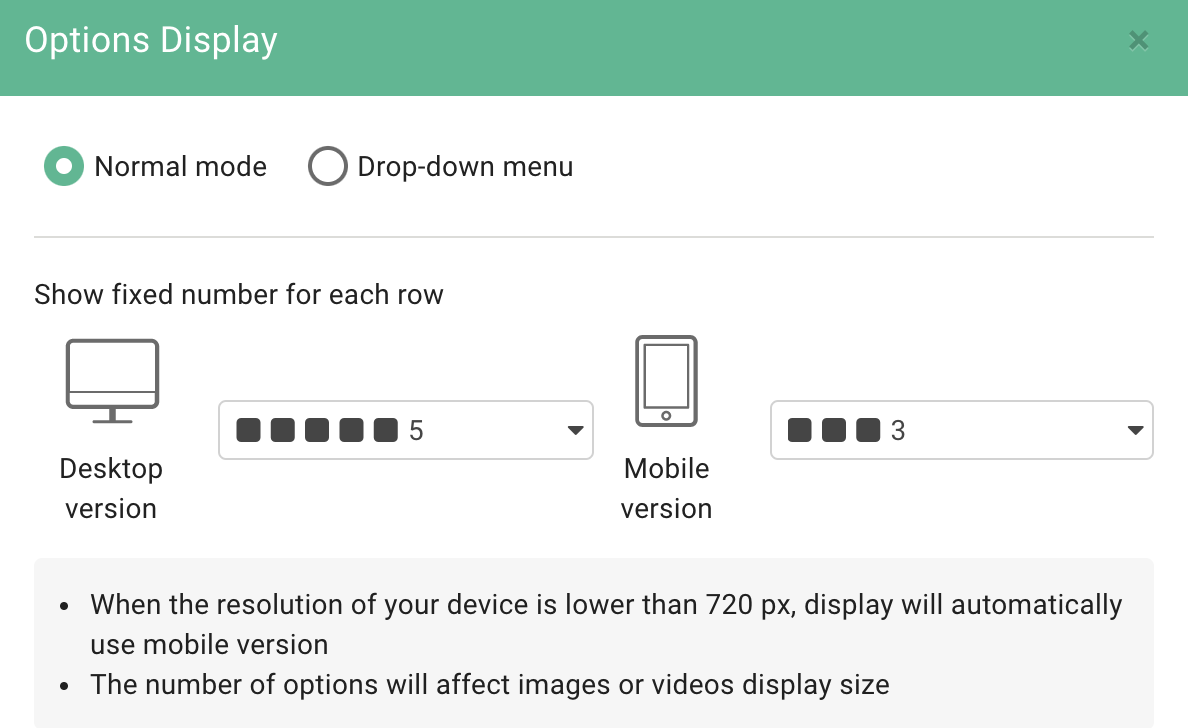
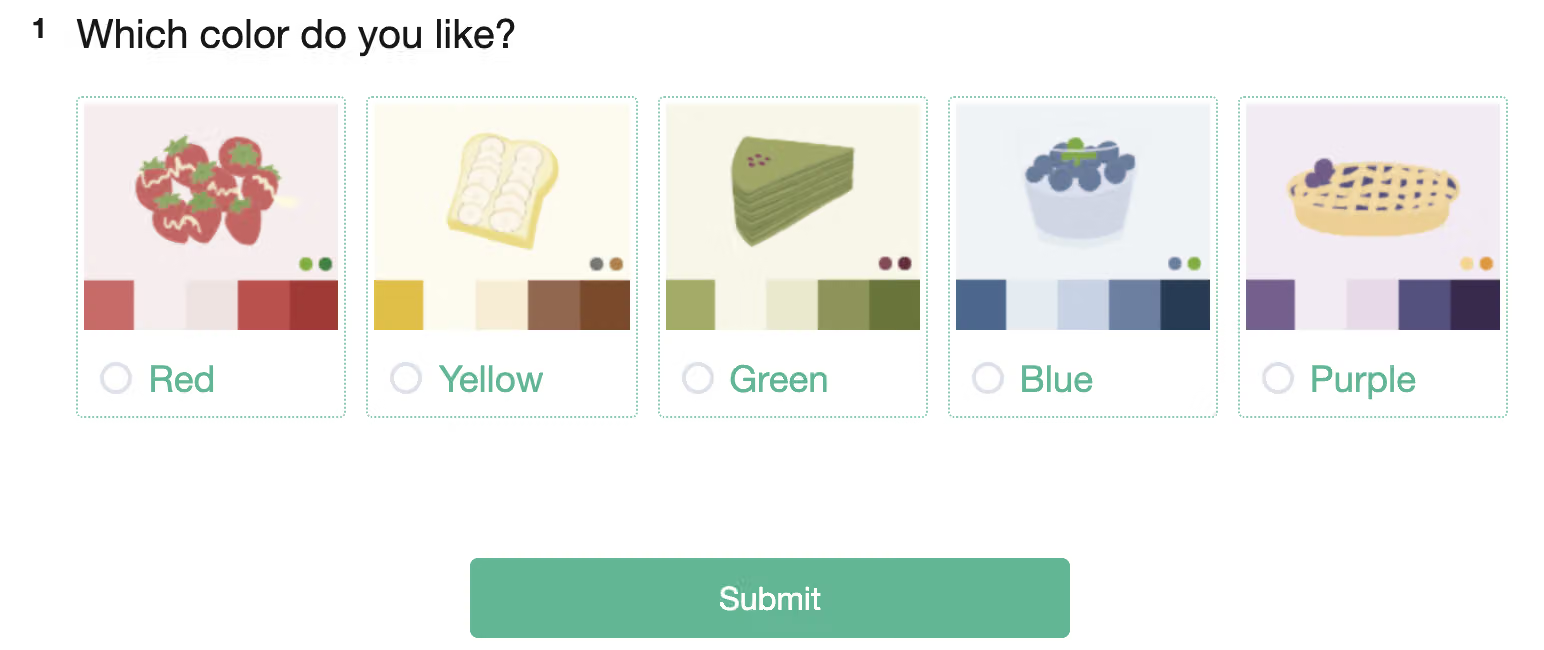
After selection is complete, click "Apply," then you should be taken to the preview page where five options in one row will show.
This is the computer screen display:
This is the mobile device screen display:
‘
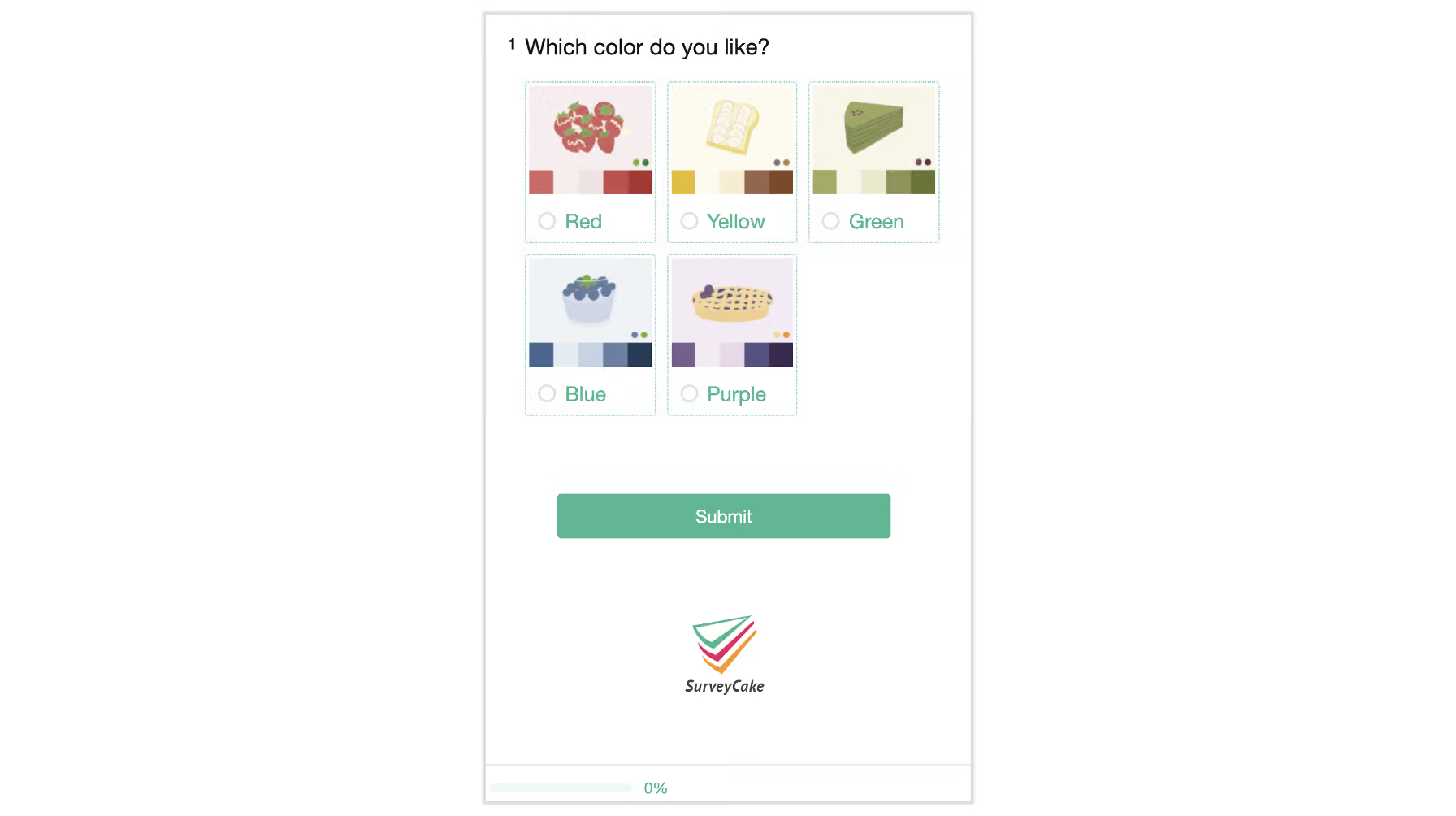
Through Options Display function, the designer can freely adjust the way options are displayed. Whether to allow respondent access to all answers at once, solicit a more intuitive response, or simply to allow the respondent to see single answers and make a more measured answer, all can be easily achieved through this function.



