Surveys aren't limited to questionnaire functions. There are advanced applications for them such as management or marketing uses, etc. SurveyCake supports app integration through the use of Webhook. You may independently develop an API to set individual triggers based on the collected survey results to other applications.
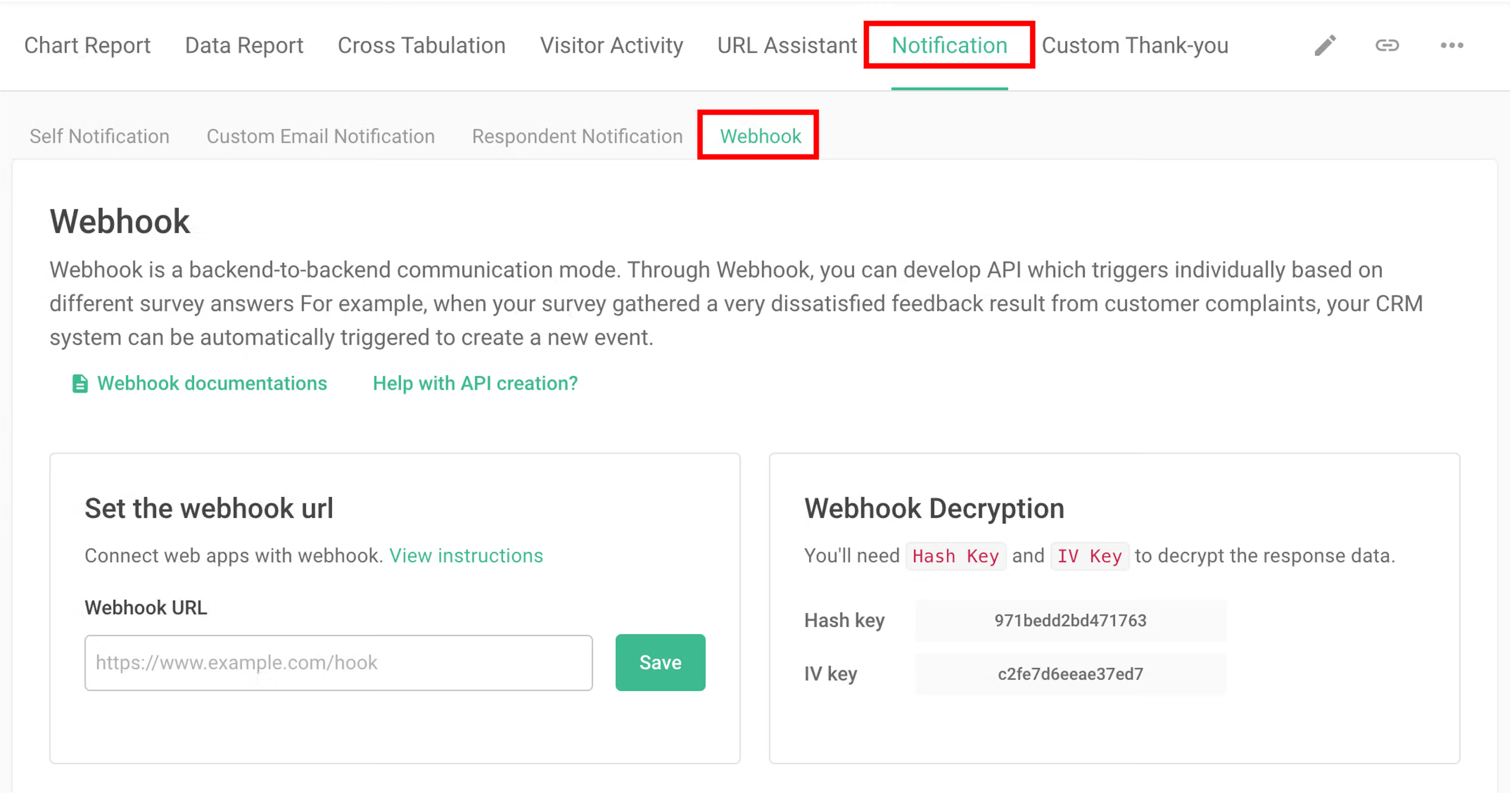
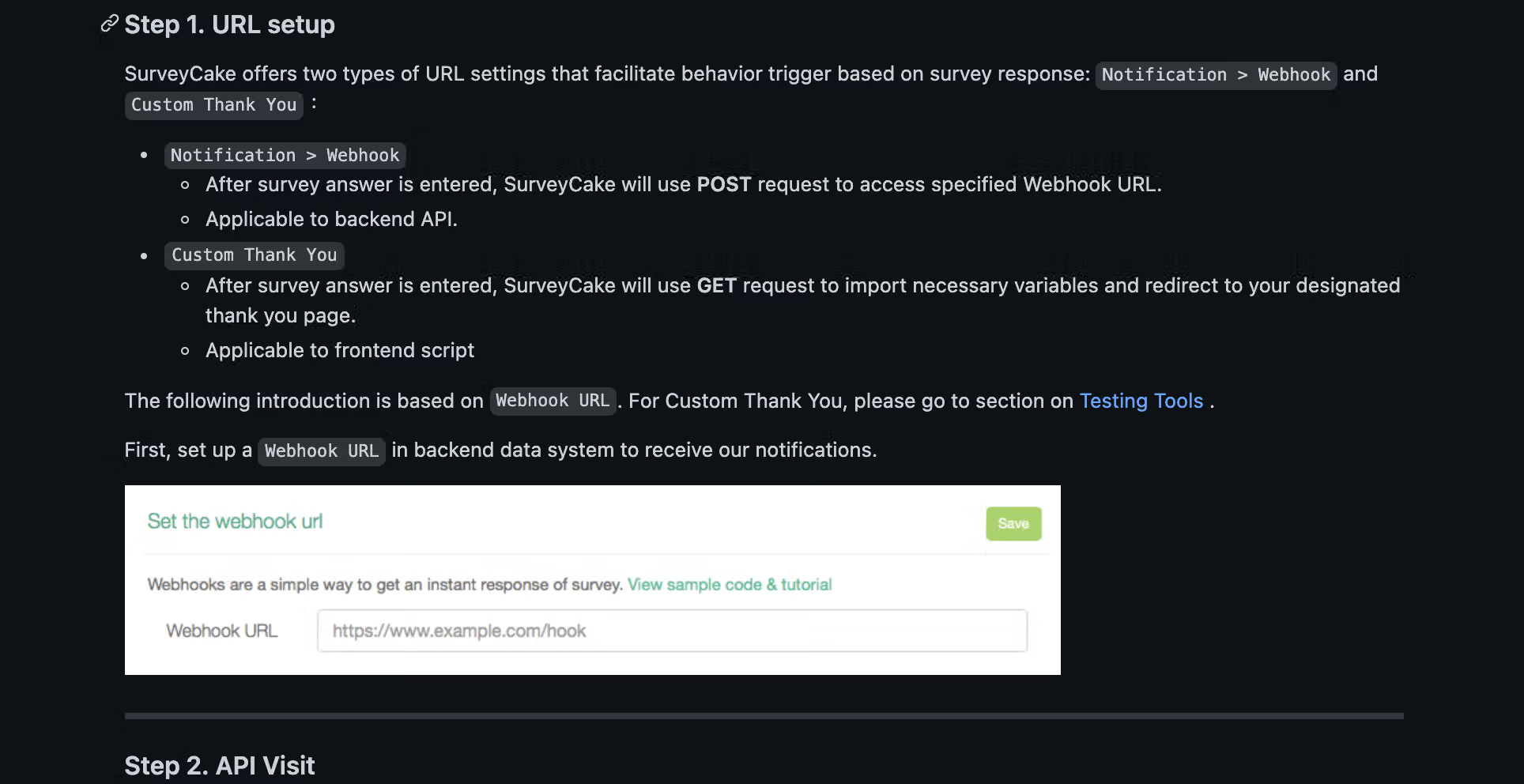
First, log into SurveyCake, head to the survey’s backend data system, select Notification, and then select Webhook to begin the connection process with Webhook.
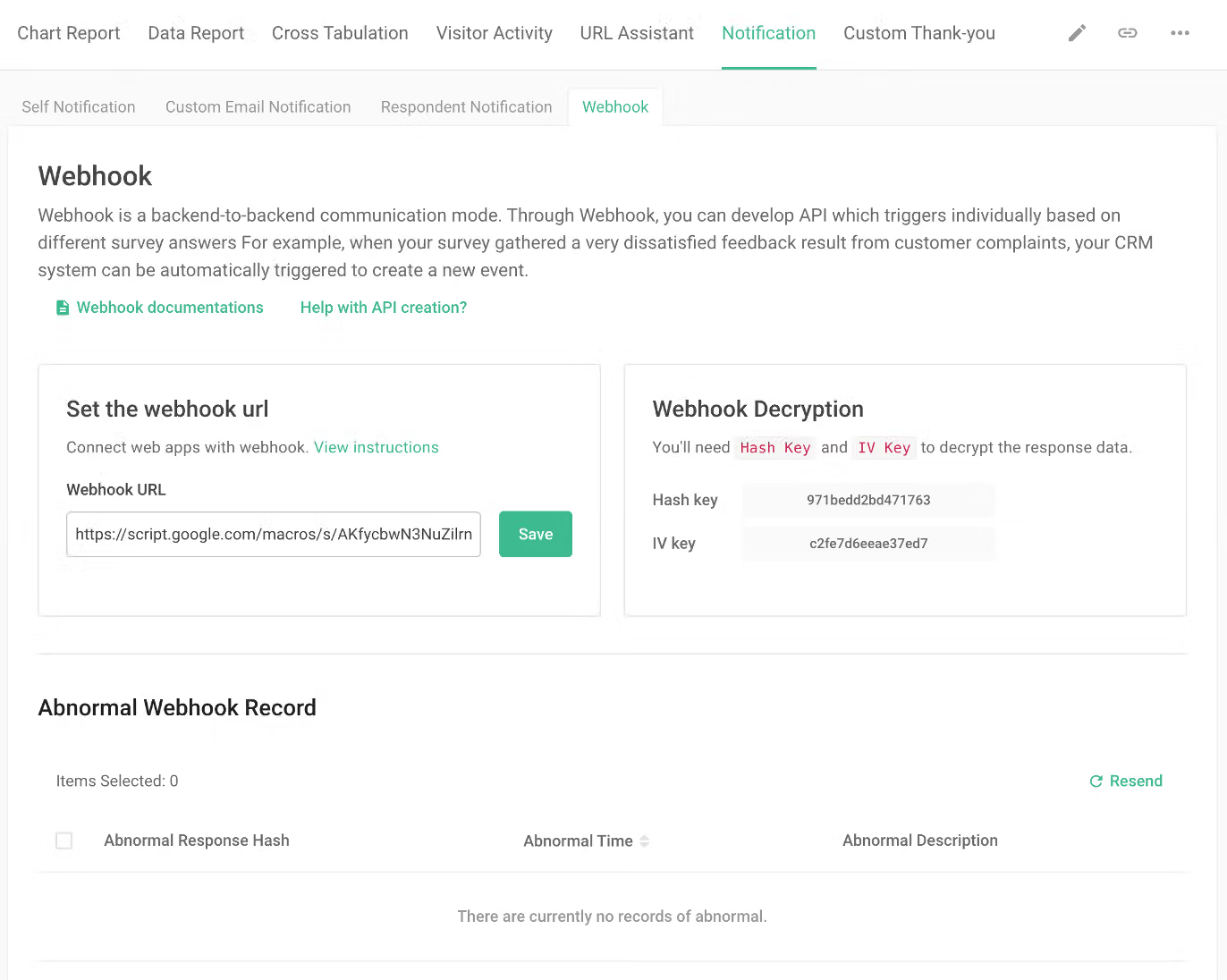
In addition, after completing the Webhook configuration, you can check for any abnormal records in this page. If there are any abnormal records, you can resend any missed responses on your own with a snap.
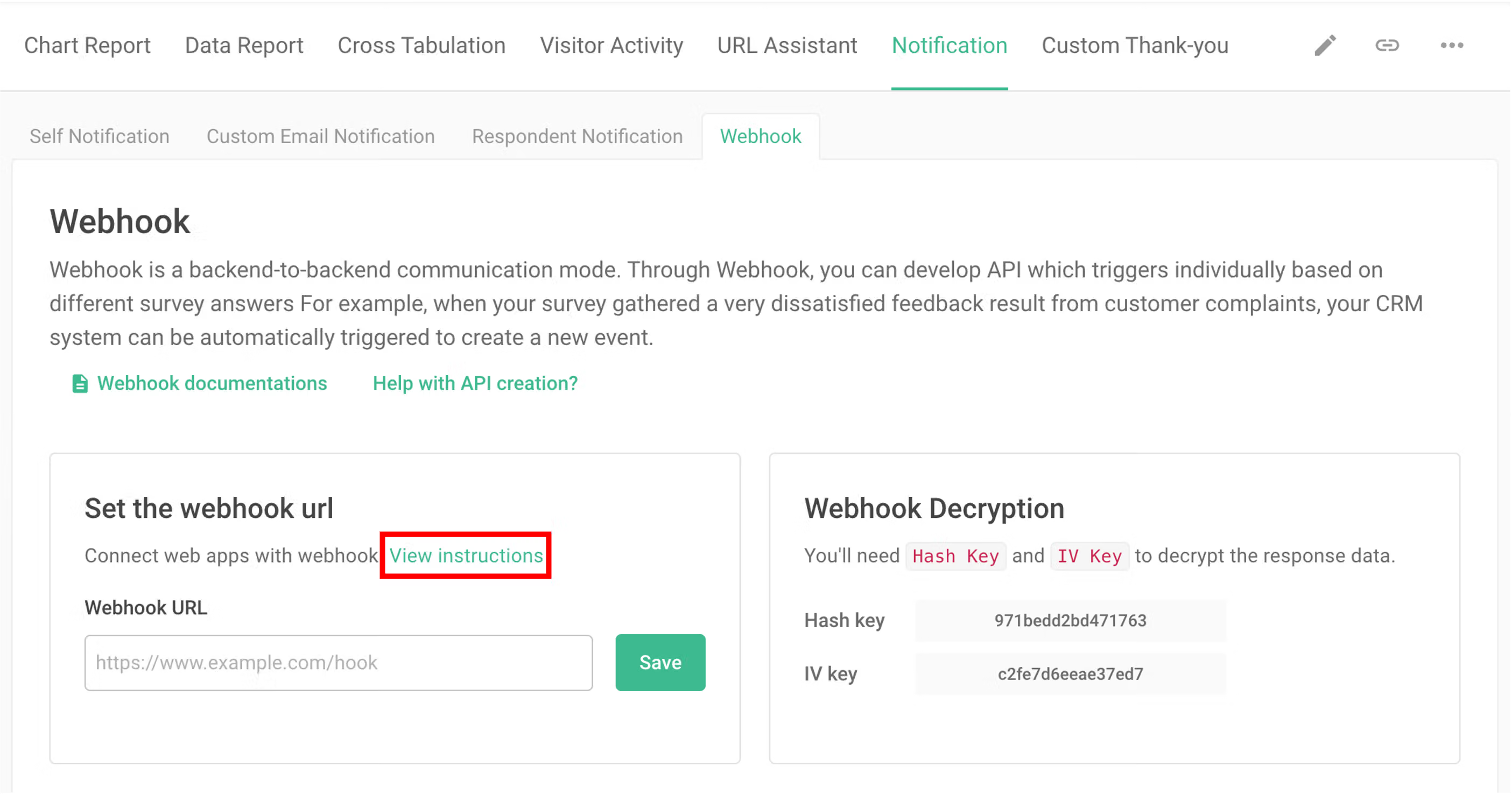
To get further information regarding the connection process tutorial, please select View sample code & tutorial.
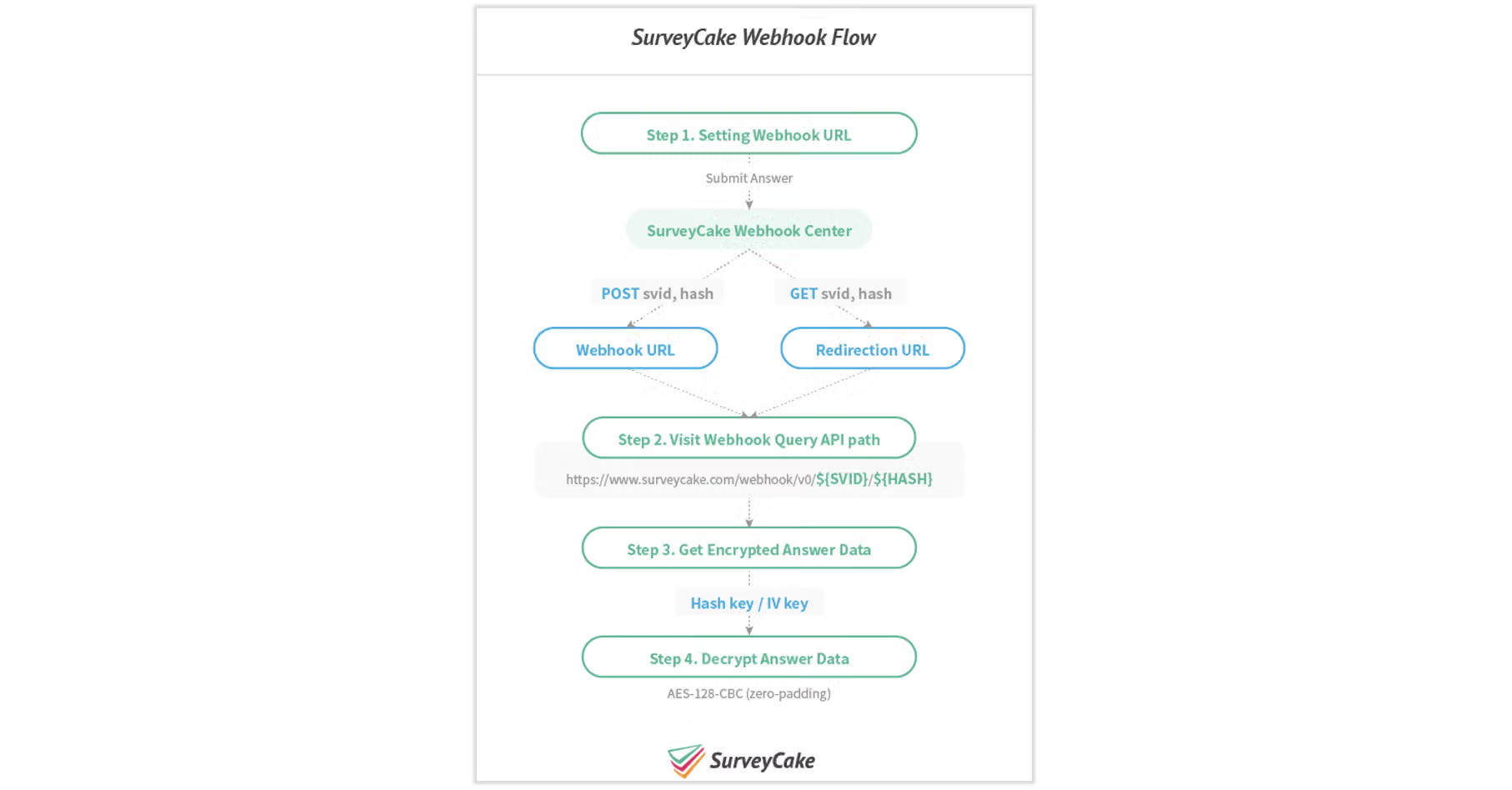
SurveyCake has created a document that outlines the Webhook flow. There is a detailed explanation for every step in this document.
SurveyCake Webhook document ( https://github.com/SurveyCake/webhook/blob/master/README-en.md)
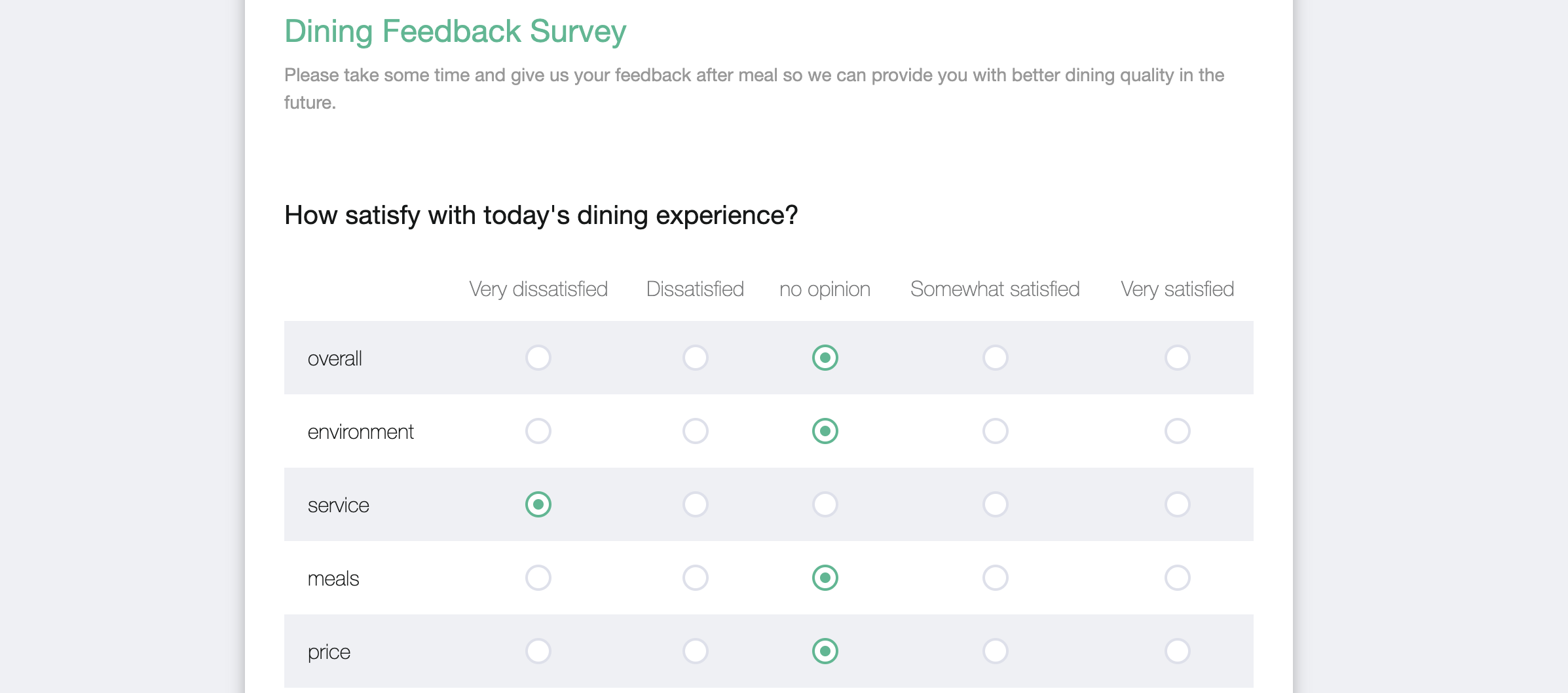
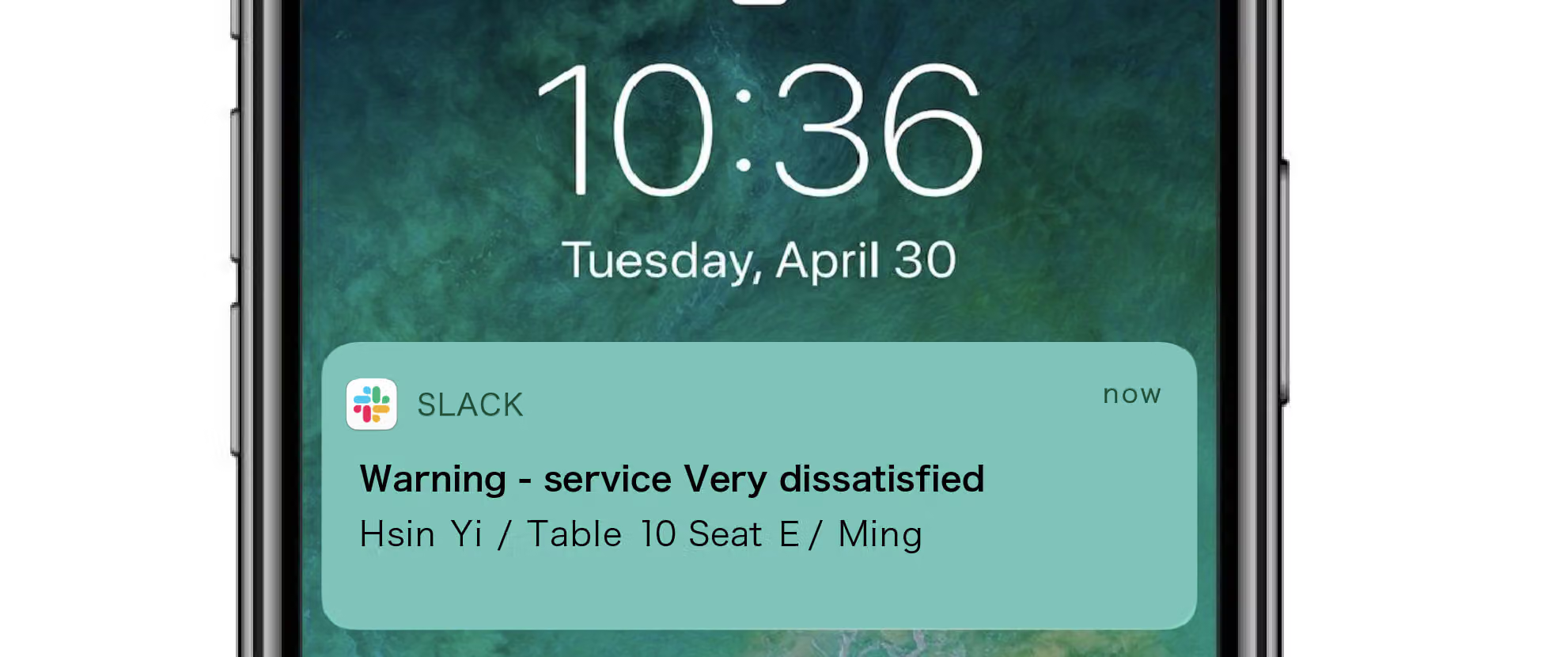
An application example is below: If a respondent selects Very dissatisfied button in the "Dining Feedback survey", a notification will be automatically sent to the channel when the survey is returned.
FAQs
Yes, currently the SurveyCake Enterprise Edition supports custom development and integration. If you have a need to develop a webhook, please fill out this form, and our specialists will contact you!
The answers sent via webhook are displayed in the GMT+0 time zone by default, which causes the SubmitTime to differ from the time displayed in the SurveyCake backend. You just need to manually adjust the SubmitTime returned by the webhook to your local time zone! For example, if you are in Taiwan (GMT+8), you need to manually adjust the time forward by 8 hours.
If you're observing exceptions in your webhook logs, it's likely that SurveyCake has successfully delivered the data. The problem might be with the user-side system. Common error messages include:
Using Webhook opens up all kinds of possibilities and helps you with data management or marketing effectively.



