Team Settings

Team Setting is a fantastic feature offered by SurveyCake TEAM plan, designed to let team Admin manage survey groups like a breeze. This tutorial guide will walk you through the essential information and steps to effectively utilize this feature.

Within the "Team Setting" page, you'll find four tabs: Overview, Member Management, Workspaces, and Surveys.
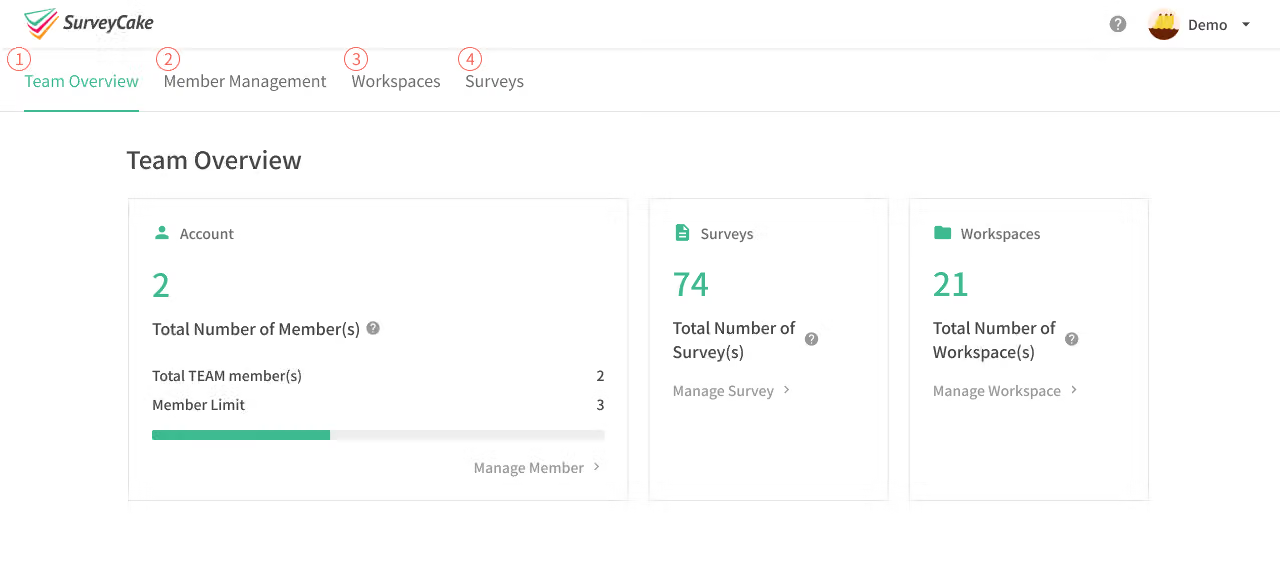
Overview: Get a quick overview of your account, including the number of users surveys, groups, and ad-free responses.
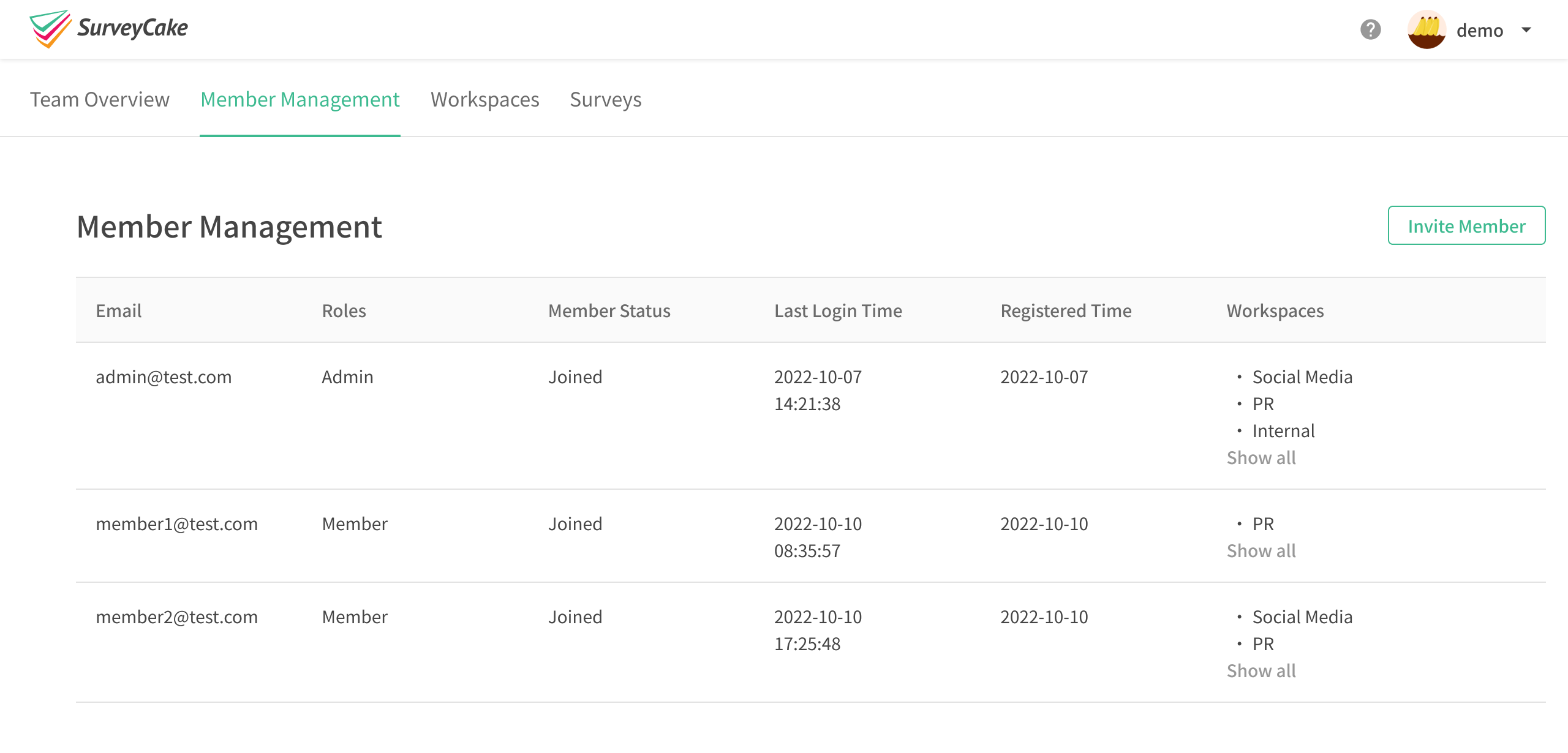
Member Management: Easily view, add, and remove members. Gain insights into each member's account information and permissions.
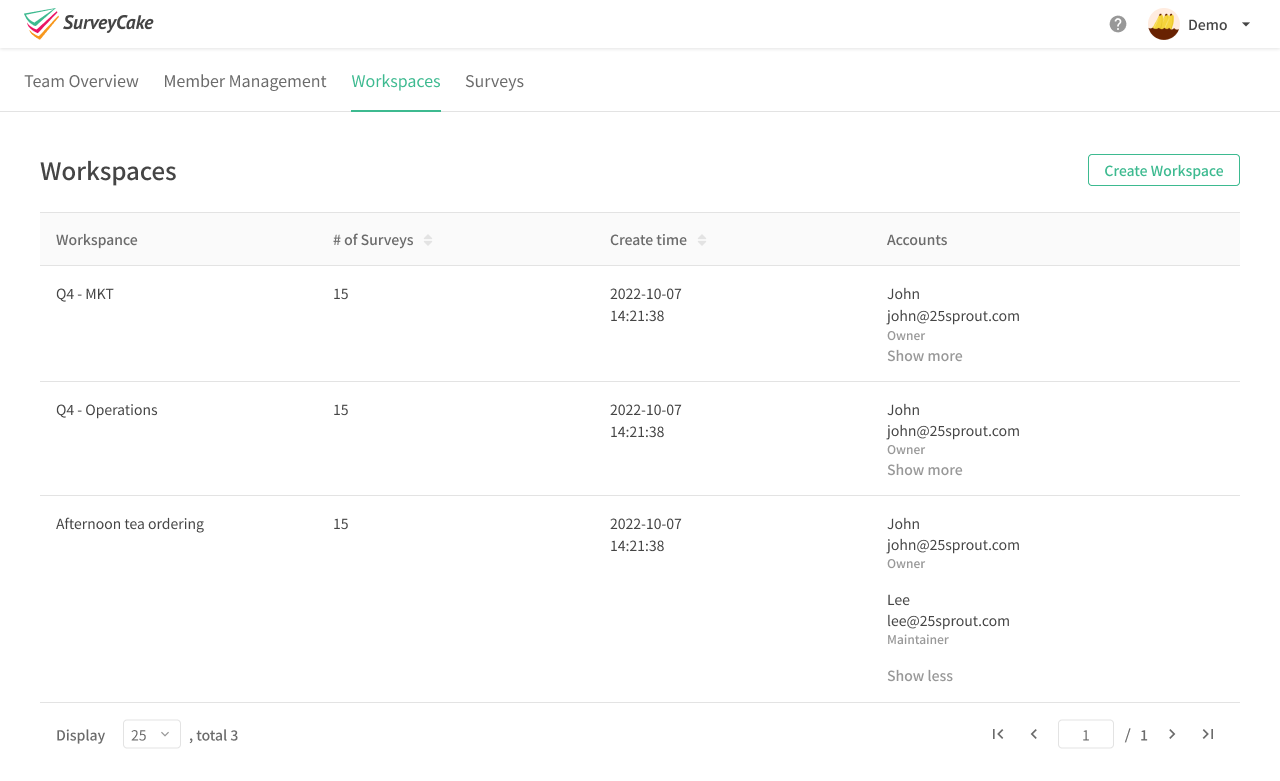
Workspaces: Access the workspaces that each member belongs to. Create survey workspaces and manage the members within each workspace.
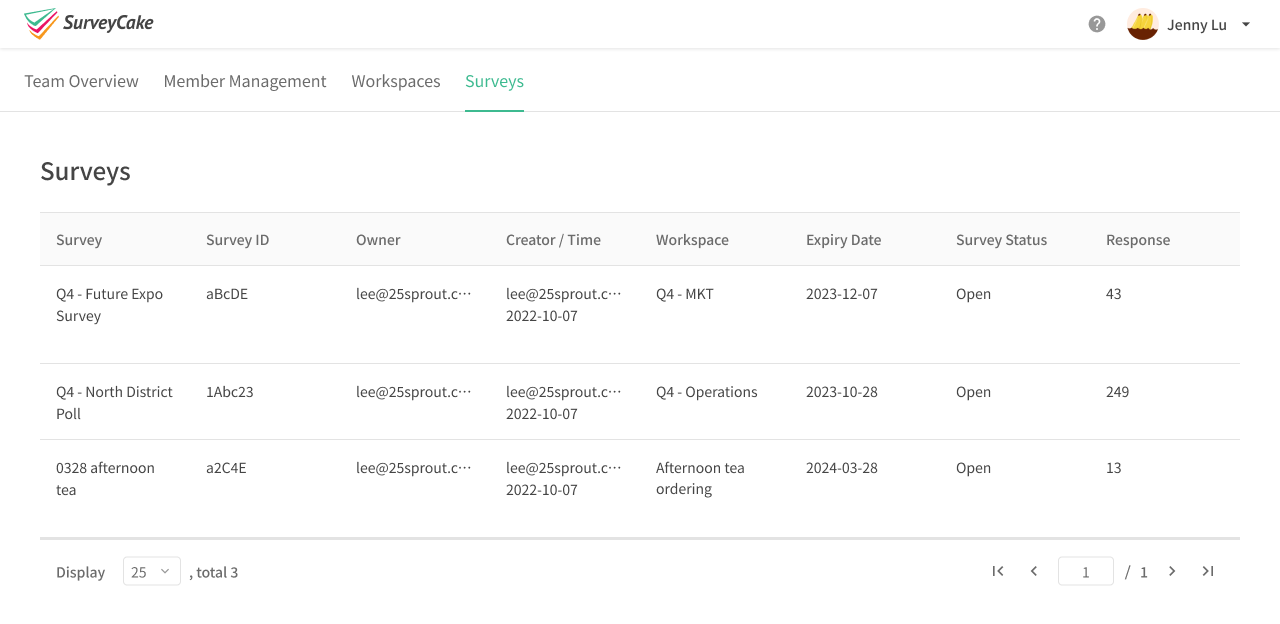
Surveys: Explore all the collaborative surveys under your plan. Access relevant information and statistical data for each survey.
Summary
Take full advantage of the Team Setting dashboard to stay updated on your team members' status, surveys and workspaces status. This will undoubtedly enhance your work efficiency!


Master advanced
survey skills now!

Learn More
Can't find the answer you're looking for?