Other than the common features shared by all questions: Required, Note, Multimedia, Invisible, Indent and Style, Timer sets the answering time of a question in order to make sure that respondents have given it enough thought.
Let's say you would like to ask a question to understand the opinions of a young age group on current music videos. Utilize the Required and Randomize Options functions to make this question unskippable while avoiding response bias.
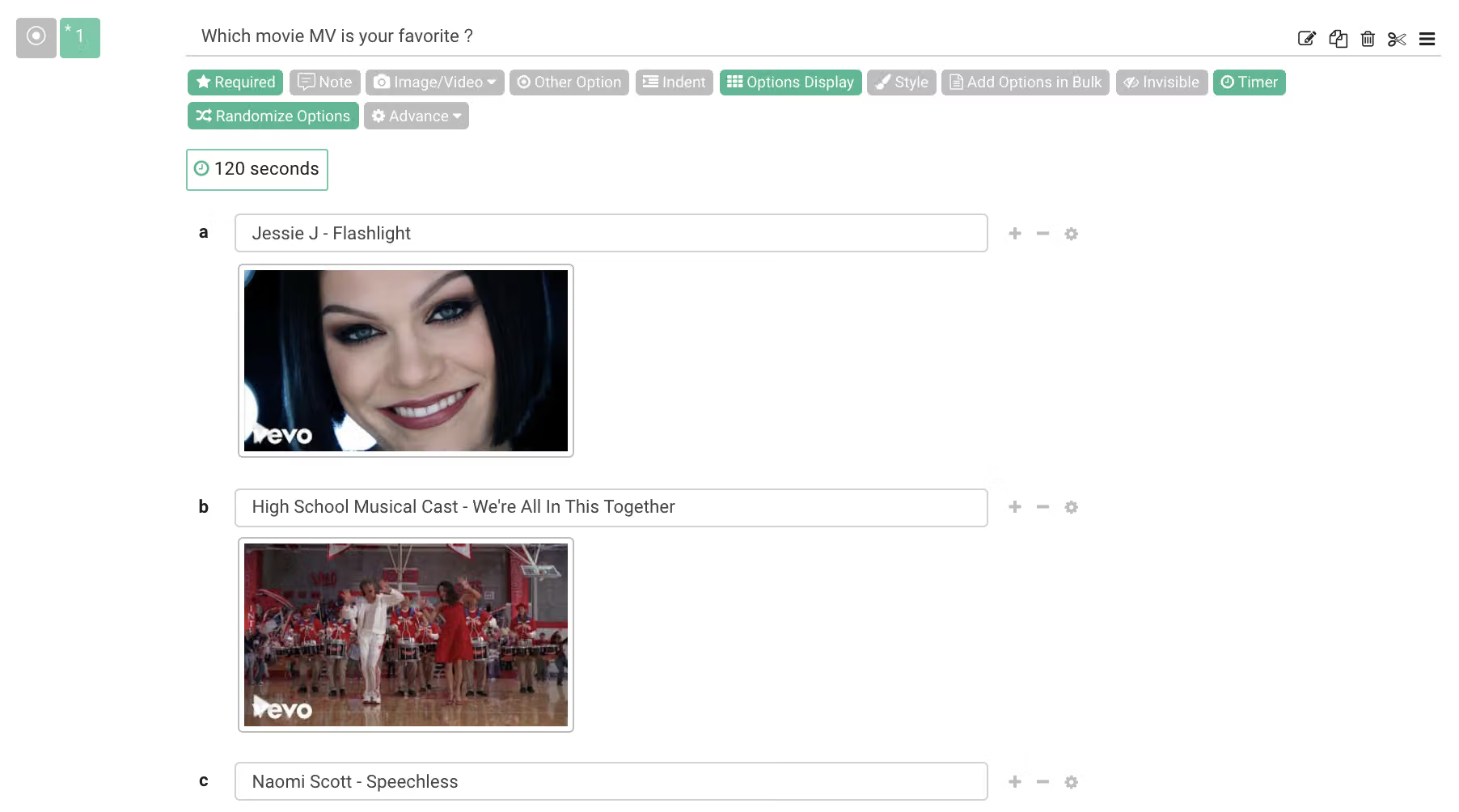
If you would like respondents to take more time answering questions, configure the answering time by utilizing Timer. For example, you would like respondents to take 2 minutes to reflect on both the question and their initial answer, set Timer to 120 seconds.
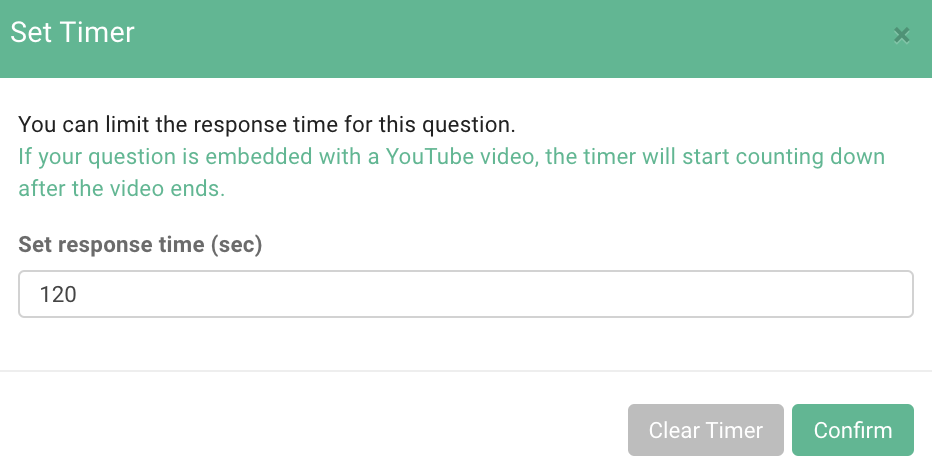
This means respondents have to use 2 minutes to answer this question and that the next question will not appear until the set time is up.

Timer is a common function shared by all question types. Important questions should allow respondents sufficient time to respond! Bear this tip in mind when you design your survey next time!



