Create different own workspaces to organize surveys easily!
You can create a survey group at any time, known as Workspace, which can add multiple workspaces to store your surveys, and keep them organized. Surveys that are not classified will be in the default My Workspace.
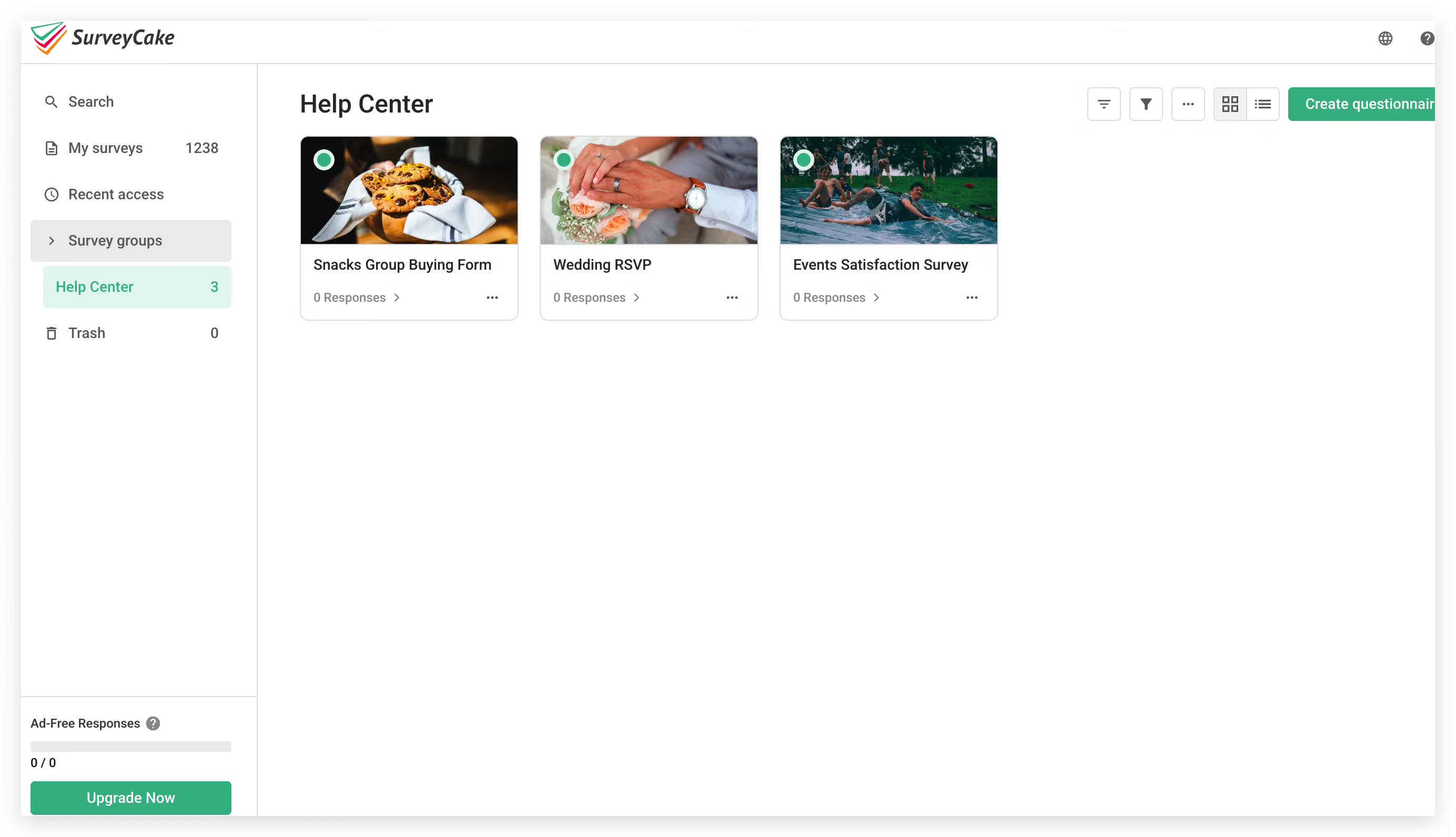
For example: Now there is a group buying form and wedding-related surveys in My Workspace.
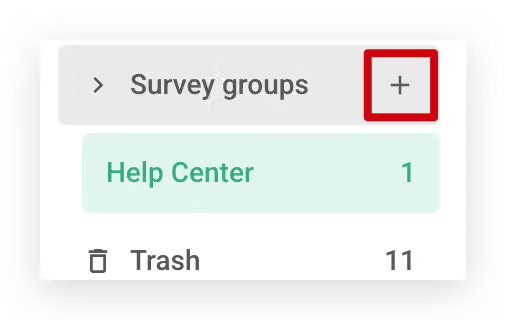
Click on the "+" button to create a new Workspace, and change the name into wedding survey.
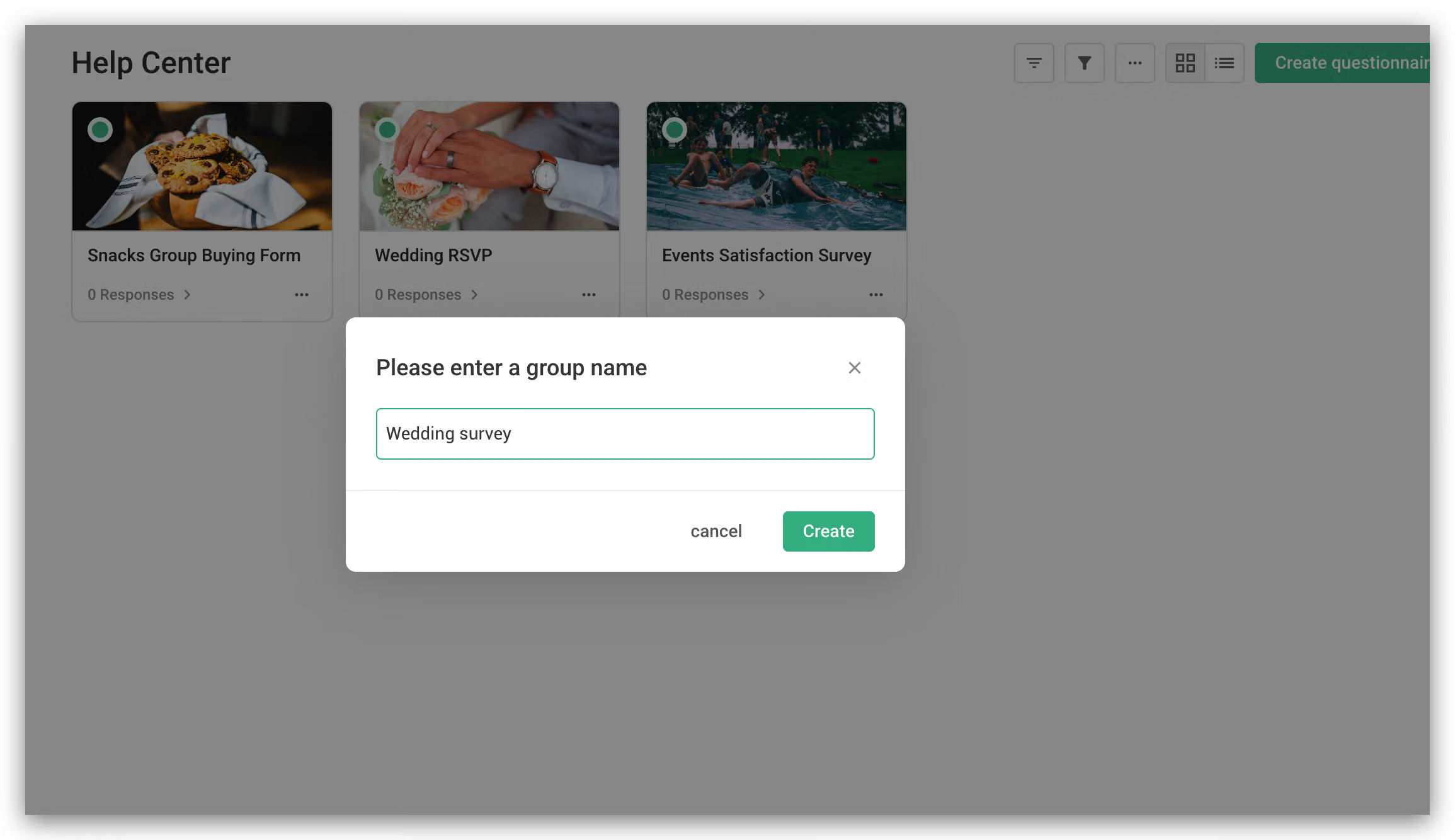
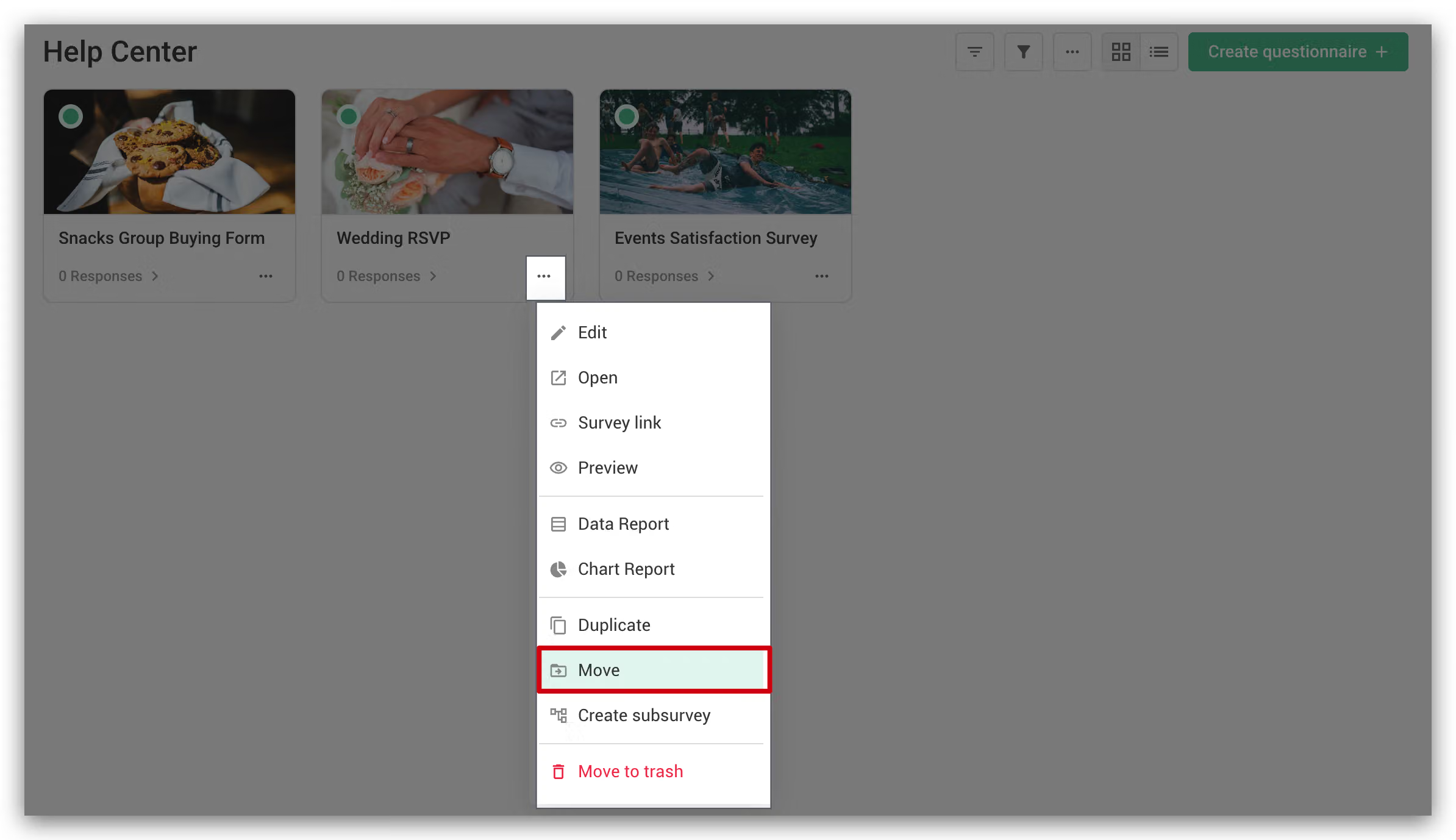
After the workspace is successfully created, you can move the existing survey to the created workspace!
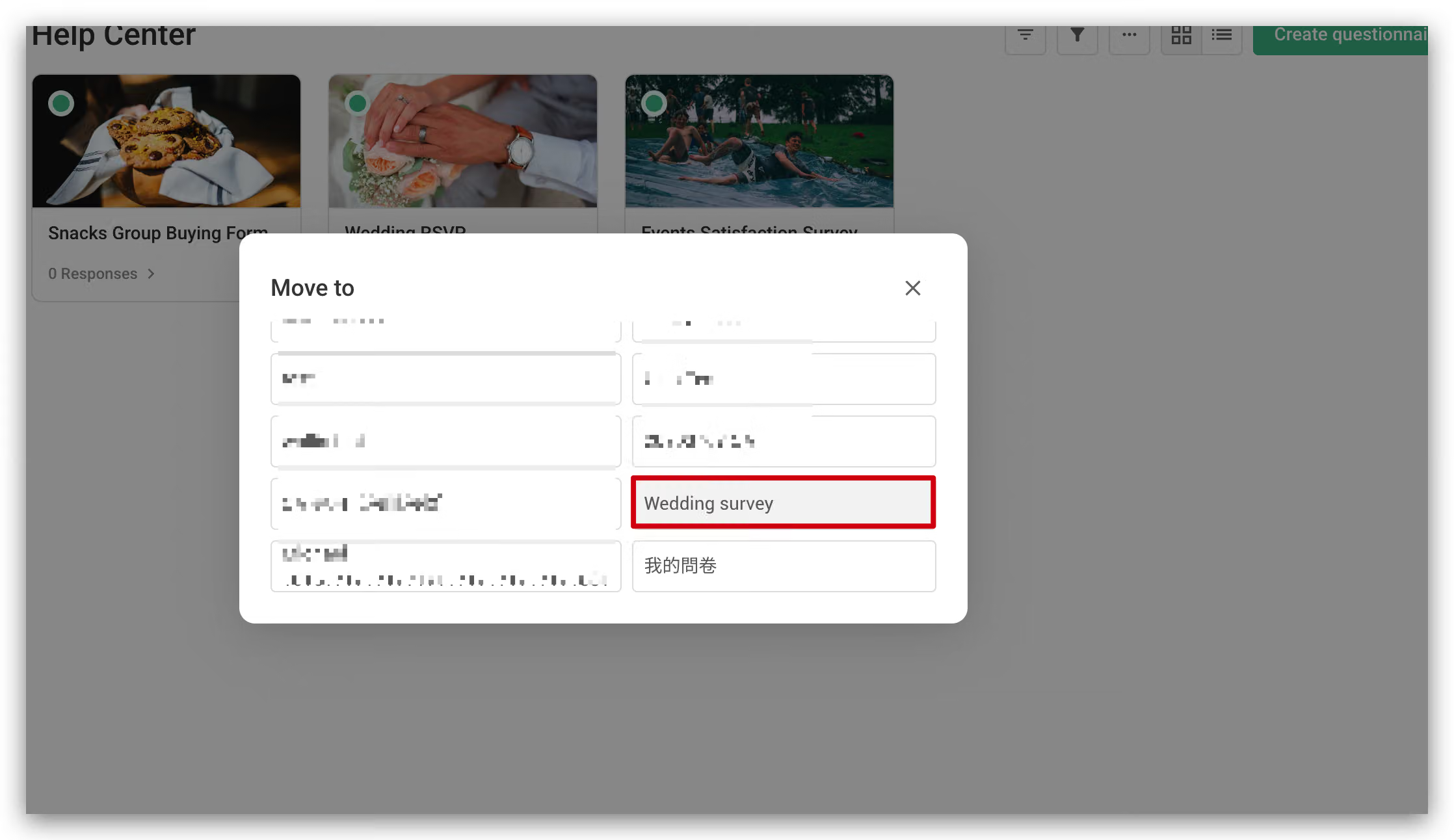
After two surveys have been moved, they will be displayed in the wedding survey!
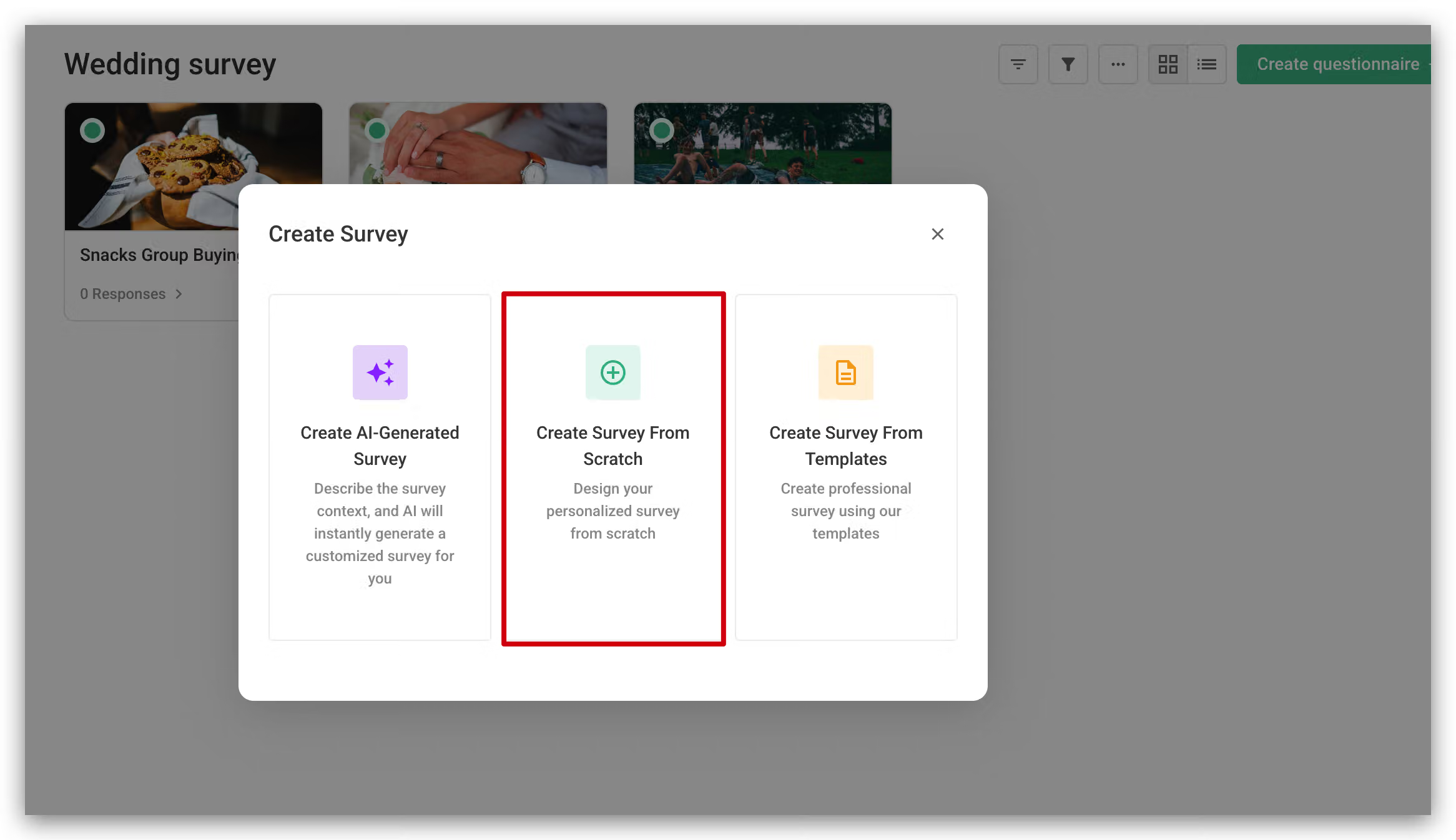
Also, you can click on Create Survey in the workspace, the new survey will directly belong to the wedding survey!
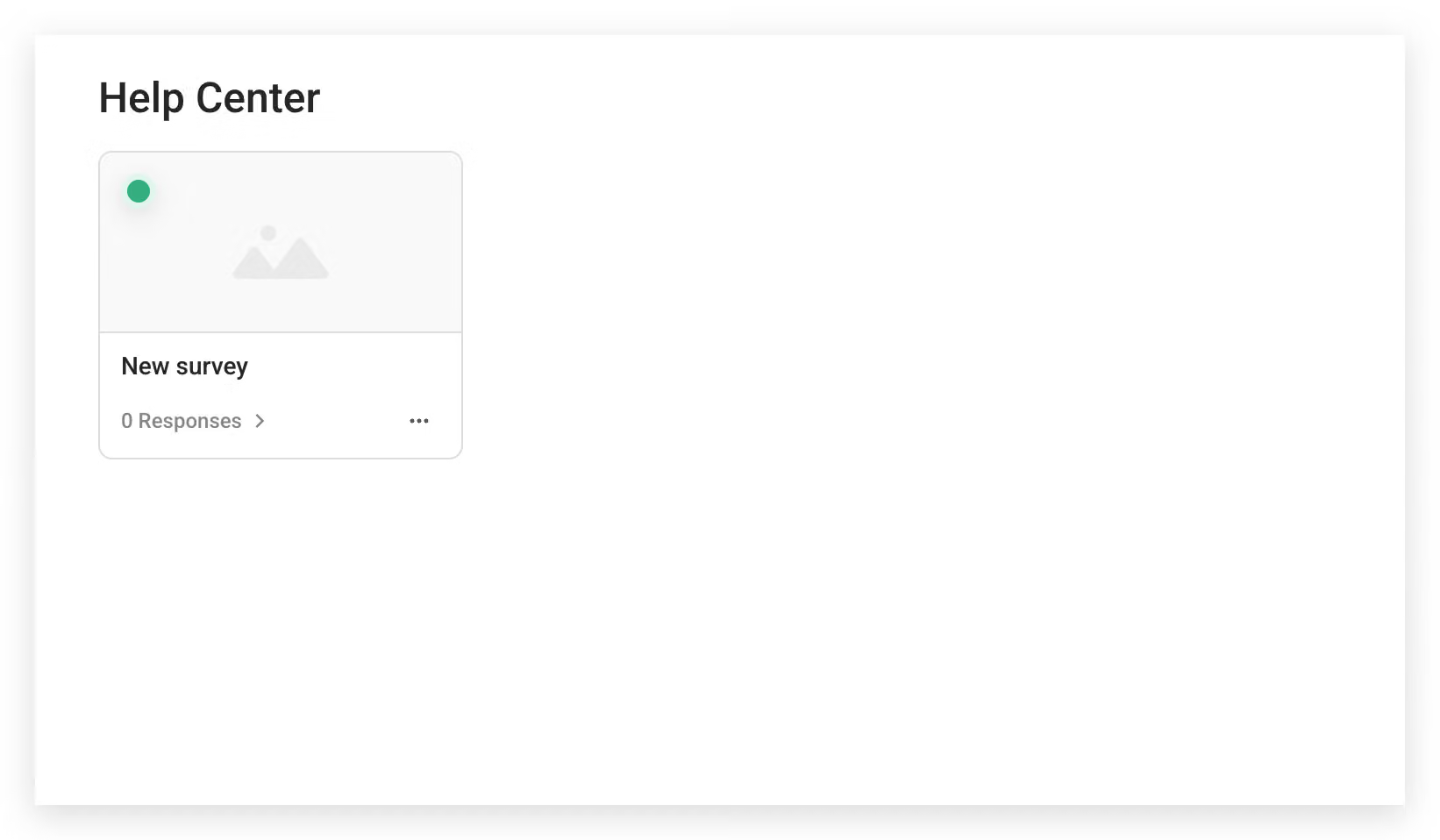
Only surveys that are not classified will remain in the original My workspace.
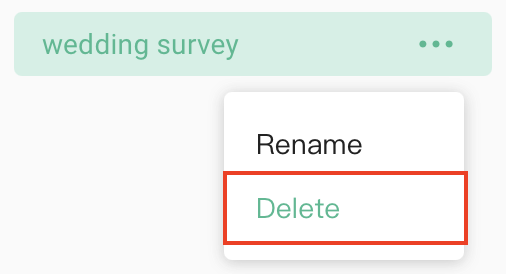
In addition, you can also rename or delete the existing workspace through the drop-down menu by clicking on the three dots icon.
When the workspace is deleted, the survey that was in the workspace will return to the original default My Workspace!
With Workplace, you can organize your surveys effortlessly!



