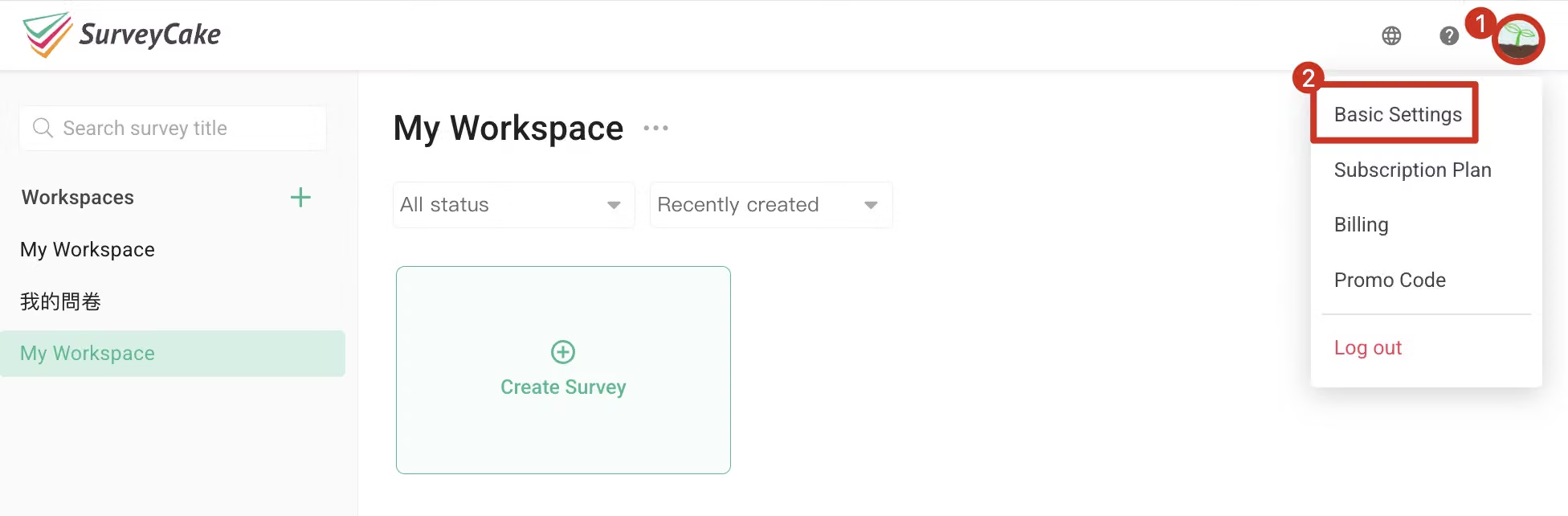
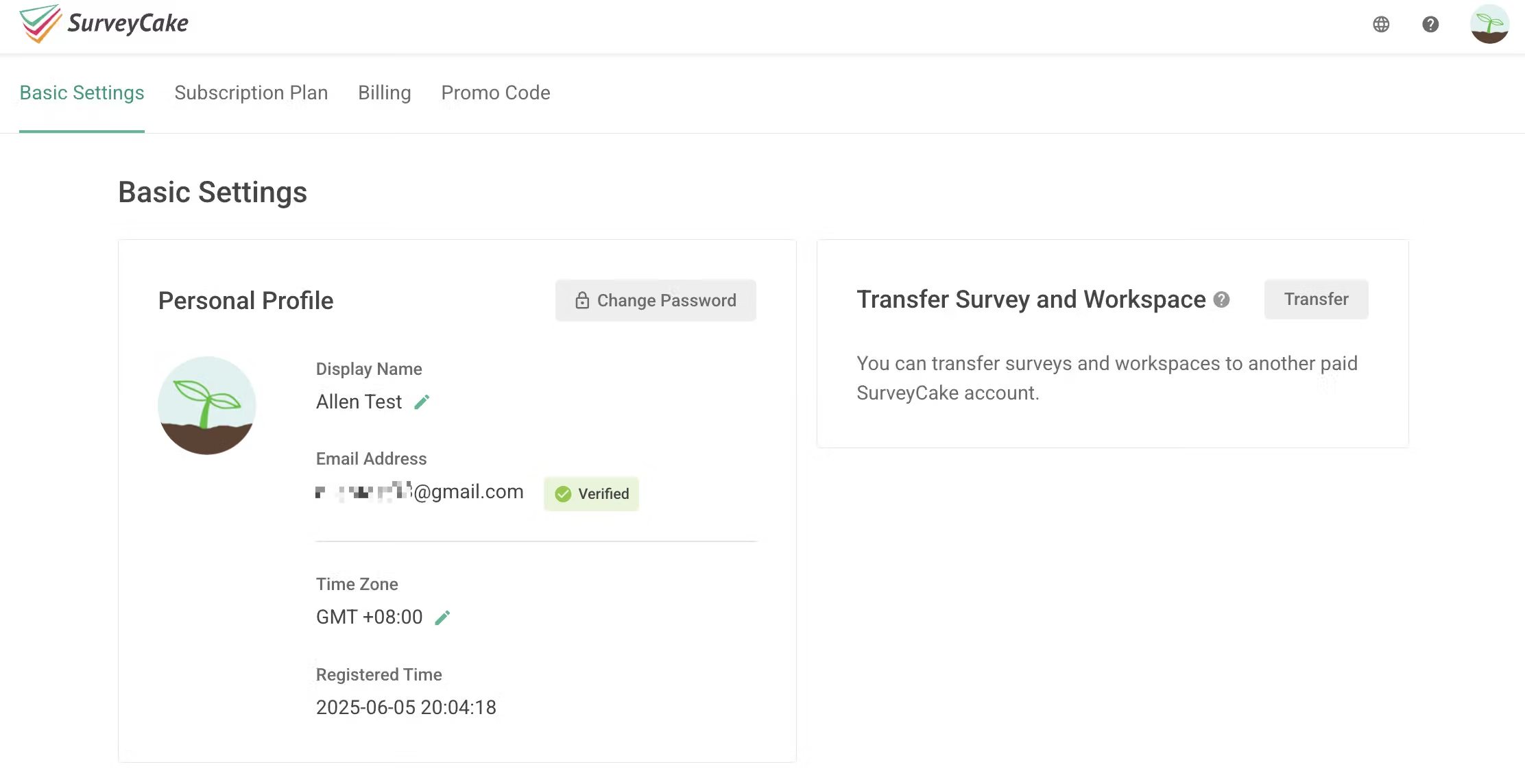
Email Address: SurveyCake adopts an email address for identification, which cannot be changed, so as to ensure your privacy and data security. For more information, please visit Change Login Method or Email Address.
Display Name: Your nickname. Click on the Edit button on the right side to change your Display Name.
Time Zone: The time zone in which you are currently located. Click on the Edit button on the right side to change your time zone setting.
Registered Time: The time you registered as a member of SurveyCake.
User Profile Picture: Your profile picture on SurveyCake. Click on the Picture to change the default profile picture.
The account that receives the transferred surveys cannot transfer the surveys to another account again within six months. Please choose the account that receives the surveys carefully.
When the workspaces, surveys and responses under an account are transferred to another one, the action is irreversible. The account that transfers the surveys will not retain the original surveys.