Want to keep the respondents from changing their earlier answers? Disable the "Back Button"!
If the survey is displayed in several pages, there will be two default buttons below for respondents to turn forward or backward to other questions.
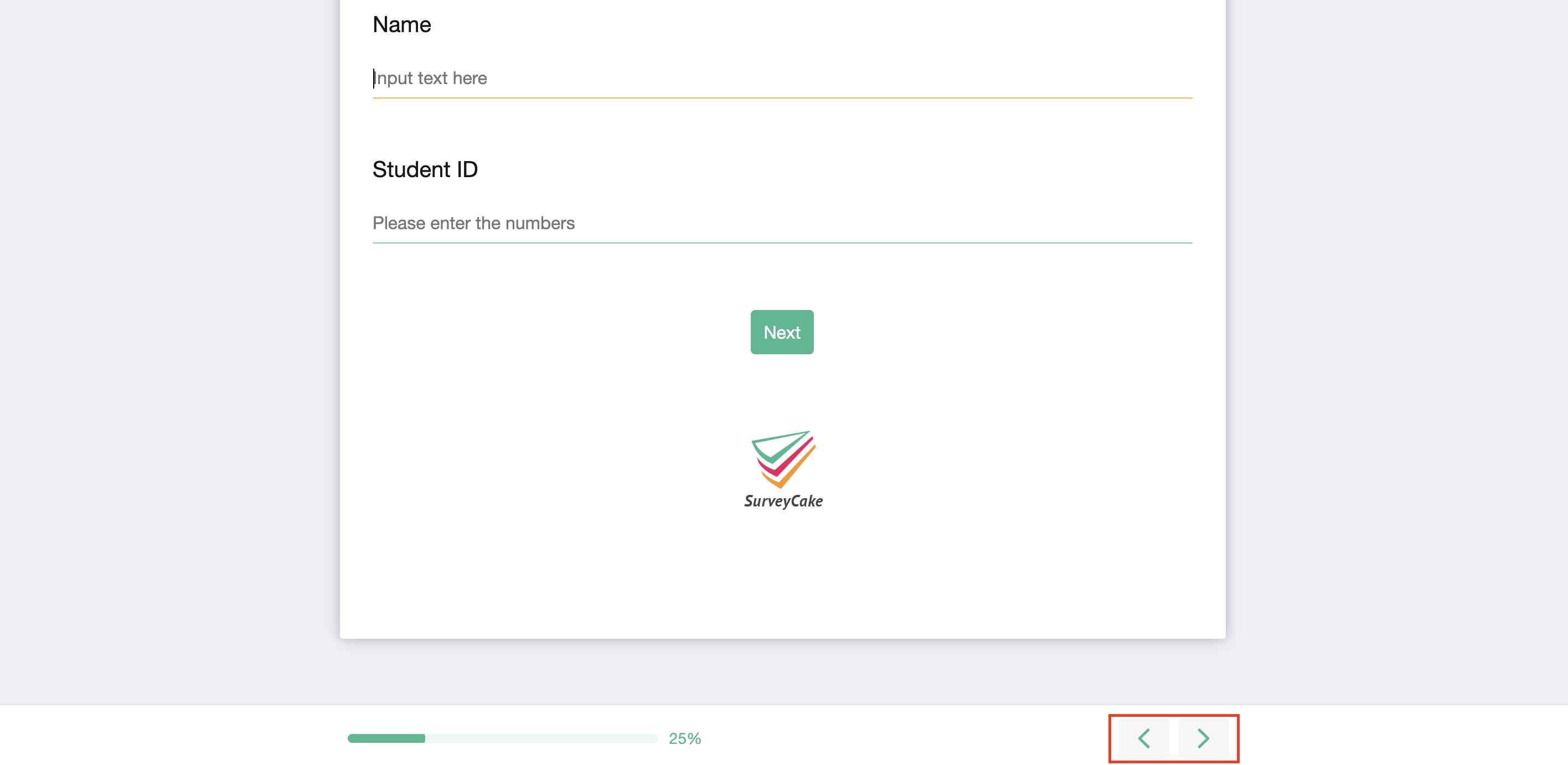
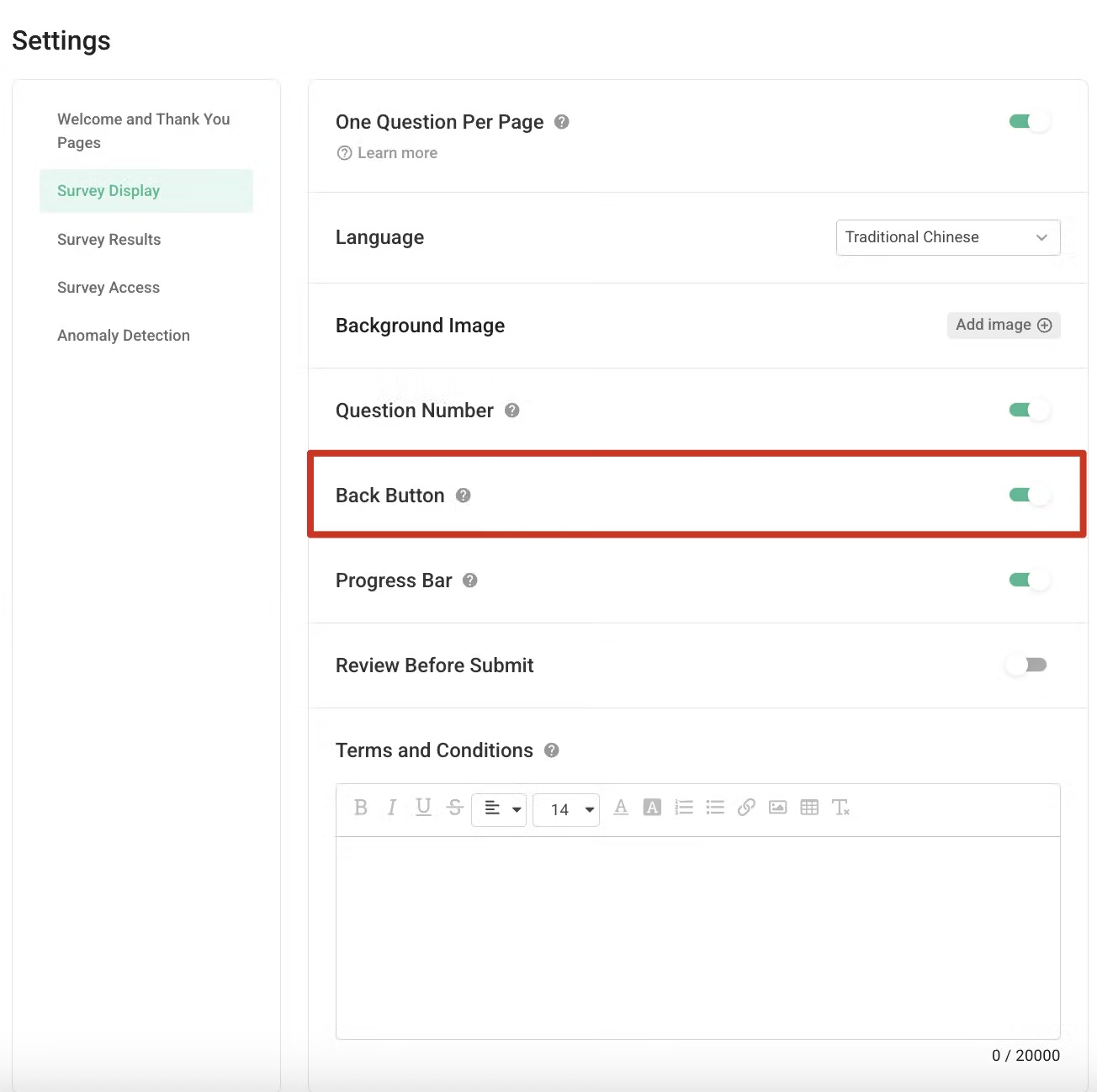
If you want to keep the respondent from modifying their earlier answers, you can disable the Back Button by switching the button to OFF
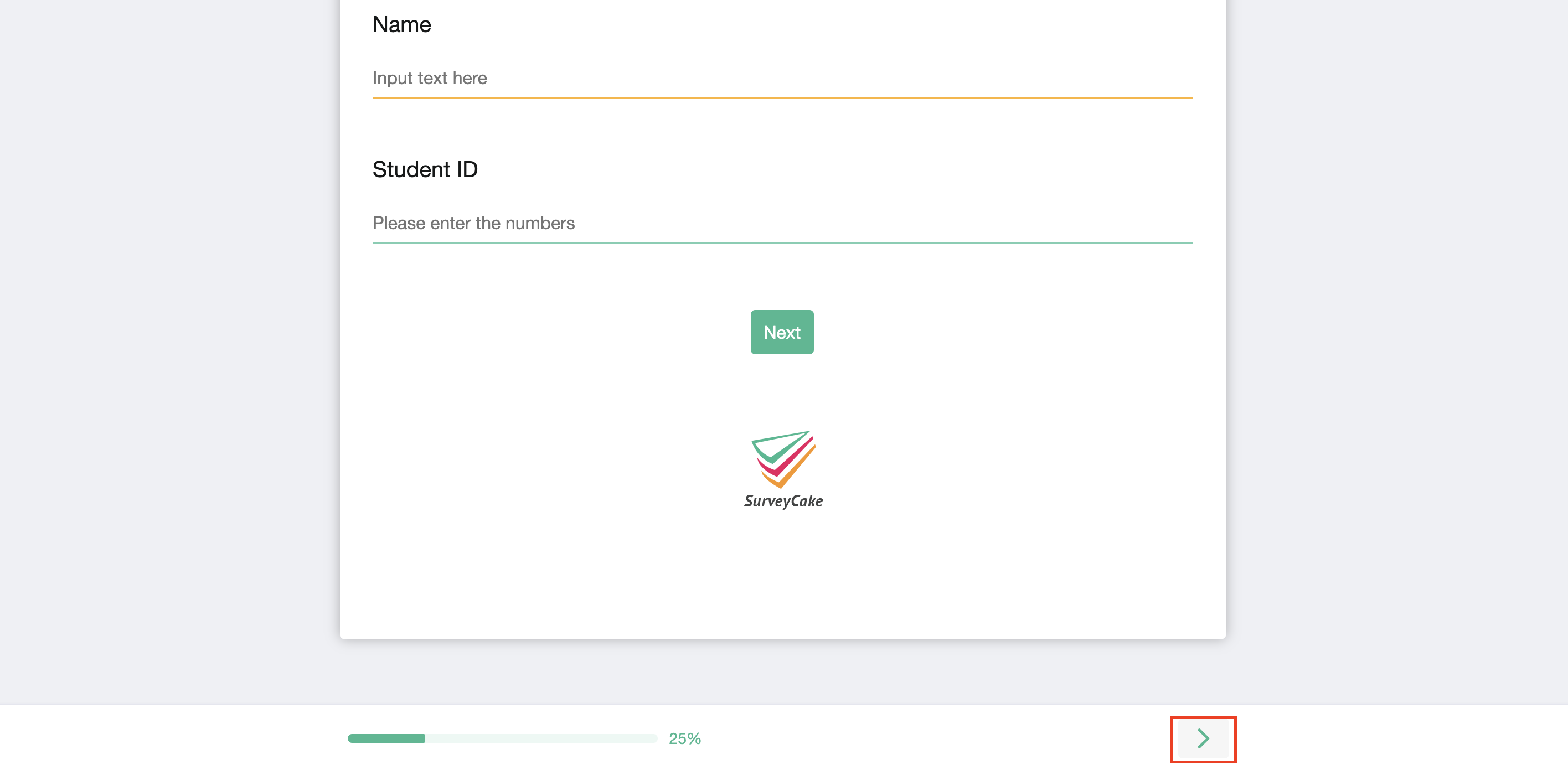
When the Back Button is disabled, it will disappear from the survey!
FAQs
When you enable the “Back Button”, a『 < 』 button will appear at the bottom right of the survey, allowing respondents to click it to return to the previous page, instead of displaying a back button.
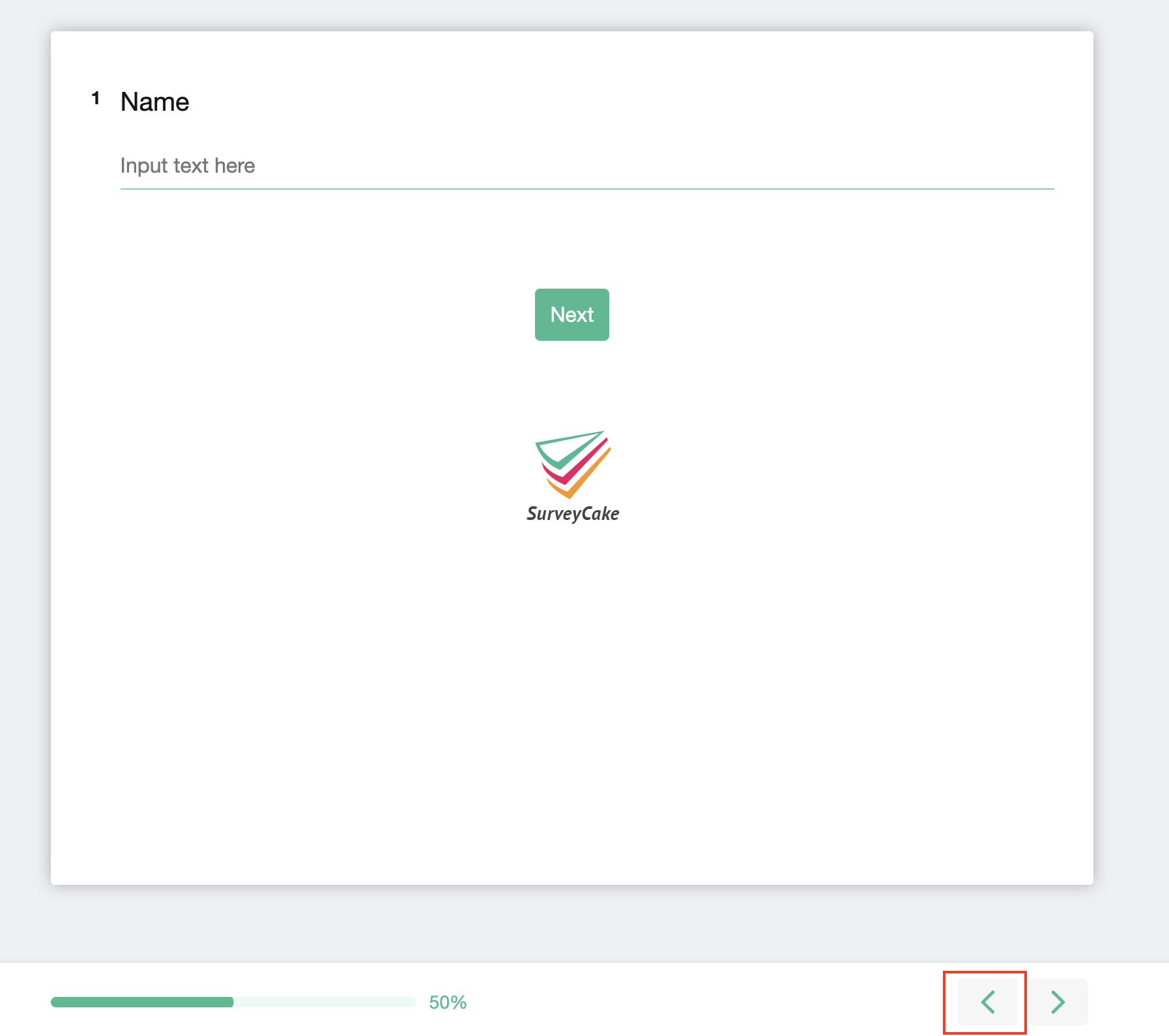
If you want to guide respondents more explicitly to click the button to go back to the previous page, we recommend that you add a Rich Text
at the end or beginning of each page reminding respondents of the button's location and function.
Do you want to keep the respondents from changing their earlier answers? Just disable the Back Button!



