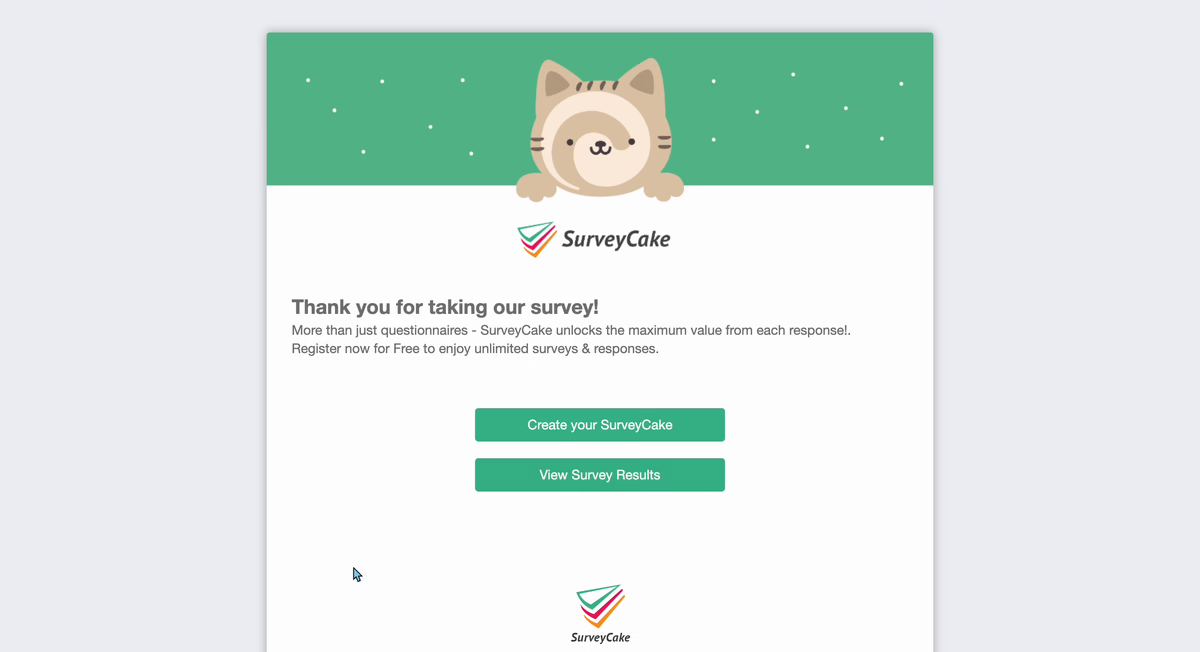
Respondents can click on View Survey Results to check the survey results after submission via See Results Button function.
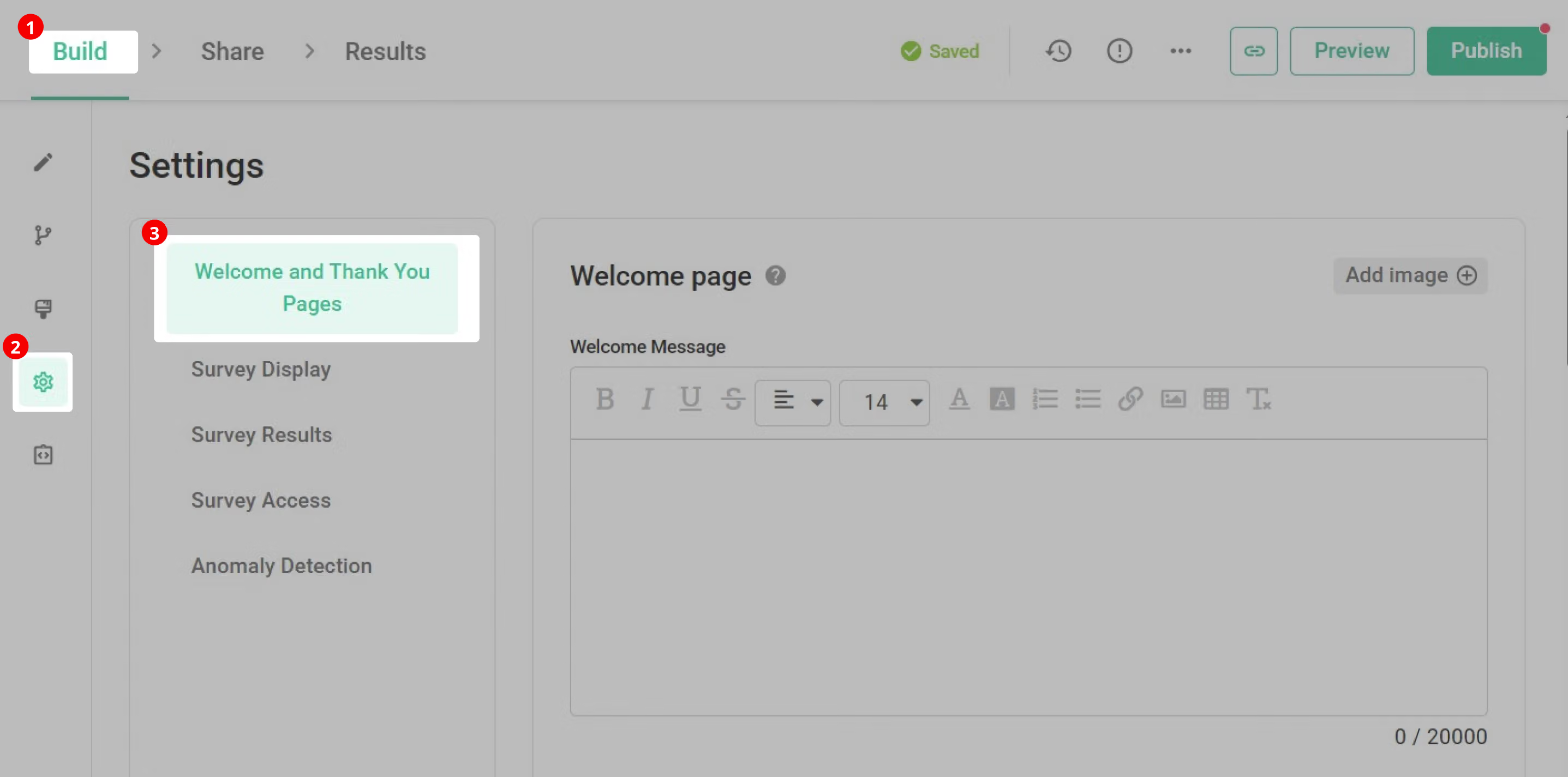
To set See Result Button,Simply click the "Setting" button in the "Build" sidebar, enter "Welcome & Thank You Pages"
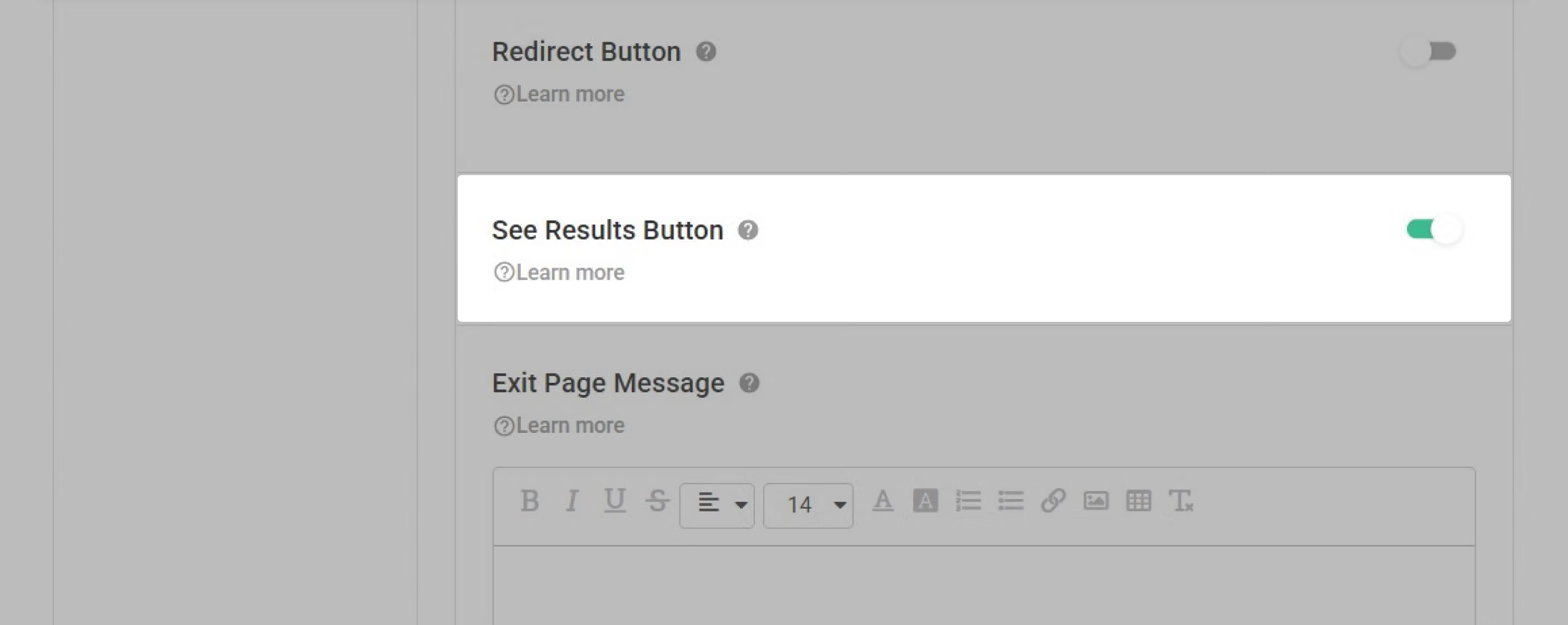
Then scroll down the page to find "See Reslults Button" and turn it on!
Below is what respondents will see after clicking the "View Survey Results" button!
Note : Once you enable the "See Results Button" features, the Share Charts function will also be automatically enabled. This ensures that your statistical insights can be readily shared after collecting responses. If you decide to disable the "See Results Button" later on, you can then choose whether you want to turn off the Share Charts function as well!
With See Results Button respondents can get real-time survey results in an instant!



