The "Subquestion Piping" feature automatically generates new Single Choice Matrix and Checkbox Matrix questions based on the responses selected by respondents in previous Checkboxes and Multiple Choice questions.This feature saves users time and effort that would otherwise be spent manually configuring survey questions for a second time.Now, we will guide you through the steps of how to set up "Subquestion Piping":
First, drag and drop the Single Choice Matrix question type to the left. Then, click on the question, and you will find the option for "Subquestion Source" under this question.
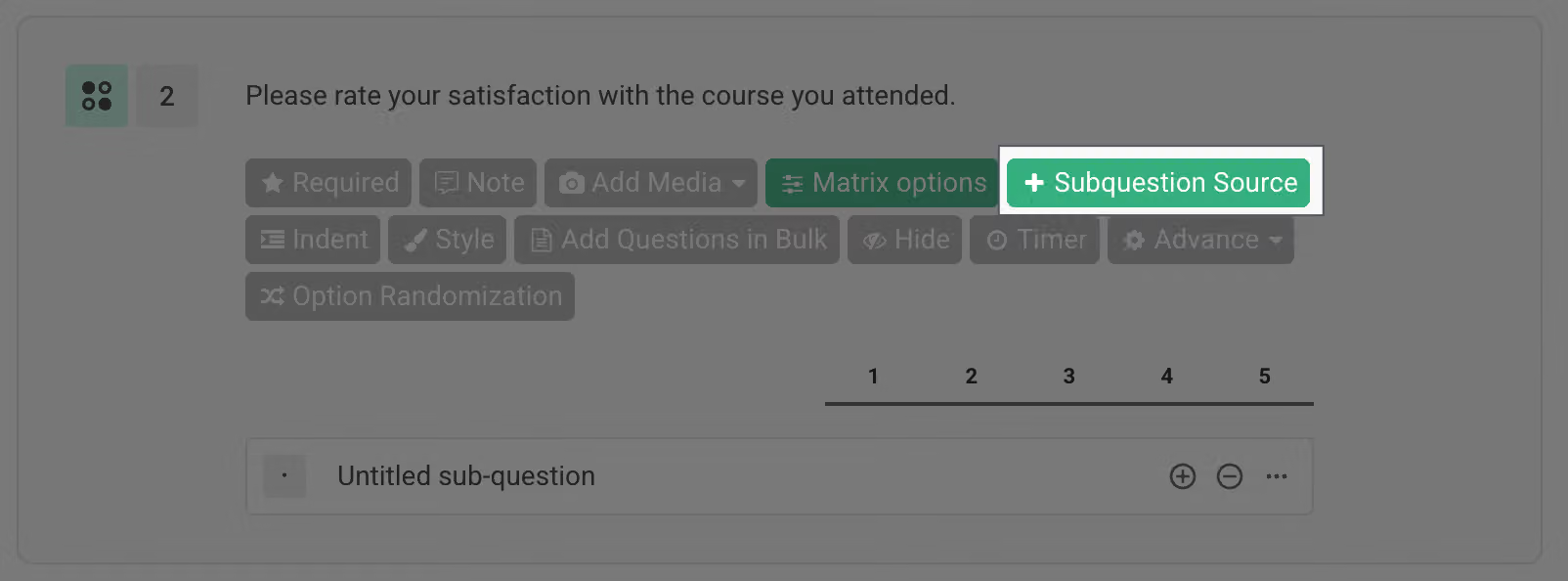
After clicking on "Subquestion Source," you can choose the questions you want to insert selected or unselected options from. Before making this setting, your survey should have the question type of "Multiple Choice" or "Checkboxes." Once you've selected the questions, the subquestion source will become the options for that question.
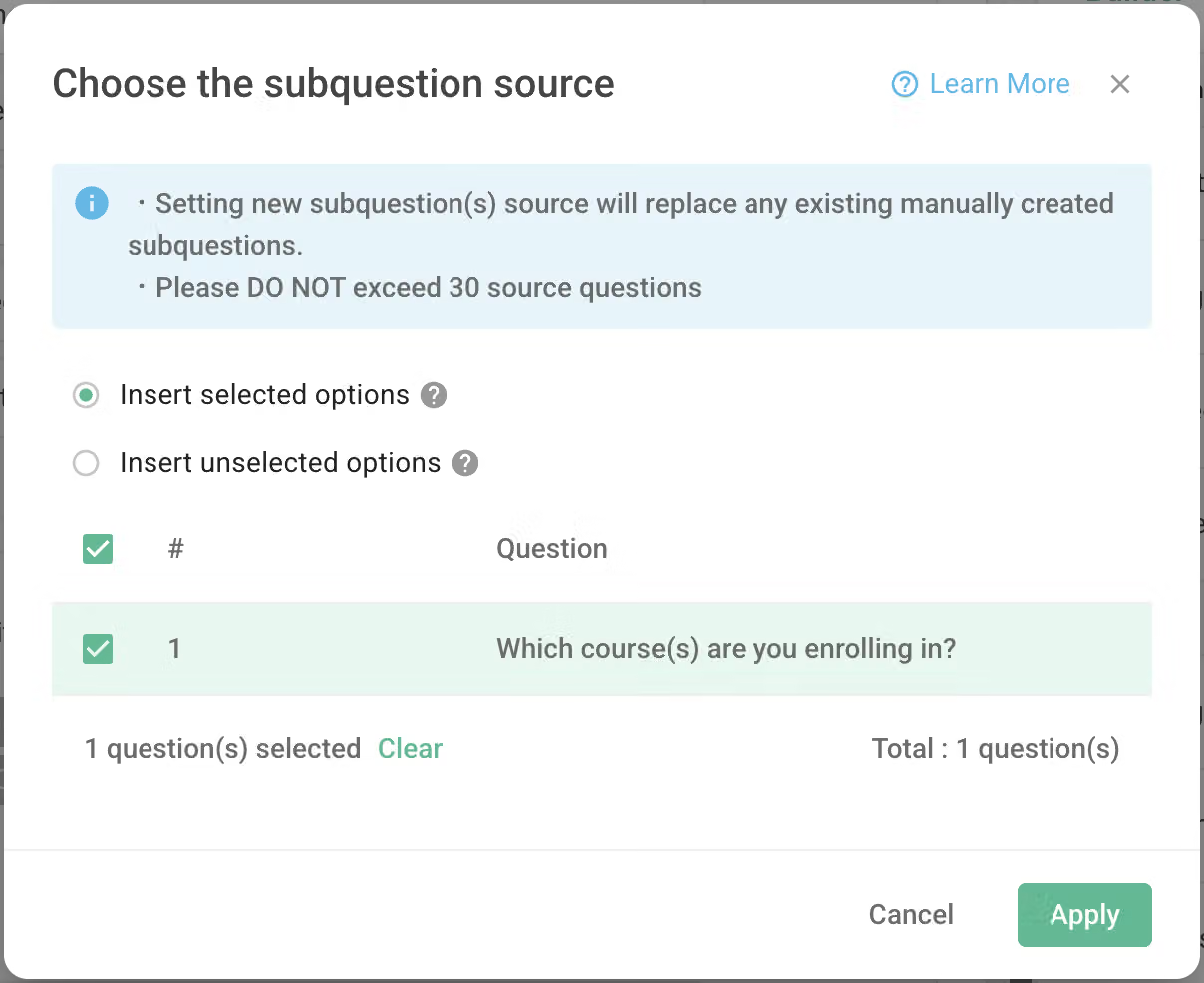
Please note that the total number of source questions should not exceed 30; otherwise, you won't be able to proceed with the configuration.
Furthermore, the insertion method can be chosen based on the respondent's answers, either "Insert selected options" or "Insert unselected options" as options for this question. The differences between these two methods are explained quickly in the following videos.
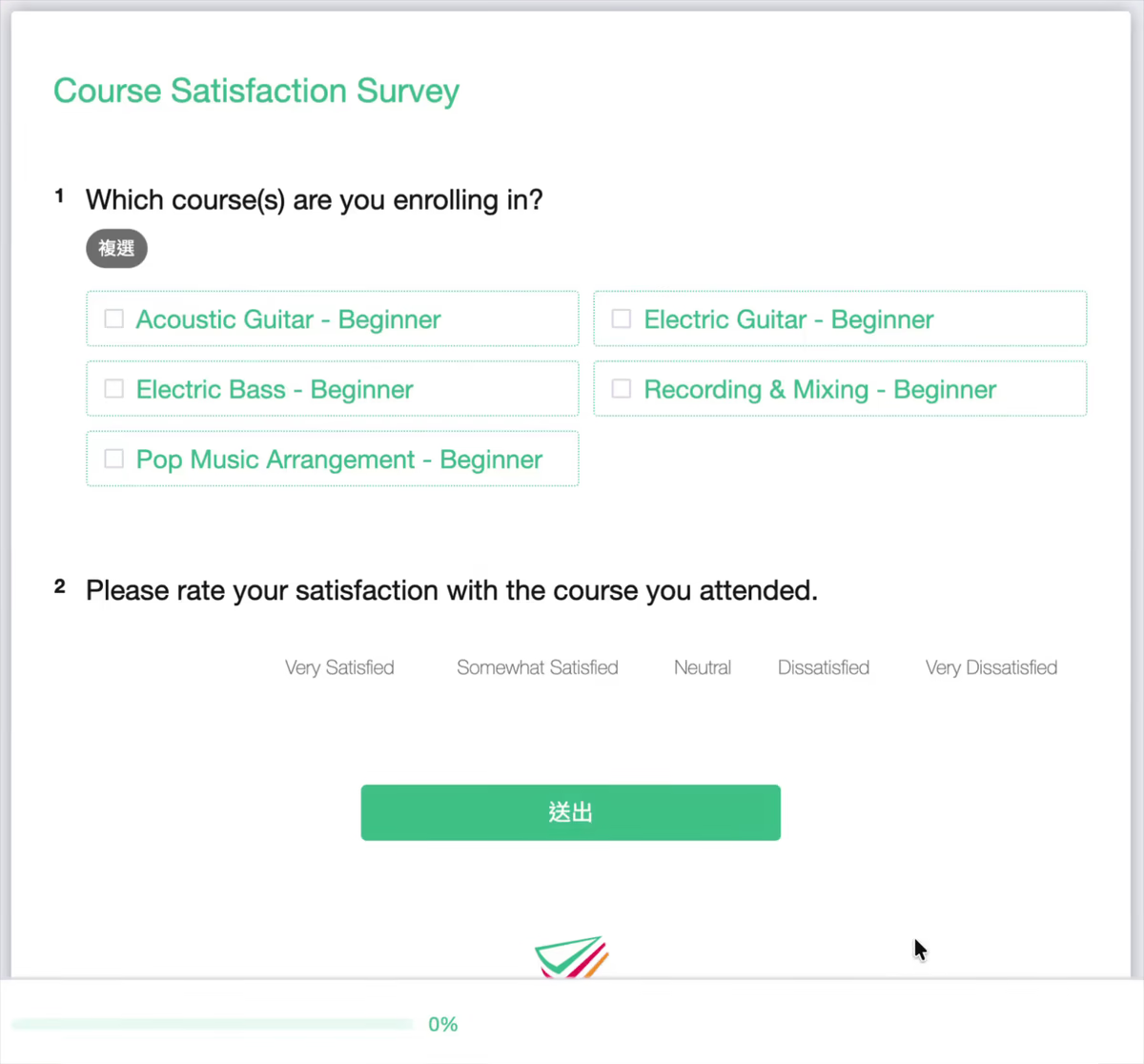
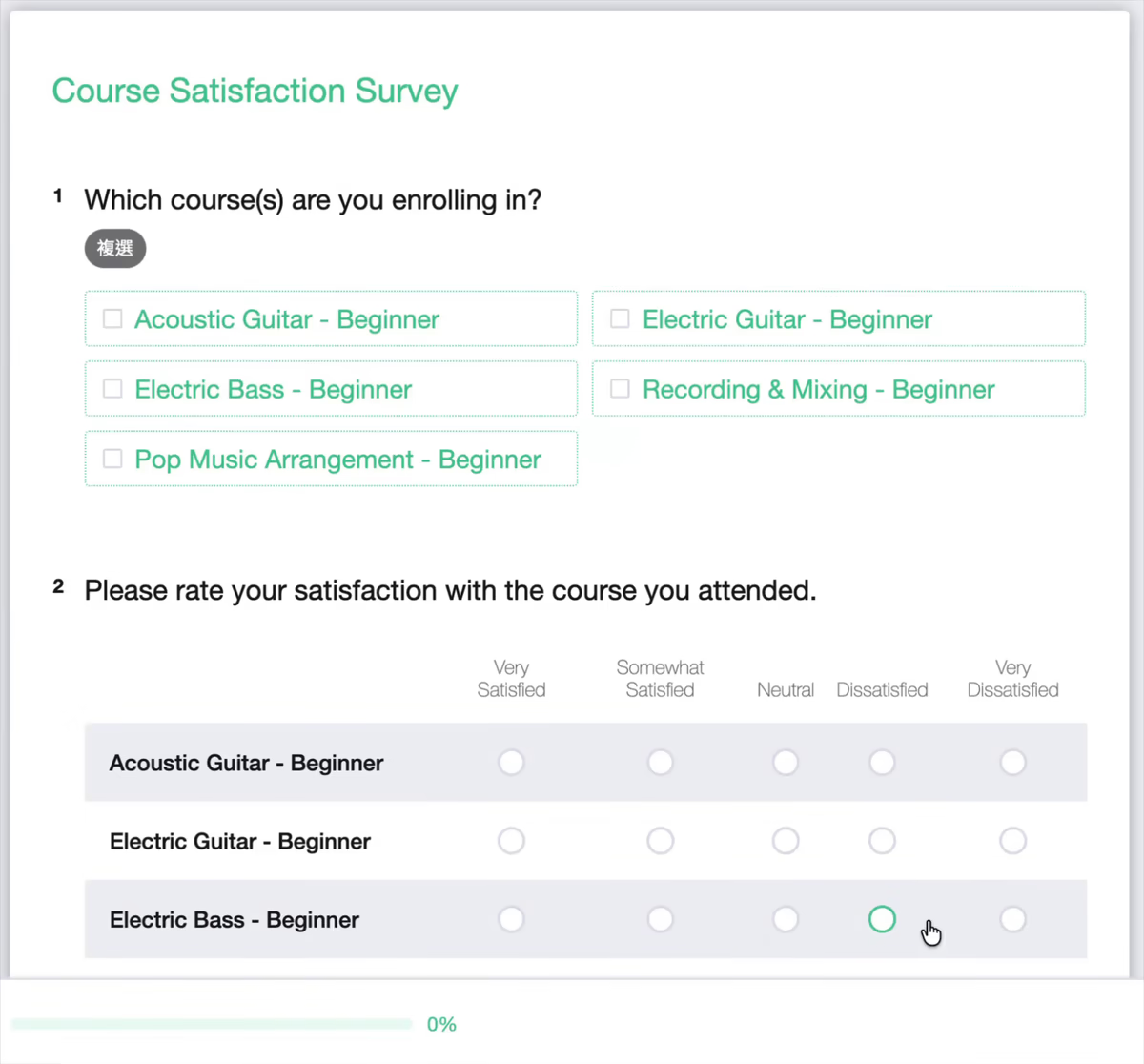
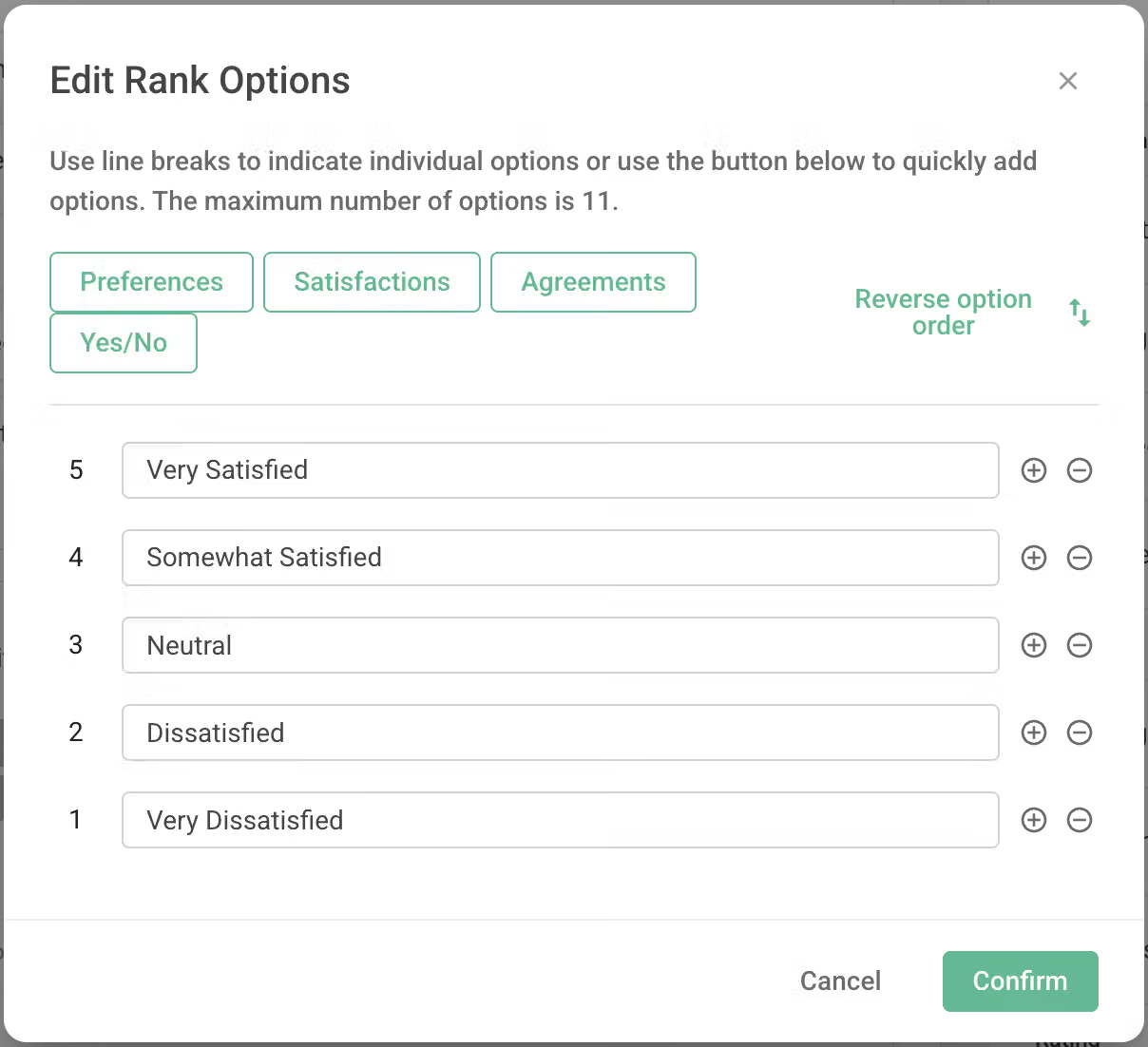
Finally, you can further customize the "Rank Options" to align with the criteria of your question, and with that, you'll have completed the questionnaire!
If you are interested in this feature, please Contact Us for more information.
Subquestion Piping not only saves time in survey design but also automatically generates questions based on the responses, providing users with a more personalized experience.



