Subsurvey, are basically surveys born out of the main survey. Based on one single main survey as the template for questions and contents, multiple subsurveys can then be copied and distributed to different target respondent groups, and then at the end, combined analysis can be carried out combining all results from all subsurveys.
The most common use for Subsurvey can be seen in restaurant dining feedback surveys. A main dining survey template can be copied into multiple subsurveys for each restaurant branch location, and all subsurveys can be collected in the end for combined analysis!
Let's dive into the creation of Subsurvey. We will be using chain restaurant dining satisfaction as a survey scenario.
1. Creation and Settings
The main survey must first be created. The steps to create the main survey is exactly the same as creating any regular survey. But in order to differentiate it from subsurveys, let's name this one: Dining Feedback Survey_main
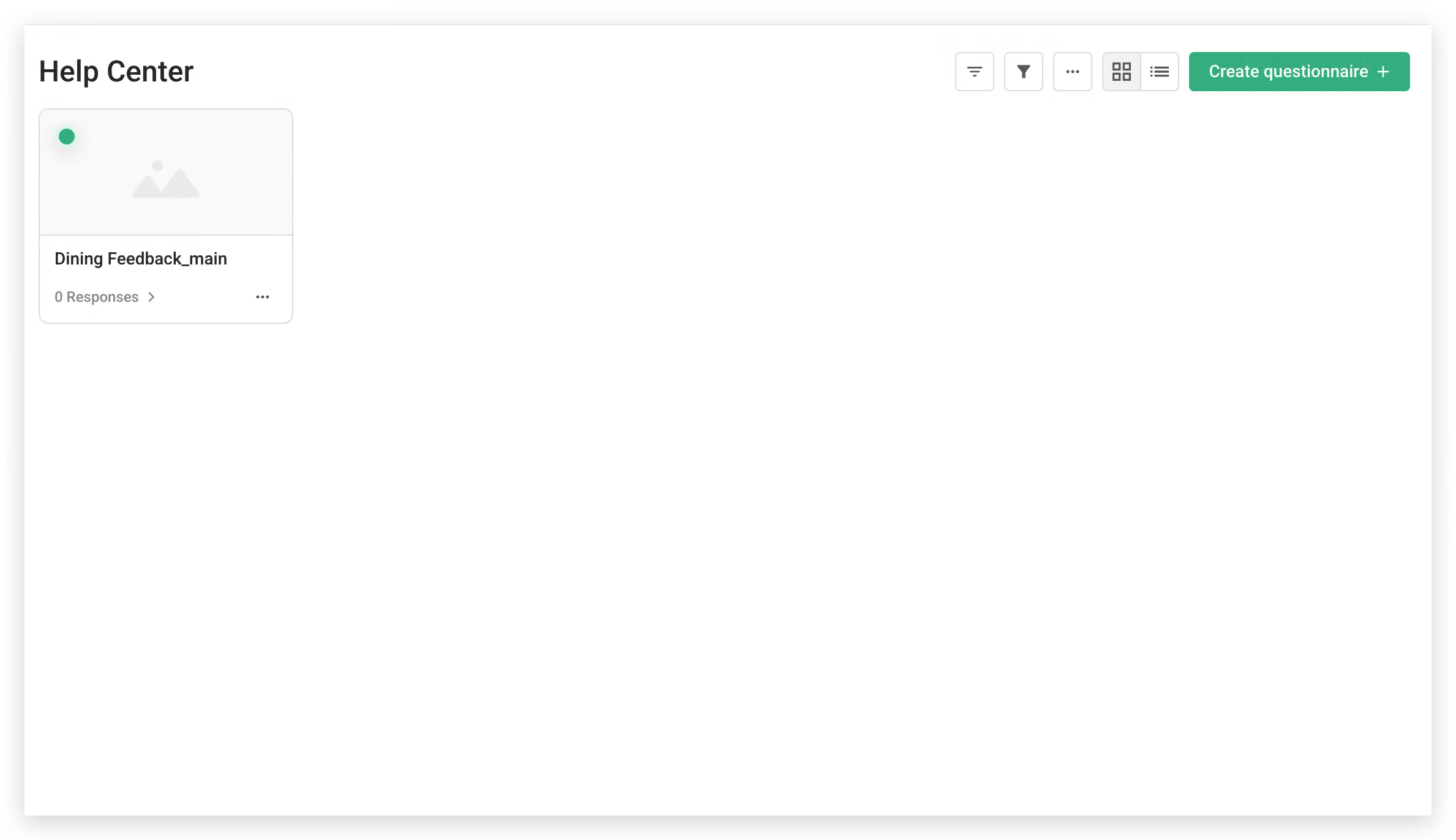
Click the "..." shortcut at the bottom right of the main survey, and a function bar will appear. Select Create subsurvey at the bottom!

After selecting Create subsurvey, you should set a name for the subsurvey.
In order to differentiate between subsurveys from each restaurant location, let's separate each subsurvey with a different naming scheme of branch A, branch B, etc.
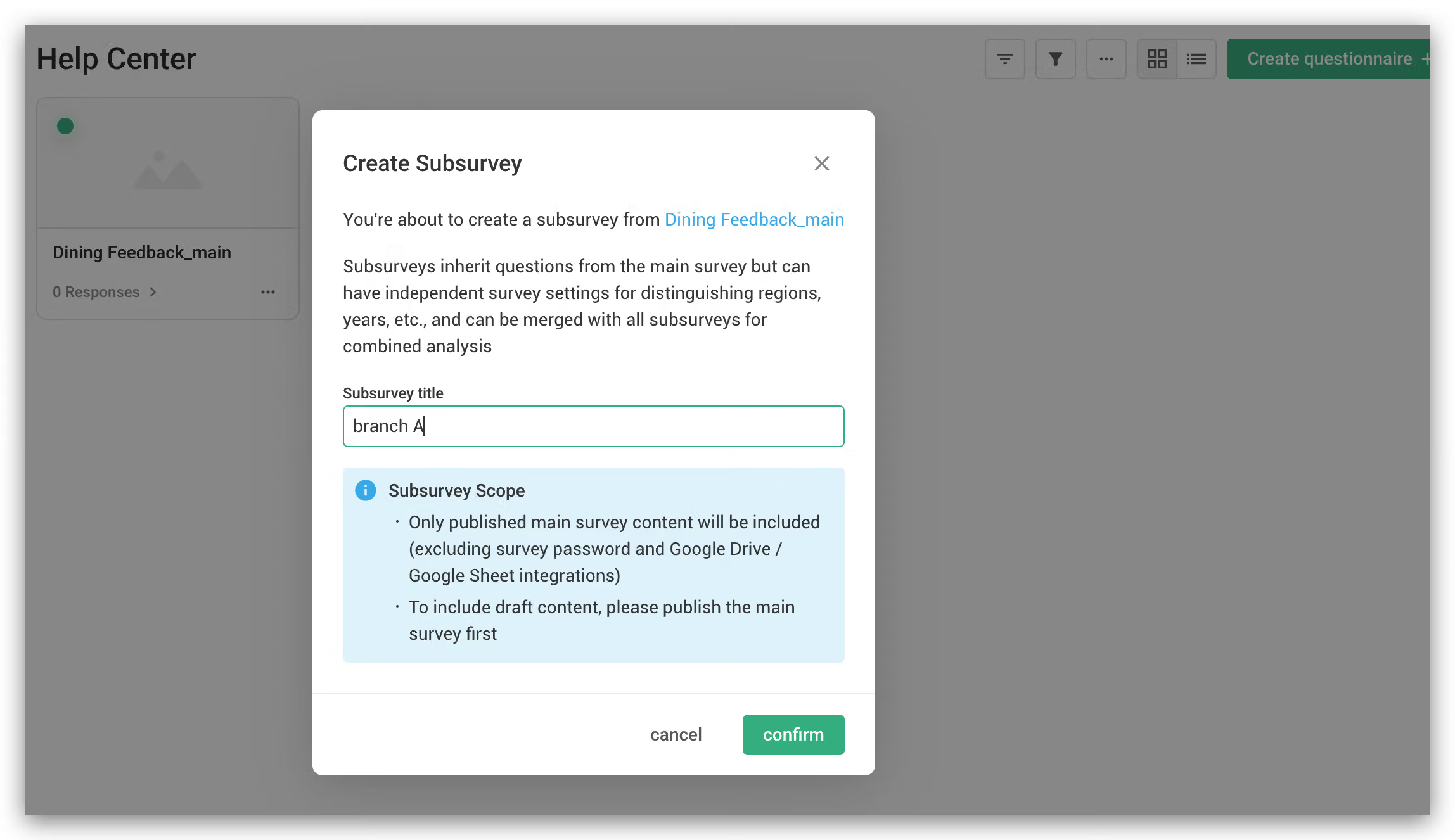
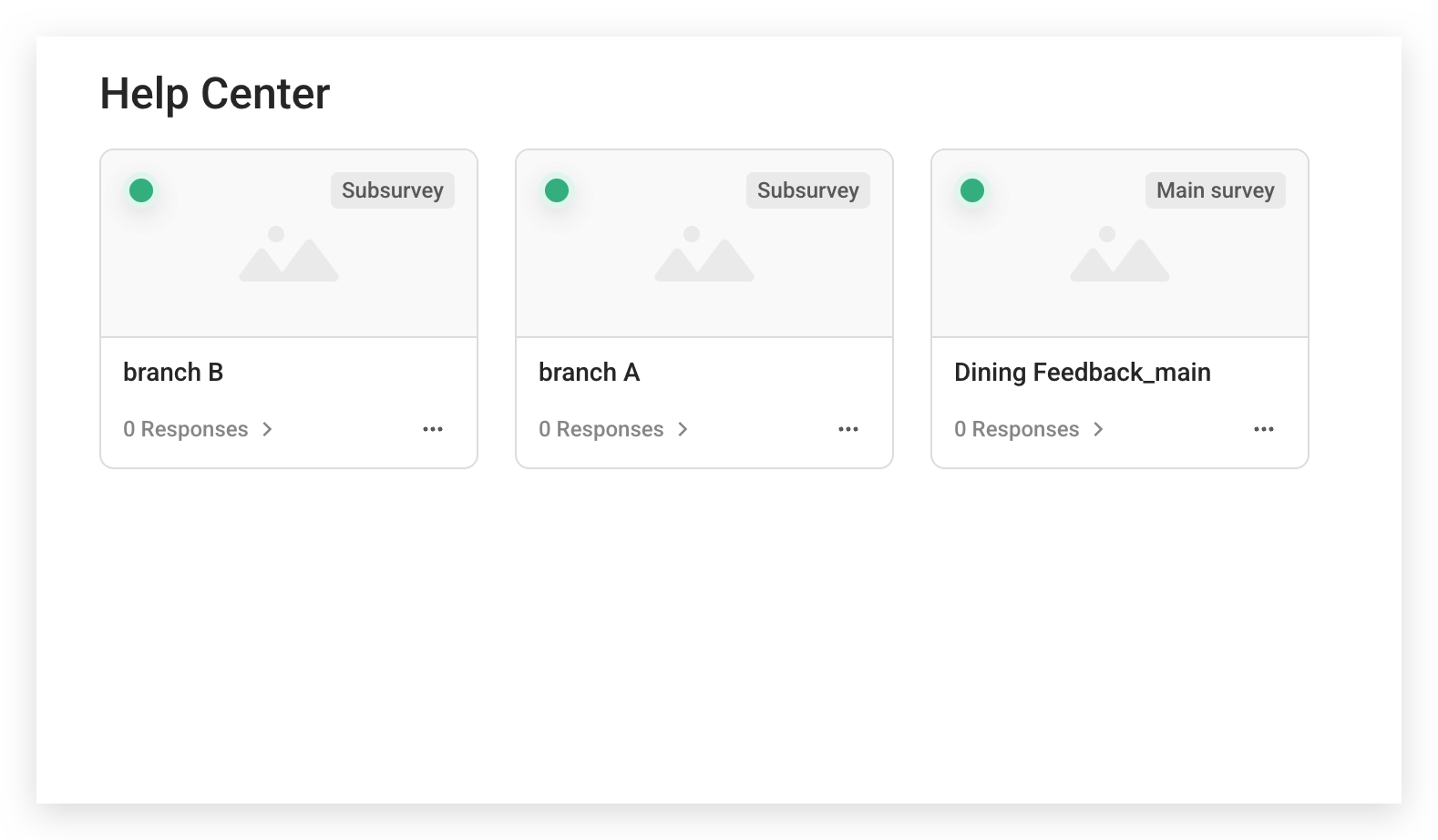
Subsurvey settings are complete!
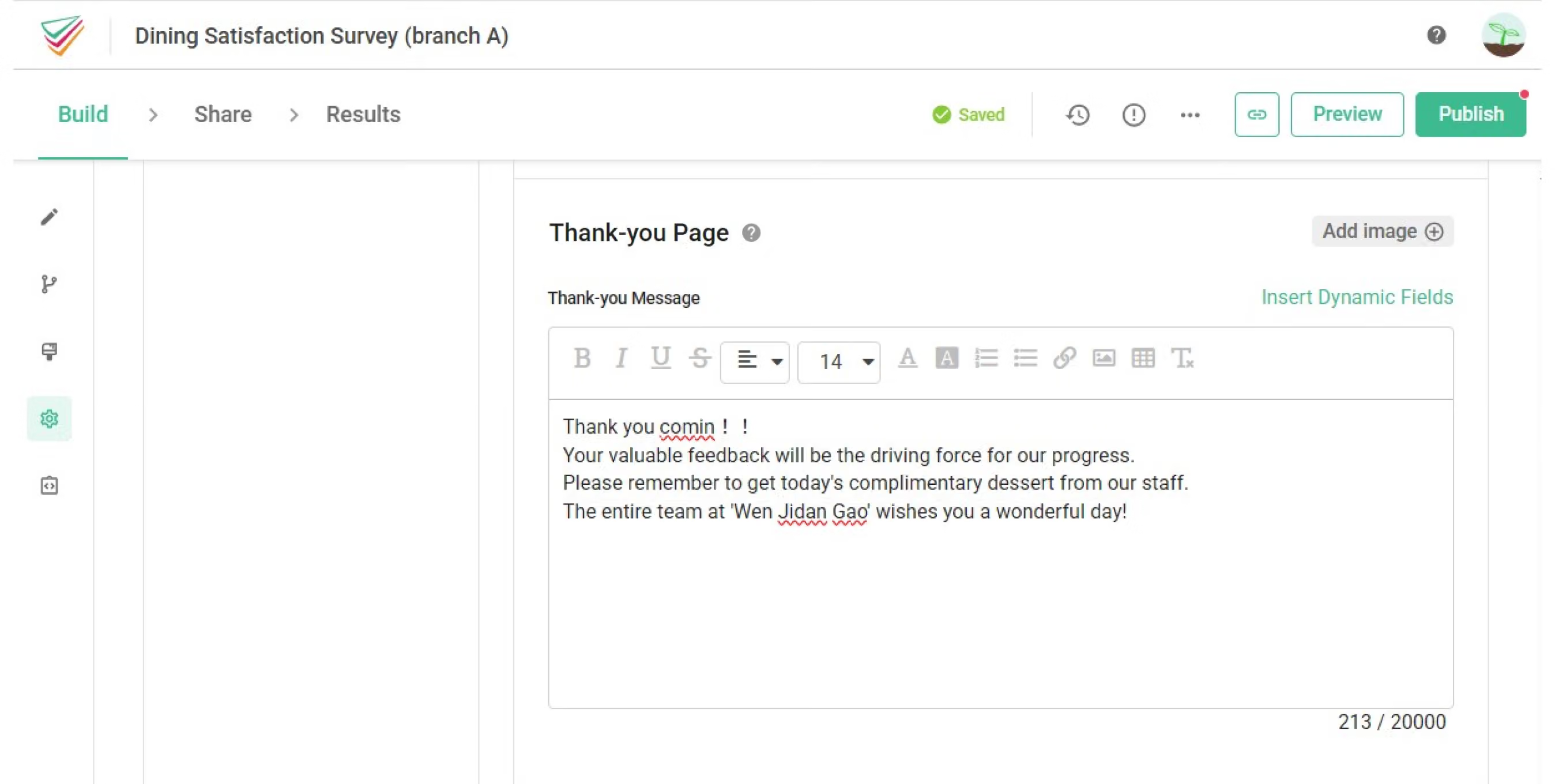
Each Subsurvey’s Setup settings can be individually changed. This means you can customize the survey title, Welcome message, Welcome Page, Thank-you message, and Thank-you Page freely. In this Setup area, we can customize Welcome message to suit each branch location, or change the photo to each branch location's photos.
Regarding questions, because all subsurveys are copied from and linked to the main survey, Therefore it is impossible to individually edit subsurvey questions. To change questions, it must be done from the main survey.

2. Combined Analysis
The best feature of Subsurvey is that you can combine all subsurvey results and use it for analysis!
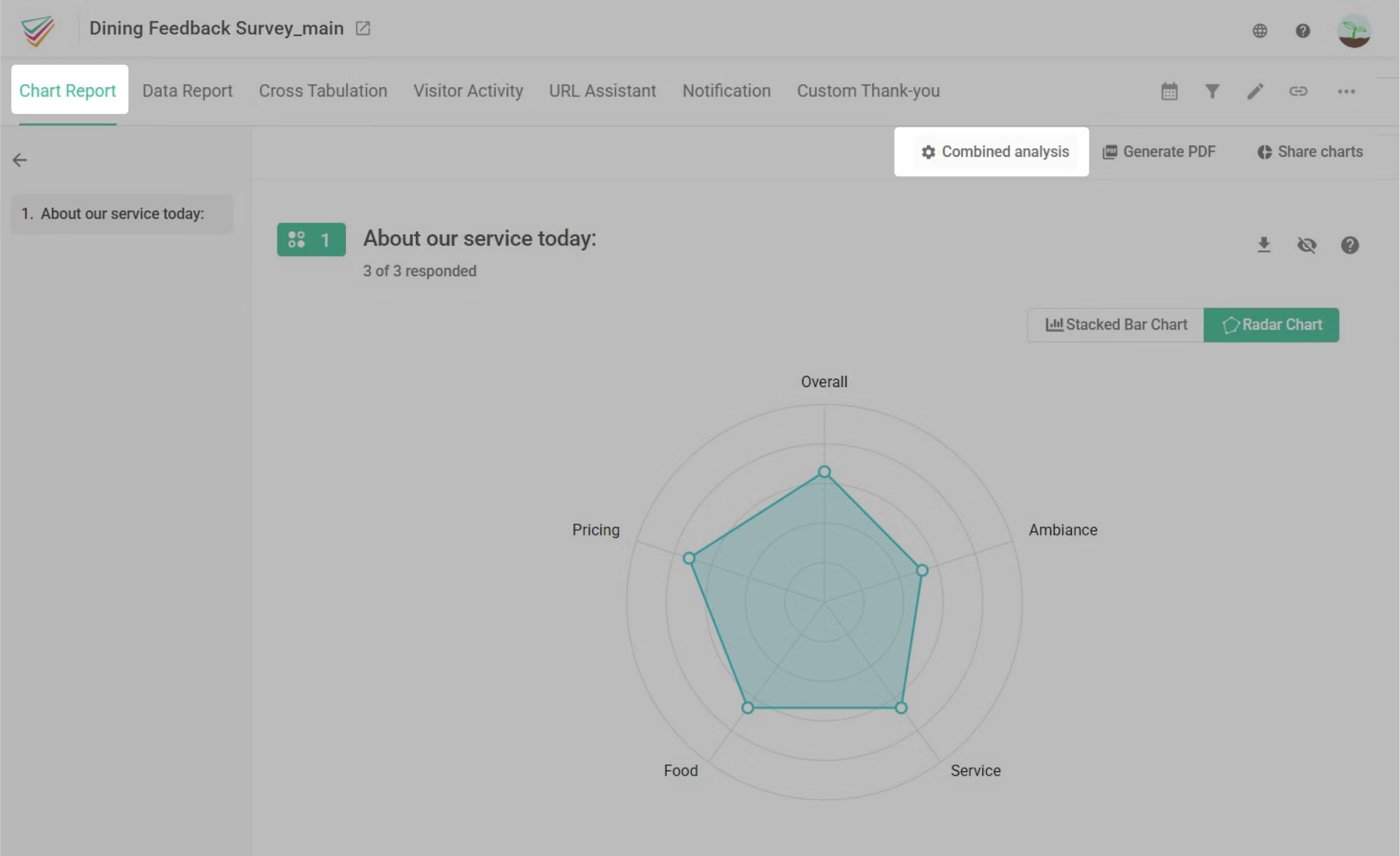
Select the main survey to enter the Chart Report.
Then click Combined analysis from the top right.
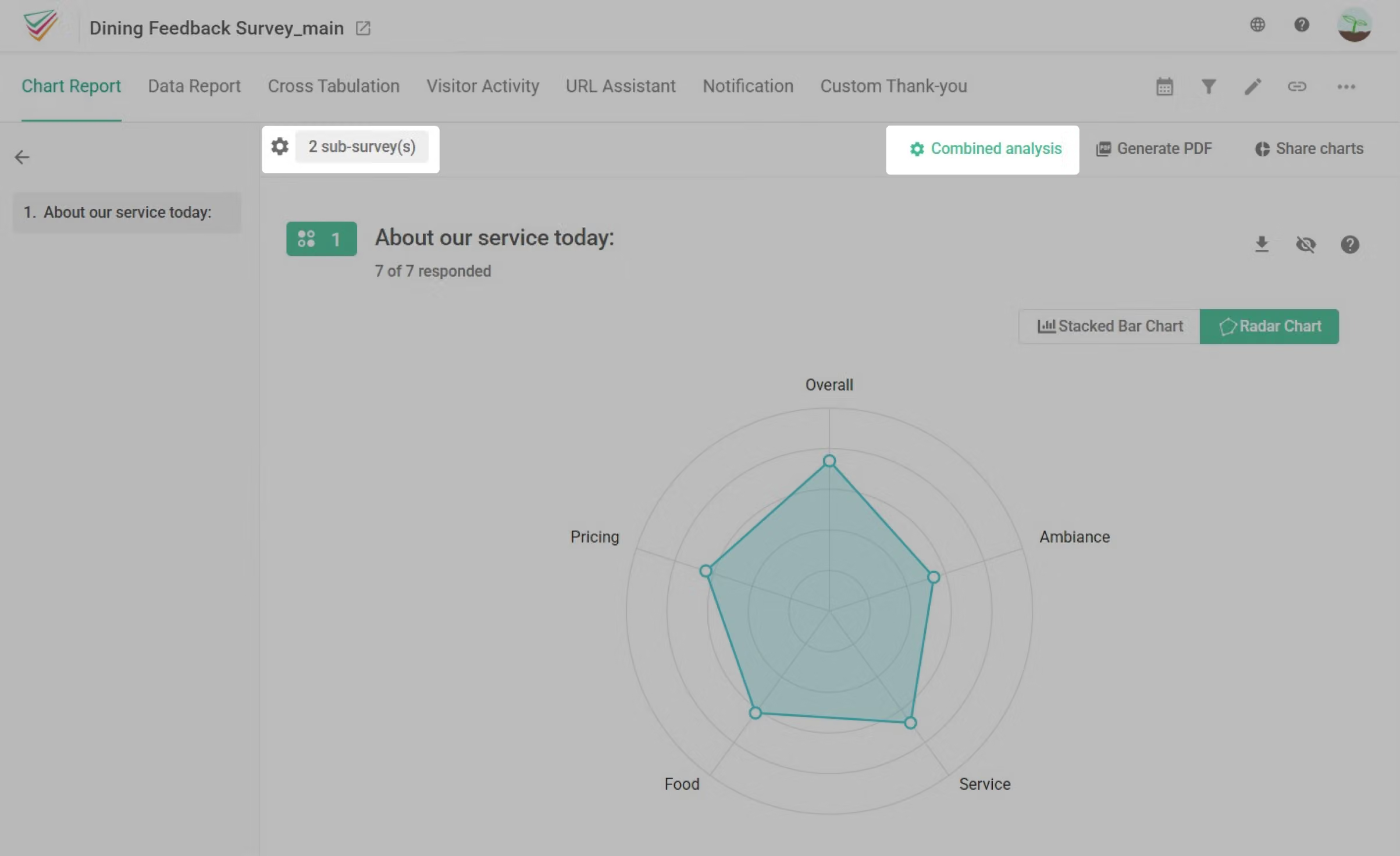
Check the subsurveys you wish to combine for analysis.

After you have checked all subsurveys you wish to combine, you can see the Chart Report from the combined survey results. To go back to a single survey analysis mode, simply uncheck the subsurvey box located on the very top.
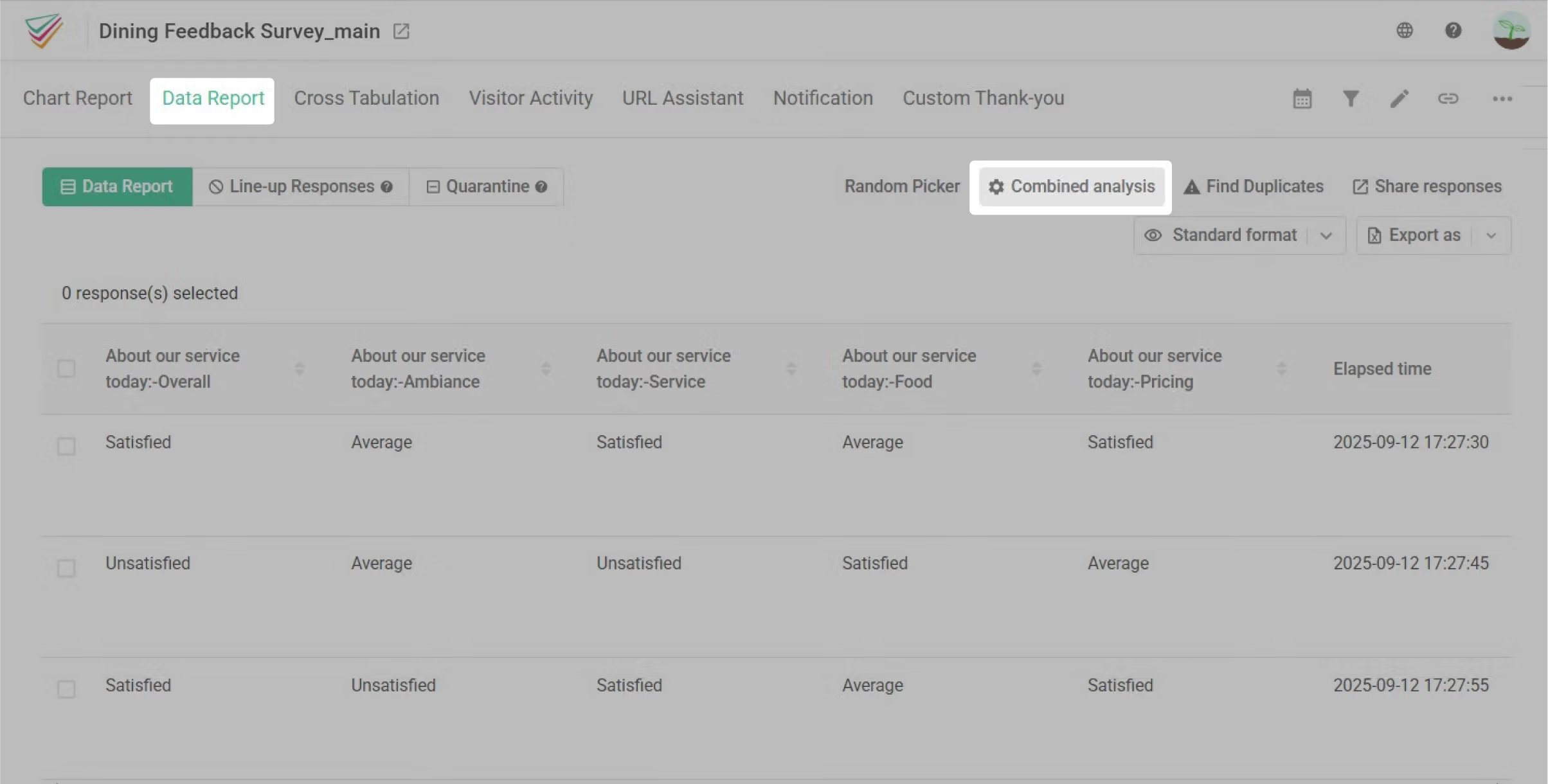
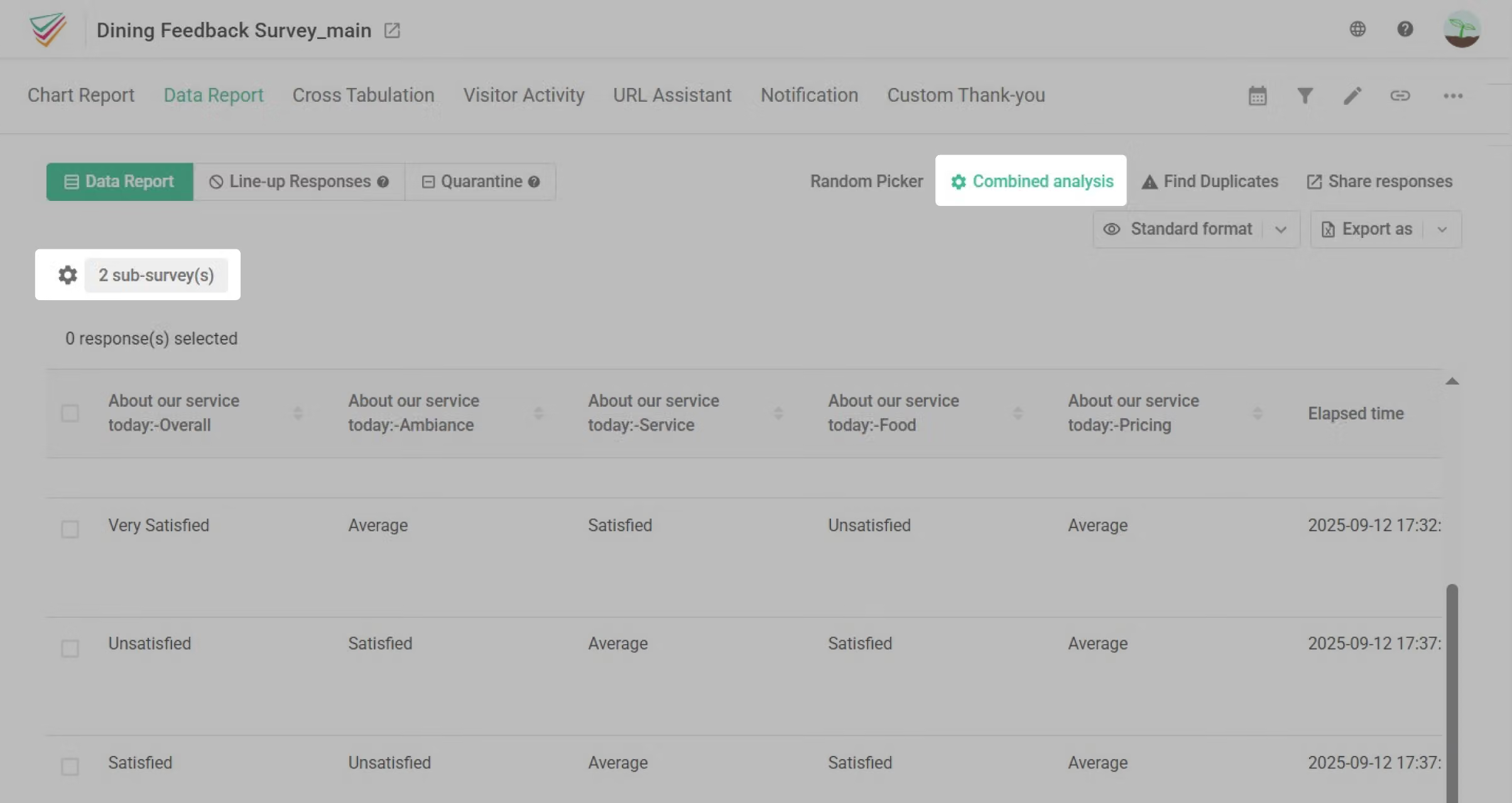
Also, you can head to the Data Report tab, click the Combined analysis to make the Combined Data Report!
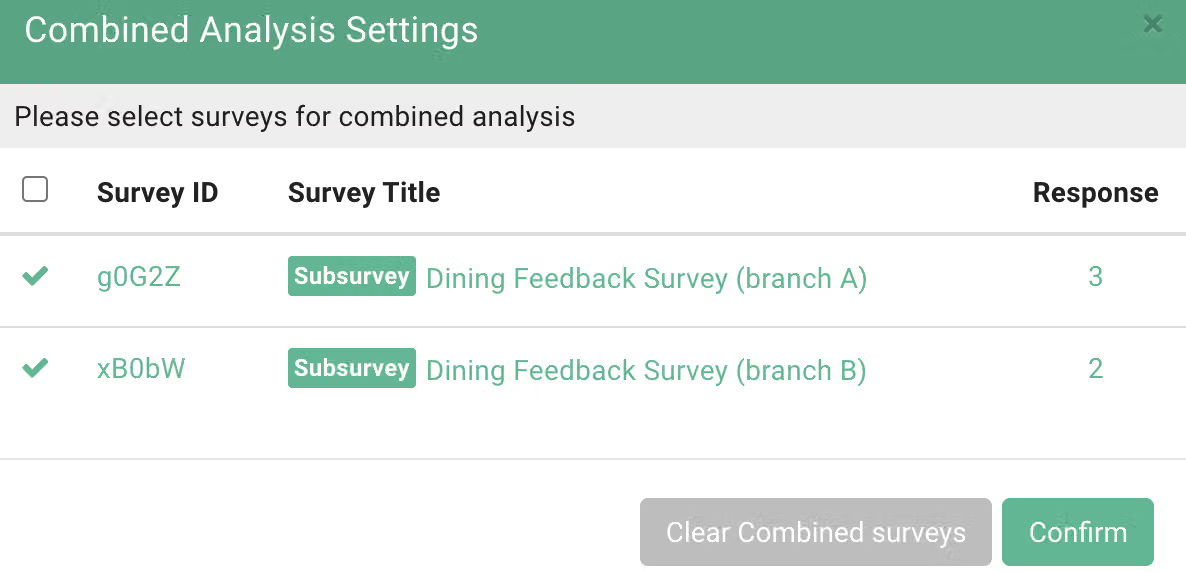
Check the subsurvey you wish to analyze together.
Same as the operation above, after you have checked all subsurveys you wish to combine, you can see the Data Report from combined survey results. To go back to a single survey’s data, simply uncheck the subsurvey box located on the very top.
3. Subsurvey Usage Scenarios
There are a number of scenarios where subsurvey can be useful!
For example, any scenario that would require the same set of questions from different quarters, departments, areas, or branch locations can all benefit from using subsurvey. Going back to our demo scenario of restaurant dining satisfaction survey, not only can we separate subsurvey by branch location, but we can also further set subsurveys for branch A based on each quarter, each period, and combine the results for analysis at the end during a yearly performance review.
Also, internal company surveys can also use each department as base units for subsurveys, and for school, subsurveys can be divided up between different grades!
FAQ
No,the only element fully synchronized between main and subsurvey is the question. All other settings (e.g., Isolate Duplicates, welcome message/page, thank-you message/page, etc.) will not be synchronized to the subsurvey. These must be configured separately within the subsurvey settings!
If the「main survey’s status」 is set to Closed, all of its subsurveys will also be closed automatically.
However, when the main survey is set to Public, each subsurvey can be managed individually, you can adjust the status of each one as needed.
No! Although the questions in both main and subsurvey are identical, they remain independent surveys. Therefore, regardless of how many subsurveys you create, each subsurvey will have a unique link distinct from the main survey.
No,the responses collected by main and subsurvey are completely separate and independent in the backend! Therefore, deleting a response from the main survey will not affect the responses in the subsurvey. Please rest assured.
Subsurvey uses the main survey as a template, and each subsurvey can be copied off to target different departments, audiences, and periods. Each subsurvey can independently gather the sample and analyzed it. Multiple subsurveys can also be combined and selected freely for combined analysis!
Subsurvey feature can make your sample collection and data analysis more convenient!



