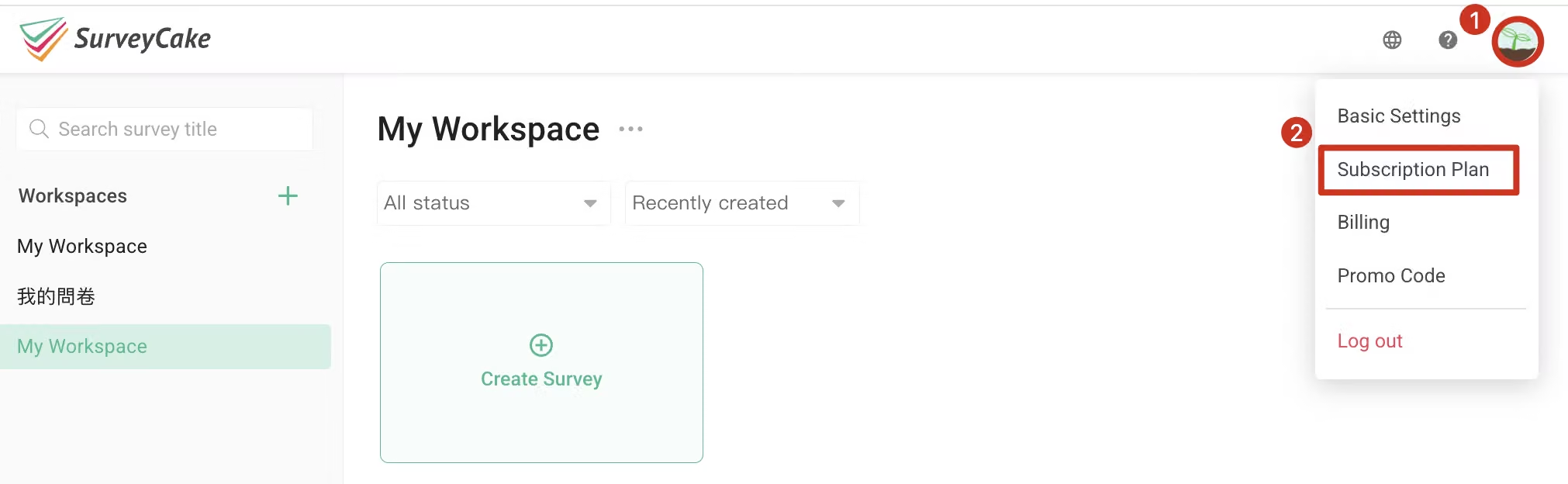
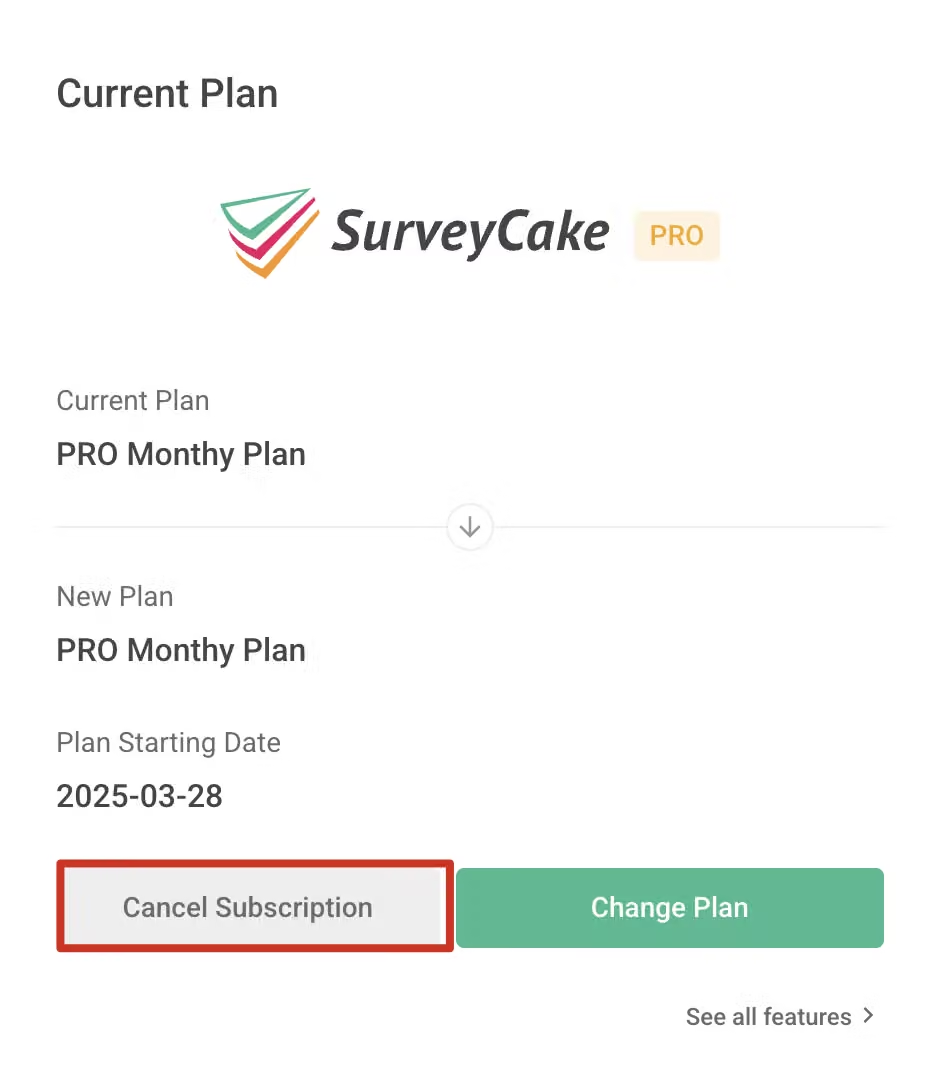
After subscribing to the SurveyCake paid plan, you can cancel your subscription at any time. Please follow these steps:
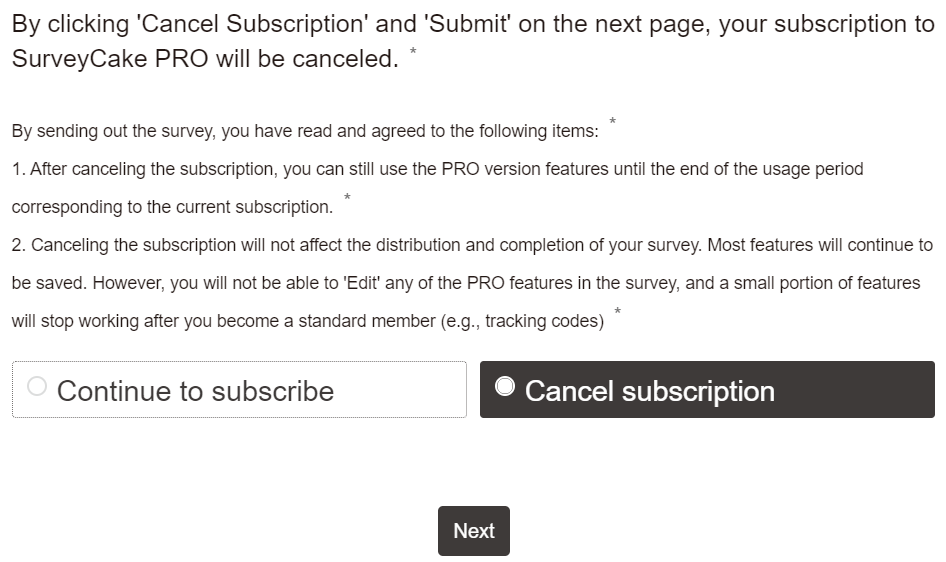
After canceling the subscription, the Subscription Plan will also display the expiration date of the paid plan. The cancellation confirmation email will clearly record the final expiration date of the paid plan.
Will my surveys be affected after canceling the subscription?
After canceling the subscription, you can still distribute and fill out as usual, and most features will continue to be usable. However, you will not be able to view response data collected through paid features. The paid features you previously used cannot be edited after canceling your subscription (e.g. Skip Logic, Conditional Branching, etc.), and some features will become invalid.
Common paid plan features that will become invalid include:
If you want to learn more, please check:
Please note: It is recommended that you disable paid features that will be affected before canceling your subscription. If you need to view, modify, or remove data collected through paid features, you can simply resubscribe to the paid plan!



