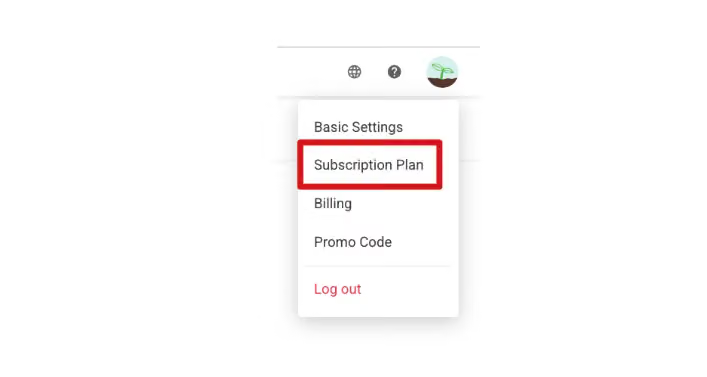
Please log in to the SurveyCake system backend, click on the menu in the upper right corner, and you will find "Subscription Plan".
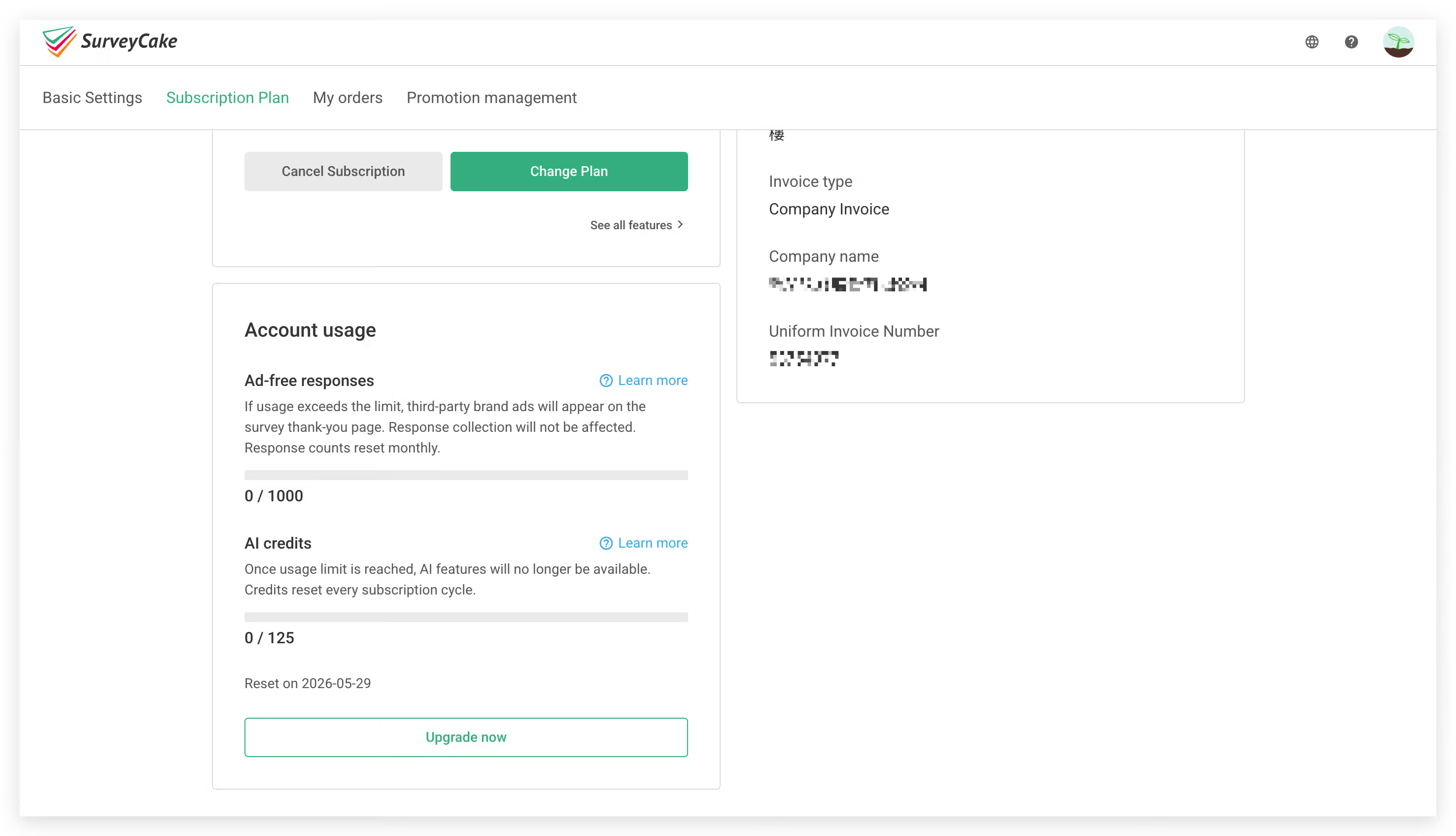
Below is an explanation of the functions of each section on the subscription plan page:
Current Plan
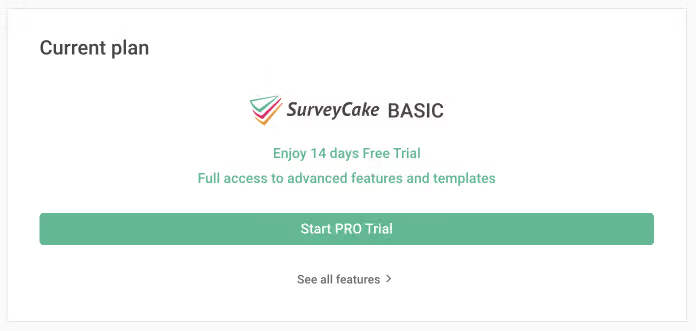
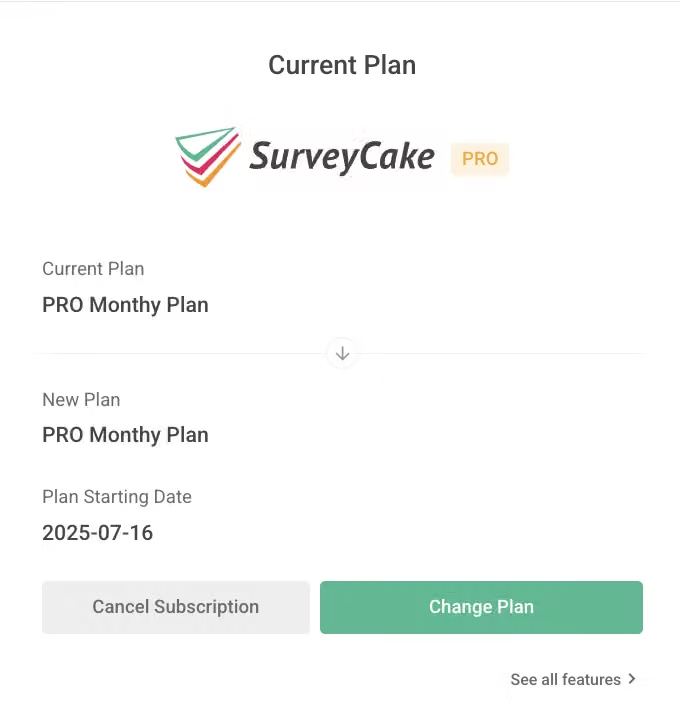
This shows your account's subscription status, and this section will vary depending on your subscription plan.
Basic Plan: Displays the upgrade button for SurveyCake Pro Plan and a feature overview button.
Pro Plan / Team Plan: Displays the subscription expiration date for the current Pro Plan / Team Plan and a change plan button. The system will automatically renew your Pro Plan / Team Plan subscription and charge fees on the expiration date. If you cancel your subscription before the expiration date, it will not automatically renew, and your account will revert to a Basic Plan account after the expiration date.
Clicking the "Change Plan" button will open the plan selection page, where you can change your monthly payment plan to other plans.
If you have any questions about paid version charges, please refer to Why am I being charged?
The payment method and information you used when subscribing to SurveyCake's paid version. If you wish to Cancel Subscription, please click the cancel subscription button on the right.
To change payment information, please click the "Edit" button on the right.