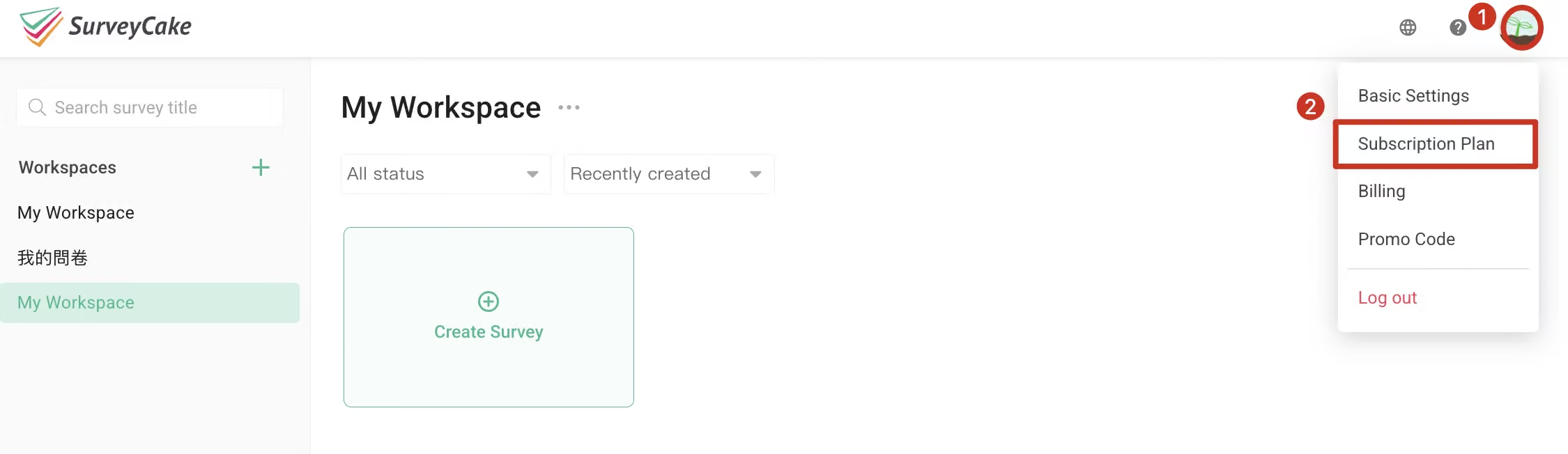
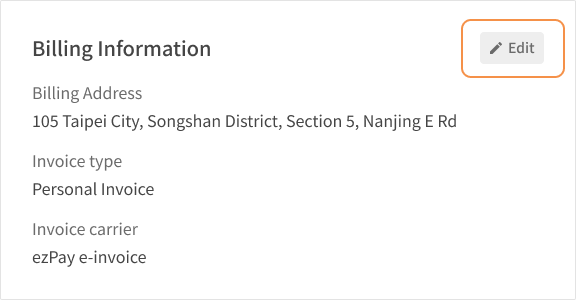
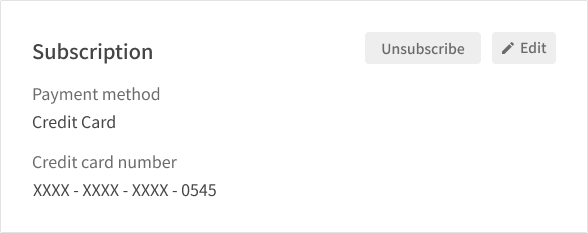
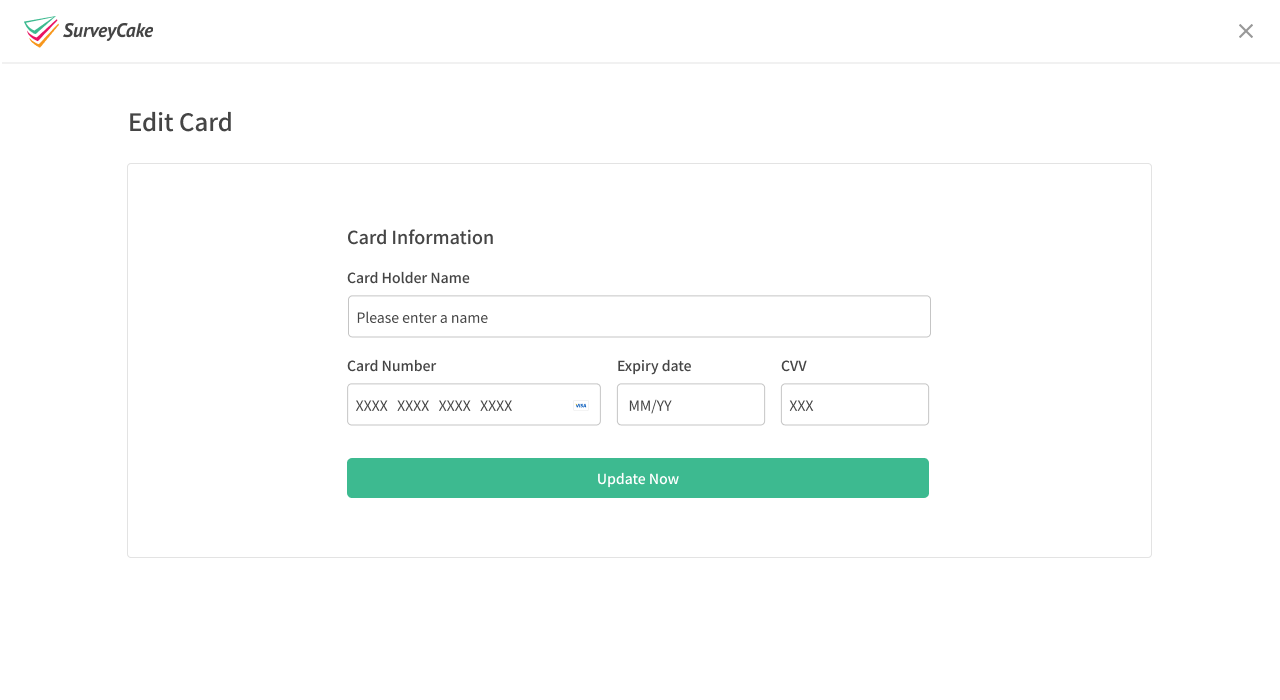
When paid Plan users subscribe each time, SurveyCake will issue a unified invoice based on the latest invoice information you provide. After subscribing to SurveyCake's paid version, you can modify your invoice and payment information at any time in Subscription Plan. Please follow the steps below:
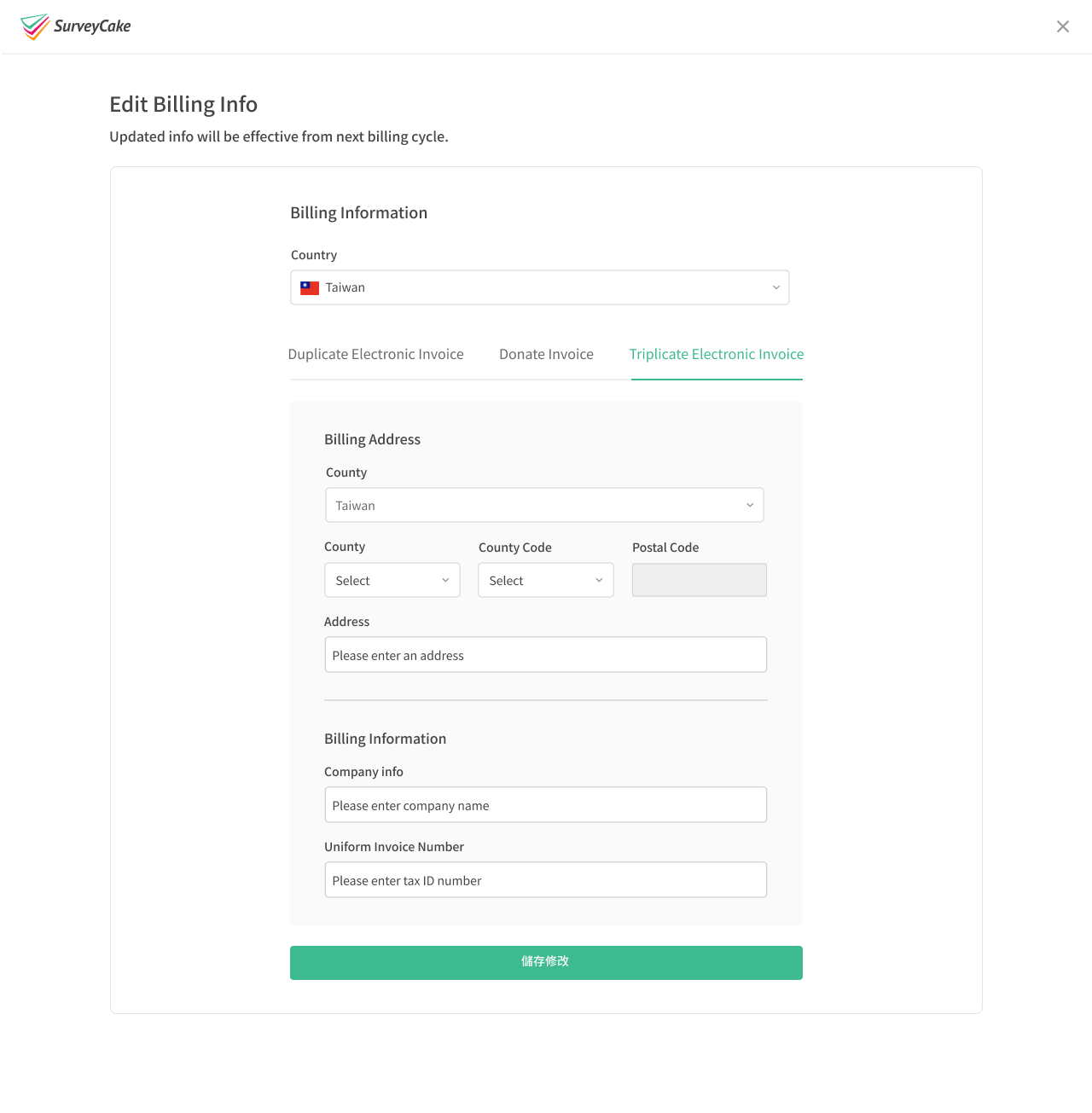
Contact address: If your invoice won the Taiwan receipt lottery, we will send the winning invoice to this address. Please confirm that the shipping address is correct. If the invoice cannot be delivered due to incorrect information, we will not be responsible for it.
Company Name: Please ensure that the company name is correct if you need to use it for reimbursement purposes.
Unified Business Number/Tax ID: Please ensure that the ID is correct if you need to use it for reimbursement purposes.
Finally click "Save" to complete the edit
The updated invoice information will take effect on the next billing cycle. If you wish to modify the information of an already issued invoice, SurveyCake can currently handle invoice cancellation and reissuance for invoices issued within the past 6 months.
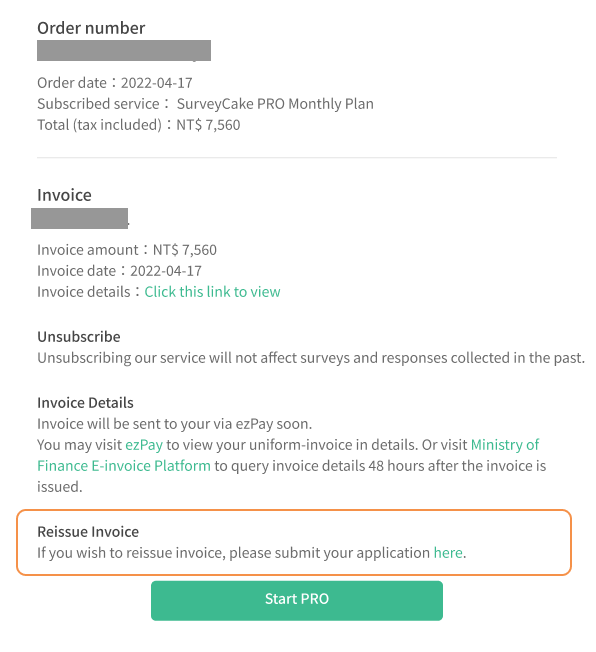
Please apply for reissuance by clicking on the "Reissue Invoice" link located in the last paragraph of the invoice information section within the "Your subscription details and invoice" email in your account mailbox. Follow the link to provide the correct information (please note that the re-issued invoice will be dated the current month and the original invoice will be cancelled).