When designing questions, especially in the pilot phase, you may often change question types or a question's wording. Occasionally, when you publish a survey, you may realize there are too many questions. At a time like this, do not delete your questions!
Just “Hide” those questions that you might make use of in the future; they will disappear from the published survey.
You can also utilize the Draft area when editing to store additional content until the survey is saved.
It works like storing your old stuff in the garage; hiding questions temporarily allows you to keep the questions in the backend system without having to think about what to do with them for a while.
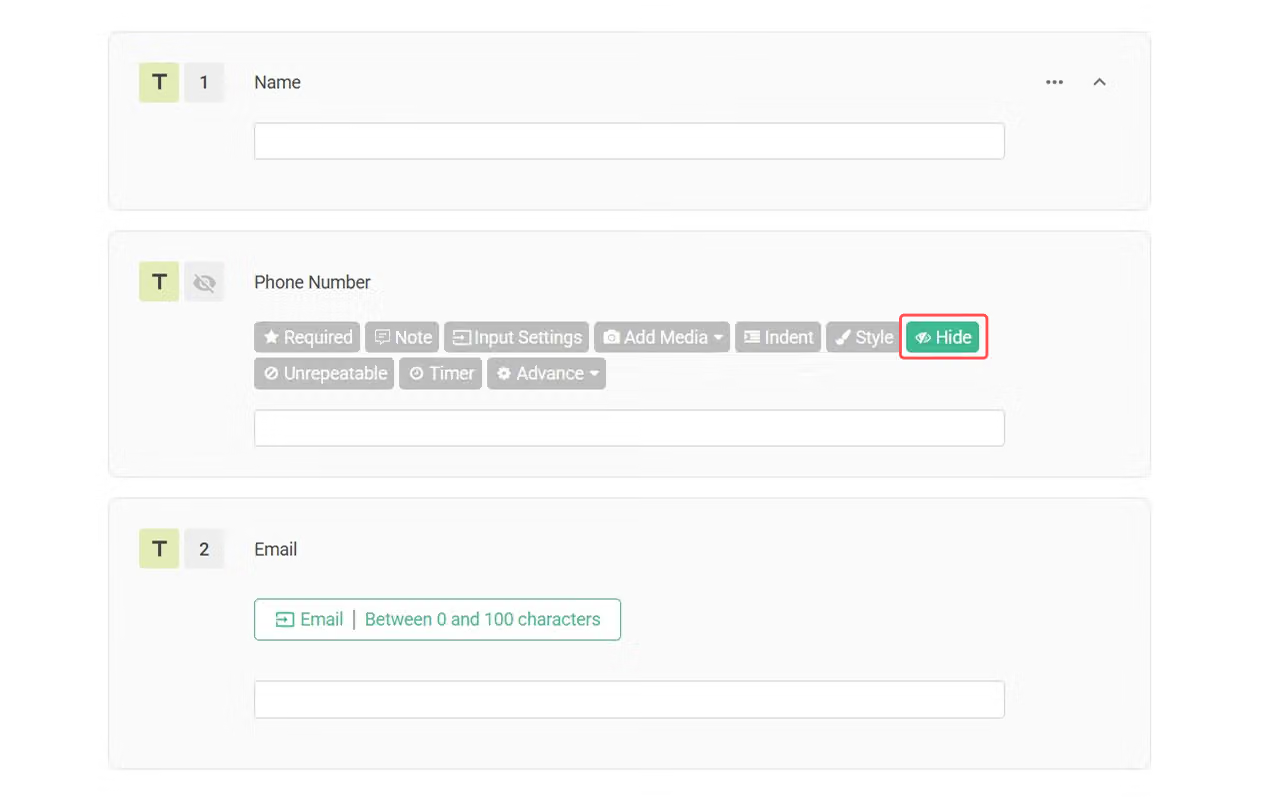
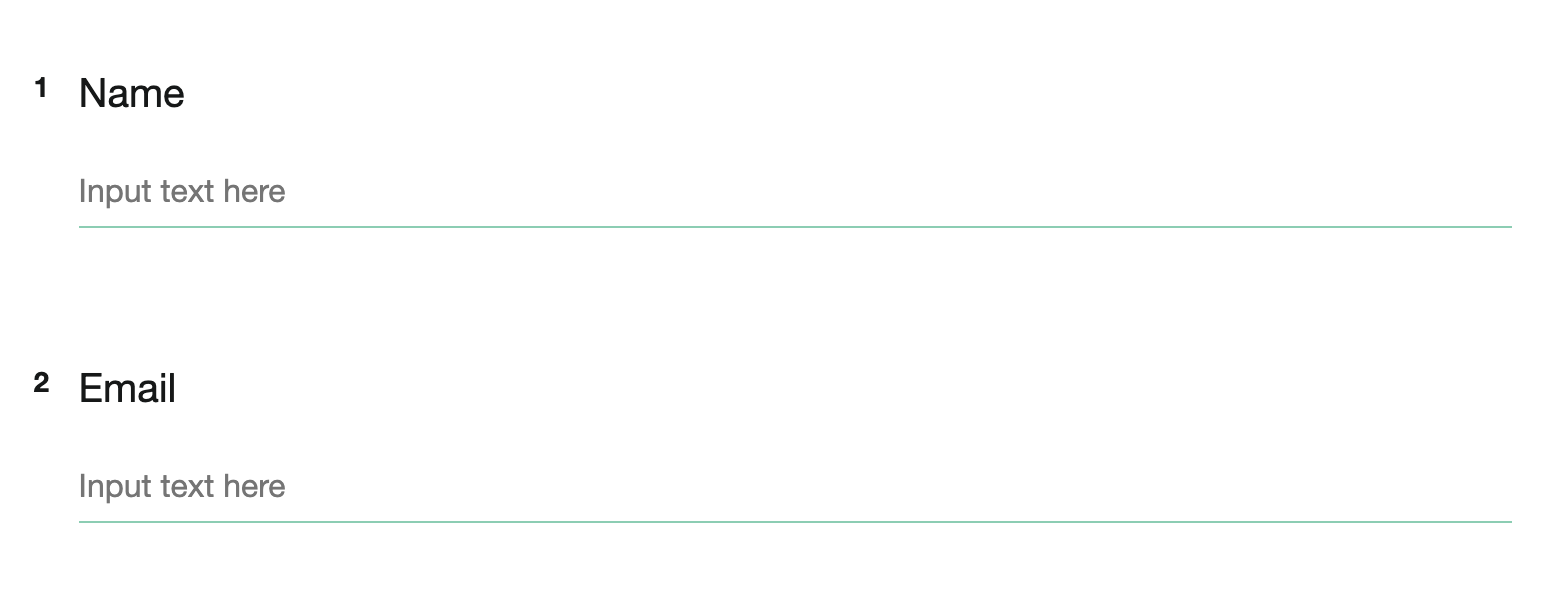
If one day, you feel like using them, just Unhideto reveal the questions. Hide is the garage for your unfinished ideas.
💡 When a question is hidden, it cannot be set as Required unless a Default Value is configured.
Otherwise, the system will treat the question as unanswerable and the survey will not open properly.
If a hidden question receives a Default Value via the survey URL, it can be used together with the Required setting.
We recommend setting such questions as Required. When the survey is submitted, if the system detects that the value is empty, it will automatically restore the original default value. This helps prevent the default value from being removed or lost due to skip logic or other survey logic conditions.
When you have too many questions or when you are troubled by which types of questions are more appropriate, just simply Hide them to solve these problems!



